· Digital Footprint Check · Content Marketing · 26 min read
Top 12 Have I Been Pwned Alternative Services for 2026
Searching for a Have I Been Pwned alternative? Explore our 2026 list of 12 top services for breach monitoring, dark web scanning, and identity protection.

Have I Been Pwned (HIBP) is a useful first step for checking email breaches, but it shows only part of the picture. Your online identity spans social accounts, professional networks, public records, and gaming profiles. A single breach check won't tell you if your username is used on a shady forum, if your phone number is in a public directory, or if details from your dating profile have been exposed.
A Have I Been Pwned alternative goes beyond basic email scanning to give a fuller picture of your footprint. These services search for exposed passwords, monitor the dark web for your credentials, and track your information across platforms, so you can act before it's used for identity theft, romance scams, or reputational damage.
This guide gives an honest breakdown of the best breach monitoring and digital footprint services, covering features, privacy practices, and pricing with screenshots and direct links. Whether you're managing a professional reputation, securing gaming accounts, or just worried about identity theft, you'll find a tool that fits, along with steps to audit your exposure and secure your identity.
1. Digital Footprint Check
Digital Footprint Check is a well-rounded alternative to Have I Been Pwned, expanding past breach alerts into full digital identity discovery and management. It's for individuals who want a complete picture of their online exposure, from social media and public records to the dark web and gaming networks. This OSINT (Open Source Intelligence) tool makes complex investigation accessible to anyone.
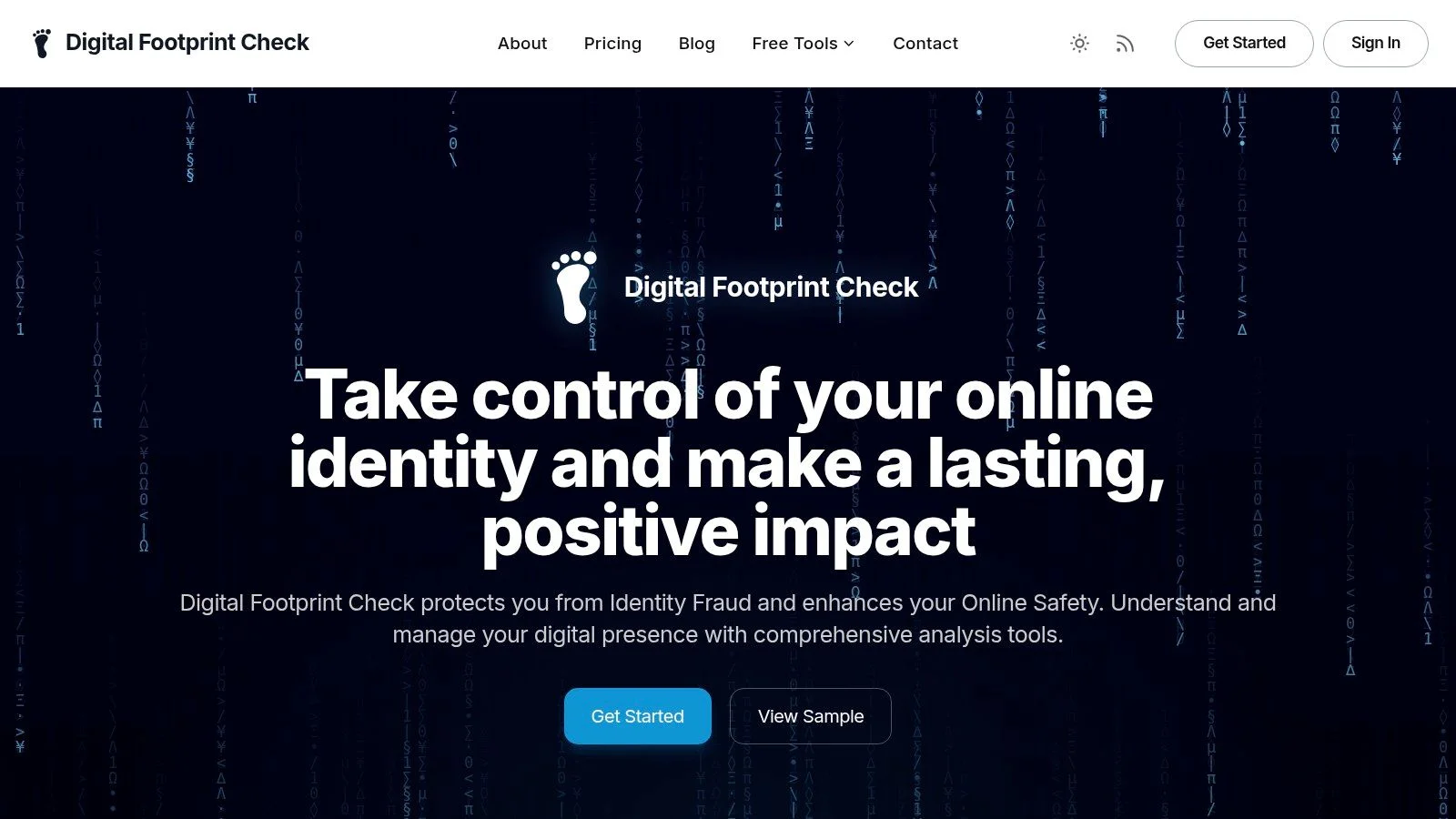
Its strength is reach: it queries over 500 sources, consolidating data that would otherwise take dozens of searches. You can see where your emails, usernames, and phone numbers appear, which matters for reputation management. A 2020 study found that 70% of employers use social media to screen candidates, and 57% have found content that led them not to hire.
Core Features and Analysis
Digital Footprint Check goes past a basic breach check with tools for action.
- Broad-Spectrum Scanning: Scans go far beyond typical data breach databases. They include social networks, public records, and notably, major gaming platforms like Steam, Xbox, PlayStation, and Minecraft. This makes it an excellent choice for gamers looking to secure accounts that often hold significant monetary and personal value, protecting them from account takeovers.
- Instant, Actionable Reports: The initial scan is fast, generating a report in about a minute. Instead of just showing you a problem, it provides a "Privacy Score" and step-by-step DIY guides to help you remove exposed information. This practical guidance is a key differentiator, turning data into a concrete to-do list for improving your privacy.
- Flexible Access Model: The service is built with a freemium approach. You can get a one-time report using the free digital footprint checker to assess your immediate risk without any commitment. For those who want proactive protection, optional subscriptions offer continuous monitoring and real-time alerts if your data appears in a new breach or exposure.
User Experience and Practical Use Cases
The interface is clean and designed for clarity, translating complex OSINT findings into an easy-to-understand report. This makes it suitable for a wide range of users:
- For Job Seekers: Audit your online presence before an employer does. Find and remove old, unprofessional content from forums or social media that could derail a job offer.
- For Online Daters: Before sharing personal information with a new match, understand what they can find about you online. Exposed details can be used for catfishing or put your personal safety at risk.
- For Gamers: Secure valuable gaming accounts (like Steam or Epic Games) by identifying where your username or associated email has been exposed, preventing account theft and loss of purchased games.
- For Security Researchers: Use the platform as a starting point for OSINT investigations, quickly gathering a wide range of public data points on a subject.
While pricing for subscriptions requires signup to view, the free on-demand tools provide significant value upfront. The platform's commitment to security, including 256-bit SSL encryption and a strict policy against selling user data, adds a layer of trust. The main trade-off is its "do-it-yourself" nature; it guides you through remediation but doesn't perform the takedowns for you, which may be time-intensive.
| Feature Scan | HIBP | Digital Footprint Check |
|---|---|---|
| Data Breaches | Yes | Yes (1,000+ monitored) |
| Paste Sites | Yes | Yes |
| Social Networks | No | Yes (500+ sources) |
| Gaming Networks | No | Yes |
| Public Records | No | Yes |
| DIY Removal Guides | No | Yes |
| Continuous Monitoring | Yes (Email Only) | Yes (Full Profile) |
Website: DigitalFootprintCheck.com
2. Mozilla Monitor
Mozilla Monitor is a free, privacy-first breach notification service from the creators of the Firefox browser. It serves as an excellent, user-friendly alternative to Have I Been Pwned, focusing on simplicity and actionable advice. Users can perform an instant, one-off scan of their email address to see if it has appeared in known public data breaches.
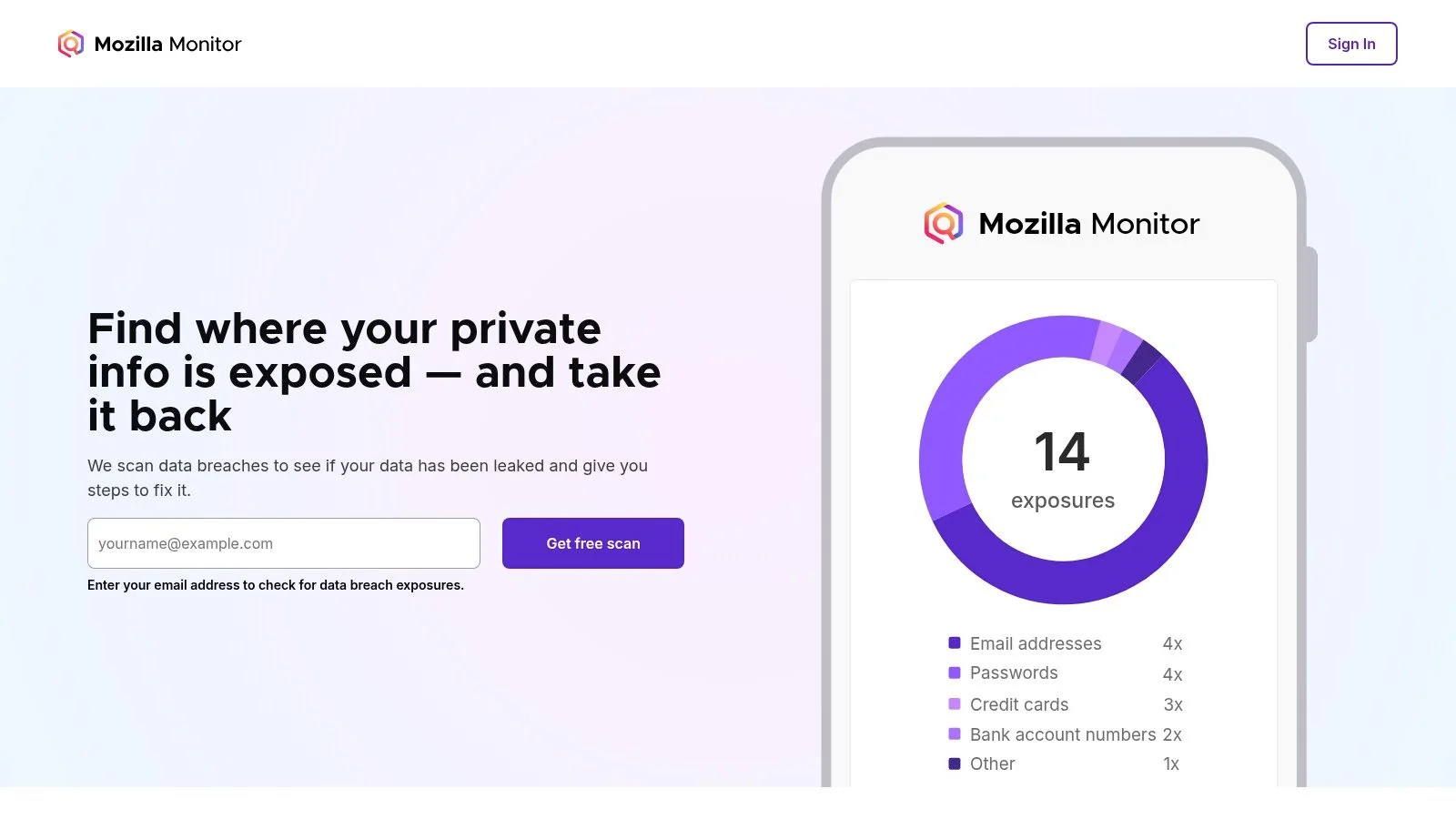
The real strength of Mozilla Monitor lies in its ongoing monitoring. By creating a free Mozilla account, you can register your email for continuous scanning. If your email surfaces in a new breach, Monitor sends you an alert. It provides clear, step-by-step guidance on what to do next, like changing passwords and enabling two-factor authentication. This is crucial—for example, if your credentials from a small forum are breached, a scammer might try to use the same password on your banking or gaming accounts.
Mozilla Monitor is particularly noteworthy for its transparency and commitment to user privacy, which is a core tenet of the Mozilla Foundation. While it uses HIBP’s data for its breach database, it packages the information within a trusted, accessible interface, making it perfect for non-technical users. It’s an ideal choice for anyone seeking a simple, no-cost way to begin monitoring their email's exposure without navigating more complex OSINT tools.
Website: https://monitor.mozilla.org
Best For: Individuals looking for a simple, free, and trustworthy email breach monitoring service with clear next steps.
Pros:
- Completely free for one-off scans and ongoing monitoring.
- Backed by Mozilla's strong privacy-focused reputation.
- Clean, simple user interface with actionable advice.
Cons:
- Relies on the same data source as HIBP, so it doesn't offer a different breach database.
- Only monitors email addresses; no username, gaming profile, or public record monitoring.
- Does not scan dark web forums or paste sites for credentials that are not part of major, compiled breaches.
3. Surfshark Alert (part of Surfshark One)
For those seeking an all-in-one security package, Surfshark Alert presents a compelling option that bundles breach monitoring with other essential tools. Rather than being a standalone service, Alert is integrated into the Surfshark One suite, which includes a VPN, antivirus, and private search engine. This makes it an excellent value proposition for users wanting to consolidate their digital security under a single subscription and dashboard. It functions as a powerful have i been pwned alternative by expanding beyond just email.
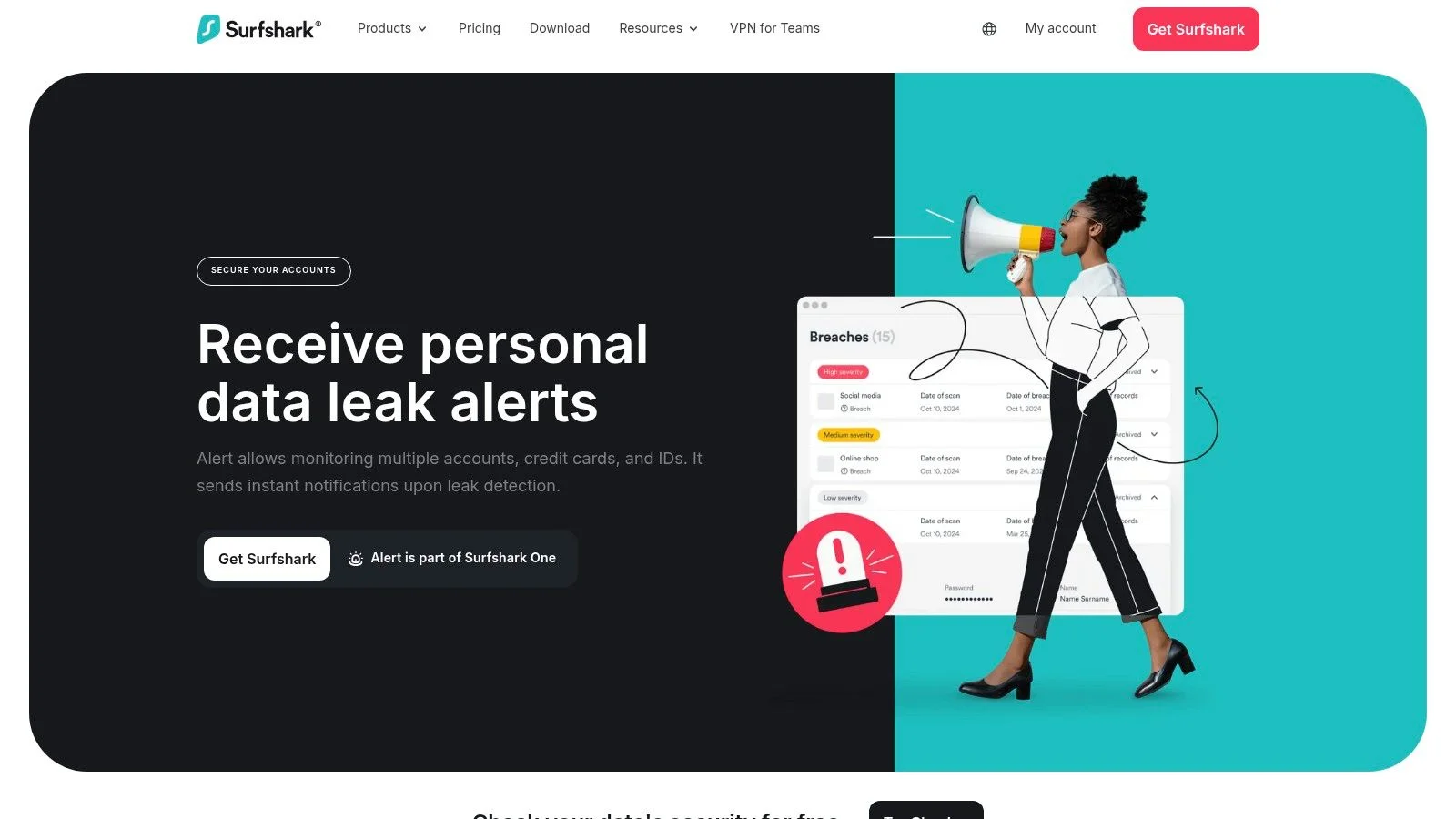
Surfshark Alert provides 24/7 monitoring and sends immediate notifications if your personal information appears in a new leak. It tracks not only email addresses but also credit cards and personal IDs, offering a broader scope of protection than many free services. The true advantage is its integration; you manage your VPN, antivirus scans, and breach alerts from one central location. For example, if your credit card is found in a breach, you can take immediate action to notify your bank, preventing fraudulent charges before they happen.
The service is ideal for those already in the market for a VPN or a broader security suite who see breach monitoring as a critical add-on. Its unified approach simplifies managing multiple aspects of your online safety. However, since it is a paid, bundled product, its value is maximized when you use the other included tools. The best pricing often requires a longer-term subscription commitment, making it less suitable for one-off checks. While strong for personal data points, it doesn't offer the deep public-facing analysis for reputation management that an OSINT tool provides.
Website: https://surfshark.com/alert
Best For: Users who want a comprehensive security suite (VPN, antivirus) that includes breach monitoring for emails, IDs, and credit cards.
Pros:
- Excellent value as part of the Surfshark One bundle.
- Monitors more than emails, including credit cards and IDs.
- Single dashboard for managing multiple security protections.
Cons:
- Not available as a standalone service; must subscribe to the bundle.
- Best pricing requires long-term prepayment.
- Breach monitoring features are less detailed than specialized OSINT tools and don't cover public records or gaming profiles.
4. Norton 360 with LifeLock (Dark Web Monitoring)
Norton 360 with LifeLock moves beyond simple breach alerts by offering a full-service identity theft protection suite, making it a robust have i been pwned alternative for those seeking comprehensive security. Instead of just monitoring email addresses, LifeLock scans the dark web for a much wider range of personal identifiers, including your Social Security Number, phone numbers, and bank account details. This service is designed for users who want to consolidate their cybersecurity and identity protection under one well-known brand.
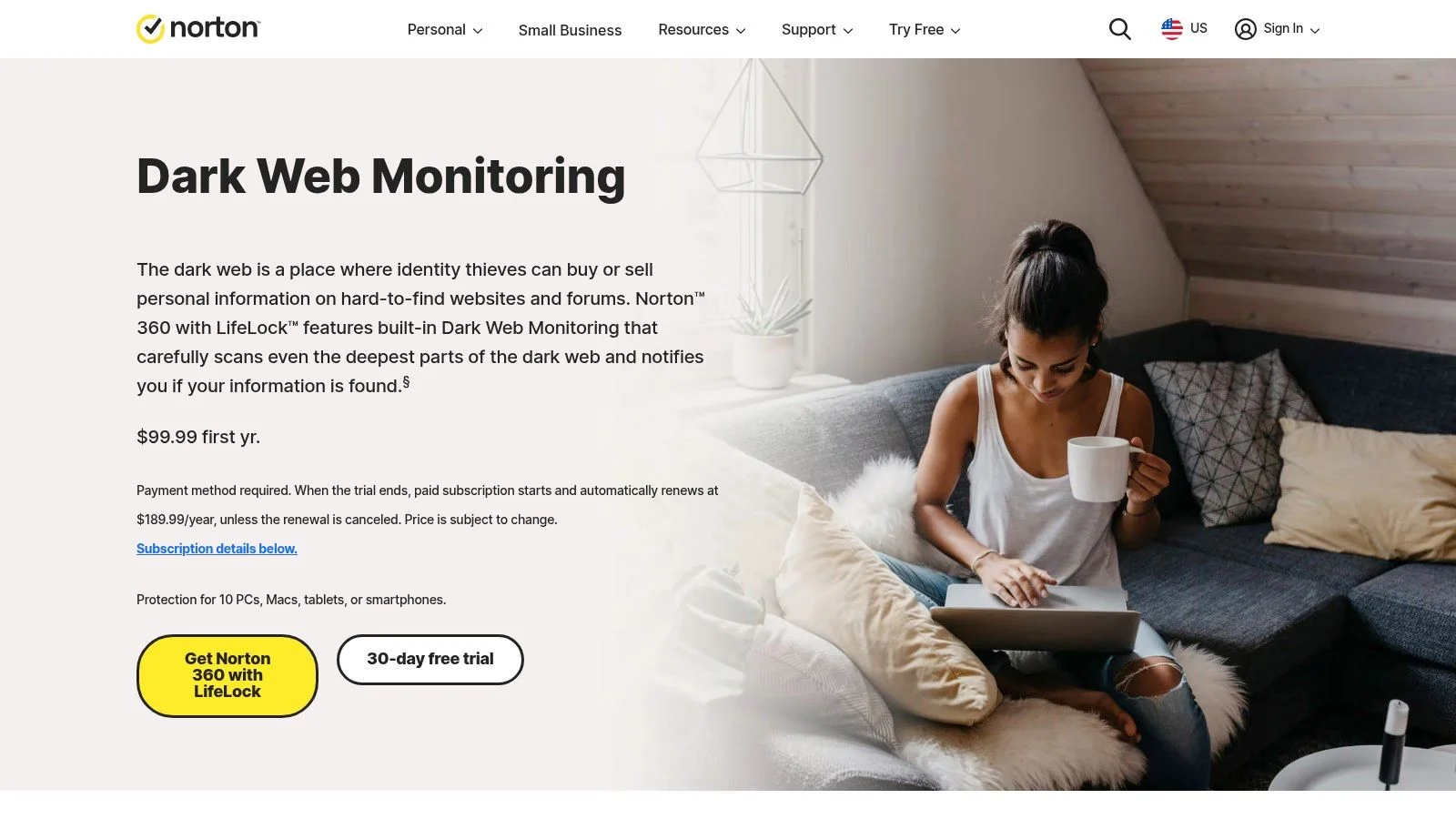
The key differentiator for Norton LifeLock is its focus on remediation and insurance. If your information is found and you become a victim of identity theft, their plans include dedicated restoration specialists and insurance coverage for stolen funds and expenses. According to the FTC, consumers reported over $10 billion in fraud losses in 2023, highlighting the severe financial impact of identity theft. Services like LifeLock aim to provide a financial safety net against these losses.
This solution is best suited for individuals and families in the U.S. who are willing to pay for a managed service that includes hands-on support in the event of identity theft. The integration with the Norton 360 security suite creates an all-in-one package, though some users find the combined app experience a bit fragmented. It's a significant step up from basic breach checkers, offering peace of mind through active monitoring and financial protection against romance scams, financial fraud, and other forms of identity theft.
Website: https://us.norton.com/feature/dark-web-monitoring
Best For: Users in the U.S. seeking an all-in-one identity protection service with restoration support and financial insurance.
Pros:
- Monitors a wide range of personal information beyond just email.
- Includes identity theft restoration services and insurance coverage.
- Family and multi-person plans are available for broader household protection.
Cons:
- Requires a paid subscription, with renewal prices often increasing after the first year.
- The user experience can feel disconnected between the Norton and LifeLock components.
- Primarily focused on the U.S. market, limiting its availability for international users.
5. Aura Identity Theft Protection
Aura moves beyond simple breach notification into the realm of full-service identity theft protection, making it a robust, paid alternative to Have I Been Pwned. While HIBP focuses solely on email exposure in public breaches, Aura provides a much wider net, actively monitoring over 70 different data types, including your Social Security Number, driver's license, and passport information across the dark web and other illicit sources. This service is designed for those who want proactive, hands-on protection rather than just awareness.
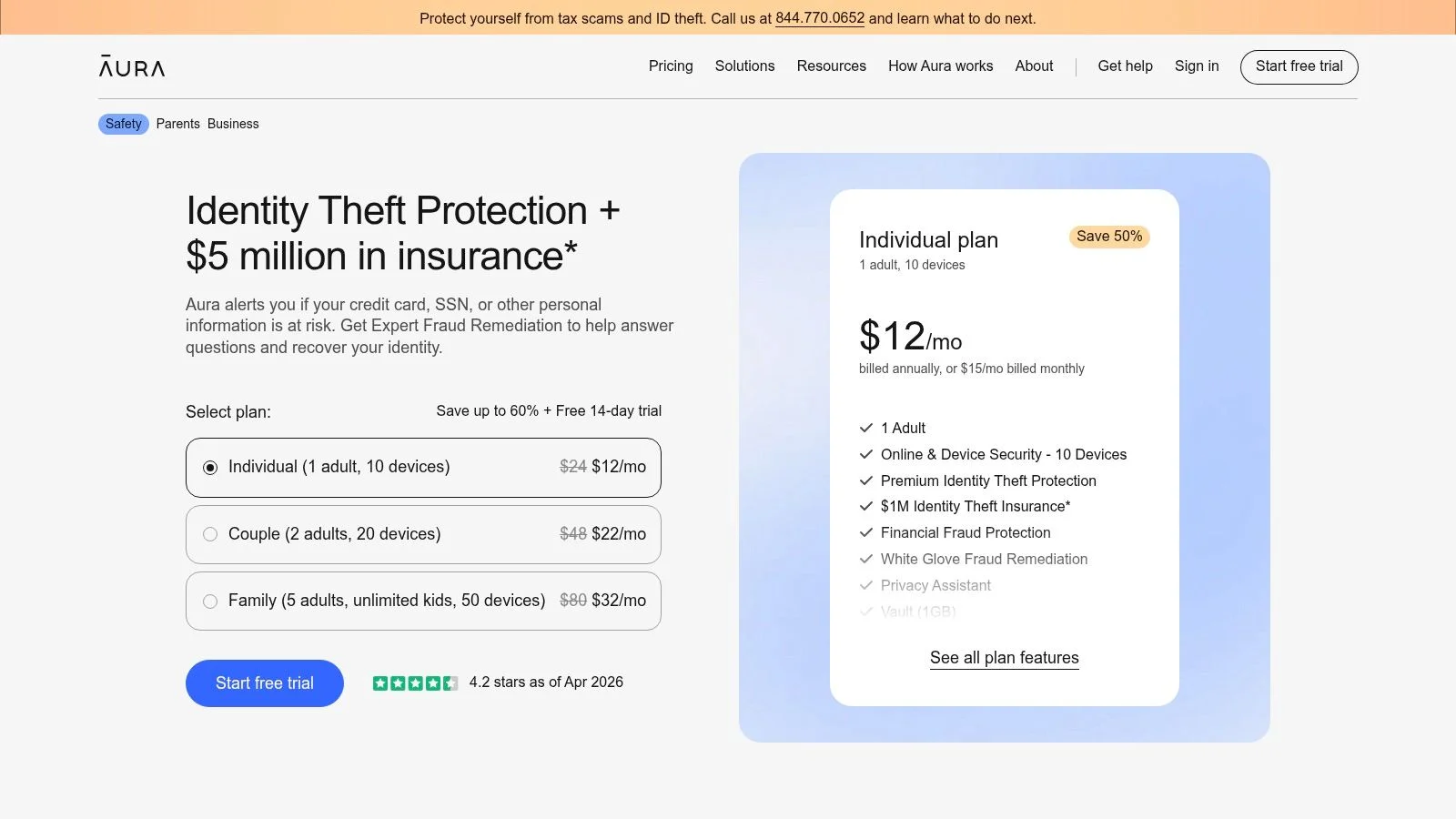
Its strength lies in combining data monitoring with financial security tools. Aura includes features like an instant Experian credit lock and financial transaction alerts, giving you direct control over your credit profile. This integration is crucial for preventing real-world financial damage, a step beyond what a standard breach checker offers. Aura also provides family plans and parental controls through a well-designed mobile app, making it a strong choice for protecting an entire household. Consider a real-world scenario: if your driver's license number is stolen, a criminal could use it to create a fake ID. Aura's monitoring can alert you to this exposure, allowing you to take preemptive action.
Aura is ideal for U.S.-based users who prioritize convenience and a comprehensive feature set over a free, basic tool. It’s a significant upgrade for anyone concerned about the real-world consequences of data exposure, from financial fraud to identity impersonation. The service's pricing typically increases after the introductory year, but the initial investment provides a powerful suite of protective measures in one consolidated platform.
Website: https://www.aura.com/identity-theft-protection
Best For: Individuals and families in the U.S. seeking an all-in-one identity, credit, and financial monitoring service with a strong mobile experience.
Pros:
- Monitors a wide range of personal information beyond just email.
- Includes valuable credit protection tools like an Experian credit lock.
- Excellent mobile app and family plan options with parental controls.
Cons:
- Pricing can increase significantly after the first year.
- Many features are focused on the U.S. financial and identity system.
- Some alerts and features may overlap with free tools offered by banks or credit card providers.
6. Bitdefender Digital Identity Protection
Bitdefender Digital Identity Protection is a dedicated monitoring service from one of the most respected names in cybersecurity. It moves beyond simple breach notifications by actively mapping your entire digital footprint and alerting you when personal information is exposed. This service is designed for users who want an integrated solution that pairs well with existing antivirus and security software, providing a unified dashboard for managing both device and identity protection.
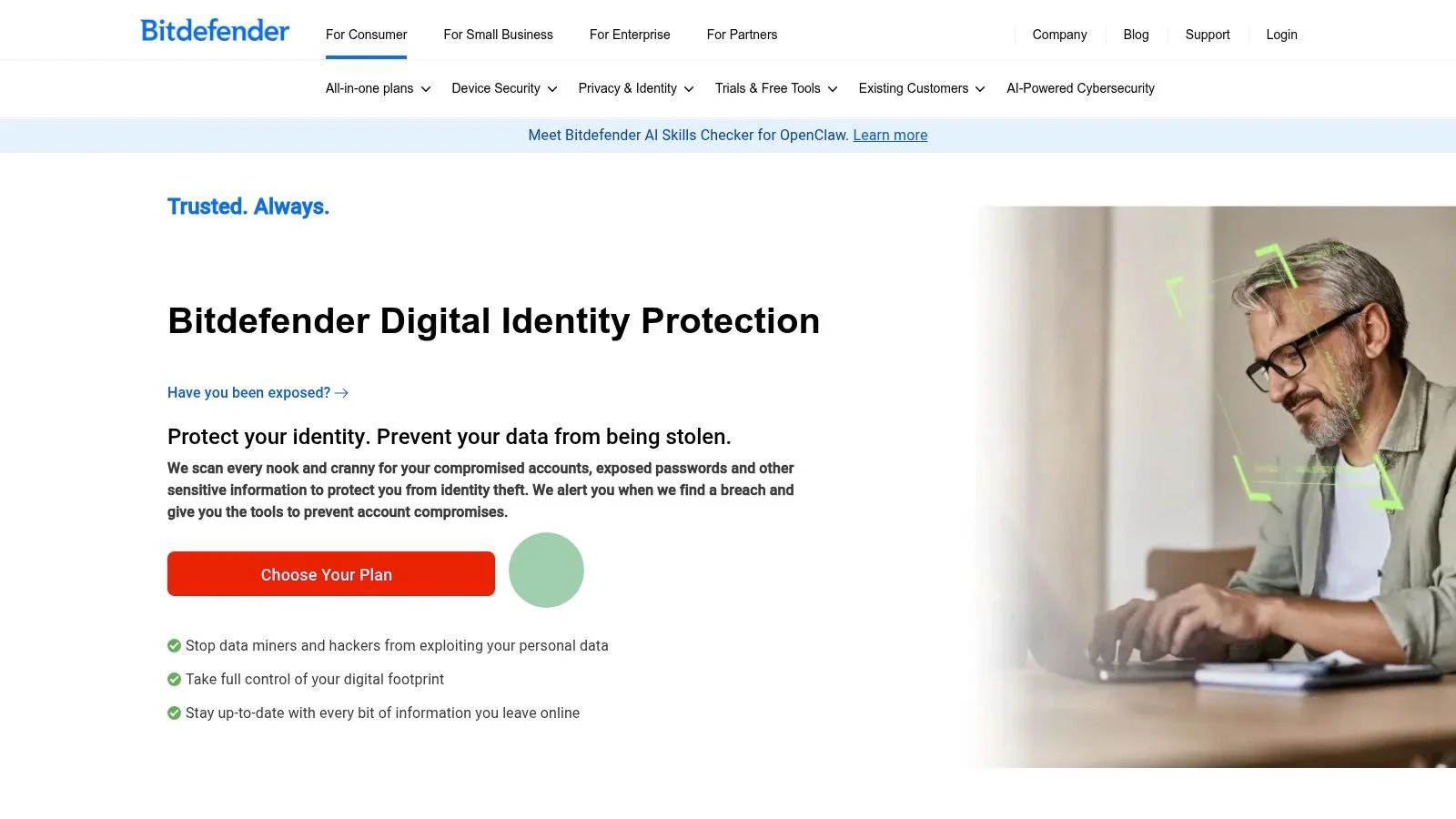
The service continuously scans the dark web and public data sources for your name, email, phone number, and other identifiers. It presents findings in a clear, actionable format within the Bitdefender Central dashboard, assigning a score to your digital footprint and offering step-by-step instructions to mitigate risks. For example, it might identify that your phone number is publicly listed on a data broker site, which scammers could use for phishing attacks or romance scams. The report would then guide you on how to request removal from that broker.
As a paid service, it offers a more persistent and broader watch than free tools. It’s a solid have i been pwned alternative for those already within the Bitdefender ecosystem or anyone seeking a security-first approach to identity monitoring from a trusted vendor. The integration and reporting make it easy to see how your personal data contributes to your overall risk profile, a key factor in protecting against identity theft and reputation damage.
Website: https://www.bitdefender.com/en-us/consumer/digital-identity-protection.html
Best For: Existing Bitdefender users or individuals who want a continuous, integrated identity monitoring service from a top cybersecurity brand.
Pros:
- Comes from a highly reputable security vendor.
- Provides a digital footprint map and a personalized risk score.
- Integrates into the Bitdefender Central dashboard for unified security management.
Cons:
- It's a paid subscription service, unlike free alternatives.
- Broader identity protection features like credit monitoring are often in higher-priced tiers or separate bundles.
- Less focused on deep OSINT discovery compared to specialized investigation tools.
7. F‑Secure ID Protection
F-Secure ID Protection expands beyond a simple breach checker by combining identity monitoring with a built-in password manager. From the established Finnish cybersecurity company F-Secure, this tool is designed for users seeking a more integrated approach to personal security. It's offered as a standalone subscription or as part of the F-Secure Total bundle, which includes a VPN and antivirus, making it a powerful contender as a have i been pwned alternative.
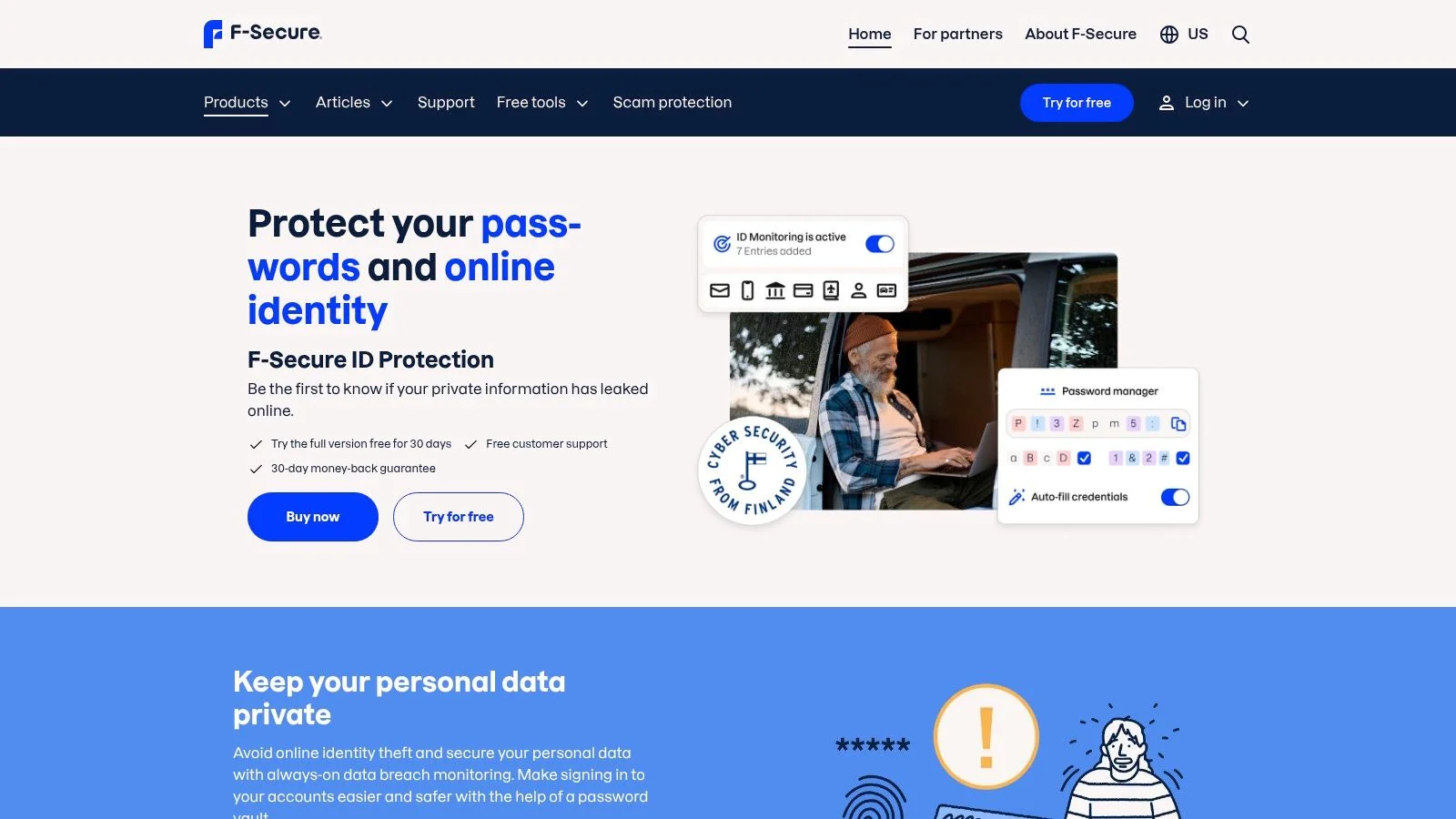
Unlike services that only scan emails, F-Secure allows you to monitor a wide array of Personally Identifiable Information (PII). You can add your Social Security Number, credit card numbers, phone numbers, and even passport or driver’s license details for surveillance. The service alerts you via its iOS and Android apps if this data is found in breaches, providing immediate notifications and guidance. This level of monitoring is critical for preventing identity theft, which can seriously affect everything from job prospects to personal safety.
The platform excels in its clear presentation of what is being monitored and the specific threats detected. For example, if your email and a password are found in a breach of a gaming service, the integrated password manager makes it simple to immediately change that password and any others that might be similar. While it provides a solid foundation for identity protection, its core strength is in breach data and password management, not full-service identity restoration or credit monitoring.
Website: https://www.f-secure.com/us-en/id-protection
Best For: Users who want an all-in-one identity monitoring and password management solution from a trusted cybersecurity brand.
Pros:
- Monitors a broad range of PII beyond just email addresses.
- Integrates with a password manager for immediate remediation.
- Can be bundled into a comprehensive security suite (F-Secure Total).
Cons:
- Requires a paid subscription; no free one-off scanning option.
- Lacks the credit monitoring and identity theft insurance found in dedicated identity protection services.
- Pricing and product bundles can be confusing and vary by region.
8. Malwarebytes (Digital Footprint Scan + Dark Web Monitoring)
Malwarebytes, a household name in antivirus protection, extends its security umbrella to include digital footprint and dark web monitoring. For the millions who already trust its anti-malware suite, this service provides a familiar and convenient way to check for data breaches without needing a separate tool. It is a solid have i been pwned alternative for those looking to consolidate their security tools under one roof.
Included with its consumer plans, the Digital Footprint scan gives users an overview of their exposed personal data, while the dark web monitoring feature sends alerts if your information appears in new breaches. This integration simplifies security management, allowing you to handle virus threats and personal data exposure from a single dashboard. While the core monitoring is part of the subscription, Malwarebytes also offers a "Personal Data Remover" add-on. This paid upgrade actively finds and removes your information from data broker sites, a crucial step for reducing your public online footprint that goes beyond simple breach alerts.
The service is an excellent add-on for existing Malwarebytes customers or anyone looking for an all-in-one security package. However, its identity and credit monitoring features are not as deep as those found in specialized identity protection suites. A practical use case is receiving an alert that your email from an old online shopping account was breached; the Malwarebytes dashboard would prompt you to secure that account, preventing potential abuse and protecting your financial information.
Website: https://www.malwarebytes.com/pricing
Best For: Existing Malwarebytes users or individuals wanting to bundle antivirus protection with basic data breach monitoring.
Pros:
- Integrates leak monitoring into a widely used and trusted anti-malware suite.
- Provides a clear path to upgrade for active data removal from broker sites.
- Offers a single, unified dashboard for managing different security threats.
Cons:
- Full data removal functionality requires a separate, paid upgrade.
- Identity and credit monitoring capabilities are more limited compared to dedicated identity protection services.
- The monitoring service is bundled with an antivirus subscription, not available as a standalone product.
9. Experian Free Dark Web Scan
Experian, one of the major credit bureaus, offers a free one-time dark web scan that serves as a focused entry point into identity monitoring. Unlike broader breach databases, this tool specifically checks if your Social Security Number, email address, or phone number have appeared in known dark web sources. It provides a quick snapshot of your potential exposure on illicit marketplaces and forums, making it a useful, if limited, Have I Been Pwned alternative for those specifically concerned about identity theft vectors.
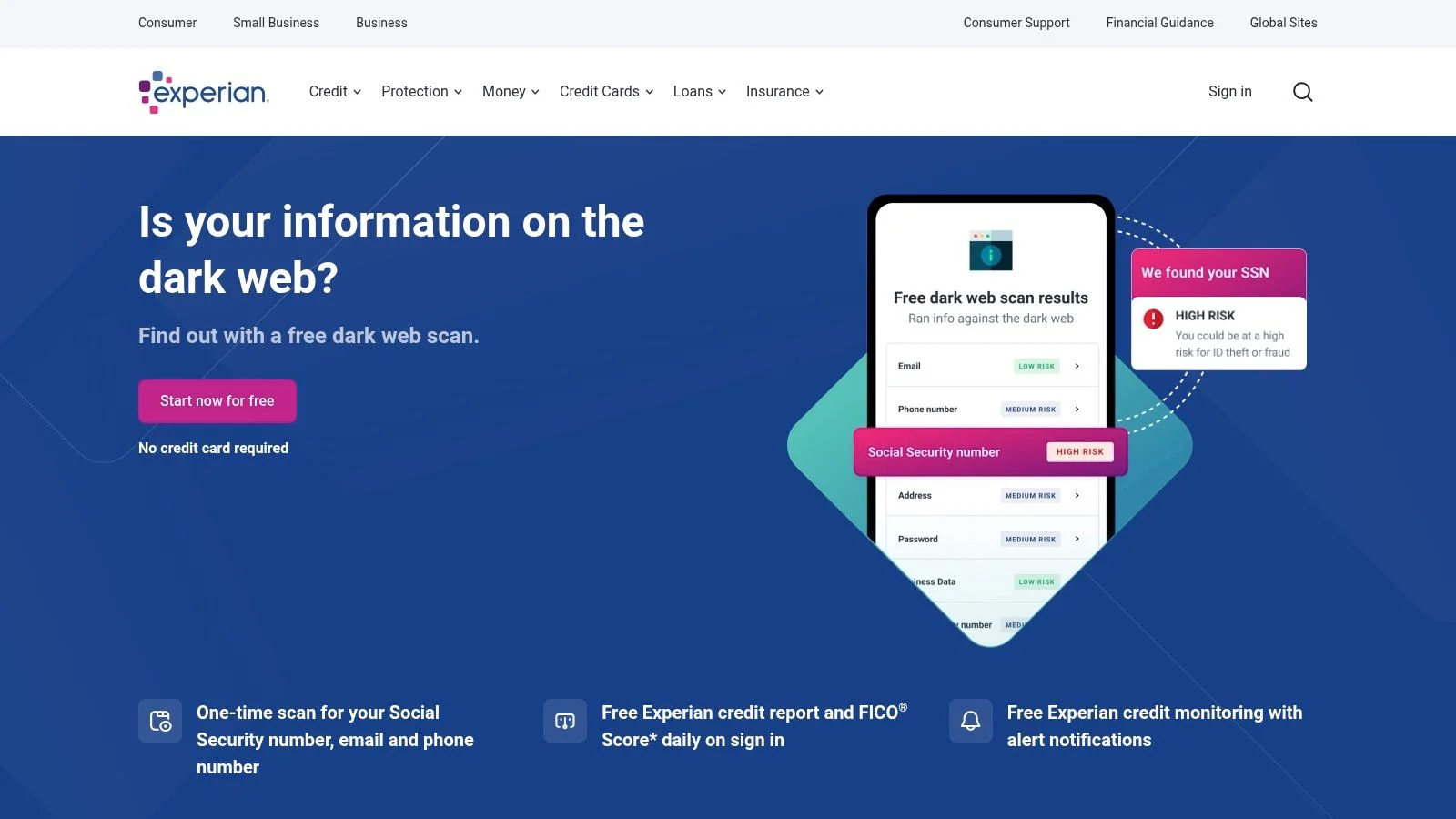
The main purpose of this free tool is to introduce users to Experian's paid IdentityWorks service. After the initial scan, you are prompted to enroll in a subscription for continuous monitoring, credit alerts, and identity theft insurance. The tool’s claimed historical scope, reaching back to 2006, is a key feature, potentially uncovering older compromises. For example, finding your SSN in an old breach could explain recent spikes in spam calls or phishing emails, prompting you to freeze your credit.
Experian's tool is best for U.S. residents wanting a fast, no-cost check on critical personal identifiers like their SSN. It acts as a direct pathway into a full-fledged credit and identity protection ecosystem, which is convenient if you decide you need more robust services. While it's not a comprehensive OSINT tool, its connection to a trusted financial institution provides a sense of security for users taking their first steps into protecting their identity from fraud related to their job prospects or personal finances.
Website: https://www.experian.com/protection/free-dark-web-email-scan/
Best For: U.S. users who want a quick, one-time check for their SSN or other sensitive data on the dark web and are considering paid identity monitoring services.
Pros:
- Completely free for an initial, one-time scan.
- Scans for SSN and phone number, not just email.
- Backed by a major credit bureau, offering a direct path to comprehensive paid protection.
Cons:
- One-time scan only; continuous monitoring requires a paid subscription.
- Limited to U.S. users.
- Lacks transparency on the exact dark web sources and methods used for scanning.
10. IdentityForce
IdentityForce shifts from simple data breach notifications to full-spectrum identity theft protection. As a brand owned by the credit bureau TransUnion, it offers a deep and authoritative approach to monitoring personal information. This service is a significant step up from basic email scanners, providing 24/7 dark web monitoring, breach alerts, and social media surveillance, making it a powerful have i been pwned alternative for those who want a managed security solution.
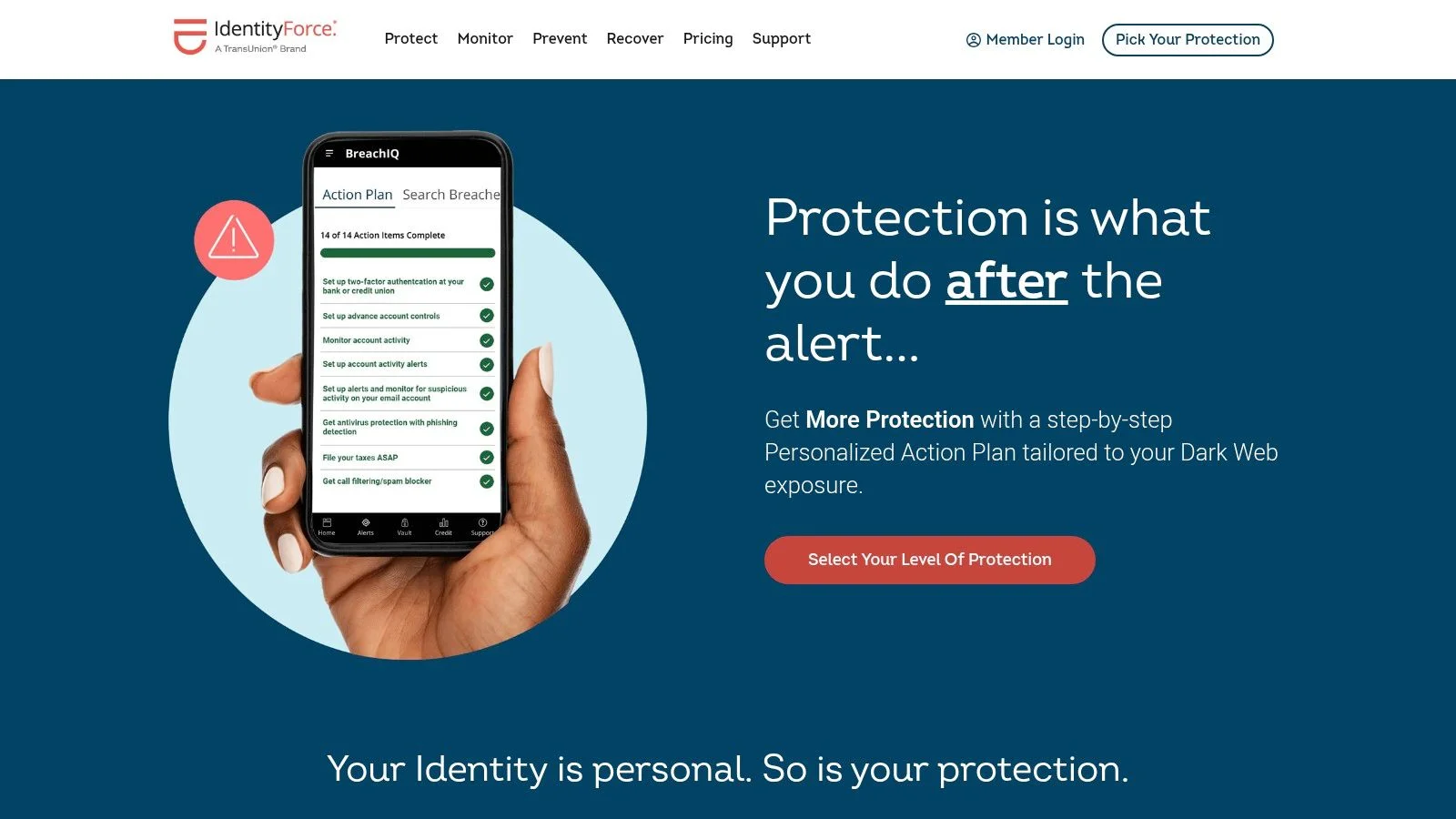
Unlike single-purpose tools, IdentityForce is designed for proactive and reactive security. It generates risk-based, personalized action plans when your data is found in a breach, and its higher tiers include robust credit and financial monitoring. The platform also offers family plans and, crucially, provides restoration assistance if you become a victim of identity theft. This hands-on support is vital for anyone concerned about the real-world consequences of a compromised digital footprint, such as impacts on job prospects or financial stability.
For instance, the social media monitoring feature can alert you to inappropriate content posted to your account if it’s hacked, or even if someone creates a fake profile impersonating you—a common tactic in catfishing and reputation attacks. While the service is a paid subscription, its value lies in its extensive scope and the backing of a major credit reporting agency. It’s ideal for users who prioritize convenience and are willing to pay for an all-in-one solution that monitors far more than an email address.
Website: https://www.identityforce.com
Best For: Individuals and families seeking a comprehensive, managed identity protection service with restoration support and credit monitoring.
Pros:
- Detailed alerts and a broad monitoring scope including dark web and social media.
- Backed by a major credit bureau (TransUnion), adding a layer of authority.
- Offers identity theft insurance and full restoration services.
Cons:
- It is a premium, subscription-based service; no free tier is available.
- Some advanced monitoring features may take time to fully set up and populate.
- Primarily focused on U.S. residents due to its integration with the American credit system.
11. IDShield (by PPLSI/LegalShield)
IDShield is a full-service identity theft protection platform and a strong have i been pwned alternative for users seeking comprehensive monitoring and restoration services. Operated by the same company behind LegalShield, its primary strength lies in its response capabilities. The service moves beyond simple breach notifications by offering dark web surveillance for a wide range of personal information, including your Social Security Number, emails, financial accounts, and passport number.
The standout feature of IDShield is its access to licensed private investigators for identity restoration. If your identity is compromised, you are assigned a dedicated investigator to manage the case and work on your behalf, a significant step up from call-center support. This is invaluable in complex cases like a romance scam, where unraveling the financial and emotional damage can be overwhelming. The investigator handles the tedious work of contacting banks and agencies to restore your identity.
IDShield's offerings include 1-bureau or 3-bureau credit monitoring and social media monitoring, making it a well-rounded protection suite. While its interface may feel less modern than some newer competitors, its straightforward pricing and robust, human-led restoration process provide significant peace of mind, especially for those who want a "set it and forget it" solution backed by professional support.
Website: https://www.idshield.com
Best For: Individuals and families wanting a full-service identity protection suite with professional, hands-on restoration support.
Pros:
- Strong restoration assistance using licensed private investigators.
- Straightforward monthly pricing with less dramatic year-two price increases.
- Monitors a wide range of PII beyond just email addresses.
Cons:
- The user interface and app features are less modern than some newer security suites.
- Credit report access can be infrequent depending on the plan selected.
- Primarily focused on U.S. residents and their specific identifiers (like SSN).
12. NordVPN Dark Web Monitor
For users who prioritize privacy and are already in the market for a VPN, NordVPN’s Dark Web Monitor is a convenient, built-in feature that serves as a useful Have I Been Pwned alternative. Rather than being a standalone service, it is integrated directly into the NordVPN subscription, scanning dark web marketplaces and illicit forums for credentials associated with the email address linked to your NordVPN account.
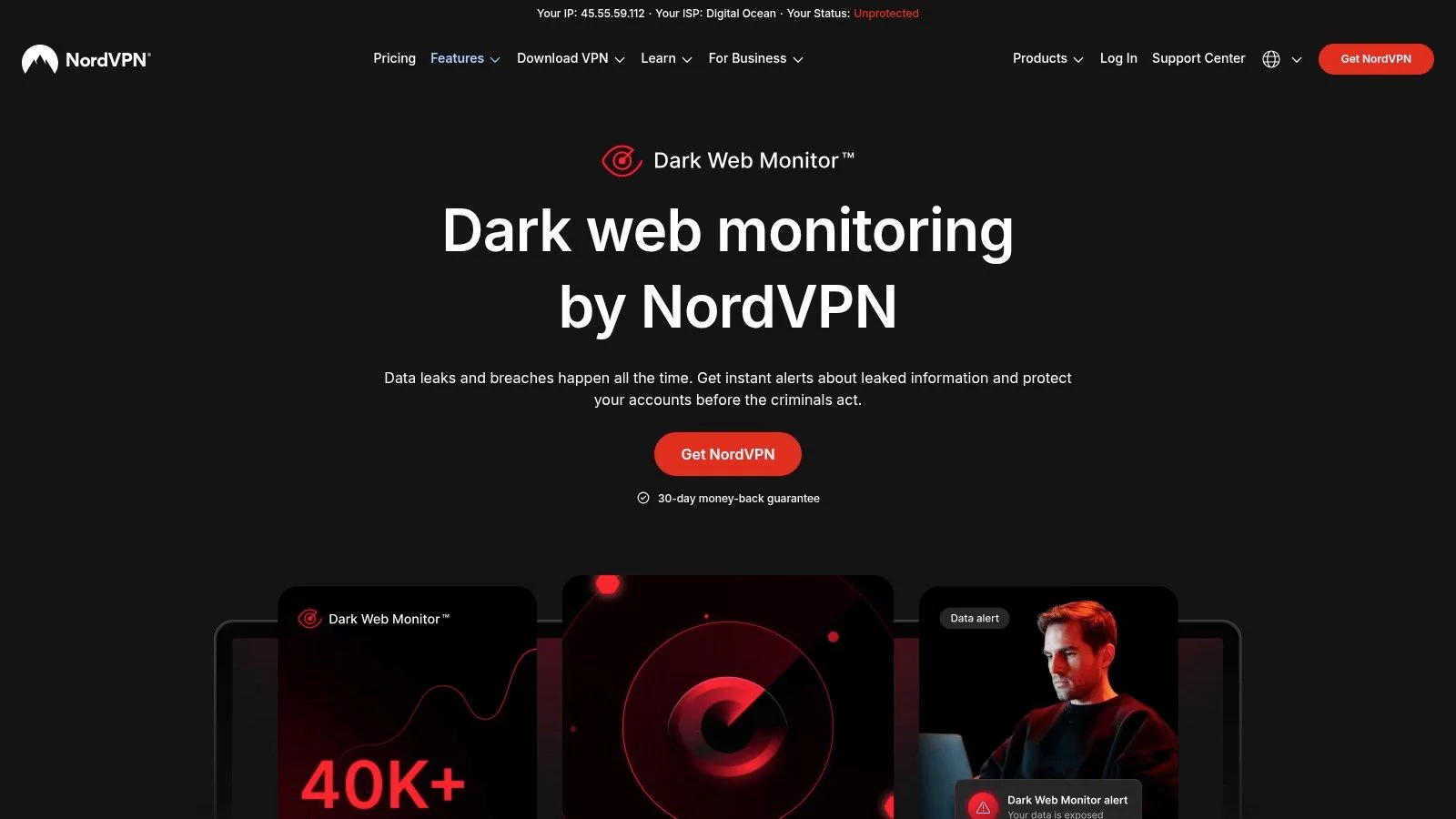
The primary advantage is its simplicity and low-friction approach. Once enabled, the monitor runs silently in the background. If it discovers your credentials, you receive an immediate alert within the NordVPN application, prompting you to take action, such as changing your password. This integration is perfect for those who want a "set it and forget it" security layer without signing up for a separate service. Its focus is on immediate account takeover threats, which can affect everything from your email to gaming profiles.
For example, if the credentials you used for a gaming forum are breached, you'll get an alert. This is a critical warning to immediately change not only that password but also the password on any other site where you might have reused it, preventing a widespread account compromise. While it is an excellent value-add for NordVPN subscribers, it's not a complete identity monitoring solution. It focuses almost exclusively on email and password exposure.
Website: https://nordvpn.com/features/dark-web-monitor/
Best For: Existing or new NordVPN customers who want a simple, integrated credential exposure alert system without extra cost.
Pros:
- Bundled with a leading VPN service at no additional charge.
- Simple to activate and delivers real-time alerts directly in the app.
- Scans actual dark web sources, not just compiled public breach lists.
Cons:
- Requires a paid NordVPN subscription to use.
- Only monitors the email address tied to your VPN account.
- Lacks broader identity monitoring for details like phone numbers, addresses, or credit card information.
Comparison of 12 Have I Been Pwned Alternatives
| Service | Core coverage ✨ | Quality ★ | Value & Pricing 💰 | Best for 👥 | Unique / Why choose ✨🏆 |
|---|---|---|---|---|---|
| Digital Footprint Check 🏆 | Scans 500+ sources: social, breaches, gaming, public records, dark web | ★★★★★ | Free one‑off checks + optional subs for monitoring 💰 | Individuals, HR, security researchers, gamers 👥 | 🏆 Comprehensive coverage, instant reports, DIY removal guides, privacy‑first |
| Mozilla Monitor | Breach scans (uses HIBP corpus), ongoing alerts | ★★★★ | Free basic scans & alerts 💰 | Privacy‑minded users wanting simple breach alerts 👥 | ✨ Easy, privacy‑forward Mozilla integration and guidance |
| Surfshark Alert (Surfshark One) | 24/7 monitoring: emails, cards, IDs; bundled VPN/AV | ★★★★ | Good bundle value when on Surfshark One plan 💰 | Users wanting VPN + security bundle 👥 | ✨ Multi‑tool suite; centralized dashboard |
| Norton 360 with LifeLock | Dark web SSN/email monitoring, restoration services | ★★★★ | Paid plans; higher renewals after promos 💰 | U.S. families and users wanting restoration help 👥 | ✨ Identity restoration + insurance options |
| Aura Identity Theft Protection | 70+ data types: SSN, DL, passports; credit tools | ★★★ | Subscription with first‑year promos 💰 | U.S. consumers/families needing credit tools 👥 | ✨ Strong mobile app, credit lock integrations |
| Bitdefender Digital Identity Protection | Continuous dark web & exposure monitoring | ★★★ | Add‑on or bundled with security suites 💰 | Users of Bitdefender seeking integrated alerts 👥 | ✨ Clear renewals, reputable security vendor |
| F‑Secure ID Protection | Emails, SSN, cards, passport/driver’s license monitoring | ★★★ | Standalone or bundled (pricing varies by region) 💰 | Users wanting consolidated security + password manager 👥 | ✨ Bundleable with VPN and device security |
| Malwarebytes (Digital Footprint Scan) | Dark web monitoring + optional data broker removals | ★★★ | Basic monitoring included; removals are paid add‑on 💰 | Malwarebytes users who want added breach alerts 👥 | ✨ Upsell path to Personal Data Remover for brokers |
| Experian Free Dark Web Scan | One‑time dark web check for SSN/email/phone | ★★ | Free one‑time scan; paid upgrades for ongoing monitoring 💰 | U.S. users wanting a quick free check 👥 | ✨ Fast free scan tied into Experian credit services |
| IdentityForce | Dark web, social media, credit/financial monitoring | ★★★★ | Tiered subscriptions; higher tiers add credit tools 💰 | Consumers seeking broad monitoring + credit support 👥 | ✨ Detailed alerts, TransUnion backing, restoration help |
| IDShield (PPLSI/LegalShield) | Dark web + social monitoring; 1‑ or 3‑bureau credit | ★★★ | Straightforward monthly pricing; employer plans available 💰 | Users wanting licensed‑investigator restoration 👥 | ✨ Licensed investigators for restoration, simple billing |
| NordVPN Dark Web Monitor | Email/password credential exposure inside Nord apps | ★★★ | Included with NordVPN subscription (low friction) 💰 | VPN users who want credential alerts 👥 | ✨ Built into a leading VPN; simple enablement |
Your Next Steps to a Secure Digital Identity
Navigating the world of data breach monitoring can feel overwhelming, but this detailed exploration of each have i been pwned alternative shows a clear path forward. We've moved beyond simple email checks and examined a spectrum of services, from the straightforward alerts of Mozilla Monitor and Surfshark Alert to the extensive identity theft protection suites offered by Aura, LifeLock, and IdentityForce. The key takeaway is that your choice must align with your personal threat model and specific life circumstances.
While Have I Been Pwned remains a valuable, free resource for checking known data breaches, its scope is intentionally limited. For many, that's no longer enough. The real-world consequences of an exposed digital identity extend far beyond a compromised password. They can directly influence your job prospects, jeopardize your personal safety in dating scenarios, and open the door to devastating financial fraud or identity theft. A seemingly minor breach involving a gaming forum could expose personal details that lead to reputational harm or even swatting.
How to Choose the Right Service for You
Making the right decision requires a moment of self-assessment. Consider your primary concerns to guide your choice:
- For Basic Breach Awareness: If your main goal is simply to know when your email appears in a new, major breach, a free or low-cost tool like Mozilla Monitor or the NordVPN Dark Web Monitor provides an excellent starting point. They are simple, set-and-forget solutions for baseline awareness.
- For Comprehensive Personal Security: If you are worried about the full spectrum of identity theft, including credit monitoring, financial fraud alerts, and social security number tracking, then an all-in-one suite is your best bet. Services like Aura, Norton 360 with LifeLock, and IdentityForce offer deep protection and often include insurance and restoration services, giving you a safety net if the worst happens.
- For Proactive Digital Footprint Management: This is where the landscape shifts from reactive alerts to proactive control. If you are a job seeker, a professional building a personal brand, a parent monitoring your family's online presence, or simply someone who wants a complete picture of your public exposure, you need more than a breach scanner. This is the niche where Digital Footprint Check excels, moving beyond breach databases to provide an OSINT-level view of your entire online self, from social media and public records to gaming profiles and hidden data.
Taking Action: From Discovery to Protection
Understanding your exposure is only the first step. True security comes from taking deliberate, consistent action. Once you've chosen a service and run your initial scans, your work has just begun.
- Prioritize and Remediate: Address the most critical alerts first. Immediately change any compromised passwords, starting with your most important accounts like email, banking, and social media. Enable two-factor authentication (2FA) on every service that offers it.
- Review and Remove: Scrutinize the information discovered by your chosen tool. Are there old forum posts, forgotten social media profiles, or public records revealing more than you're comfortable with? Begin the process of removing this data, either manually or by using the removal assistance features offered by services like Bitdefender Digital Identity Protection or Digital Footprint Check.
- Establish a Routine: Digital security is not a one-time task. Set a recurring calendar reminder to review your monitoring service's dashboard, check your privacy settings on key accounts, and perform a fresh audit of your digital footprint. Staying vigilant is the most effective defense.
Your online identity is a permanent, ever-expanding record of your life. It's an asset that requires active management and protection. Don't wait for a notification to tell you it's too late. The power to secure your digital self is in your hands, and the journey begins with a single, crucial step: discovery.
The first step to protecting your identity is understanding what’s exposed. While many tools check breach lists, Digital Footprint Check provides a deep, OSINT-based analysis of your entire online presence, showing you what recruiters, online dates, and cybercriminals can see right now. Run a free, instant scan at Digital Footprint Check to take control of your personal information today.