· Digital Footprint Check · Content Marketing · 26 min read
The 12 Best Free Digital Footprint Checker Tools in 2025
Discover the top 12 tools to manage your online identity. Use a free digital footprint checker to protect your privacy, reputation, and security today.

Your online presence can significantly influence job offers, personal safety, and even your dating life. Your digital footprint, the trail of data left from all your online activities, is a public mosaic of social media posts, public records, gaming profiles, and information exposed in data breaches. This data is accessible to anyone, from HR managers screening candidates to cybercriminals planning identity theft or romance scams. According to a 2022 survey, 70% of employers use social media to screen candidates before hiring, and a single unprofessional post can lead to a rejected application.
Ignoring this public trail is no longer a viable option. Fortunately, a powerful category of OSINT (Open Source Intelligence) tools has emerged to help you regain control. A free digital footprint checker acts as your personal online detective, uncovering forgotten accounts, flagging critical security risks from data breaches, and revealing exactly how you appear to the world. These tools solve the problem of digital uncertainty, giving you a clear picture of your online exposure before it impacts your job prospects, personal safety, or reputation.
This guide will get straight to the point, walking you through the 12 best free tools available in 2025. We will provide a thorough, comparative roundup to help you find the best platform for your specific needs, whether you’re a job seeker managing your reputation, a gamer protecting your account, or someone navigating the world of online dating. Each entry includes direct links and analysis of its strengths and limitations, so you can start cleaning up your digital identity today.
1. Digital Footprint Check
Digital Footprint Check earns its top spot as a featured choice for its professional-grade, comprehensive approach to online exposure discovery. It functions as a powerful Open Source Intelligence (OSINT) platform, providing a holistic view of your digital identity by scanning an impressive 500+ sources. This isn’t just a simple social media search; the platform digs deep into public records, gaming profiles, and an extensive database of over 15 billion leaked accounts from more than 1,000 data breaches.
This tool is a standout option for anyone seeking a robust, yet accessible, free digital footprint checker. Its ability to deliver actionable intelligence without an immediate subscription commitment makes it particularly valuable. For individuals concerned about online privacy, the service offers clarity on where their personal information is exposed. For example, if you’re active in online dating, a quick scan can reveal if your profile pictures or personal details appear elsewhere online, which is a crucial step in preventing catfishing and ensuring your safety.
Why It Stands Out
What distinguishes Digital Footprint Check is the depth of its analysis and the practicality of its reports. The platform doesn’t just show you data points; it contextualizes them, offering clear, step-by-step DIY guides for remediation. This empowers users to take direct action in cleaning up their online presence, a crucial step that many other services overlook or charge a premium for. Regular checks can help you stay informed about potential compromises, such as a suspicious Microsoft account security alert email, by revealing if your credentials have appeared in a recent breach.
The user experience is designed for simplicity. You can run an initial check for free without creating an account, and a more comprehensive one-time report is available upon free sign-up (no credit card required). For those needing persistent oversight, optional subscriptions provide continuous monitoring and real-time alerts.
- Best For: Privacy-conscious individuals, job seekers managing their reputation, online daters, gamers, and HR professionals needing compliant screening.
- Key Features: Scans 500+ platforms, monitors 15B+ breached accounts, provides DIY removal guides.
- Access: Free instant tools and a one-time report are available; optional subscriptions for ongoing monitoring.
- Website: digitalfootprintcheck.com
Ready to see your complete online profile? Get a comprehensive analysis now at www.digitalfootprintcheck.com/free-checker.
2. Have I Been Pwned (HIBP)
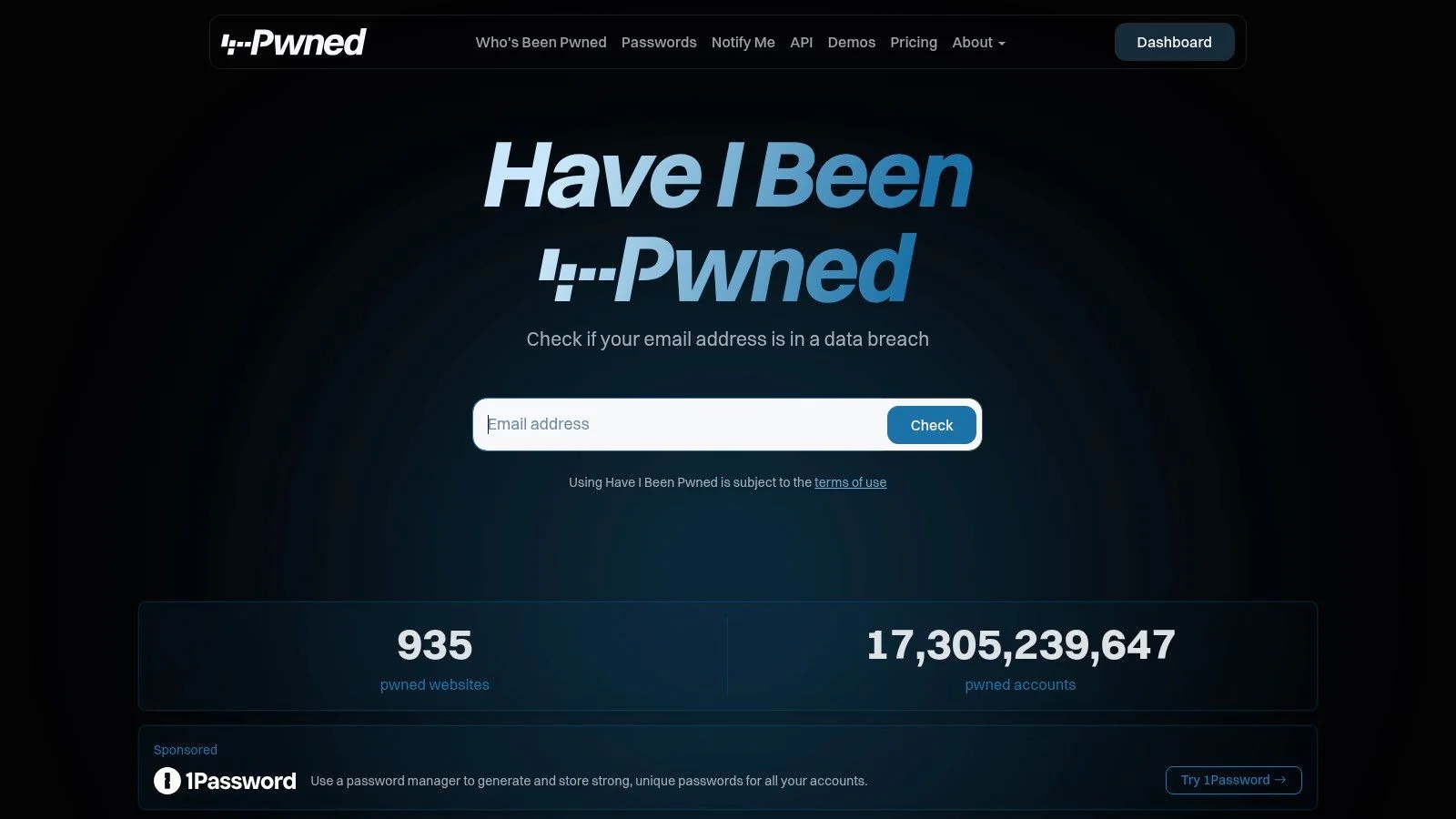
Have I Been Pwned (HIBP) is a highly respected, free resource created by security expert Troy Hunt. It serves as a specialized, yet crucial, free digital footprint checker focused exclusively on data breaches. Rather than scanning the live web for your public profiles, HIBP checks your email address or username against a massive, constantly updated database of known data breaches. This tells you if your credentials have been compromised and exposed by hackers. The FBI’s Internet Crime Complaint Center (IC3) reported over $10 billion in losses from cybercrime in 2022, often fueled by credentials stolen in such breaches.
The platform’s singular focus on breach data is its greatest strength. Its interface is minimalist and fast. You simply enter an email address, and it instantly reports every known breach that account was a part of. For job seekers or anyone managing their reputation, this is a non-negotiable first step; a compromised work email can be a significant security liability for a potential employer. For gamers, checking a gaming alias can reveal if account details from a forum or game developer breach are circulating online, putting valuable accounts and in-game assets at risk.
Key Features and User Experience
HIBP’s utility extends beyond a simple one-time search. You can subscribe to free notifications, which will alert you if your email appears in any future breaches HIBP adds to its database. This proactive monitoring is invaluable for personal security. The “Pwned Passwords” feature also lets you safely check if a password you use has ever been exposed, without revealing the password itself. While HIBP is essential for monitoring credential exposure, it’s not a comprehensive footprint tool. For a broader analysis of your public-facing information, exploring a Have I Been Pwned alternative that scans social media and the open web is a necessary next step.
- Search Type: Email Address, Username, Password (k-anonymity)
- Core Function: Data Breach Exposure Check
- Cost: Completely free
- Privacy: No account needed for one-off searches; trusted privacy policy.
- Unique Offering: The most comprehensive and respected public database of breach data.
Website: https://haveibeenpwned.com
3. Mozilla Monitor
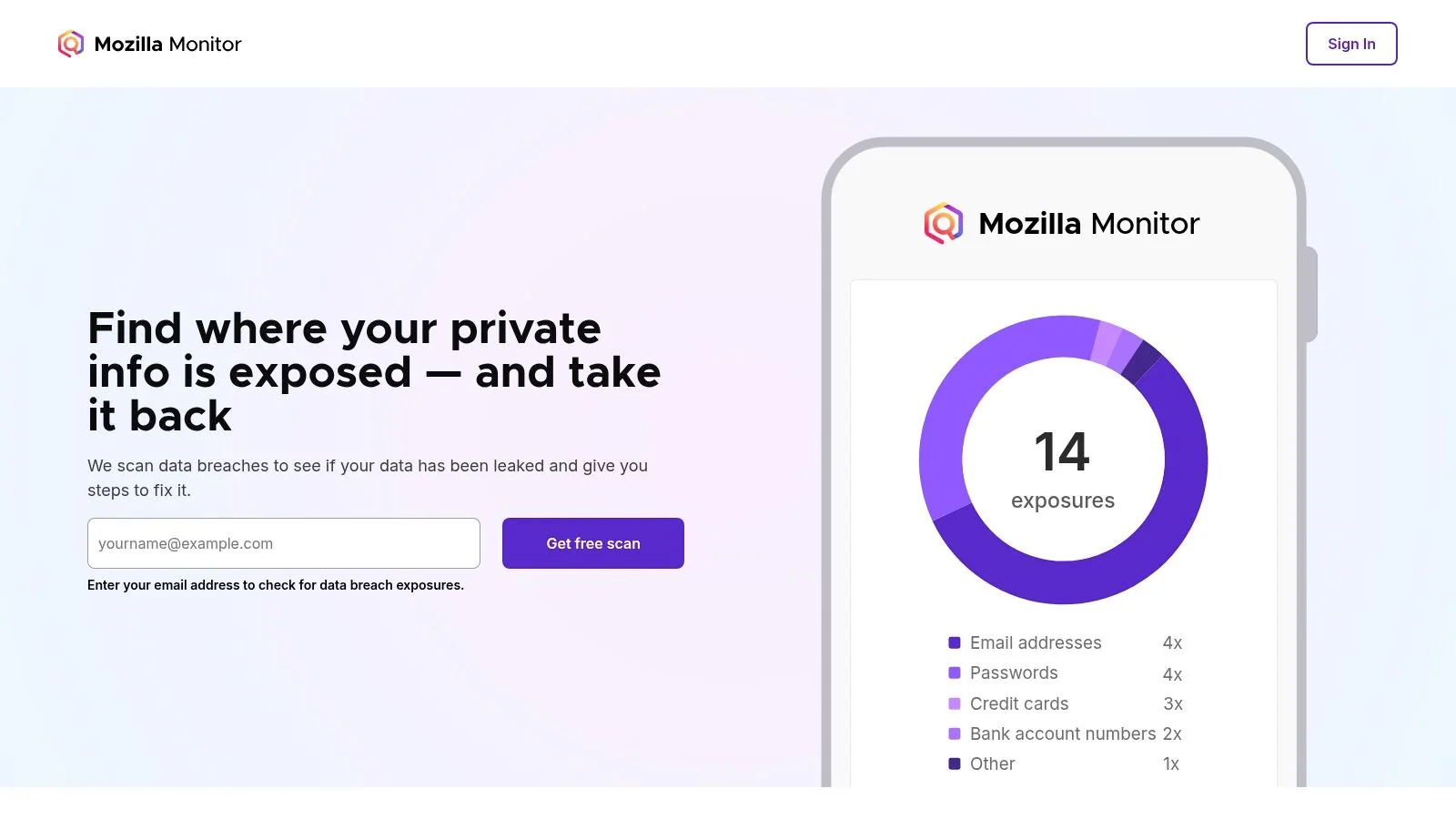
Mozilla Monitor is a free, privacy-first service from the creators of the Firefox browser, designed to help you discover if your personal information has been exposed in known data breaches. Similar to HIBP, it functions as a specialized free digital footprint checker focused on credential leaks. Its primary advantage is its user-friendly interface and clear, actionable advice, making it an excellent starting point for anyone new to managing their digital security.
The service allows you to scan multiple email addresses and receive ongoing alerts about new breaches. For individuals concerned about the real-world impact of a data leak—from identity theft to reputational damage affecting job prospects—Mozilla Monitor provides step-by-step guidance on how to resolve each specific exposure. For example, if your email used for a dating app is found in a breach, the service provides clear instructions on changing your password and enabling two-factor authentication to prevent account takeover, a common tactic used in romance scams.
Key Features and User Experience
Mozilla Monitor’s dashboard is clean and easy to navigate, presenting breach information in a digestible format. It details what data was compromised in each incident (e.g., passwords, names, IP addresses) and offers specific recommendations for securing your accounts. An optional paid tier, Monitor Plus, expands its functionality in the U.S. by offering automated requests to remove your information from data broker sites, a significant step in reducing your public-facing footprint. While the free version is excellent for breach monitoring, it doesn’t scan the open web for public profiles or social media content.
- Search Type: Email Address
- Core Function: Data Breach Monitoring and Resolution Guidance
- Cost: Free; optional paid tier (Monitor Plus) for data broker removal.
- Privacy: Strong privacy policy from a trusted non-profit; Mozilla account required for ongoing monitoring.
- Unique Offering: Combines free breach alerts with clear, step-by-step resolution advice and an optional paid data broker removal service.
Website: https://monitor.mozilla.org
4. Google “Results about you”
Google’s “Results about you” dashboard is a powerful, integrated tool that acts as a specialized free digital footprint checker focused on Personally Identifiable Information (PII) within Google Search. Instead of scanning for social profiles, this feature monitors Google’s search index for your specific contact details, such as your phone number, home address, and email address. It’s designed to give you direct control over this sensitive data when it appears in search results.
This tool’s primary advantage is its proactive nature and deep integration with the Google ecosystem. It sends you alerts when new search results containing your personal information are indexed, allowing you to react quickly. For anyone concerned about doxxing or identity theft, this early warning system is a critical first step in managing your privacy. For instance, if your phone number from an old forum post suddenly appears in search results, you’ll be notified and can request its removal before it’s used for harassment or phishing attempts.
Key Features and User Experience
The user experience is seamless for anyone with a Google account. The central dashboard clearly lists any discovered results and tracks the status of your removal requests. You can even initiate a removal request directly from a search result if you’re logged in. While highly effective for cleaning up Google’s index, it’s crucial to understand its limitation: it only removes the information from Google Search, not from the source website itself. To fully erase the data, you must contact the source site owner, which can be a complex process. For a detailed guide on this, you can learn more about how to remove your personal information from Google.
- Search Type: Monitors Google Search for Phone Number, Address, Email
- Core Function: PII exposure alerts and Google Search removal requests
- Cost: Completely free with a Google account
- Privacy: Managed within your private Google account settings.
- Unique Offering: Proactive alerts and a simplified, one-click removal request process for sensitive PII in search results.
Website: https://myactivity.google.com/results-about-you
5. Experian (Free Dark Web Email Scan & Personal Privacy Scan)
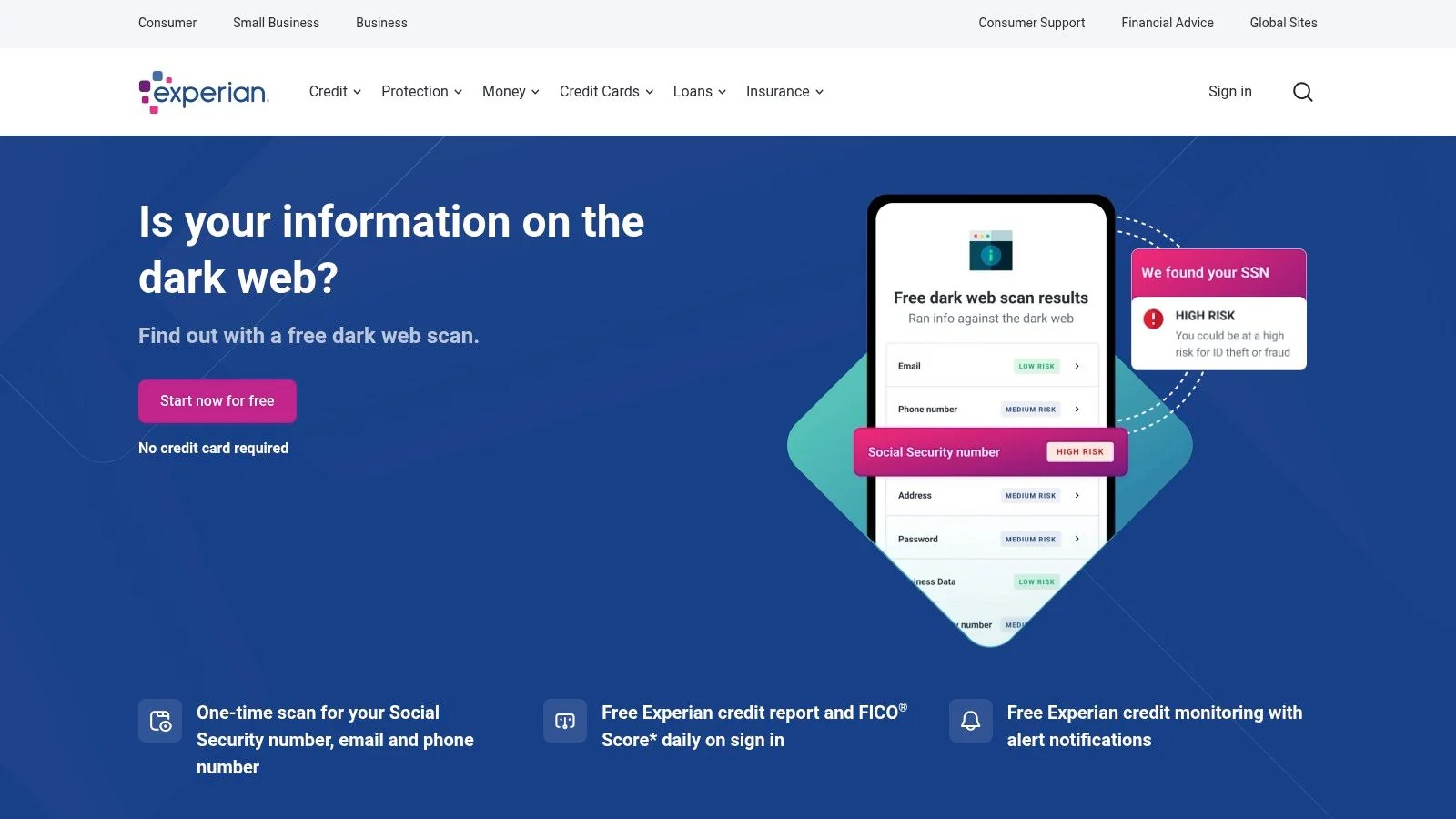
Experian, a major U.S. credit bureau, offers a powerful two-in-one free digital footprint checker that bridges the gap between breach data and public information exposure. Its service includes a one-time dark web scan for your email, phone number, and Social Security Number, alongside a Personal Privacy Scan. This second scan specifically looks for your personal details on dozens of people-search sites and data broker databases, a common source of privacy risks that can impact job prospects and personal safety.
This combination makes Experian’s offering unique. It doesn’t just tell you if your credentials were stolen in a past breach; it also shows you where your personal information is currently being sold or listed publicly online. This is critical for preventing identity theft, which affected 42 million Americans in 2021 alone. While you must create a free account to access the scans, the results provide a clear, actionable starting point for cleaning up your public profile and securing your identity.
Key Features and User Experience
Upon creating an account, the scans run quickly and present the findings in a clean dashboard. The primary limitation is that while the scans are free, the automated removal of your data from broker sites and continuous monitoring require upgrading to a paid plan. However, the free report still gives you the crucial information needed to manually request removals yourself. For those seeking proactive, ongoing protection, exploring the best dark web monitoring services can provide a more comprehensive, long-term solution. Experian’s free tools serve as an excellent diagnostic first step from a trusted name in identity protection.
- Search Type: Email Address, Phone Number, SSN, Full Name
- Core Function: Dark Web Breach Scan & Data Broker Exposure Check
- Cost: Scans are free; ongoing monitoring and removals require paid plans.
- Privacy: Requires account creation; subject to Experian’s privacy policy.
- Unique Offering: Combines a dark web scan with a people-search site scan from a major credit bureau.
Website: https://www.experian.com/protection/free-dark-web-email-scan
6. Avast Hack Check / Avast One Basic
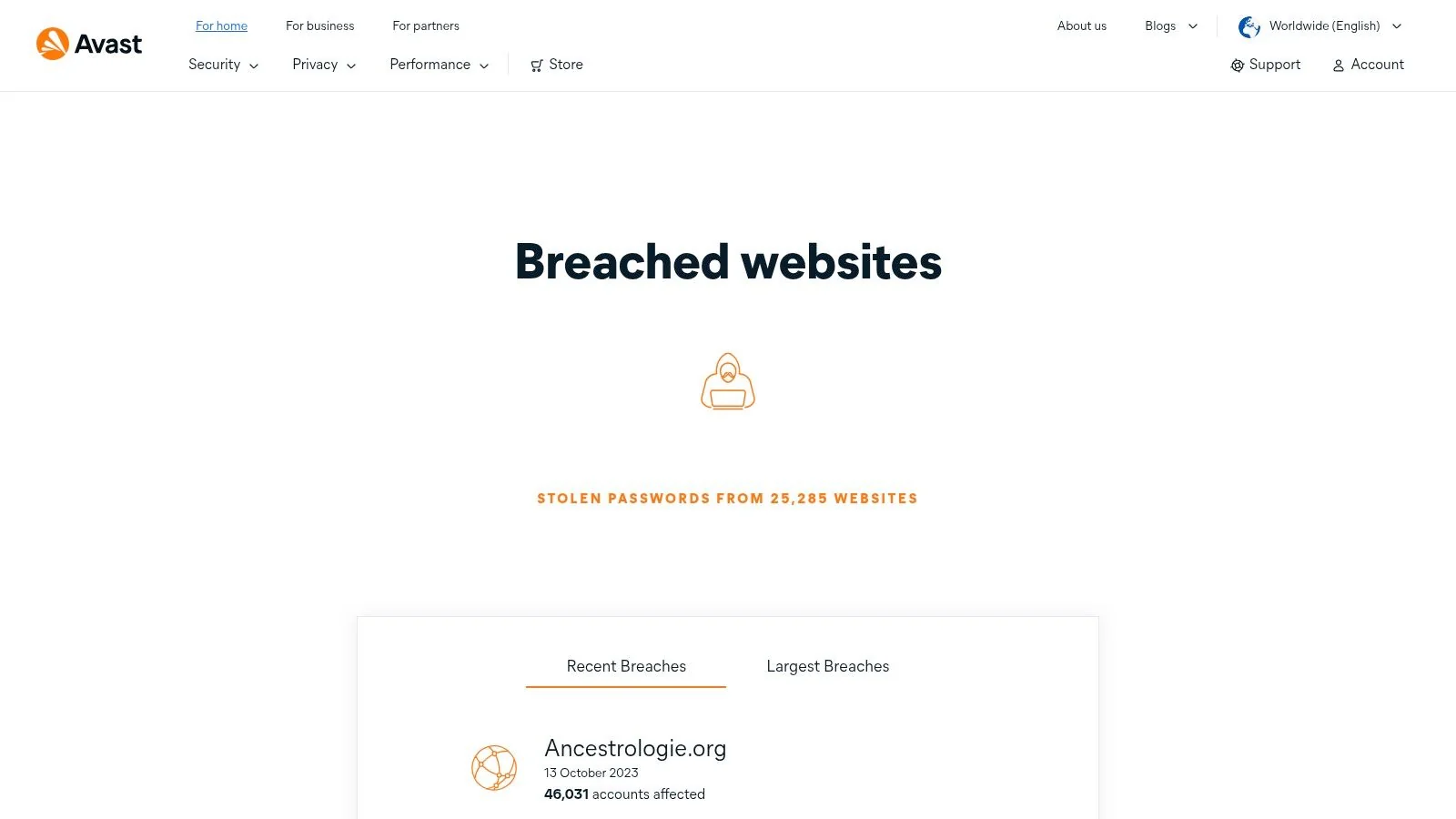
Avast, a household name in antivirus software, offers its own free digital footprint checker focused on credential leaks called Hack Check. This tool functions similarly to HIBP, allowing you to check if an email address has been compromised in known data breaches. It’s integrated into the Avast One Basic suite, providing a simple starting point for users already within the Avast ecosystem or those looking for a tool backed by a major cybersecurity brand.
The primary function is a straightforward manual search. You enter your email, and Avast scans its breach database to report any associated leaks. This is a critical first step for anyone, from job seekers ensuring their professional email is secure to gamers protecting valuable accounts tied to their address. A compromised gaming account can lead to the loss of hundreds or even thousands of dollars in digital assets and countless hours of progress. The user experience is clean, though it often serves as an entry point to promote Avast’s premium security services, which can be a minor distraction.
Key Features and User Experience
While the one-off web check is free and accessible to all, the real value within the Avast ecosystem comes with its paid tiers. Upgrading to a premium Avast One plan unlocks continuous monitoring and automated alerts for multiple email addresses. This proactive approach is beneficial, but it positions the free tool more as a taster for their comprehensive paid security suite. For users who only need a quick, manual breach check without ongoing monitoring, the free version is perfectly adequate, but it lacks the depth of more specialized footprint analysis tools.
- Search Type: Email Address
- Core Function: Data Breach Exposure Check
- Cost: Free for manual checks; paid subscription for continuous monitoring.
- Privacy: Requires an email address; operates under Avast’s privacy policy.
- Unique Offering: Integration with a well-known, full-service cybersecurity suite.
Website: https://www.avast.com/hackcheck
7. Aura (Free Dark Web Scan)
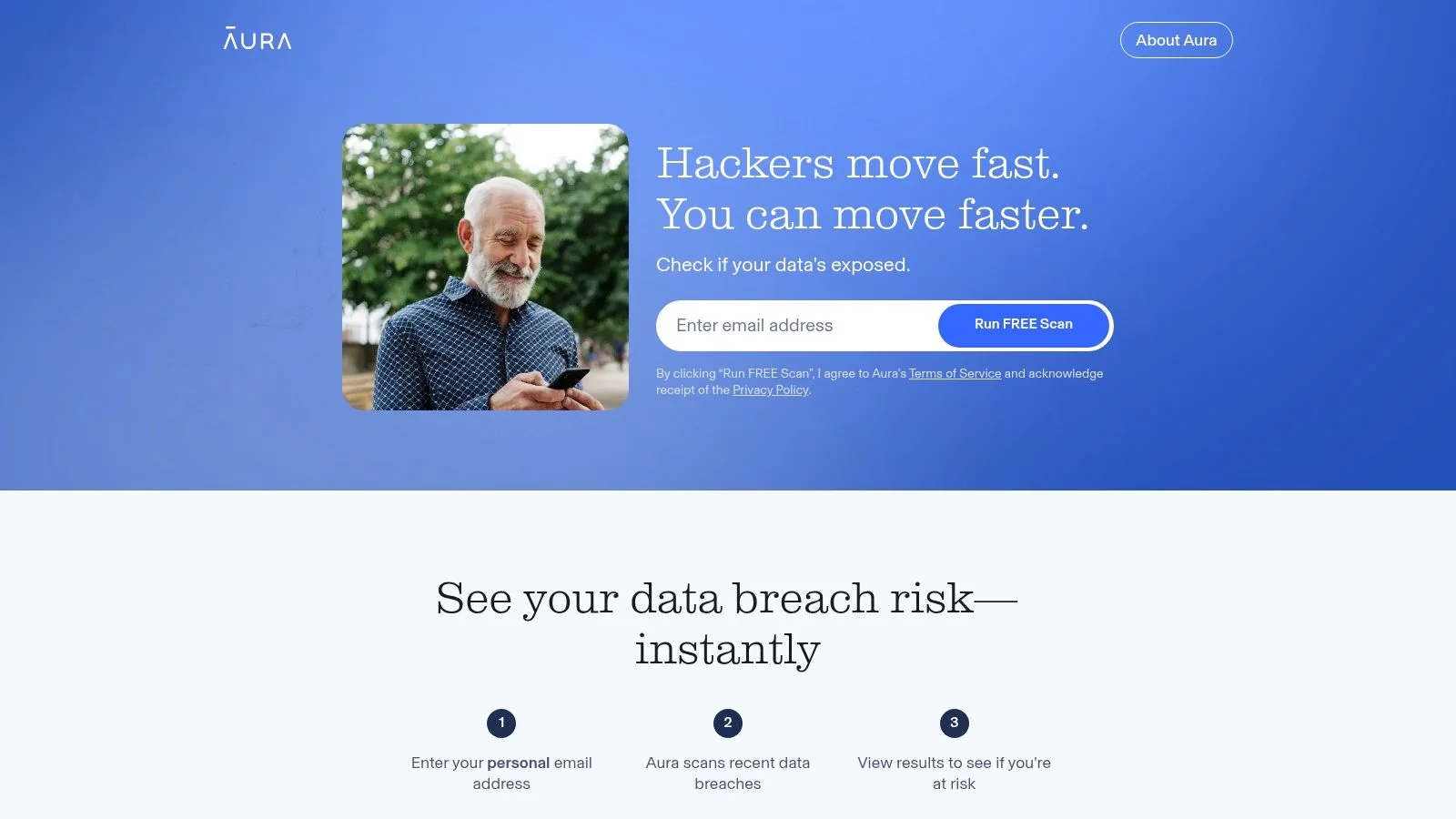
Aura is a well-known consumer identity protection service that offers a quick, entry-level free digital footprint checker focused on dark web exposure. The free tool allows you to instantly scan an email address against known data breaches, providing a snapshot of whether your credentials have been compromised and are circulating in underground forums. While the free scan is a one-time check, it serves as an effective, no-cost entry point to understand immediate data breach risks.
The tool is designed as a lead-in to Aura’s comprehensive paid subscription services, which include ongoing monitoring, financial fraud protection, and device security. Its primary strength lies in its simplicity and speed; the user interface is clean, modern, and provides results in seconds. For individuals just beginning to explore their digital exposure, Aura’s free scan is a low-friction way to check for a critical vulnerability without committing to a full service. This quick check can be the first line of defense against scams, as scammers often use breached emails to initiate contact for phishing or romance fraud schemes.
Key Features and User Experience
Aura’s free scan is straightforward: enter your email and get an instant report on breach involvement. It’s a useful diagnostic, but it doesn’t provide the ongoing protection needed to secure your digital life fully. The real value of the Aura ecosystem is unlocked through its paid plans, which offer continuous dark web monitoring, credit alerts, and remediation support. The free tool effectively highlights a problem, while the premium service provides the solution. While excellent for a quick breach check, it doesn’t scan the public web for social profiles or other exposed information, making it a specialized, not comprehensive, footprint analysis tool.
- Search Type: Email Address
- Core Function: One-time Dark Web and Data Breach Scan
- Cost: Free for the initial scan; paid subscription for ongoing monitoring.
- Privacy: Requires email submission; part of a larger identity protection service.
- Unique Offering: A fast, free entry point into a well-regarded, full-service identity protection platform.
Website: https://scan.aura.com
8. F‑Secure Identity Theft Checker
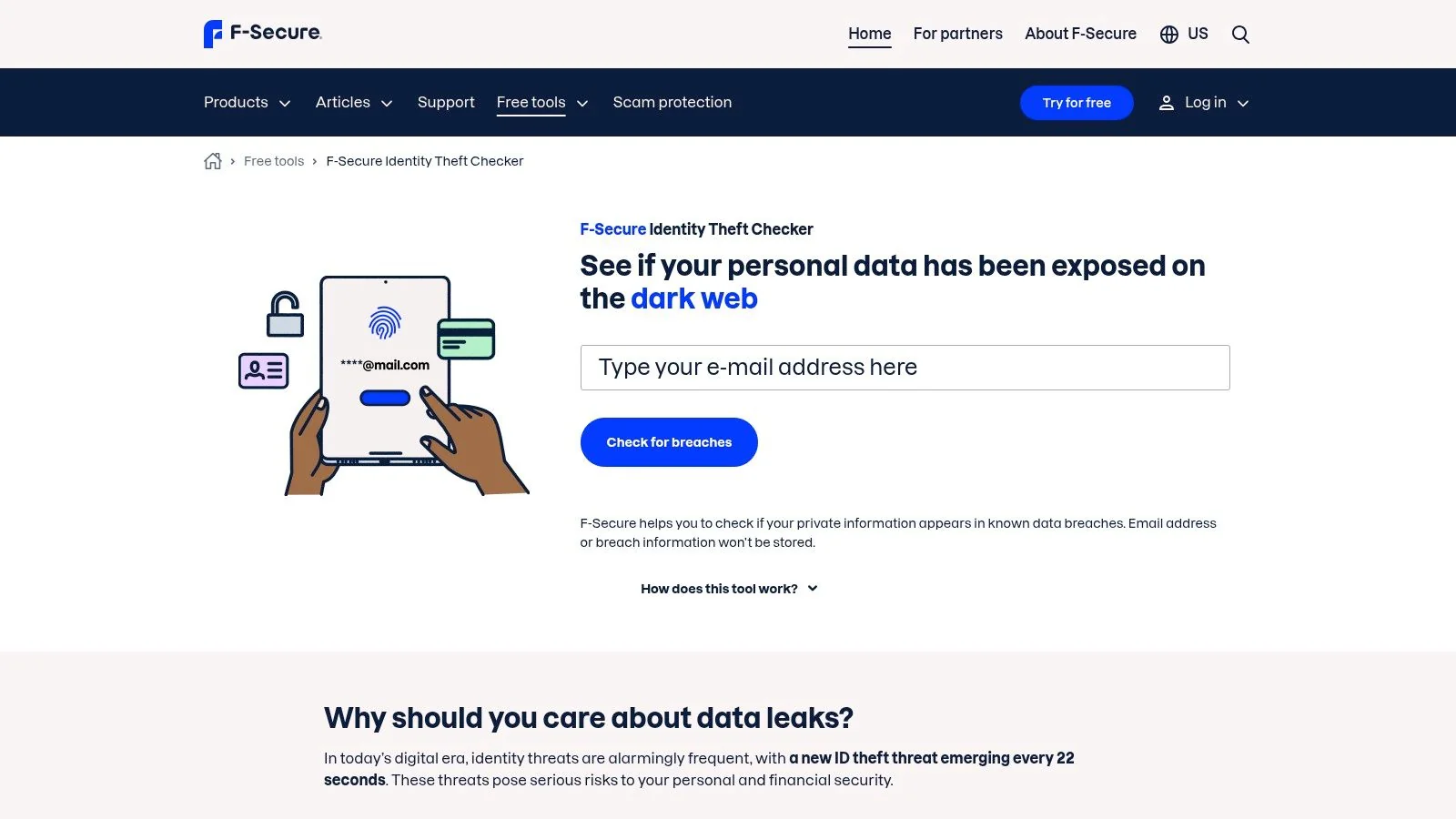
F‑Secure, a well-known cybersecurity company, offers a simple and direct tool for breach monitoring. Their Identity Theft Checker operates as a specialized free digital footprint checker that scans your email address against a database of known data breaches. Unlike platforms that provide instant on-screen results, F‑Secure delivers a detailed report directly to your email inbox, a method that emphasizes privacy and provides a tangible record of your exposure.
The platform’s main advantage lies in its simplicity and the actionable advice it provides. Instead of just listing the breaches, the emailed report includes clear, recommended next steps for securing your accounts. This guidance is invaluable for users who may feel overwhelmed by the discovery of a breach and unsure of how to respond, making it a great starting point for anyone concerned about identity theft or the security of their professional email. This is particularly relevant given that business email compromise (BEC) attacks resulted in adjusted losses of over $2.7 billion in 2022.
Key Features and User Experience
The user experience is low-friction. You enter your email, and a comprehensive report arrives shortly after, which you can save for your records. F‑Secure states it does not store the email addresses used in the checker, making it a privacy-conscious choice for a quick check. However, its focus is strictly on credential exposure from past breaches. It does not scan the live web for public profiles, social media mentions, or data broker listings. For individuals needing to understand their full public-facing persona, particularly job seekers or those managing their reputation, this tool should be used in conjunction with a more extensive footprint scanner.
- Search Type: Email Address
- Core Function: Data Breach Check with Emailed Report
- Cost: Completely free
- Privacy: Email is not stored from the one-time check; clear privacy policy.
- Unique Offering: Delivers a detailed breach report with actionable security advice directly to your inbox.
Website: https://www.f-secure.com/us-en/identity-theft-checker
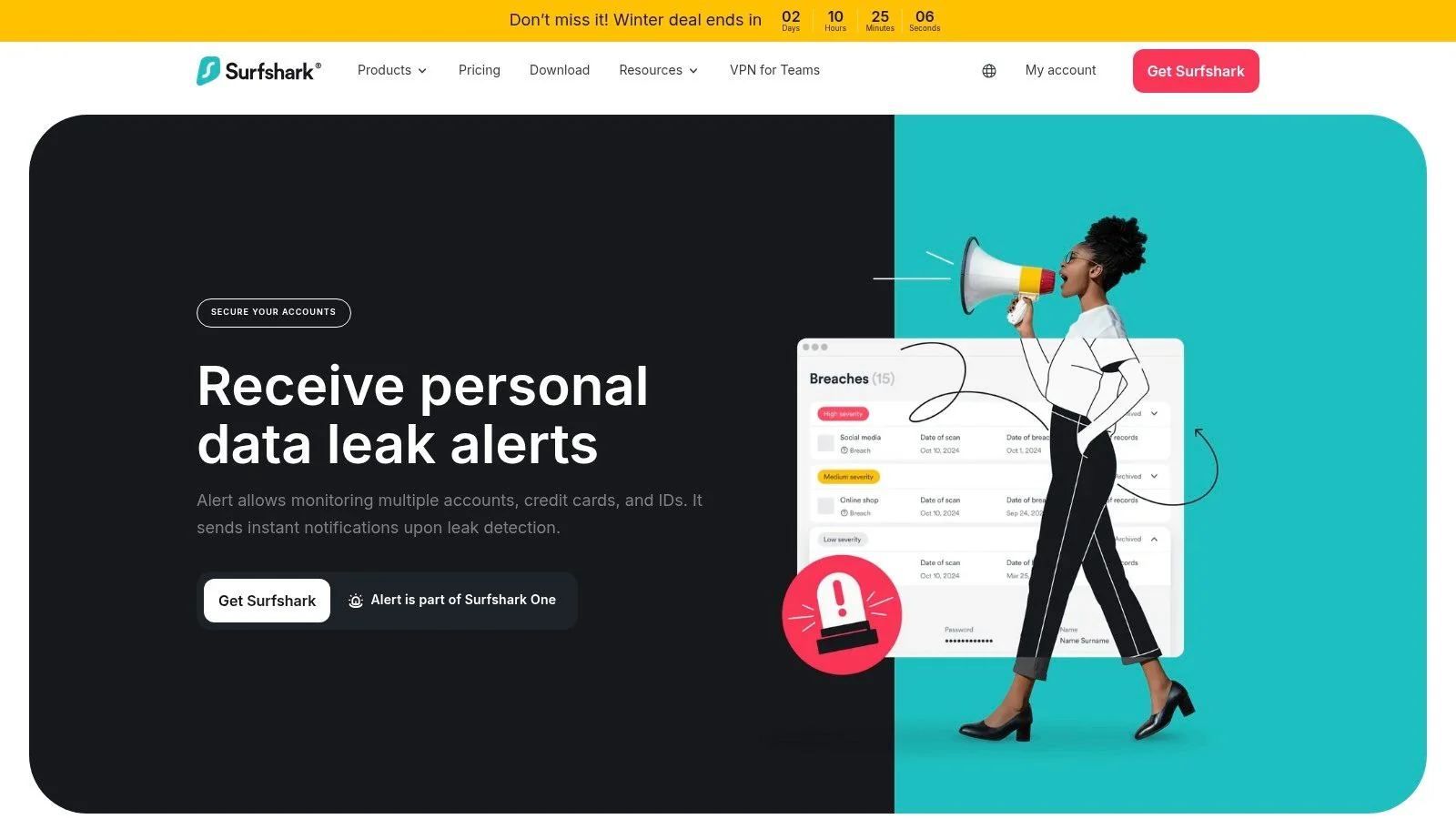
9. Surfshark Alert (part of Surfshark One/One+)
Surfshark Alert positions itself as a data-leak monitoring tool integrated into the broader Surfshark One security suite. While not a traditional free digital footprint checker for public-facing profiles, it serves a critical role in monitoring compromised personal data. It continuously scans for your email addresses, credit card numbers, and national ID numbers in breached databases, alerting you immediately if a leak is detected so you can take action.
The primary appeal of Surfshark Alert is its inclusion within a comprehensive security bundle that often includes a VPN, antivirus, and private search. This makes it a great value proposition for users already in the market for an all-in-one privacy solution. For professionals managing their online reputation, receiving an instant alert that a work email has been compromised in a breach allows them to proactively change passwords and secure accounts before the data can be exploited, protecting both personal and company assets. This preventative approach is key to cybersecurity.
Key Features and User Experience
The user experience is seamless, especially for existing Surfshark customers, integrating directly into their main dashboard. While a basic email leak check is available for free on their site, the core functionality, including monitoring for IDs and credit cards with 24/7 alerts, is a paid feature. Its focus is strictly on data breaches, meaning it won’t help you find old forum posts or public social media profiles. However, as a foundational layer of security, it effectively automates the crucial task of breach monitoring.
- Search Type: Email Address, National ID, Credit Cards
- Core Function: Continuous Data Breach and Leak Monitoring
- Cost: Included with paid Surfshark One/One+ subscriptions; limited free check available.
- Privacy: Requires an account as part of a paid security suite.
- Unique Offering: Integrated value within a complete VPN and cybersecurity bundle.
Website: https://surfshark.com/alert
10. DeleteMe (Free Exposure Scan)
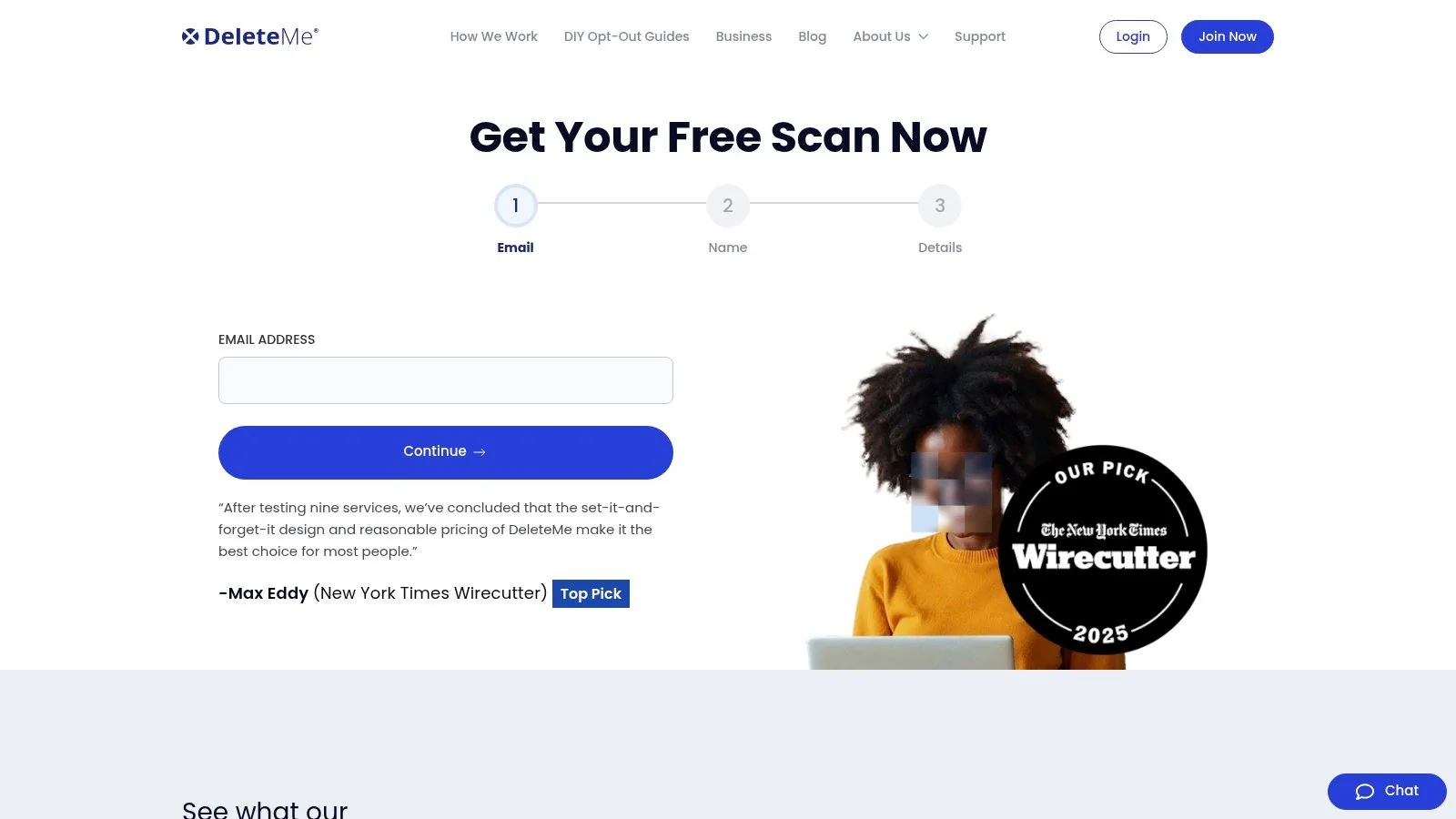
DeleteMe is a well-known privacy service focused on removing personal information from data brokers and people-search sites. While its core offering is a paid subscription, it provides an excellent free digital footprint checker in the form of an initial exposure scan. This scan gives you a preview of where your information, such as your name, age, and address, has been found across some of the most prominent data broker sites, which is a critical aspect of your digital footprint often overlooked in social media checkers.
The free scan serves as a powerful diagnostic tool. By entering your name and city, you get an immediate glimpse into how widely your personal data is exposed on the web, often on sites you’ve never heard of. For professionals managing their reputation or anyone concerned about personal safety, understanding this exposure is crucial, as this data can be exploited for doxxing, identity theft, or unwanted contact. The results provide a clear, actionable starting point for manual removal efforts or for evaluating their paid service.
Key Features and User Experience
The user experience for the free scan is fast and straightforward, designed to quickly highlight the problem of data broker exposure without requiring an account. The platform’s real strength lies in its paid service, where experts handle the tedious opt-out requests on your behalf and provide ongoing monitoring to prevent relisting. While the free tool is limited to showing potential listings rather than removing them, it effectively demonstrates the scope of the problem. It’s an essential first step for U.S. residents wanting to tackle the shadowy world of data brokers.
- Search Type: Name, City, State, Age
- Core Function: Data Broker Exposure Scan
- Cost: Free initial scan; full removal is a paid subscription service.
- Privacy: Requires name and location for the scan; has a clear privacy policy for its services.
- Unique Offering: Specializes in identifying and removing profiles from a vast network of U.S.-based data brokers.
Website: https://joindeleteme.com/scan/
11. BrandYourself (Free Online Reputation & Privacy Scan)
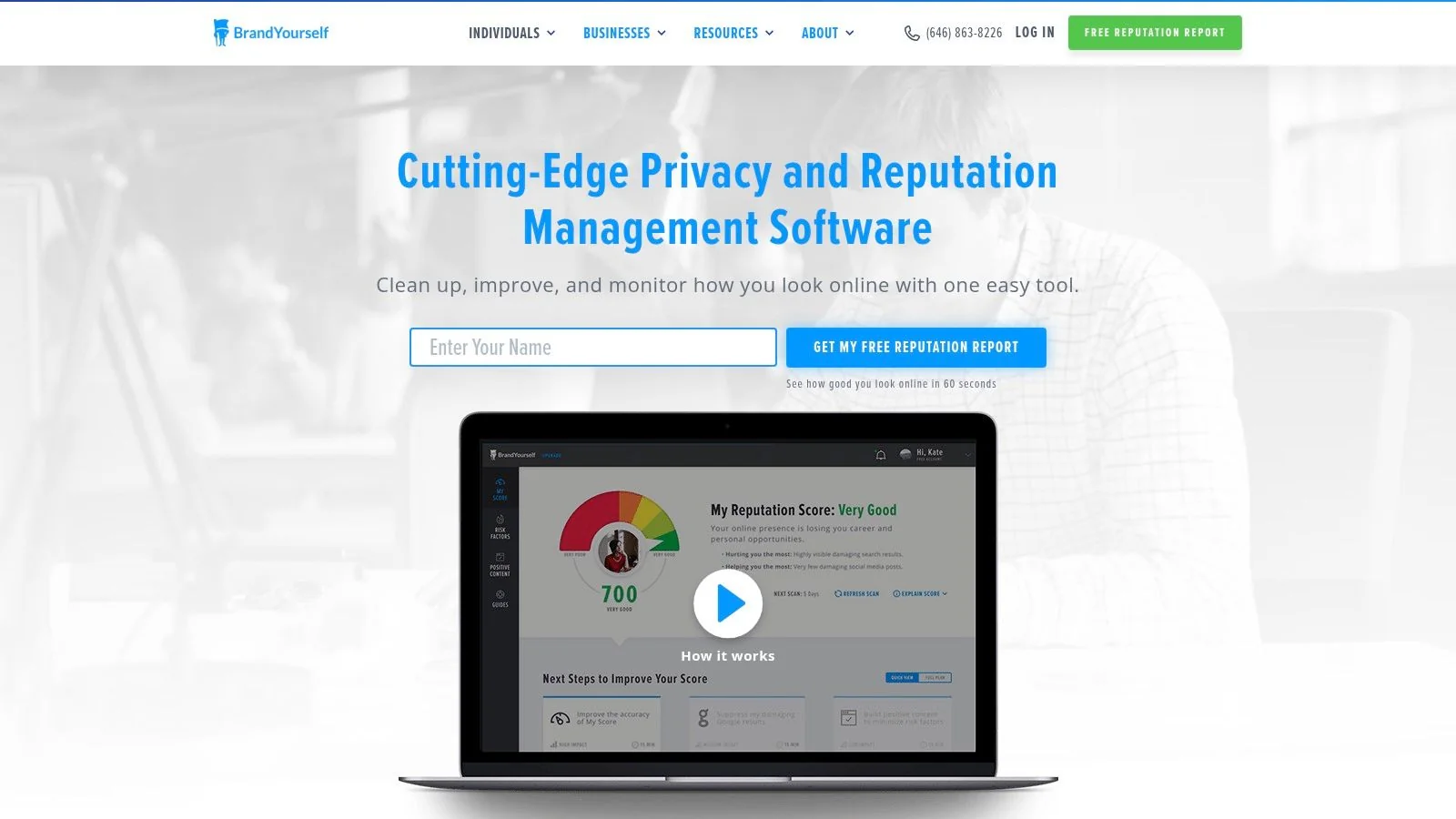
BrandYourself shifts the focus from purely technical exposures to the broader concept of online reputation management. It functions as a free digital footprint checker designed to assess how you appear in search results and across social media, making it particularly valuable for professionals and job seekers. Instead of just looking for breached data, it scans for negative Google results, potentially unprofessional social media posts or images, and exposed private information that could impact personal branding and job prospects.
The platform provides a “Reputation Score” that gives you a quick benchmark of your online presence. It flags specific items that could be problematic, such as old forum posts or ill-advised photos, and identifies personal information that has been exposed. This approach is more holistic than a simple data breach checker, offering insights into the content that shapes how employers, clients, and colleagues perceive you online. For example, it might flag a public photo from a decade-old social media account that clashes with the professional image you want to project today.
Key Features and User Experience
The user experience is guided and user-friendly, walking you through the scan process and presenting results in a clear dashboard. BrandYourself outlines a basic remediation plan, suggesting which items to address first to improve your score. The primary value lies in its initial diagnosis of your public-facing image, helping you understand what a hiring manager might find during a background check. While the free scan is an excellent starting point for reputation awareness, taking comprehensive action like removing negative content or suppressing search results typically requires upgrading to their paid services. This tool serves as a great first step in a larger reputation management strategy.
- Search Type: Name, Location, Social Profiles, Email
- Core Function: Online Reputation Score and Risk Assessment
- Cost: Free for the initial scan and report; paid plans for active management.
- Privacy: Requires account creation to run a scan and view results.
- Unique Offering: Focuses on professional reputation by analyzing search results and social media content quality.
Website: https://brandyourself.com/scan
12. Namechk (Username & Domain Footprint Checker)
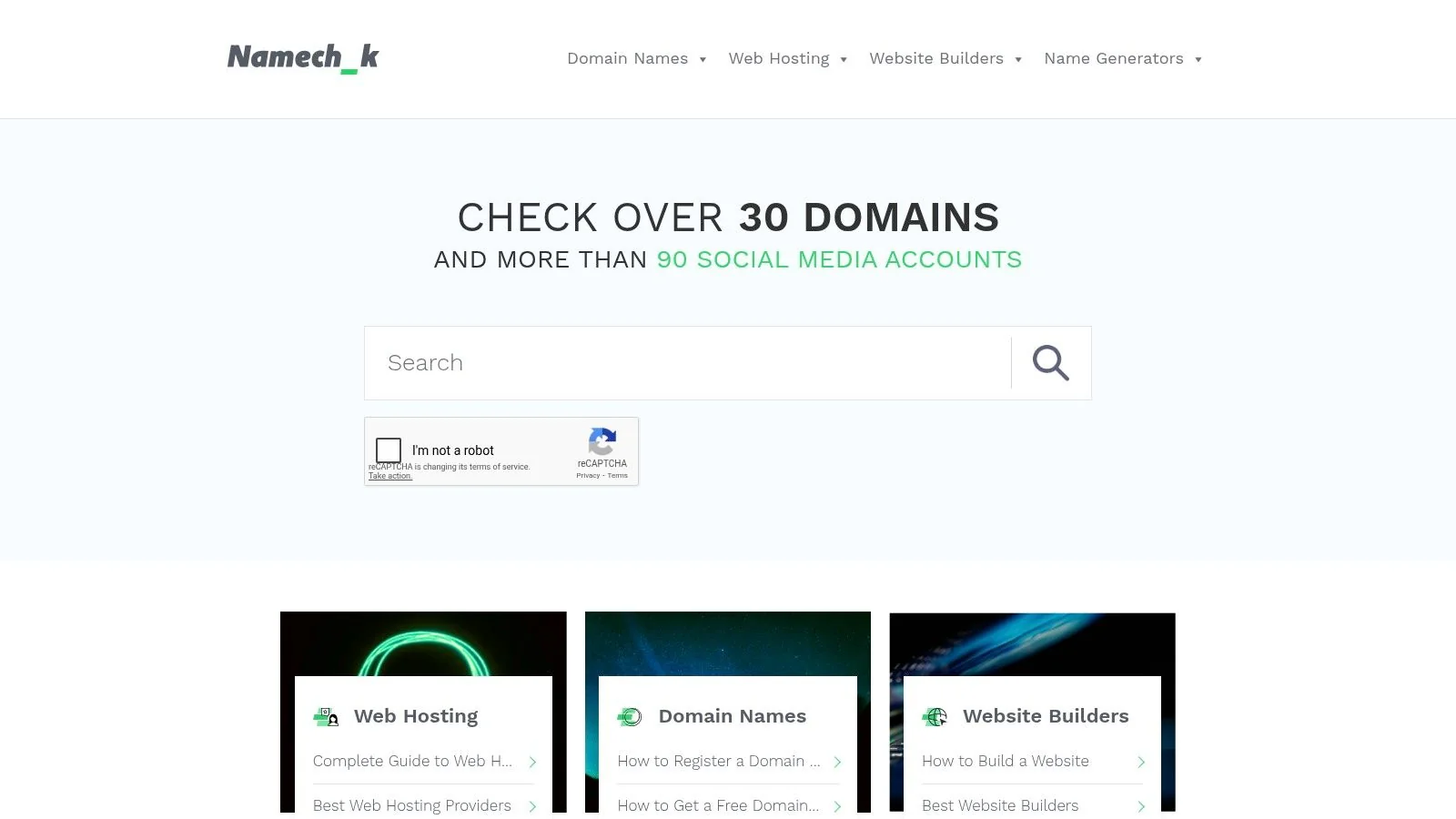
Namechk is a rapid-fire username and domain search engine that serves as a specialized free digital footprint checker for mapping out where a specific alias exists online. By entering a single username, the tool simultaneously queries over 90 social media, gaming, and creative platforms, as well as numerous domain extensions. This makes it an invaluable asset for discovering old, forgotten accounts, identifying potential impersonators, or securing brand consistency across the web.
The platform’s primary strength lies in its speed and breadth of platform coverage. For anyone looking to understand the reach of a particular handle, whether it’s their own or someone else’s, Namechk provides a near-instantaneous map of where that name is registered. This is particularly useful for job seekers wanting to ensure their professional handle isn’t tied to unprofessional accounts, gamers checking for name availability on new platforms, or individuals on dating apps wanting to see if a potential match is using the same username across other, less private social networks.
Key Features and User Experience
The user experience is straightforward: a single search bar yields a color-coded grid of results, showing which sites have the username taken and which have it available. This simplicity makes it highly accessible for quick audits. While it doesn’t confirm account ownership or provide deep profile data, it excels as a first-pass reconnaissance tool. For a more comprehensive analysis that connects usernames to actual profiles and associated data, you should explore a dedicated tool to scan your username and uncover the full context behind the accounts.
- Search Type: Username, Domain Name
- Core Function: Username Availability & Presence Check Across Platforms
- Cost: Completely free
- Privacy: No account required; functions as an anonymous web tool.
- Unique Offering: The fastest way to check a single username against dozens of social and domain platforms simultaneously.
Website: https://namechk.com
12 Free Digital Footprint Checkers — Feature Comparison
| Tool | ✨ Core features | ★ Quality / Trust | 💰 Pricing / Value | 👥 Target audience | 🏆 USP / Notes |
|---|---|---|---|---|---|
| Digital Footprint Check 🏆 | Scans 500+ platforms (social, breaches, gaming, public records); dark‑web & breach monitoring; DIY remediation guides | ★★★★☆ — GDPR, 256‑bit SSL, Trustpilot, 50K+ reports | 💰 Free tools + one‑time free report; optional subscriptions for continuous monitoring | 👥 Individuals, families, job seekers, gamers, online daters | 🏆 Recommended — Comprehensive OSINT coverage, actionable remediation, privacy‑first |
| Have I Been Pwned (HIBP) | Email/username breach lookups; Pwned Passwords; opt‑in alerts | ★★★★☆ — widely trusted, large breach corpus | 💰 Free; optional email alerts | 👥 General users, security pros, admins | Fast, community‑trusted breach database |
| Mozilla Monitor | Free scans & alerts; step‑by‑step fixes; Monitor Plus can request broker removals (US) | ★★★★ — nonprofit, privacy‑focused | 💰 Free basic; Monitor Plus paid for removals | 👥 Privacy‑conscious users | Privacy‑forward with broker removal workflow (paid) |
| Google “Results about you” | Alerts for personal contact info in Search; in‑flow removal requests; dashboard | ★★★ — integrated with Google Search (country limits) | 💰 Free | 👥 Google account holders, people monitoring Search exposure | Directly request removals from Google Search (not source sites) |
| Experian (Free scans) | Dark‑web email/phone/SSN scan; people‑search/data broker scan; guidance | ★★★★ — credit‑bureau backing | 💰 Free scans; paid plans for removals/ongoing monitoring | 👥 U.S. consumers, identity‑protection seekers | Combines breach/dark‑web checks with broker visibility |
| Avast Hack Check / Avast One Basic | Free email breach checks; upgrade to Avast One for continuous monitoring | ★★★ — reputable AV vendor | 💰 Free basic; paid for continuous multi‑email monitoring | 👥 Casual users, Avast customers | Easy entrypoint; integrates with broader security suite |
| Aura (Free Dark Web Scan) | Quick email breach snapshot; optional app/integration; subscription for full protection | ★★★ — consumer identity brand | 💰 Free single scan; subscription for full protection | 👥 Consumers wanting quick checks | Very fast, low‑friction scan |
| F‑Secure Identity Theft Checker | Email breach scan with follow‑up report emailed; privacy‑forward handling | ★★★ — privacy claims, simple workflow | 💰 Free | 👥 Users preferring emailed reports | Privacy‑forward, no‑storage claim for lookup |
| Surfshark Alert (One/One+) | 24/7 leak monitoring for emails, IDs, credit cards; integrated with VPN bundle | ★★★ — clear docs, bundled value | 💰 Paid (part of Surfshark One/One+) | 👥 VPN users, bundle seekers | Leak monitoring + VPN/antivirus bundle |
| DeleteMe (Free Exposure Scan) | Free data‑broker scan (name + location); subscription for removals & monitoring | ★★★★ — strong U.S. removal reputation | 💰 Free scan; paid subscription for removals | 👥 U.S. users needing broker takedowns | Specialist in U.S. data‑broker removals |
| BrandYourself (Free Scan) | Reputation score; flags risky Google results, social posts, images; remediation plan | ★★★ — reputation‑focused | 💰 Free scan; paid cleanup & monitoring | 👥 Job seekers, professionals, personal brands | Reputation scoring & suppression tools |
| Namechk | Username/handle + domain availability across ~90–100+ platforms/TLDs | ★★★ — fast, widely used | 💰 Free | 👥 Brands, creators, alias investigators, online daters | Broad username & TLD footprinting tool |
Taking Control of Your Digital Identity is a Continuous Process
The journey to reclaim your digital privacy doesn’t end after a single scan. As we’ve explored, your digital footprint is a dynamic, ever-expanding collection of data points scattered across the visible and hidden corners of the internet. Using a free digital footprint checker is an essential and empowering first step, but the real power lies in transforming this one-time audit into a continuous, proactive habit.
The tools detailed in this guide, from specialized breach monitors like Have I Been Pwned and Mozilla Monitor to comprehensive scanners like Digital Footprint Check and reputation managers like BrandYourself, each offer a unique lens through which to view your online exposure. They reveal the accounts you’ve forgotten, the data breaches that have compromised your credentials, and the public information that shapes how others perceive you online.
From Discovery to Active Management
Simply knowing about your exposure is not enough. The true value of these tools is realized when you move from discovery to action. This means methodically working through the results, deleting old and unused accounts, updating weak or compromised passwords, and adjusting privacy settings on your active profiles. It’s a process of digital hygiene, much like spring cleaning your home, that requires regular attention to maintain a secure and positive online presence.
Consider your specific needs when creating a routine.
- For Job Seekers and Professionals: Your online reputation is your digital resume. A regular check using a tool that scans public records and social media is non-negotiable. It helps ensure that a potential employer’s first impression is the one you want to make.
- For Online Daters: Your safety is paramount. Before meeting someone, use these tools to verify their identity and check for red flags like inconsistent profiles or photos appearing in suspicious places. This simple step is a powerful defense against catfishing and romance scams, which cost victims over $1.3 billion in 2022.
- For Gamers: Your gaming accounts often hold significant monetary and sentimental value. Use breach checkers to monitor the emails and usernames associated with your accounts to prevent takeovers and the theft of your digital assets.
- For Individuals Focused on Privacy: If your primary concern is data brokers and identity theft, tools that offer exposure scans and dark web monitoring, like those from Experian or DeleteMe, should be central to your strategy. This allows you to identify where your personal information is being sold and begin the process of removal.
Choosing Your Toolkit and Building a Routine
No single free digital footprint checker can provide a complete picture. The most effective strategy involves layering several tools to cover different aspects of your digital life. You might use one tool for its deep breach-checking capabilities, another for its social media and public record scanning, and a third for monitoring your various usernames across the web.
The key is to build a sustainable routine. Set a calendar reminder once a month or once a quarter to run your preferred scans. Document your findings in a secure location, noting which accounts were secured, which passwords were changed, and which profiles were deleted. This disciplined approach transforms you from a passive data subject into an active guardian of your digital identity.
Ultimately, managing your digital footprint is an act of empowerment. In a world where your data is a valuable commodity, taking proactive steps to control what is shared, what is public, and what is secure is one of the most important investments you can make in your personal and professional well-being. The peace of mind that comes from this control is invaluable.
While the free tools in this guide provide an excellent starting point, a dedicated, comprehensive platform can streamline this process significantly. Digital Footprint Check goes beyond basic scans by offering a deep and consolidated view of your exposures, combining breach data, public records, and online mentions into a single, actionable report. Take the next step in securing your digital life by getting your free, in-depth analysis today at www.digitalfootprintcheck.com/free-checker.