· Digital Footprint Check · Content Marketing · 24 min read
The 12 Best Internet Privacy Tools to Reclaim Your
Discover the 12 best internet privacy tools for 2025. This guide covers VPNs, password managers, and more to protect your digital identity and personal data.

Your digital footprint affects your job prospects and safety, so browsing in ‘incognito mode’ isn’t enough. 79% of Americans worry about how companies use their data, yet many feel powerless. Breaches make daily headlines, scammers work dating apps, and your information sits scattered across hundreds of forgotten platforms. That hidden profile can be exploited by identity thieves, damage your reputation, or compromise your gaming accounts.
This guide is a practical toolkit: 12 internet privacy tools, categorized by function, with real-world examples. A stray post from a decade ago can cost you a job interview; a leaked password from an old gaming forum can lose you an account worth hundreds. We cover VPNs, password managers, encrypted messaging, and breach monitoring, and explain what to use and why.
Each recommendation includes a link, pros and cons, and guidance on when to use it. We also cover niche topics; for one, many people wrongly assume certain cryptocurrencies are anonymous. See the full picture on Bitcoin’s anonymity. Your first step is understanding what information about you is out there.
Ready to see what the internet knows about you? Get a real-time view of your online exposure with a free scan at Digital Footprint Check.
1. Digital Footprint Check
Digital Footprint Check is an OSINT (Open Source Intelligence) platform that audits your digital life. It’s our top choice because it gives an immediate, actionable baseline: you can’t protect data you don’t know is exposed. A 2023 study found the average person has over 130 online accounts, many dormant and unsecured.
It scans over 500 data sources, beyond search results: hidden social profiles, public records, gaming accounts (Steam, Xbox, PlayStation), and breach databases and the dark web for leaked credentials. That gives you a full view of your exposure, from old forum posts to details usable for identity theft or a romance scam.
Why It Stands Out
The reports are clear and useful. After a scan you get a “Privacy Score” and a breakdown of vulnerabilities, plus step-by-step remediation guidance, turning the data into a manageable checklist. You can use their guides to learn how to erase your internet footprint and actively reduce your attack surface.
Core Features & Use Cases
- Extensive Data Source Auditing: Scans social media, public records, gaming networks, and the dark web to find connections tied to your email, phone number, or username.
- Immediate & Actionable Reporting: Get a free instant report to see your exposure. The dashboard provides clear, prioritized steps to secure accounts and remove unwanted information. Real-world impact: Find that forgotten dating profile before a new partner does, or uncover leaked passwords before your gaming accounts are compromised.
- Privacy-First Architecture: The platform is GDPR compliant, uses 256-bit SSL encryption, and doesn’t sell user data.
- Continuous Monitoring: Optional subscriptions send real-time alerts when your information appears in a new breach or public exposure.
Practical Considerations
The first report is free with no credit card, so you can assess your exposure without risk. It’s a good first step for job seekers managing their reputation or daters checking their visible information.
Website: https://www.digitalfootprintcheck.com
2. Proton
Proton offers a complete, Swiss-based privacy ecosystem, making it a powerful choice for anyone looking to consolidate their essential online services under a single, trusted provider. Rather than being just one tool, Proton is a suite that includes Proton Mail (end-to-end encrypted email), Proton VPN (an audited, no-logs VPN), Proton Pass (a zero-knowledge password manager), and Proton Drive (encrypted cloud storage). This unified approach is one of the best internet privacy tools for reducing your digital footprint across multiple vendors, minimizing the number of companies you need to trust with your data.

Proton’s key advantage is its integration. The tools work together seamlessly, governed by strong Swiss privacy laws. The free tier is generous enough for basic use, providing a great entry point to experience the ecosystem’s benefits. For those needing more, the Proton Unlimited plan unlocks premium features across all services, including more storage, advanced VPN servers, and enhanced password manager capabilities like a built-in 2FA authenticator and email aliases. This is particularly useful for managing your online reputation by using aliases for different services, preventing a single data breach from compromising your primary email.
Key Features & User Experience
Proton’s user interface is clean and modern across all its applications, whether on the web or mobile. While the bundle might be excessive if you only need a single service, the convenience of a unified account is a significant plus for privacy-conscious users. Be aware that pricing is listed in EUR, with conversions applied at checkout for US users.
- Best Use-Case: Individuals seeking an all-in-one, user-friendly replacement for mainstream services like Google Workspace or Apple iCloud, with a primary focus on privacy and security.
- Pros: Strong legal protection (Swiss jurisdiction), audited and open-source components, a comprehensive free plan, and a seamless all-in-one ecosystem.
- Cons: The bundled approach can be more than what a single-tool user needs, and currency conversion can be a minor inconvenience for non-European customers.
Website: https://proton.me
3. NordVPN
NordVPN has evolved from a popular consumer VPN into a broader security suite, making it one of the more versatile internet privacy tools available. While its core offering is a high-speed, no-logs VPN service, its value now extends to device-level protection through features like Threat Protection. This integrated tool blocks malicious websites, intrusive ads, and online trackers, and even scans your downloads for malware, offering a layer of security that operates beyond just encrypting your connection.
This bundled approach makes NordVPN a strong contender for users who want more than a VPN without committing to a full ecosystem like Proton. Its Meshnet feature allows you to create secure, private networks between your devices, which is perfect for securely accessing a home computer while traveling or setting up a private LAN party for gaming. For an even more comprehensive look at securing your data on the go, see our guide on how to manage your digital footprint while traveling abroad. Higher-tier plans also introduce optional identity protection services, though these are currently limited to US customers.
Key Features & User Experience
NordVPN’s applications are user-friendly and consistent across all major platforms, from desktop to mobile. The interface makes it easy to connect to the fastest server or choose a specific location. However, it’s crucial to be aware of the pricing model: the attractive introductory offers renew at a significantly higher rate, so factor that into your long-term budget. The 30-day money-back guarantee provides a risk-free way to test the full service.
- Best Use-Case: Users who want a fast, reliable VPN combined with active threat protection for blocking ads, trackers, and malicious sites without needing a full suite of encrypted services.
- Pros: Extensive feature set beyond a basic VPN, large server network with fast speeds, and a straightforward 30-day refund policy.
- Cons: Renewal prices are much higher than introductory rates, and advanced identity protection features are restricted to the US with some state-level exceptions.
Website: https://nordvpn.com
4. Mullvad VPN
Mullvad VPN takes a hardline stance on privacy, distinguishing itself as one of the best internet privacy tools by minimizing data collection at every step. Its core philosophy revolves around true user anonymity, starting with a unique signup process. Instead of asking for an email or username, Mullvad generates a random account number, which is all you need to log in. This approach is ideal for anyone looking to secure their online identity without creating new data trails, a crucial step in preventing the kind of data aggregation that can affect job prospects or personal safety.

The platform’s commitment to privacy extends to its payment methods and pricing model. Mullvad offers a simple, flat rate of €5 per month, eliminating confusing long-term contracts and seasonal promotions that often aim to collect more user data. More importantly, it accepts anonymous payment options, including cash sent by mail and privacy-focused cryptocurrencies like Monero, alongside traditional methods. This allows users to pay for the service without linking a financial identity to their VPN account, offering a level of anonymity that few competitors can match.
Key Features & User Experience
Mullvad’s desktop and mobile applications are straightforward and easy to use, focusing on essential functionality rather than an overwhelming number of features. The interface is clean, making it simple to connect to a server and confirm your connection is secure. While it intentionally omits features like dedicated streaming servers or port forwarding to maintain a higher security standard, its performance and privacy credentials are top-tier.
- Best Use-Case: Users who demand the highest level of anonymity and privacy, prioritizing minimal data collection and anonymous payment options over a vast feature set.
- Pros: Truly anonymous account creation (no email), transparent flat pricing, accepts cash and privacy cryptocurrencies, and independently audited.
- Cons: Lean on features compared to some competitors, and the fixed EUR pricing requires currency conversion for non-European users.
Website: https://mullvad.net
5. ExpressVPN
ExpressVPN is a premium, long-standing VPN provider known for its high-speed performance and user-friendly applications across a vast range of devices. Its proprietary Lightway protocol is engineered for speed, security, and reliability, making it an excellent choice for activities like streaming, gaming, and secure browsing. While many VPNs are just that, ExpressVPN has expanded its offerings in higher-tier plans to include a password manager and tracker/ad blocking, positioning itself as a more comprehensive privacy solution.

The platform’s key differentiator is its polished simplicity combined with powerful, independently audited security features. The tiered plans primarily scale with the number of simultaneous device connections allowed, making it easy to choose a plan based on your household or device needs. While initial long-term plans offer significant promotional discounts, it’s important for users to be aware that these prices increase upon renewal. The 30-day money-back guarantee provides a risk-free way to test the service and ensure it meets your privacy requirements, a crucial step when selecting internet privacy tools to protect your online identity.
Key Features & User Experience
ExpressVPN’s apps are consistently praised for their clean, intuitive design, allowing users to connect to a secure server with a single click. This simplicity makes advanced privacy accessible even to beginners. The broad platform support ensures you can protect everything from your laptop and phone to your smart TV and gaming console, helping secure your entire digital footprint from a central hub.
- Best Use-Case: Users who prioritize speed, ease of use, and broad device compatibility for activities like streaming and secure public Wi-Fi access, and are willing to pay a premium for a polished experience.
- Pros: Proprietary Lightway protocol offers excellent speeds, apps are simple and polished across all major platforms, and long-term introductory discounts are compelling.
- Cons: Renewal prices are significantly higher than the initial promotional rates, and its cost is higher than some competitors that offer more privacy-focused features.
Website: https://www.expressvpn.com
6. Bitwarden
Bitwarden stands out in the crowded password manager market by combining open-source transparency with an exceptionally accessible price point. It provides a complete, cross-platform solution for securing your login credentials, passkeys, and other sensitive information using zero-knowledge encryption. This ensures that only you can ever access your vault data. A single leaked password can be the starting point for total identity theft; according to the latest Verizon DBIR, stolen credentials are the number one cause of data breaches. As one of the most cost-effective internet privacy tools, Bitwarden is an ideal choice for users who want robust security features without a significant financial commitment.

The platform’s key advantage is its generous free tier, which offers unlimited passwords across unlimited devices, a feature many competitors charge for. For those needing more advanced capabilities, its Premium plan is affordable (around $10 per year), unlocking features like built-in two-factor authentication (2FA) and emergency access. For tech-savvy users who demand total control, Bitwarden even offers a self-hosting option, allowing you to manage your encrypted vault on your own server. This flexibility makes it a powerful tool for everyone from beginners to security experts.
Key Features & User Experience
Bitwarden’s user interface is functional and straightforward across its wide range of apps and browser extensions. While it may lack some of the visual polish of more expensive rivals, its core functionality is reliable and efficient. The setup is simple, and importing data from other password managers is a smooth process. Its open-source nature provides an extra layer of trust, as its codebase is open to public scrutiny and security audits.
- Best Use-Case: Individuals and families looking for a highly affordable, secure, and transparent password manager that works across all their devices without major limitations.
- Pros: Extremely low cost for premium features, open-source transparency for enhanced trust, and a self-hosting option for maximum data control.
- Cons: The user interface can feel less refined than premium competitors, and some enterprise-level features are reserved for higher-tier business plans.
Website: https://bitwarden.com
7. Yubico
Yubico is the manufacturer and direct retailer of YubiKeys, the highest standard in hardware security keys for multi-factor authentication (MFA). Rather than relying on less secure SMS codes (vulnerable to SIM-swapping) or authenticator apps, YubiKeys provide phishing-resistant protection by requiring a physical device to approve logins. This makes them one of the most effective internet privacy tools for stopping account takeovers, a critical step in securing your digital identity and preventing unauthorized access to your gaming profiles, financial accounts, and email. Buying directly from Yubico ensures you receive authentic, untampered hardware.
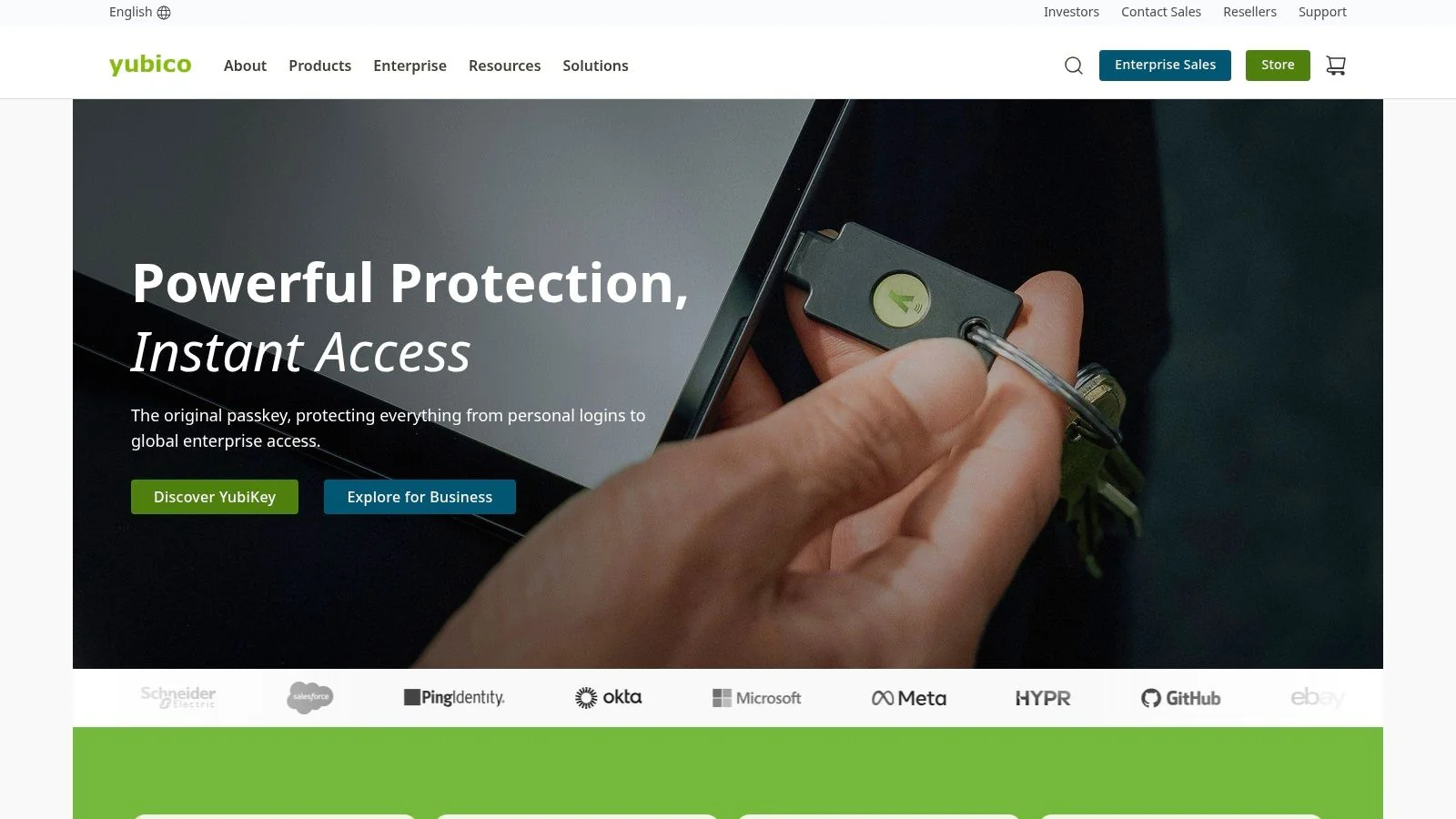
The primary advantage of using a YubiKey is its broad compatibility across major platforms like Google, Microsoft, and Twitter, supporting protocols like FIDO2/WebAuthn and U2F. The Yubico website offers the full range of products, with various form factors including USB-A, USB-C, and NFC for mobile devices. They ship directly from warehouses in the US and EU, ensuring quick and reliable delivery for consumers and offering enterprise-level distribution. Integrating a physical key into your security routine is a foundational element of sound personal cybersecurity best practices, effectively neutralizing the threat of credential stuffing and phishing attacks.
Key Features & User Experience
Navigating the Yubico website is straightforward, helping users find the right key based on their devices and required protocols with a helpful quiz. While the hardware requires an initial investment and setup with each of your online accounts, the long-term security benefit is immense. Prices are generally fixed at MSRP, so promotional deals are less common than with third-party retailers.
- Best Use-Case: Anyone looking to add the strongest form of MFA to their critical online accounts, from social media and email to financial services and password managers.
- Pros: Phishing-resistant security, direct-from-manufacturer authenticity, broad service compatibility, and multiple form factors for different devices.
- Cons: Requires a one-time purchase per key, and setup can be a manual process as you must add the key to each service individually.
Website: https://www.yubico.com
8. Privacy Guides
Privacy Guides is an essential educational resource rather than a single tool, offering a comprehensive, volunteer-run knowledge base dedicated to digital privacy. It provides rigorously vetted recommendations for software and services, alongside detailed guides for hardening your digital defenses. For anyone overwhelmed by the sheer number of internet privacy tools available, this ad-free, non-commercial website serves as a trusted starting point for making informed decisions, from choosing a secure browser and VPN to configuring your operating system for maximum privacy.

The platform’s key strength lies in its transparent, community-driven methodology. All content is open-source, and recommendations are based on clear, objective criteria, helping users understand the trade-offs between different options. Instead of promoting a single product, it equips you with the knowledge to select the best tools for your specific threat model. This educational approach empowers you to build a robust privacy framework that protects your personal information, which is a crucial step before auditing your exposure with a service like a digital footprint check.
Key Features & User Experience
Navigating Privacy Guides is straightforward, with a clean, wiki-style layout that is easy to read and search. Content is organized by tool category (e.g., browsers, email providers, VPNs), making it simple to find what you need. Because it’s a volunteer effort, the depth of content can vary, but the core recommendations are consistently well-researched and up-to-date.
- Best Use-Case: Individuals new to digital privacy or those looking for unbiased, community-vetted recommendations before choosing and implementing privacy software and services.
- Pros: Transparent review methodology, ad-free and non-commercial, offers practical hardening guides, and is a great resource for understanding privacy trade-offs.
- Cons: Not a direct provider of tools (it links out to recommended services), and the depth of information may differ between topics due to its volunteer-run nature.
Website: https://www.privacyguides.org
9. DuckDuckGo
DuckDuckGo is a well-known privacy-focused search engine that has expanded into a comprehensive suite of internet privacy tools, including a dedicated browser for mobile and desktop. Its core philosophy is simple: your data is your own. The platform offers a seamless, all-in-one solution for everyday browsing with powerful privacy protections enabled by default, such as built-in tracker blocking, smarter encryption (forcing HTTPS where available), and protection from invasive cookie pop-ups. It is designed to be an accessible replacement for mainstream search engines and browsers that often track user activity.

What makes DuckDuckGo stand out is its commitment to user-friendliness and simplicity. The signature “Fire Button” allows users to instantly clear all local browsing data, including tabs and history, with a single click. The platform also provides an Email Protection service that removes trackers from emails and lets you create private email aliases. For US-based users, a subscription service called Privacy Pro is available within the DuckDuckGo apps, adding a VPN and a personal information removal service to help scrub your details from data broker sites. Understanding these options is one of the key ways to protect your online privacy without a steep learning curve.
Key Features & User Experience
The user experience across DuckDuckGo’s apps and desktop browser is clean, intuitive, and fast. By blocking trackers before they load, pages often render quicker than on other browsers. While the search results may occasionally differ from Google’s, they are more than sufficient for most users and are delivered without creating a personal profile on you. The core features are free, making it an excellent starting point for anyone looking to improve their daily online privacy.
- Best Use-Case: Individuals looking for an easy, set-and-forget private browser and search engine for daily use across all devices.
- Pros: Strong privacy defaults, simple “Fire Button” for clearing data, cross-device availability, and free core features.
- Cons: Subscription features like the VPN and data removal are currently limited to US users and tied to the DDG apps.
Website: https://duckduckgo.com
10. Cloudflare 1.1.1.1 / WARP
Cloudflare offers one of the simplest yet most effective internet privacy tools for securing your device’s connection to the internet. At its core is the 1.1.1.1 DNS resolver, which prevents your Internet Service Provider (ISP) from logging your browsing history by encrypting your DNS queries. The companion WARP app extends this protection by encrypting all traffic leaving your device, shielding it from local network snooping on public Wi-Fi and providing a crucial layer of last-mile privacy.
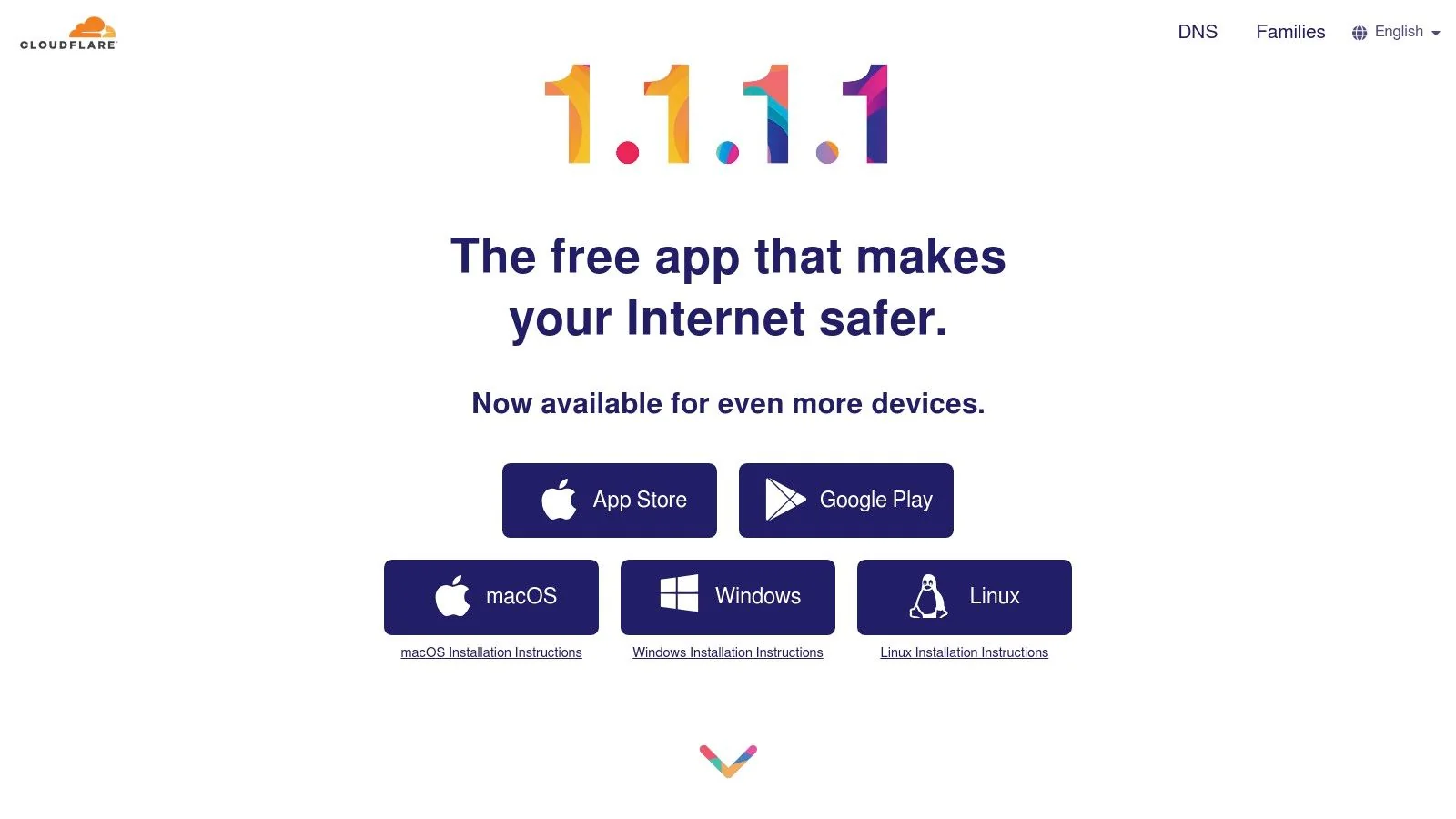
Unlike a full VPN, WARP isn’t designed for geo-unblocking or hiding your IP address from websites; instead, its primary goal is to secure your connection to the internet. This makes it an excellent complementary tool to use alongside a privacy-focused browser and password manager. The free version provides significant security benefits, while the paid WARP+ subscription uses Cloudflare’s Argo smart routing to potentially speed up your connection. It’s a foundational step in preventing your ISP and local network administrators from tracking your digital footprint.
Key Features & User Experience
Cloudflare’s apps for desktop and mobile are designed for simplicity with a one-tap “on” switch, making advanced privacy accessible to anyone, regardless of technical skill. It’s a “set it and forget it” tool that works quietly in the background to protect your data. While not a replacement for a comprehensive VPN service, it’s a powerful and free upgrade to your baseline internet privacy.
- Best Use-Case: Non-technical users looking for a simple, one-click way to encrypt their device traffic and prevent ISP tracking without the complexity of a full VPN.
- Pros: Extremely easy to use with one-tap activation, provides immediate DNS and traffic encryption for free, and is a great foundational privacy layer.
- Cons: Not a true VPN (doesn’t hide your IP from websites or allow geo-unblocking), and performance improvements require a paid subscription.
Website: https://one.one.one.one
11. Mozilla
Mozilla offers a trusted, non-profit-backed suite of internet privacy tools centered around its well-known Firefox browser. Rather than a single product, Mozilla provides an integrated ecosystem designed to protect your data across various fronts. This includes the Firefox browser with robust built-in privacy controls, Mozilla VPN for secure browsing on multiple devices, and Mozilla Relay for generating email aliases to protect your real inbox from spam and data breaches. This approach makes it a strong contender for users who value open-source principles and want to support a privacy-first mission.

Mozilla’s key advantage is its trustworthy reputation and the synergy between its products. For those seeking comprehensive protection, the Mozilla Privacy Protection Plan bundles the VPN, premium Relay features, and a data-broker removal service, helping you reclaim control of personal information that could expose you to identity theft or affect job prospects. The services are priced clearly in USD and come with a 30-day money-back guarantee, offering a risk-free way to test their effectiveness.
Key Features & User Experience
Mozilla’s products are known for their user-friendly interfaces and straightforward setup, making them accessible even for those new to privacy tools. While the VPN’s server network is smaller than some dedicated competitors, it provides solid performance for everyday use. The bundle is ideal for users looking to consolidate their privacy stack under a single, reputable provider.
- Best Use-Case: Individuals who already trust and use the Firefox browser and want to extend that privacy-focused experience with an integrated VPN and email alias service.
- Pros: Backed by a respected non-profit with an open-source ethos, offers a 30-day money-back guarantee, and provides a well-integrated set of privacy tools.
- Cons: The VPN has a more limited server network compared to specialized providers, and the all-in-one plan may offer more features than a single-tool user requires.
Website: https://www.mozilla.org
12. Best Buy
While software is crucial, physical hardware is an essential layer for robust online security, and Best Buy serves as a reliable, mainstream retailer for acquiring these vital components. The national US electronics store is a key destination for purchasing physical internet privacy tools like YubiKey security keys, offering a tangible defense against account takeovers. Its primary advantage is accessibility; users can often get these tools the same day through in-store pickup, bypassing shipping delays and verifying product authenticity in person.
For those new to hardware security, Best Buy provides a convenient and low-friction entry point. Unlike ordering directly from manufacturers, which may involve international shipping or longer wait times, Best Buy’s vast network of local stores simplifies acquisition and returns. This is particularly beneficial for individuals who have identified security gaps through a digital footprint audit and need to implement stronger account protection immediately. Having official distribution relationships ensures you receive genuine products, avoiding the risk of counterfeit devices from less reputable online marketplaces.
Key Features & User Experience
Navigating Best Buy’s website or app to find security keys is straightforward, with clear product listings and customer reviews to guide your purchase. The ability to check local inventory online before visiting is a significant convenience. While prices might occasionally be higher than direct-from-manufacturer sales, the trade-off for immediate availability and an easy return process is often worth it for critical security upgrades.
- Best Use-Case: Individuals in the US needing to quickly acquire physical security hardware like YubiKeys for multi-factor authentication, especially those who prefer in-person pickup and local returns.
- Pros: Reliable US availability with a large local store footprint, official distributor status ensures authentic products, and convenient same-day pickup options.
- Cons: Prices can be slightly higher than manufacturer promotions, and specific model availability can vary significantly by store and region.
Website: https://www.bestbuy.com
Top 12 Internet Privacy Tools Comparison
| Product | Core features ✨ | Trust & Quality ★ | Price / Value 💰 | Target audience 👥 | Key USP ✨ |
|---|---|---|---|---|---|
| Digital Footprint Check 🏆 | OSINT scans 500+ platforms; breach & dark‑web detection; instant reports & monitoring | ★★★★★ privacy‑first, GDPR & 256‑bit SSL | 💰 Free one‑time report; optional subscriptions; family & enterprise plans | 👥 Individuals, families, job seekers, gamers | ✨ Comprehensive OSINT + step‑by‑step remediation |
| Proton | Encrypted Mail, VPN, Pass, Drive; unified privacy suite | ★★★★☆ Swiss jurisdiction, audited apps | 💰 Free tiers; Proton Unlimited bundle paid | 👥 Privacy‑focused users wanting an ecosystem | ✨ End‑to‑end encrypted multi‑app suite |
| NordVPN | High‑speed VPN, Threat Protection, Meshnet | ★★★★☆ Large, well‑known provider | 💰 Tiered plans; promo-first‑term pricing | 👥 General users wanting VPN + device protections | ✨ Threat Protection & Meshnet P2P links |
| Mullvad VPN | Anonymous account numbers; flat pricing; cash/crypto payments | ★★★★☆ Strong anonymity focus | 💰 €5/month flat pricing | 👥 Privacy purists, anonymous users | ✨ No‑email signup; cash & Monero accepted |
| ExpressVPN | Lightway protocol, tracker blocking, tiered device limits | ★★★★☆ Fast, polished apps | 💰 Premium pricing; 30‑day refund | 👥 Users wanting speed & ease | ✨ Proprietary Lightway + broad platform support |
| Bitwarden | Open‑source password manager; passkeys; self‑hosting | ★★★★☆ Transparent, reliable | 💰 Free generous tier; Premium $10/yr; Families $40/yr | 👥 Individuals & families on a budget | ✨ Open‑source + self‑host option |
| Yubico | YubiKey hardware: FIDO2/WebAuthn, U2F, OTP, PIV | ★★★★★ Manufacturer authenticity & enterprise options | 💰 MSRP hardware pricing (fixed) | 👥 Enterprises & high‑assurance users | ✨ Phishing‑resistant physical MFA keys |
| Privacy Guides | Curated hardening guides & provider shortlists | ★★★★☆ Volunteer‑run, transparent methodology | 💰 Free resource | 👥 Learners, researchers comparing tools | ✨ Non‑commercial, up‑to‑date recommendations |
| DuckDuckGo | Private search & browser, tracker blocking, Fire Button | ★★★★☆ Easy privacy defaults | 💰 Free core; US‑only subs for VPN/data removal | 👥 Everyday users seeking simple privacy | ✨ Built‑in tracker blocking + Fire Button |
| Cloudflare 1.1.1.1 / WARP | Privacy DNS resolver; WARP encrypts device traffic; WARP+ perf upgrade | ★★★★☆ Reliable network infrastructure | 💰 Free basic; WARP+ paid | 👥 Non‑experts wanting easy DNS/privacy | ✨ One‑tap setup; DNS privacy + optional WARP+ |
| Mozilla | Firefox browser, Mozilla VPN, Relay email aliasing | ★★★★☆ Non‑profit, open‑source trust | 💰 Browser free; VPN & bundles paid | 👥 Users valuing open‑source & trust | ✨ Non‑profit ethos + integrated privacy tools |
| Best Buy | Retail sales of hardware keys, in‑store pickup/returns | ★★★☆☆ Reliable US retail availability | 💰 Retail pricing; sometimes above MSRP | 👥 Buyers wanting local pickup/returns | ✨ Fast local pickup & verified stock |
From Awareness to Action: Building Your Digital Privacy Fortress
Navigating the digital world without a strategy for privacy is like leaving your home unlocked. We’ve explored a comprehensive arsenal of internet privacy tools, from robust VPNs like NordVPN and Mullvad to all-encompassing ecosystems like Proton and stalwart browsers from Mozilla. Each tool serves a specific purpose, acting as another layer in your personal security framework. You’ve seen how password managers like Bitwarden eliminate the risk of weak, reused credentials and how physical keys from Yubico provide a nearly impenetrable barrier against account takeovers.
The central theme connecting these resources is the principle of layered defense. A single tool, while helpful, is rarely a complete solution. True digital resilience comes from a strategic combination of these technologies, tailored to your specific online behaviors and risk tolerance. For a gamer, this might mean a fast VPN and a breach monitor for their gaming profiles. For a job seeker managing their professional reputation, it might involve secure communication apps and regular audits of their public-facing information. For someone using dating apps, it means understanding what a potential match can discover about them with just a name or email.
Your Path Forward: From Tools to Strategy
The journey to better online privacy doesn’t end with downloading an app; it begins with understanding what you need to protect. Before you can effectively deploy these internet privacy tools, you must first map the territory. What forgotten accounts, old forum posts, or publicly accessible data points make up your current digital footprint?
Your implementation strategy should be incremental and manageable. Don’t try to adopt everything at once. Instead, focus on the biggest vulnerabilities first.
- Start with a Baseline Audit: The most critical first step is to gain visibility. You can’t protect what you don’t know exists. An initial, thorough scan of your online presence reveals the exposed data that needs immediate attention.
- Prioritize the “Big Three”: For most users, the most impactful starting points are a reputable password manager, a trustworthy VPN, and enabling two-factor authentication on all critical accounts. Secure these pillars first.
- Layer on Specific Solutions: Once the foundation is set, address your unique needs. If you’re a journalist, encrypted communication tools are paramount. If you’re a parent, monitoring for exposed family information becomes a priority. For individuals managing their own websites, understanding how to install an SSL certificate is a crucial step in encrypting data and protecting user privacy.
- Cultivate Mindful Habits: Tools are only as effective as the person using them. Be skeptical of unsolicited messages, think before you click, and regularly review the privacy settings on your most-used platforms.
Sealing the Cracks in Your Digital Foundation
Ultimately, the most powerful privacy tool is knowledge. Knowledge of the threats, knowledge of the solutions, and most importantly, knowledge of your own vulnerabilities. The tools listed in this guide are the bricks and mortar for your digital fortress, but you are the architect. By taking a proactive, informed approach, you shift from being a passive target to an active defender of your own data. Your digital life is your own; it’s time to build the walls to protect it.
The first and most crucial step is knowing what you’re up against. Run a free, instant scan with Digital Footprint Check to uncover exposed personal information, forgotten accounts, and data broker profiles. Start building your privacy fortress on a solid foundation by discovering your true digital footprint today.


