· Digital Footprint Check · Content Marketing · 15 min read
Clone Sim Card: Your Guide to Preventing Account Theft
Learn how to detect a clone SIM card attack, what attackers want, and the steps to protect your accounts. Prevent identity theft and secure your digital life.
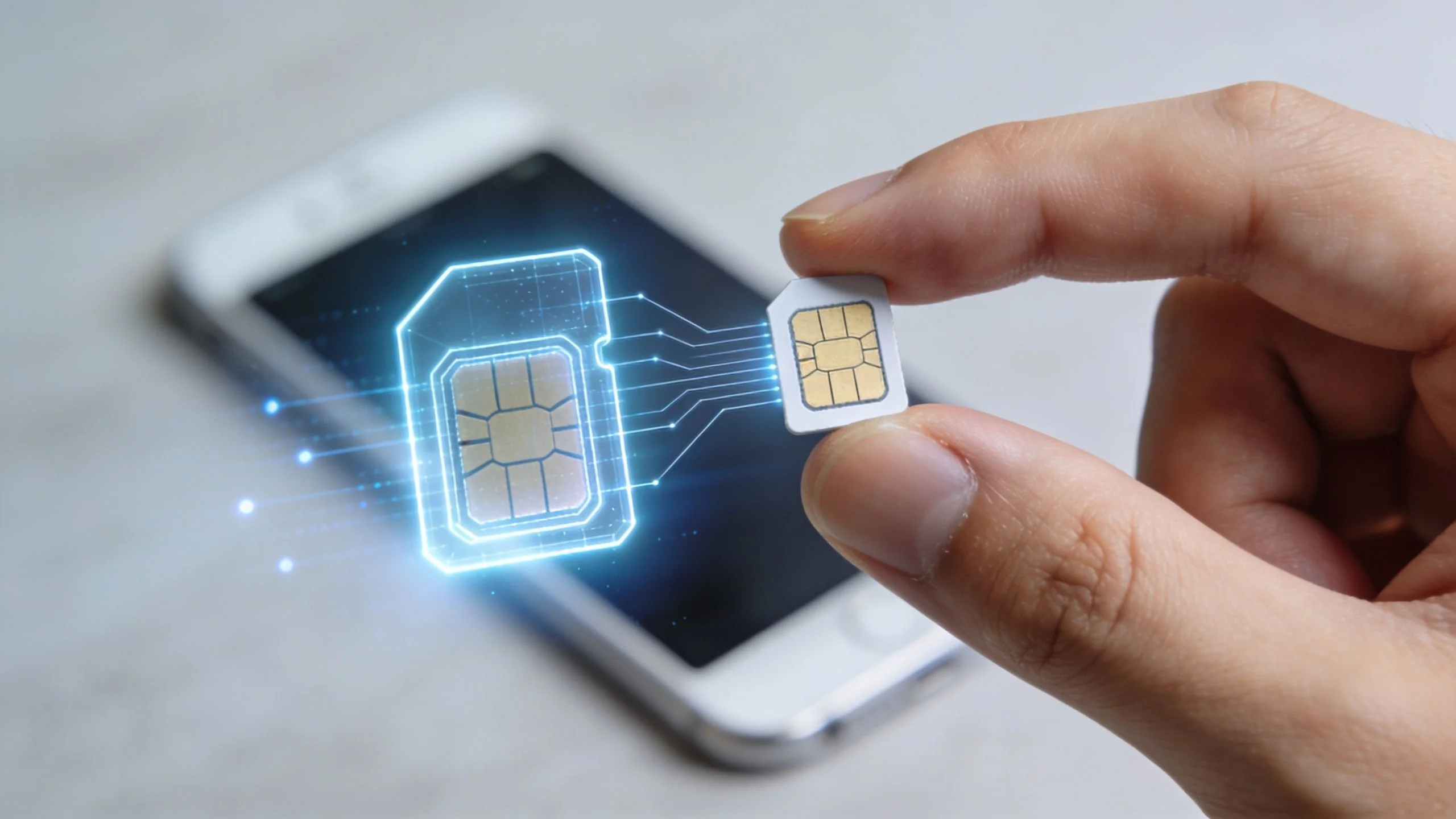
Your phone still has battery. It still worked an hour ago. Then calls stop connecting, texts never arrive, and a password reset code for an account you care about goes missing.
A little later, the pattern gets harder to dismiss. Your email is locked. A bank notification appears. A gaming profile with years of progress is suddenly under someone else’s control. For people with public-facing jobs, the fallout can spread further into impersonation, contact scraping, or doxxing.
A clone sim card attack can cause that kind of chain reaction. It works like someone copying the identity badge attached to your mobile number, then using that copy to receive calls, texts, and one-time login codes that were meant for you. Once an attacker controls that stream of messages, your phone number stops being just a way to talk to people. It becomes a shortcut into the accounts tied to your life.
The financial stakes are significant. But money is only one part of the risk. A stolen number can also lead to locked email, hijacked social media, drained payment apps, and fraud aimed at friends, family, or coworkers who trust messages that appear to come from you.
The smart move starts before your phone ever loses service. Check where your number is exposed, remove what does not need to be public, and tighten the accounts that would hurt most if someone got access. A useful first step is reviewing your exposure around payments and identity data with this guide on preventing credit card fraud.
Your Phone Goes Silent Then Your Bank Account Drains
A lot of people hear “SIM attack” and think of a niche cybercrime that only happens to crypto traders. That’s a mistake.
A phone number sits in the middle of modern identity. It’s tied to email recovery, bank alerts, delivery apps, dating profiles, gaming logins, work accounts, and family group chats. When an attacker gets control of that number, they aren’t just stealing a telecom service. They’re stealing a shortcut into the rest of your digital life.
Here’s a common pattern. Your phone loses signal even though you’re normally covered in that area. You wait. Nothing changes. A little later, password reset texts stop arriving. Then you notice account alerts in your email, or friends ask why you sent them a strange message.
A compromised phone number can act like a master reset button for your online accounts.
For some victims, the first visible damage is financial. For others, it’s reputation. A scammer with access to your messages can impersonate you, target your contacts, or lock you out of an account you’ve spent years building. If you’re a gamer, that could mean losing a rare account and all the purchases attached to it. If you’re job hunting, it could mean a social profile gets hijacked right when a recruiter searches your name.
Why this catches people off guard
It’s often assumed that hacking looks dramatic. Pop-ups. Malware warnings. A dead phone. SIM attacks don’t always look like that.
Sometimes the warning sign is subtle:
- Missed codes that should have arrived instantly
- Odd account recovery emails you didn’t request
- Friends getting messages you never sent
- Calls going straight to voicemail without a clear reason
That mix of confusion is what makes this threat dangerous. People explain away the early symptoms, and attackers use that delay.
What is SIM Cloning and How is it Different from a SIM Swap
SIM cloning and SIM swapping get lumped together, but they aren’t the same thing.
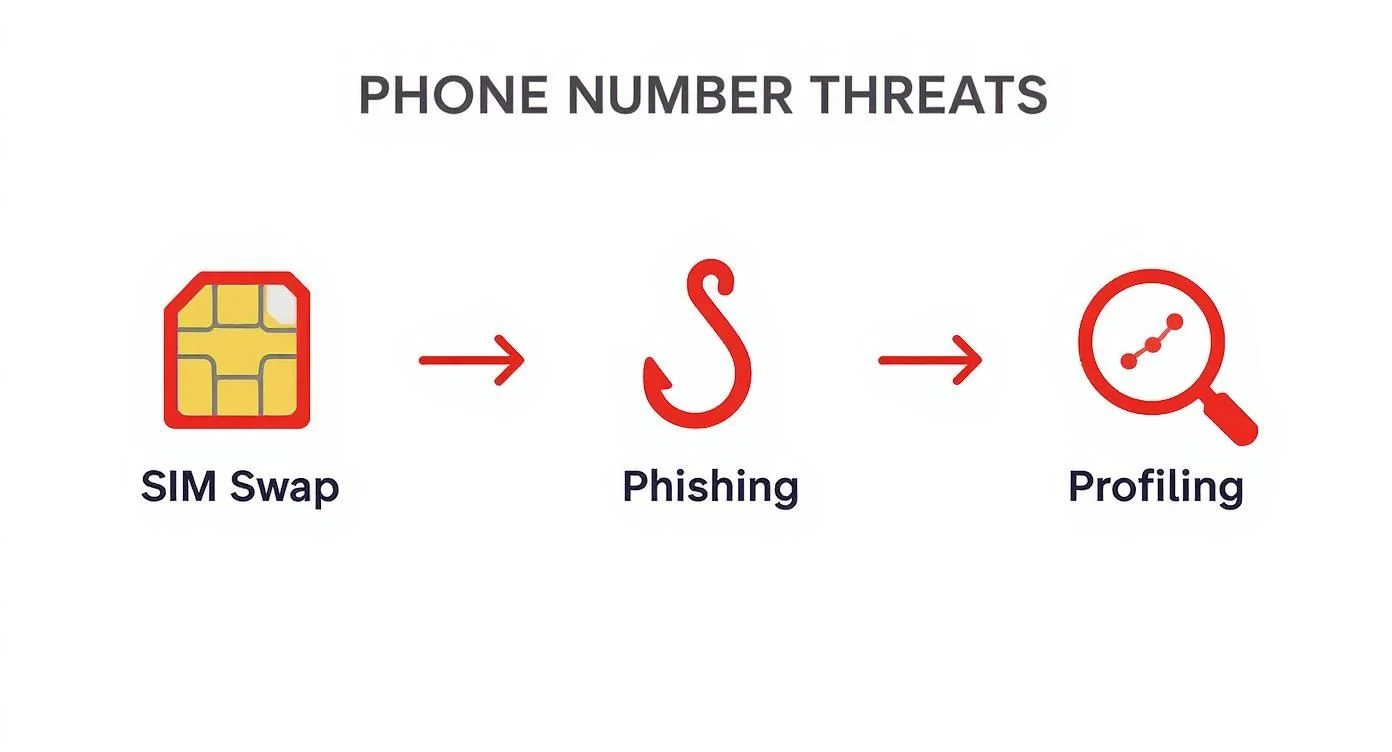
SIM swapping usually means the attacker tricks the carrier into moving your phone number onto a new SIM card they control. That’s more like persuading a locksmith to issue a fresh key.
SIM cloning is different. The attacker tries to create a duplicate of the original SIM’s identity data so the copy can act like the authentic one. That’s more like making a forged key from the original.
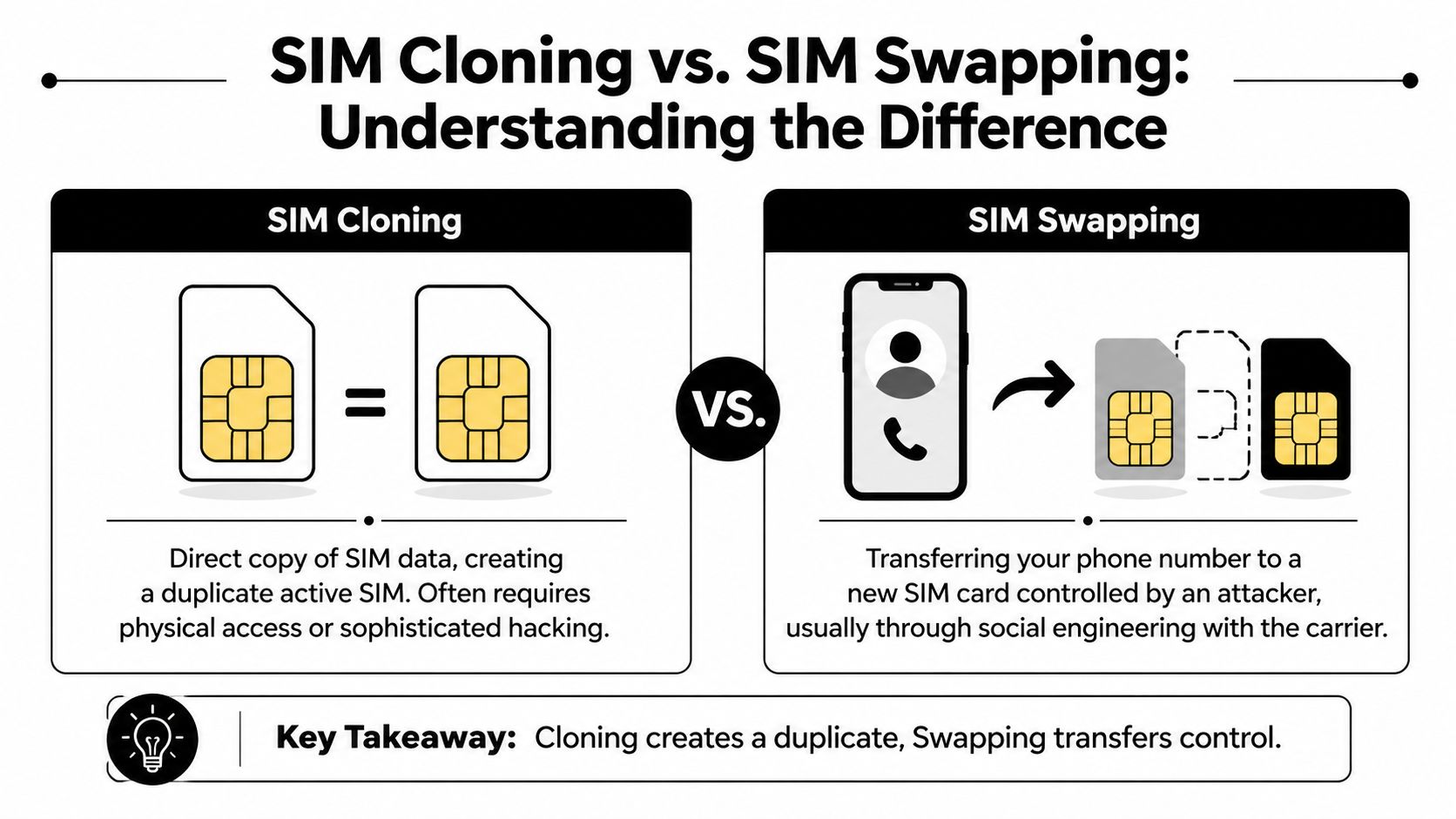
If your phone number is exposed in too many places, both threats get easier to pursue. This breakdown of what hackers can do with your phone number makes that risk concrete.
The simplest way to tell them apart
| Threat | How it usually happens | What you notice | Why it’s dangerous |
|---|---|---|---|
| SIM cloning | Technical copying of SIM identity data | Sometimes subtle problems, sometimes service issues | The attacker may receive calls, texts, and verification codes tied to your number |
| SIM swapping | Social engineering with the carrier | More obvious service disruption is common | Your number gets transferred to a SIM the attacker controls |
The part that confuses most readers
People often think, “If my SIM were cloned, my phone would stop working immediately.”
Not always. A key detection gap with cloning is that the attacker may mirror communications without causing obvious disruption right away. That can make the clone sim card problem harder to spot than a straightforward carrier takeover.
Practical rule: If your security depends on SMS alone, your phone number is doing too much work.
Why the distinction matters
The difference changes how you defend yourself.
A SIM swap leans heavily on carrier account security and social engineering defenses. A clone sim card attack leans more on the technical security of the SIM itself, the surrounding mobile network, and your dependence on texted codes. In both cases, the safest move is the same. Stop treating SMS as your strongest lock.
The Attacker’s Playbook How SIMs Are Cloned
Attackers don’t clone SIMs because it’s interesting. They do it because a phone number enables access to valuable accounts.
That includes email inboxes, banking apps, social media, marketplaces, and gaming platforms where an account can be resold or held for ransom. If someone can intercept your login codes, they don’t need to guess much. They can just walk through recovery flows that were designed for the intended owner.
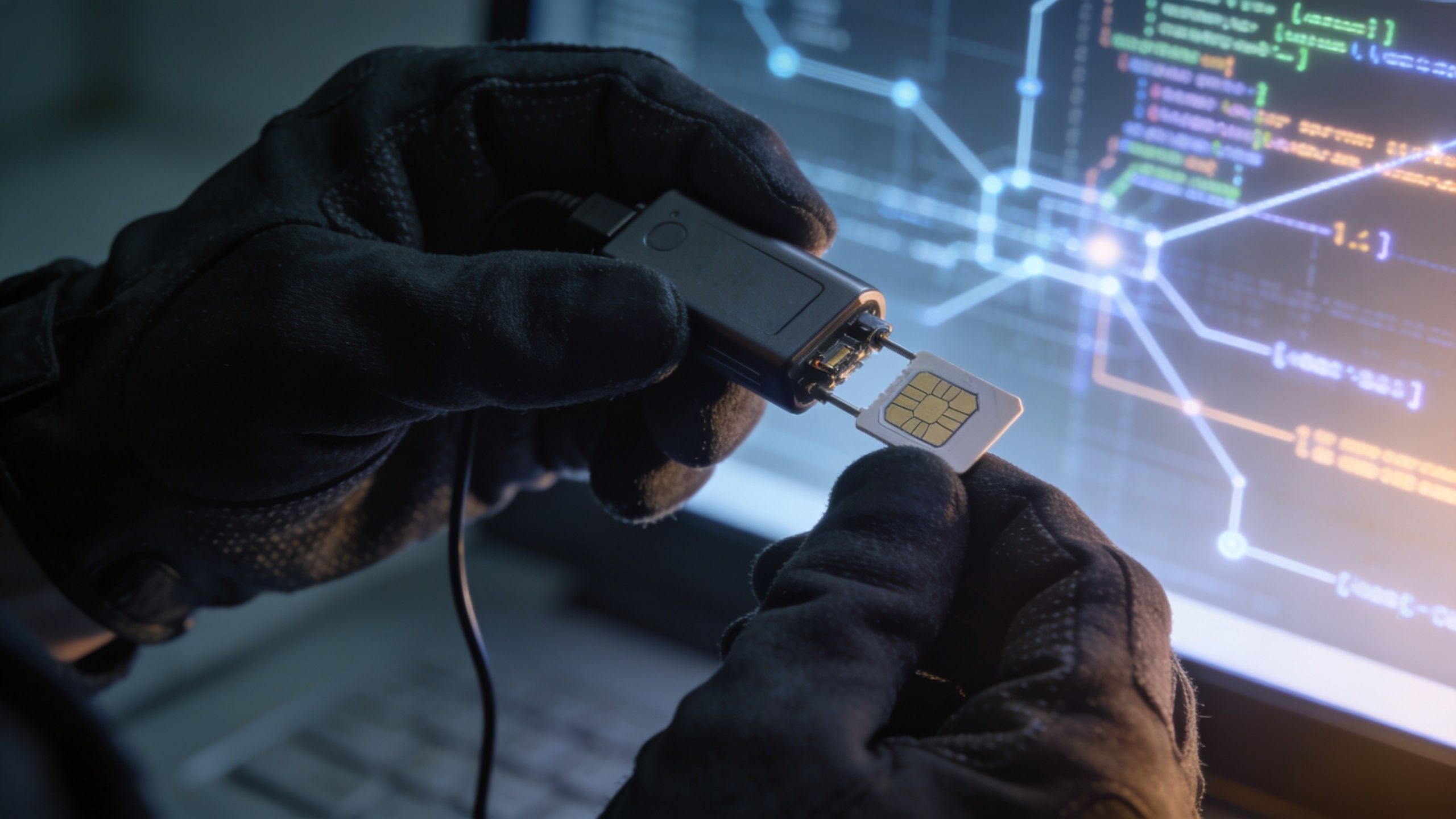
The two things attackers want
A SIM’s identity isn’t just your phone number. Two pieces matter most:
- IMSI, the International Mobile Subscriber Identity
- Ki, the secret authentication key
If an attacker gets both, they can try to program that identity onto another SIM. That’s the core of the clone sim card idea.
A lot of personal data posted online helps attackers get close enough to try. Old forum posts, public social media bios, marketplace listings, and leaked account data all make targeting easier. That’s why your wider privacy exposure matters as much as the mobile threat itself. This overview of the hidden dangers of your digital footprint and what hackers can learn about you connects those dots well.
Older SIMs had a bigger weakness
Historical SIM security wasn’t always strong. According to Kaspersky’s history of SIM cloning weaknesses, older GSM SIM cards that used COMP128v1 could be cloned by extracting the secret Ki after a series of calculations. Researchers showed in the late 1990s that the key could be reverse-engineered, which enabled full duplication of the SIM’s authentication data.
That matters for two reasons. First, it proves SIM cloning isn’t a myth. Second, it shows that telecom security evolves unevenly. Some protections improve, but older systems and legacy devices can linger.
Modern cloning didn’t disappear
Newer SIMs are harder to clone through the old methods, but that doesn’t mean the threat vanished.
Research presented at Black Hat described 3G and 4G USIM cloning through Differential Power Analysis, a side-channel method that profiles power consumption during key operations. The presentation explains that attackers used a PC, an oscilloscope, and roughly 10,000 traces to recover the 128-bit Ki, and reported a success rate above 90% with 5,000 to 10,000 traces, as detailed in the Black Hat paper on cloning 3G and 4G SIM cards with a PC and an oscilloscope.
That’s technical, but its practical meaning is simple. Better encryption didn’t end the problem. Attackers shifted from exploiting weak algorithms directly to exploiting how hardware leaks information while doing secure operations.
Security doesn’t fail only when math is weak. It also fails when devices reveal secrets while using that math.
Why criminals care so much
The payoff isn’t just account access. It’s speed.
Once a criminal can intercept your texted codes, they can reset passwords, enroll your number on new services, or impersonate you with believable messages. A scammer doesn’t need your whole life story if your phone number can approve the next step for them.
Warning Signs Your SIM Card May Be Cloned
A cloned SIM can be noisy, but it can also be quiet enough that people miss it.
One of the biggest problems is the detection gap. Unlike SIM swaps that often cause obvious “no service” alerts, stealthy cloning can mirror communications such as SMS and 2FA codes to the attacker’s device without immediate disruption, as explained in Cape’s write-up on SIM cloning detection gaps and eSIM manipulation. That means victims may not realize what’s happening until after money is gone or accounts are locked.
Red flags that deserve immediate attention
Use this as a checklist, not a diagnosis.
Security codes you didn’t request
OTP texts for password resets, wallet access, or sign-ins you never initiated are one of the clearest warning signs.Unexpected account lockouts
If your email, bank, streaming app, or game launcher suddenly says your password changed, assume compromise until proven otherwise.Service behaving strangely
Intermittent signal loss, calls that don’t ring, or voicemail patterns that suddenly change can indicate trouble.Phone bill anomalies
Calls, texts, or charges you don’t recognize deserve a same-day call to your carrier.Friends or coworkers reporting odd messages
Attackers often use a compromised number to send phishing links that look like they’re from you.
The hard part about spotting it
People look for total failure. They expect the phone to stop working completely.
But cloning can be messy rather than clean. Some functions may seem normal while others don’t. You may still have Wi-Fi access and receive app notifications, which makes it easy to blame the carrier, your device, or a random app glitch.
Don’t ignore mixed signals. “Some texts arrive, some don’t” is not a harmless symptom when account security is involved.
When to treat it as an emergency
Treat the situation as urgent if two things happen together:
- Phone behavior changes suddenly
- Account security alerts start appearing
That combination matters more than any single symptom by itself. If your number protects your email or financial apps, a delay of even a short time can give an attacker room to reset more accounts.
Your Action Plan for Prevention and Recovery
The smartest defense against a clone sim card attack starts before anything goes wrong. You want fewer ways for someone to target your number, fewer accounts that rely on texted codes, and a faster response if something looks off.
If you also want a broader safety net around breached credentials and exposed identity data, it’s worth reviewing options for dark web monitoring services.
Proactive defenses that lower your risk
Start with the basics often overlooked.
Lock down your carrier account
Use a strong, unique password for your mobile account. Add a carrier PIN or passcode if your provider offers one. If customer support asks security questions, avoid answers that are easy to find on social media.Move away from SMS for important accounts
Your email account comes first. Then banking, password manager, crypto exchange, and primary social accounts. Switch to app-based authenticators such as Google Authenticator or Authy when available. For the most sensitive accounts, use a physical security key.Reduce what your phone number can access Review password reset settings, recovery methods, and backup phone numbers. If a service still relies heavily on SMS, make sure the password is unique and long.
Treat your email as the crown jewel
If someone gets your inbox, they can reset almost everything else. Secure it better than any other account you own.
Device and account habits that help
A few habits make detection faster and abuse harder.
| Habit | Why it helps |
|---|---|
| Review carrier notices | You may catch changes to account details or service events sooner |
| Check login history in major accounts | Parallel access or strange locations can reveal takeover attempts |
| Use a password manager | Unique passwords stop one compromise from cascading |
| Separate public and private numbers when possible | It reduces the blast radius if one number becomes widely exposed |
This short explainer is worth watching if you want a plain-language overview before making account changes:
Immediate response if you suspect compromise
Move fast and work in this order.
Call your carrier from another phone
Ask them to freeze or deactivate the line, verify recent account changes, and add extra account protections.Secure your email account first
Change the password, revoke unknown sessions, and replace SMS-based recovery with a safer method.Then secure financial and high-value accounts
Banking apps, payment apps, crypto platforms, marketplace accounts, and game accounts should follow immediately.Check recent messages, call logs, and account alerts
Look for password resets, unusual logins, or messages sent to contacts.Warn people close to you
If someone is impersonating your number, your contacts may be the next targets.Document everything
Save screenshots, carrier case numbers, billing anomalies, and account recovery emails. That record helps with disputes and formal reports.
If your phone number protects money, work accounts, or your main email, don’t wait overnight to respond.
One decision that often helps
If your device and carrier support eSIM, it’s worth evaluating. Physical SIM cards create an obvious physical target. eSIM doesn’t solve every telecom threat, but it removes part of the old-school cloning path and can simplify account management on modern devices.
Using OSINT to Find Your Phone Number Exposure
Many assume SIM attacks begin at the carrier. In practice, attackers often start with reconnaissance. They look for one simple answer first: whose phone number is this, and what doors might it open?
That is the pre-attack stage often overlooked. A phone number works like a master label stuck on boxes across the internet. If that label appears on an old marketplace post, a public bio, a gaming profile, and a breached account record, an attacker can start stacking those boxes together until your identity becomes clear.

That is what OSINT means here. Open-source intelligence is collecting public clues and connecting them. Recruiters use it to verify a candidate. Investigators use it to trace activity. Criminals use it to decide whether your number is worth targeting.
A number becomes more valuable when it points to something worth stealing or abusing. That could be your primary email, banking alerts, crypto exchange logins, cloud backups, a business account, or even a gaming account with expensive skins and years of purchases. It can also expose your home city, employer, relatives, or usernames, which makes phishing messages more convincing and doxxing much easier.
Phone numbers commonly leak through places like these:
- Old social media bios with contact details you forgot to remove
- Marketplace and classified ads tied to your real identity
- Forum posts and community profiles where the same username appears across sites
- Data broker and people-search pages that bundle your number with addresses or relatives
- Past data breaches that connect your number to email addresses and passwords
If your number appears in global directories or cross-border listings, a reverse international phone number lookup guide can help you understand how much context a stranger may be able to pull from a single number.
Start your own check the way an attacker would. Search your full number in quotes. Search shortened formats, with and without country code. Then search the number next to your name, usernames, email addresses, gamer tags, company name, and city. You are not trying to prove you are under attack. You are measuring how easy it would be to build a believable attack against you.
Focus on patterns, not just single results.
If your number leads to your real name, and that leads to your Instagram, and that leads to your employer, and that leads to your work email, an attacker now has enough context to impersonate you convincingly. That is how a technical telecom threat turns into a practical account takeover, a payroll scam, or a targeted attempt to reset your login credentials.
Public exposure does not guarantee a SIM attack. It does lower the work required to pick you as a target, profile your accounts, and pressure weak recovery paths. Reducing that visibility early is often easier than cleaning up after your number has already been abused.
Take Control of Your Digital Identity Today
A clone sim card attack sounds technical because it is technical. But the defense is surprisingly human. Reduce exposure. Remove weak recovery paths. Pay attention when small signs don’t add up.
Three moves matter most.
First, secure your carrier account with a strong password and any PIN or account lock your provider offers. Second, get important accounts off SMS-based 2FA, especially email, banking, crypto, and your main social accounts. Third, find out where your phone number is exposed online before someone else does.
That last point is where many people miss a significant opportunity. If attackers can easily connect your phone number to your identity, your employer, your gaming handle, or your financial habits, they can build a much better attack. Prevention starts with knowing what they can already see.
You don’t need to be paranoid. You do need to be deliberate. Treat your phone number like a sensitive credential, not a casual contact detail handed out to every app, forum, and data broker that asks.
Your phone number can open the door to your email, bank alerts, gaming accounts, dating profiles, and personal reputation. Digital Footprint Check helps you see where that exposure exists so you can act before a scammer does. Start with the free checker at Digital Footprint Check and find out what your digital footprint reveals.