· Digital Footprint Check · Content Marketing · 13 min read
Your Guide to Hiding Profile on Pof: 2026 Privacy Steps
Learn the steps for hiding profile on POF in 2026. Our guide covers visibility settings, deleting vs. hiding, and finding cached copies for total privacy.
You’ve probably reached the point where Plenty of Fish feels like clutter. Maybe you met someone. Maybe the app stopped being fun. Maybe an ex found your profile, or you realized your face, age range, and location details were sitting online longer than you were comfortable with.
A lot of people think the fix is simple. Delete the app, stop checking messages, move on. That feels private, but it usually isn’t. If your profile is still active, other users may still be able to find it, and copies of old profile pages may still linger outside the app itself.
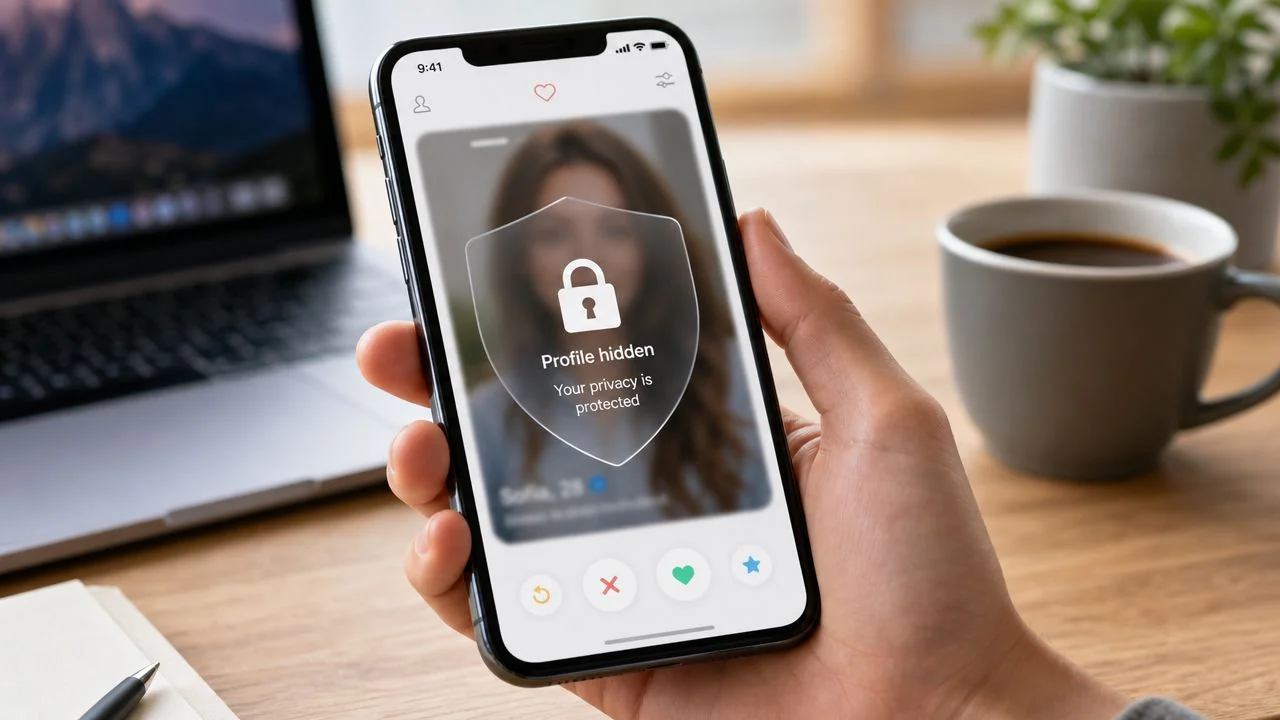
That’s why hiding profile on POF needs to be treated as a privacy task, not just a dating-app housekeeping task. If you want to step back safely, you need to handle both the profile inside POF and the digital residue that can remain elsewhere.
Why Simply Leaving POF Is Not Enough
Walking away from a dating app without changing settings is the online equivalent of leaving your front door unsecured because you don’t plan to come home tonight. You may be gone, but your information is still there.

I see this most often when someone takes a break from dating after a bad experience. They uninstall the app, assume they’ve disappeared, and then find out weeks later that their profile is still visible or that screenshots and old links are still circulating. For some people, that’s embarrassing. For others, it affects personal safety, workplace reputation, or a new relationship.
Uninstalling is not privacy
Deleting the app from your phone only removes local access. It doesn’t hide your account, change visibility, or close the profile. If you never touched your account settings, your profile may still be available to people browsing the platform.
That matters more than people think. Dating profiles often include photos, preferences, rough location information, and writing style clues that can help someone identify you across other platforms.
Practical rule: If you want to disappear from a dating app, always assume app removal and account privacy are two separate jobs.
Some users step away because they’re burned out and plan to come back later. Others are trying to avoid unwanted contact, catfishing, or harassment. If you’re in that second group, it also helps to understand broader online dating risks and exposure patterns, because the problem usually extends beyond one app screen.
Your profile can outlive your interest in dating
There’s also a quieter issue. A hidden or inactive dating profile can still leave context behind. Someone who searches your name, username, or images later may form conclusions before you ever get a chance to explain.
That’s one reason I tell people to think about privacy before they think about polish. Yes, good conversations matter, and if you do return to dating, strong effective online dating opening lines can help you start better chats. But first, make sure only the people you want to see you can find you.
How to Hide Your POF Profile in 2026
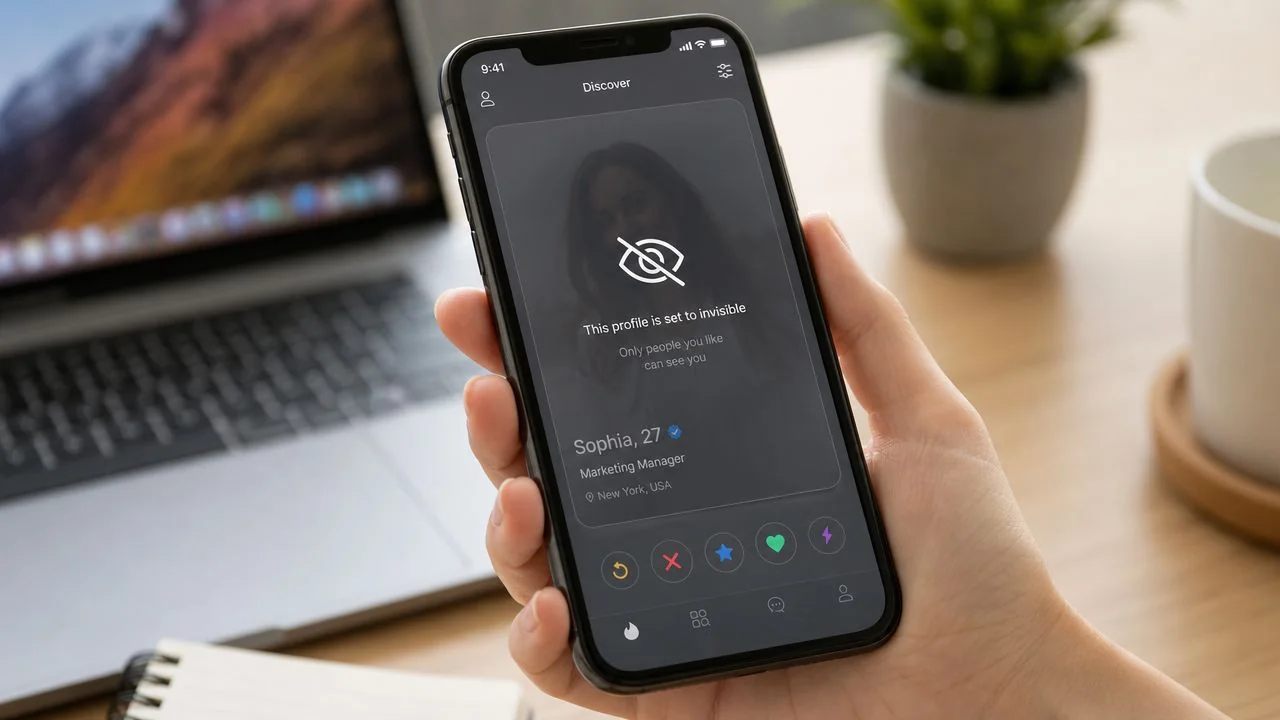
Hiding profile on POF works best when you stop thinking of it as one switch. POF treats visibility, browsing privacy, and stepping away as separate controls. Its help content says the platform includes Incognito and a Take a Break feature, and that Take a Break makes your profile no longer visible on the platform in supported situations, which shows these are distinct privacy actions rather than one master setting in POF’s Incognito FAQ.
Start with the visibility controls
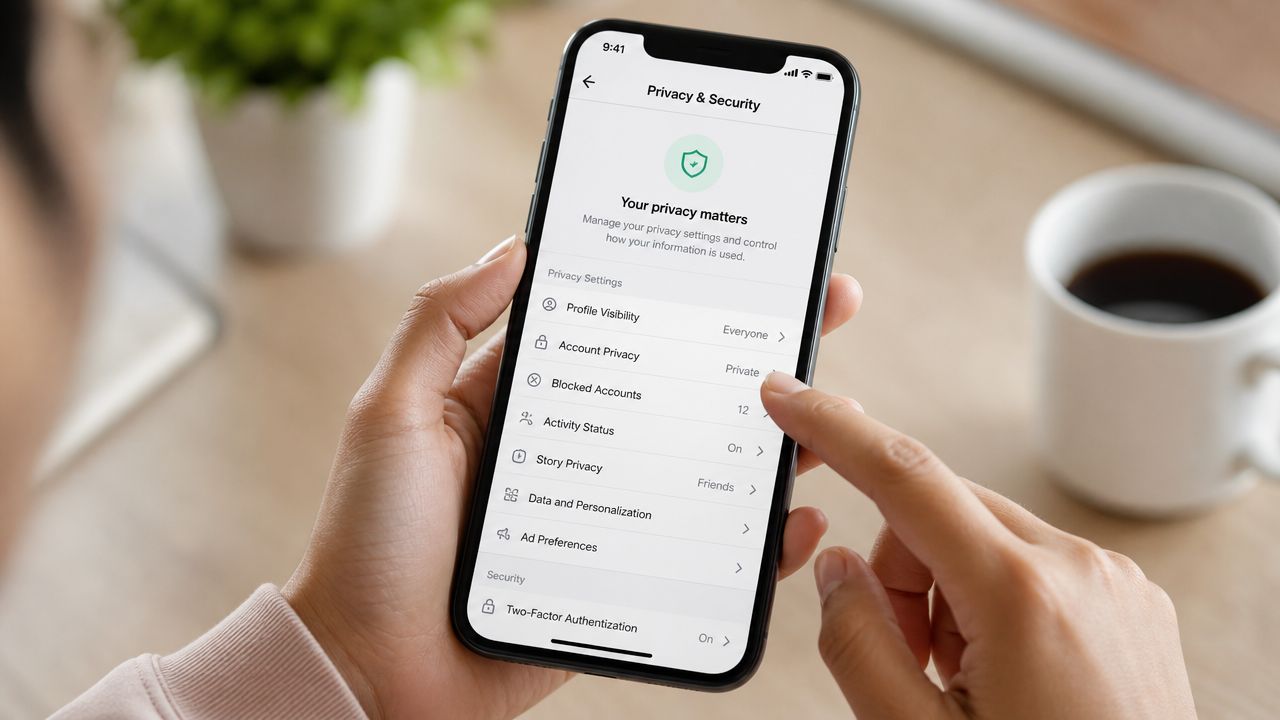
Public guidance has settled around two areas inside POF: Profile → Visibility and Settings → Search Preferences. The practical point is simple. If your goal is to reduce who can discover you, those are the places to inspect first.
Look for settings such as:
- Incognito mode if it’s available in your location
- Show me to everyone
- Only show me to people I like
- Profile visibility or a similar toggle in account settings
One independent guide describes the Incognito toggle as making a profile appear only in the People Who Liked You feed, while turning off Show me to everyone and enabling Only show me to people I like changes the default exposure model. The same guide also describes a hide function under Manage Account → Settings → Profile Visibility, where turning it off means no one else will be able to view your profile until you switch it back on in this hiding guide for POF.
What each option actually does
People get into trouble when they assume every privacy option means the same thing. It doesn’t.
Here’s the practical breakdown:
- Incognito helps control who sees your profile while you continue using the app.
- Take a Break is better when you want your profile not to be visible for a period without fully deleting the account.
- Profile Visibility toggles are the direct route when you want discoverability reduced or turned off.
- Search preference settings narrow who can encounter you, which is useful but weaker than fully hiding a profile.
If all you do is tighten search filters, you haven’t disappeared. You’ve just reduced exposure.
Hide first, then verify by checking how your profile appears from another account or from a trusted friend’s device if that’s safe for you to do.
Mobile app and desktop expectations
On mobile, POF usually exposes more account-management actions, including break or visibility controls. On desktop, the wording may differ, but the logic is similar. You’re looking for profile, account, visibility, and search settings, not just notification settings or match preferences.
If you don’t immediately see a hide option, don’t assume it’s gone. Check:
- Profile menus for visibility or discoverability
- Manage Account for break or profile status options
- Search Preferences for “show me” style settings
- Location availability if you’re looking for Incognito, because POF notes it isn’t available in all locations
For a broader checkup on the kinds of controls people often miss across apps, review these social media privacy setting essentials.
A quick walkthrough can help if you want to compare what you see on screen with a visual explanation:
What works and what doesn’t
What works:
- Turning on a true visibility restriction
- Using Take a Break when you want to pause without rebuilding later
- Combining visibility controls with selective exposure settings
What doesn’t:
- Uninstalling the app
- Logging out and forgetting about it
- Assuming “fewer matches” means “hidden”
- Mistaking Incognito for deletion
That last point matters. Hidden is not deleted. Reduced exposure is not erased presence. If you need a temporary retreat, hide. If you need a final exit, deletion is the next question.
Hiding Versus Deleting Your POF Account
People make the wrong call because they’re acting on emotion instead of outcome. Hiding and deleting solve different problems.
If you’re tired of dating apps and want the option to return later, hiding is usually the smarter move. If your concern is long-term privacy, unwanted recognition, or closing the chapter completely, deletion is usually the cleaner option.
The real decision
Ask yourself one question first. Do you want a pause, or do you want an end?
If the answer is “I’m not sure,” hide the profile. That keeps your options open while reducing exposure inside the app. If the answer is “I don’t want this tied to me anymore,” deletion is more aligned with your goal.
If your main fear is being found, choose the option that removes the most surface area, not the option that feels most convenient.
Comparison Hiding vs. Deleting Your POF Profile
| Attribute | Hiding Profile | Deleting Account |
|---|---|---|
| Profile visibility | Reduces or removes visibility on the platform depending on the setting used | Ends profile presence on the platform |
| Ability to return later | Usually easier, since the account remains in place | Requires starting over with a new account if you come back |
| Access to old profile setup | More likely preserved while hidden | Not something you should expect after deletion |
| Best for | Taking a break, reducing exposure, testing privacy settings | Leaving POF for good, stronger platform-level exit |
| Speed | Usually faster and reversible | More final and should be done carefully |
| Public web residue | Doesn’t address it by itself | Also may not address cached or mirrored copies by itself |
When hiding is the better choice
Hiding makes sense when:
- You met someone recently and don’t want to look active while you figure things out
- You’re overwhelmed and need distance, not a full reset
- You want to preserve your setup instead of rebuilding photos and prompts later
This is the lower-friction option. It’s also safer when you’re unsure.
When deletion is the better choice
Deletion makes more sense when:
- You want closure and don’t plan to use POF again
- You’re dealing with privacy concerns that make any lingering account feel risky
- You don’t want an old dating identity hanging around if someone searches for you later
If that sounds like your situation, this guide on how to delete a POF account properly is the next step.
One warning. People often assume deletion handles every privacy issue automatically. It doesn’t. Deletion addresses the account on the platform. It doesn’t guarantee that outside copies vanish at the same time.
Beyond Hiding Additional POF Privacy Controls
Hiding profile on POF is useful, but it’s only one layer. If someone already knows you’re there, has messaged you, or keeps trying to interact with you, visibility settings alone may not solve the problem.
Block people you don’t want near your profile
Blocking is the cleanest response when a specific person is the issue. Use it if you’re dealing with an ex, a pushy match, a fake account, or someone who keeps crossing boundaries.
A good block list usually includes:
- People who ignore “no” and continue messaging
- Accounts that ask for off-platform contact quickly
- Profiles that feel copied or inconsistent
- Anyone who makes you feel watched instead of matched
Blocking is not rude. It’s basic boundary setting.
Report suspicious or abusive profiles
Reporting matters because dating apps attract scammers, impersonators, and manipulative accounts. If a profile is using stolen photos, pushing for money, or trying to move the conversation off-app in a way that feels wrong, report it.
What to flag immediately:
- Requests for money or gift cards
- Pressure to move to another app right away
- Inconsistent identity details
- Threatening, sexual, or abusive messages
Don’t waste time trying to investigate someone who is already tripping your instincts. Report first, document if needed, then disengage.
Most dating-app privacy problems don’t start with a dramatic breach. They start with one person getting a little too much access, a little too quickly.
Tighten the smaller settings people skip
The most useful privacy work often happens in the “boring” menus. Review what your photos, search presence, and discoverability settings allow. If the app gives you a chance to limit who sees your content or profile details, use it.
I recommend checking these areas in one sitting:
- Photo visibility. Remove anything that gives away workplace, street signs, license plates, or a child’s face.
- Profile details. Reduce specifics that make you easy to identify offline.
- Discovery settings. Limit broad exposure where possible.
- Linked habits. Don’t reuse the same username you use on Instagram, gaming platforms, or professional accounts.
If you want to reduce the chances that third parties connect your dating identity to the rest of your life, data broker cleanup matters too. This primer on data broker removal and personal information cleanup is worth reviewing after you’ve fixed the app settings.
The Digital Afterlife of a Hidden Dating Profile
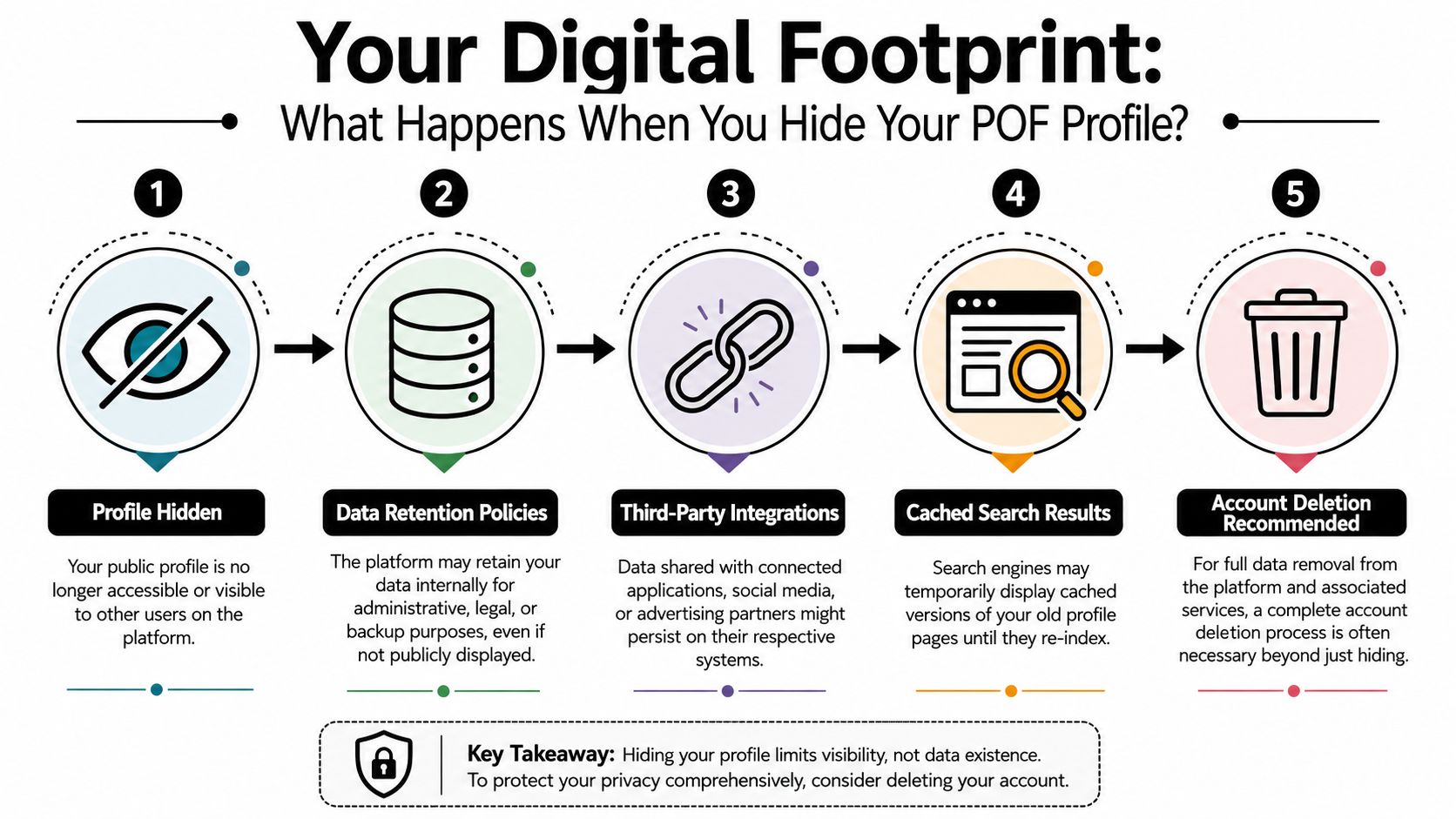
Here’s the part most guides leave out. Hiding your profile inside POF does not necessarily remove what already escaped the app.
Independent privacy guidance notes that hiding an account on a platform does not remove copies already indexed by search engines, cached, or mirrored elsewhere on the web, and POF’s help content is focused on in-app controls rather than public-web discoverability in its guidance on who sees your profile and photos.
What digital residue looks like
This residue usually shows up in a few ways:
- Cached search results that still reference an old profile page
- Mirrored or scraped content on third-party sites
- Image traces if profile photos were reused elsewhere
- Username links that connect your dating identity to forums, games, or social accounts
That’s why someone can hide a dating profile and still be discoverable by a determined searcher. The app view changed. The wider web didn’t catch up yet.
How to check your exposure
Run a simple self-audit after you hide or delete the account.
Search for:
- Your POF username in quotes
- Old profile phrases or bio lines you remember using
- Your first name plus city if your profile included location clues
- Your profile photos by checking where else you’ve used them
Also think like an OSINT investigator, not like a casual user. Someone searching for you may combine fragments. A nickname from POF, a selfie reused on another profile, and one unusual hobby can be enough to connect identities.
A useful follow-up is checking whether your usernames, emails, or linked handles reveal other accounts. If that’s a concern, review this guide on finding hidden social media accounts and linked profiles.
A hidden dating profile can still cast a public shadow. Privacy inside the app is only half the job.
What actually helps after hiding
The best response is layered:
- Change the in-app visibility first
- Remove or change reused photos where practical
- Search for leftovers manually
- Request removals where possible
- Consider deletion if the account no longer serves you
If your reason for leaving POF is serious, such as stalking concerns, harassment, infidelity exposure, reputation management, or identity-theft anxiety, don’t stop at the app. Treat the profile as one node in a larger digital footprint.
Frequently Asked Questions About POF Privacy
Does hiding my POF profile stop subscription charges
Not necessarily. Visibility and billing are separate issues on most platforms. If you pay for features, check the subscription system tied to your signup method and cancel that separately if needed.
Can people I already messaged still know I existed
They may still have conversation history or context from prior interactions, depending on what happened before you hid the profile. Hiding reduces discoverability. It doesn’t rewrite someone else’s memory or undo screenshots they may have taken.
Is a hidden profile the same as deleting my account
No. Hiding is a visibility change. Deleting is an account-closure decision. If you think you may come back, hiding is the safer short-term move. If you want finality, deletion fits better.
How long can I leave a POF profile hidden
In practical terms, people use hidden mode as a pause rather than a timed event. The more important issue is whether the setting stayed active and whether your profile is still visible from another user’s perspective.
Will hiding my profile remove it from Google or other search tools
No guarantee. As covered earlier, public-web copies can persist after the profile is hidden on the platform itself. Search indexing, cached pages, and mirrored content are separate from app visibility.
Should I hide or delete if I’m worried about safety
If there is an active safety concern, start by reducing visibility immediately. Then block relevant users, report abusive accounts, preserve evidence if needed, and consider deletion once you’ve secured anything you may need from the account.
What’s the biggest mistake people make
They think silence equals invisibility. It doesn’t. Not logging in, deleting the app, or ignoring the account leaves too much to chance.
A quick privacy cleanup beats months of wondering what’s still out there. If you want to check whether your old dating profile, usernames, emails, or related accounts are still visible across the public web, try the free scan from Digital Footprint Check. It’s a practical way to see what others can find before they do.