· Digital Footprint Check · Content Marketing · 12 min read
How to Hide Profile Pof: Stay Invisible in 2026
Learn how to hide profile pof and protect your privacy. Our guide covers mobile vs. desktop steps, verification, and what to do if it fails in 2026.
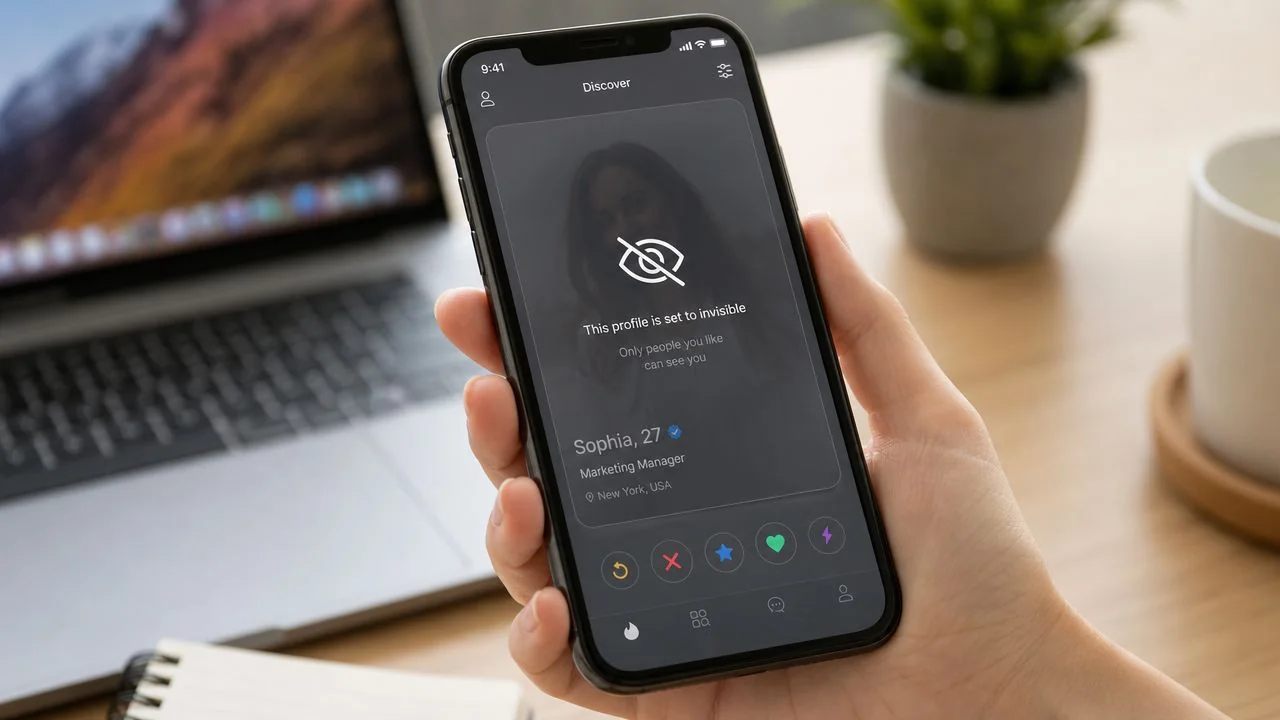
You’re probably here for one of three reasons. You met someone and don’t want your dating profile floating around anymore. You need a break from dating apps without deleting everything. Or you searched your own name, saw old dating traces, and realized your profile visibility is part of a much bigger privacy problem.
On Plenty of Fish, hiding a profile sounds simple. In practice, it isn’t always a single switch, and that’s where people get tripped up. If your goal is to hide profile POF activity, you need more than a tap in settings. You need the right option for your account, a quick verification step, and a clear understanding of what hiding does and does not do.
Why You Might Want to Hide Your POF Profile
A lot of people treat profile hiding like a minor account tweak. It’s not. It’s a privacy decision.
Maybe you’ve started seeing someone and don’t want coworkers, friends, or an ex stumbling across your profile. Maybe the app is draining your attention and you want space without losing your messages and account history. Maybe you’ve become more careful about what strangers can learn from a few photos, a first name, and a rough location.
Those are all reasonable reasons to step back.
It’s not only about dating fatigue
POF has been around since 2003 and is available in 11 languages across more than 20 countries, according to Mozilla’s privacy review of Plenty of Fish. That long history matters because older platforms often hold years of profile data, old photos, and habits you may have forgotten about.
Mozilla also notes that POF sits inside the Match Group ecosystem, which means user data can be shared across related apps such as OkCupid, Tinder, and Hinge. If you only think in terms of “I just want to hide my dating profile,” you miss the broader issue. You’re managing exposure inside an interconnected app environment.
If you’ve already seen how messy this can get, this guide on the dangers of online dating is a useful reminder that visibility settings affect more than matches. They affect safety, reputation, and how much of your personal life stays searchable.
Practical rule: If a profile contains your face, your habits, your city, or your dating preferences, treat its visibility settings as part of your digital hygiene, not a convenience feature.
Common situations where hiding makes sense
Some reasons are temporary. Some aren’t.
- You’ve met someone: You don’t want to delete your account yet, but you do want to stop showing up to new people.
- You need a break: Dating app burnout is real, and hiding gives you breathing room.
- You’re tightening privacy: You may be reviewing social accounts, old usernames, and dating profiles at the same time.
- You’re reducing discoverability: If someone already knows your name, photos, or location, a visible profile gives them another trail to follow.
Hiding your profile won’t solve every privacy issue. It will, however, stop one obvious exposure point if you do it correctly.
How to Hide Your POF Profile on Desktop and Mobile
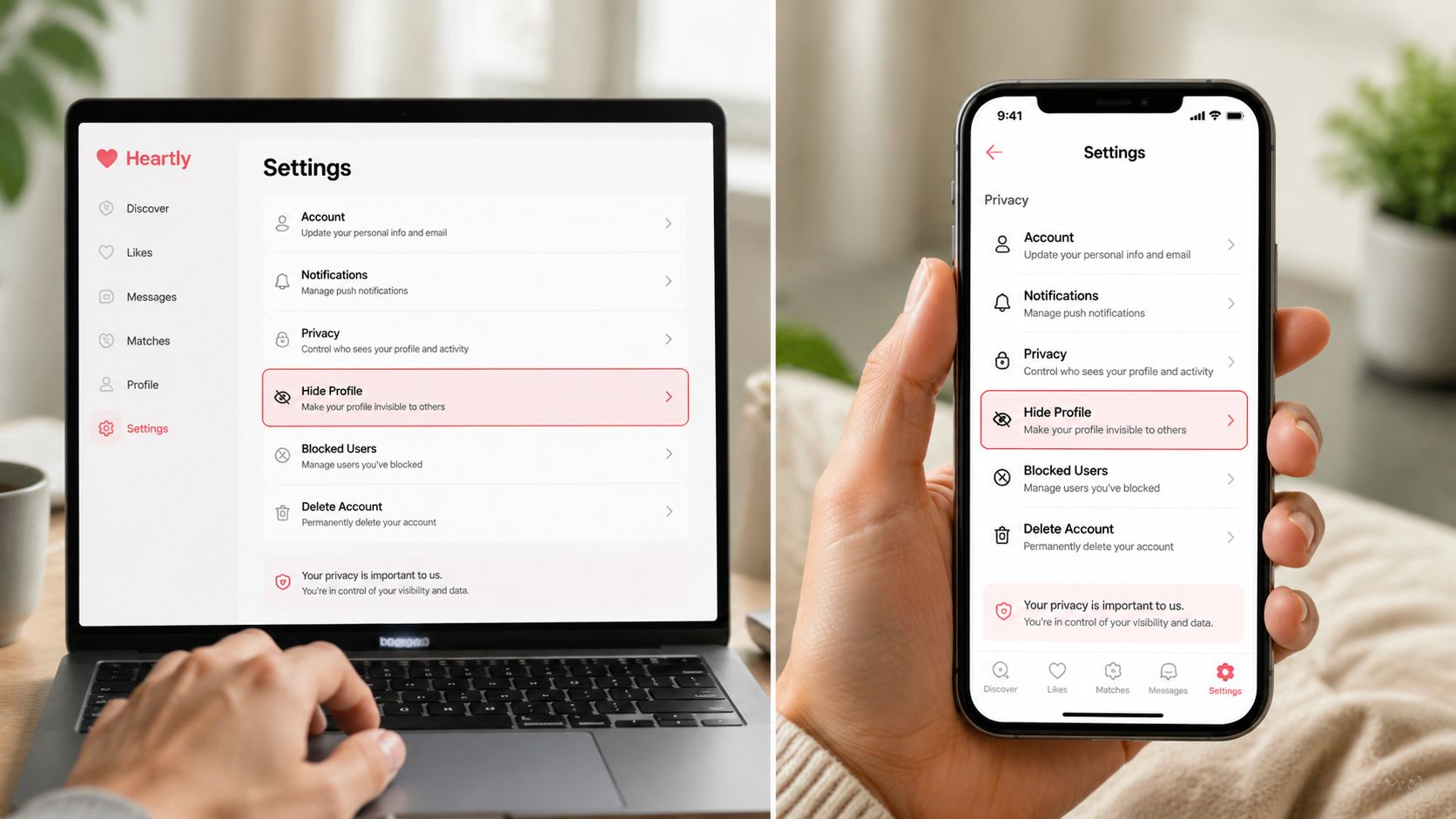
POF’s visibility setup isn’t the same for every user. According to POF’s help article on controlling who sees your profile and photos, Take a Break makes your profile no longer visible on the site, while Incognito offers tighter control and is not yet available in all locations. That means the menu you see can depend on where your account is being used.
On mobile app
Users typically find the mobile app the easiest place to start.
- Open POF and sign in.
- Go to My Profile.
- Open Manage Account or the equivalent account settings area.
- Look for Take a Break or visibility controls.
- Select the option that removes your profile from public visibility.
- Save or confirm the change.
On many accounts, Take a Break is the plain-language option that functions like hiding. If you also see Incognito, that’s a more restrictive visibility control, but it won’t appear everywhere.
A good companion step is to review your broader social media privacy settings checklist, because a hidden dating profile won’t help much if the same photos and usernames are still public elsewhere.
On desktop browser
Desktop can be less intuitive because not every visibility control appears the same way across all interfaces.
Use this path as your baseline:
- Sign in through the POF website.
- Go to your profile or account settings area.
- Check for profile visibility, Take a Break, or related visibility controls.
- If you don’t see the exact wording, inspect nearby account-management menus rather than assuming the feature is gone.
What matters is the end state: your profile should no longer be visible to other users on the site.
If you’re trying to hide profile POF access quickly, don’t waste time hunting for one universal toggle. Look for the account visibility state available on your version of the app or site.
A short walkthrough can help if the menu labels feel inconsistent:
What works and what doesn’t
The main thing that works is using an official account-state control such as Take a Break or Incognito where available.
The main thing that doesn’t work is assuming every screenshot online matches your account. POF changes interfaces, rolls out features unevenly, and gates some privacy options by location. If your app doesn’t match a tutorial exactly, that doesn’t mean you’ve failed. It usually means you need to find the equivalent control on your version.
Keep your goal narrow. You want the profile hidden from other users. Once you’ve triggered that setting, the next job is verifying it.
Hiding vs Deleting Your POF Account
People often use “hide” and “delete” as if they mean the same thing. They don’t.
POF’s help materials say that hiding a profile makes it no longer visible in search results, while deletion is a separate, permanent action. Independent guidance also notes that deleting an account may still leave limited records for billing, fraud prevention, or legal compliance, as explained in this guide to deleting a Plenty of Fish account.
Hiding vs. Deleting Your POF Profile
| Action | Profile Visibility | Data Retention | Can You Return? |
|---|---|---|---|
| Hiding | Not visible in search results or public site visibility | Account remains active in some form because this is not deletion | Yes, typically by re-enabling visibility |
| Taking a Break | Not visible on the site while the break is active | Account is paused rather than removed | Yes |
| Deleting | Profile removed from the platform | Limited records may still be retained for billing, fraud prevention, legal compliance, or security | No, deletion is treated as permanent |
Which option fits your situation
Choose hiding or Take a Break if you want flexibility. That’s the right move if you’re pausing dating, testing a relationship, or cleaning up your online exposure without giving up the account.
Choose deletion if your goal is final exit. That’s the stronger step if you no longer want the profile tied to your identity at all, even though some limited records may still be kept behind the scenes for operational or legal reasons.
For a deeper walkthrough of the removal path, this guide on how to delete a POF account is useful when you decide hiding isn’t enough.
Hiding solves discoverability. Deleting addresses platform presence more permanently. Neither should be confused with erasing every record everywhere.
A practical decision test
Ask yourself one question: Do you want invisibility, or do you want closure?
If you want invisibility, hide it.
If you want closure, delete it.
If you’re not sure, don’t rush into deletion just because the settings menu is frustrating.
That distinction saves people from two common mistakes. First, deleting when they really wanted a temporary pause. Second, hiding when they assumed it meant complete data erasure.
How to Confirm Your Profile Is Truly Hidden
Changing the setting is only half the job. Verification is the part people skip, and it’s the part that matters most.
Use a simple privacy check
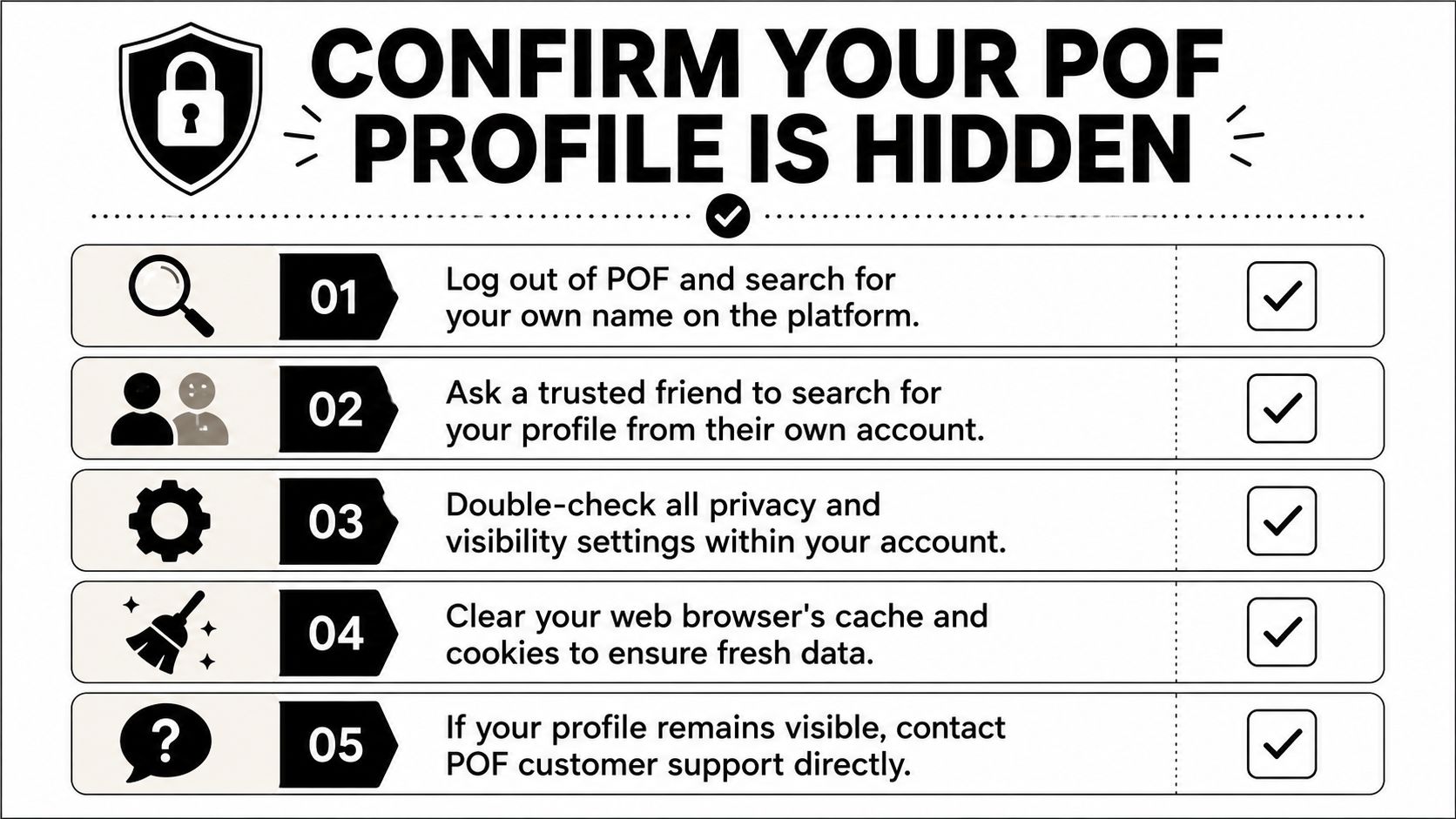
Run through these steps after hiding your profile:
- Log out completely: Search for your own name or profile from a logged-out session.
- Use a private browser window: This helps avoid cached sessions that make the site behave as if you’re still signed in.
- Ask a trusted friend: Have them search from their own account.
- Review account settings again: Make sure the visibility state saved correctly.
- Clear browser data if results look odd: Old cache and cookies can create false impressions.
If you’re auditing more than POF, tools that find accounts linked to your email can help uncover older profiles and connected accounts you may have forgotten.
Why verification matters
Apps don’t always update instantly on every device. A visible page in your browser may be an old session, a cached search page, or a delay in the interface. Verification helps you separate a real visibility problem from a local display issue.
Don’t trust the button alone. Trust the result you can see from outside your account.
If a logged-out search and a friend’s account both fail to find you, that’s a strong sign your profile is hidden.
Troubleshooting When Your Profile Is Still Visible
Sometimes you’ve done everything right and your profile still seems to linger. That usually comes down to one of three things: a delayed update, a feature mismatch, or a bad workaround.
If the hide option is missing
This is often a regional or interface issue. As covered earlier, POF doesn’t present one identical visibility control in every market. If you don’t see Incognito or Take a Break, check the mobile app, mobile web, and desktop browser before assuming the feature is unavailable to you.
If you still can’t find it, your practical choices are limited. Either keep checking official account controls or move to deletion if invisibility is urgent.
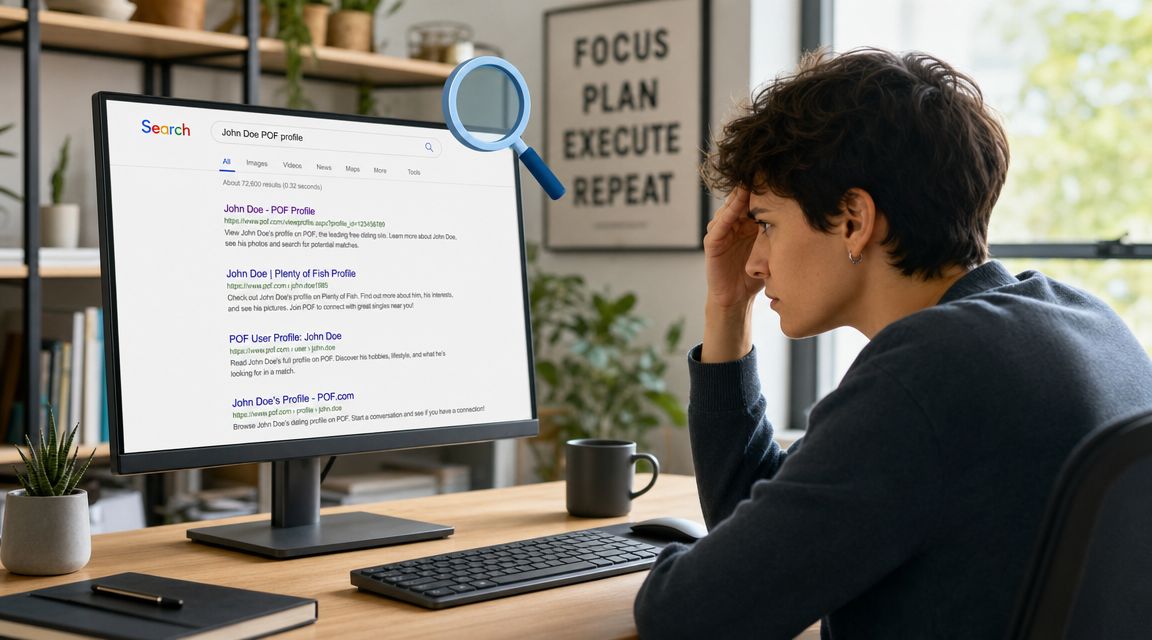
If search results still show your profile
A platform can stop showing your profile to users before external search engines stop displaying old references. Search engines cache pages, and those results can take time to update.
That doesn’t always mean your live profile is still publicly browseable on POF. It may mean the search engine hasn’t refreshed its index yet.
If you’re cleaning up broader exposure beyond one app, a data broker removal guide helps because old dating traces often sit alongside people-search listings and other public records.
Avoid brittle hacks
A public tutorial discusses changing page HTML from display:none to display:block to reveal hidden options, but that’s a brittle client-side trick. The same tutorial points out that a more reliable way to browse anonymously is doing so while not logged into your account, as described in this video walkthrough.
That distinction matters.
- Editing page HTML: Unreliable, unsupported, easy to break.
- Using official account controls: Reliable.
- Browsing while logged out: Useful when you want to check visibility or view without tying activity to your account.
Unsupported front-end tricks create false confidence. Account-state controls and logged-out verification are the methods worth trusting.
Beyond POF Your Complete Digital Footprint
Hiding a POF profile closes one door. It doesn’t clean up the hallway.
Old dating profiles, abandoned usernames, public social posts, forum comments, gaming handles, and people-search pages can all keep exposing pieces of you after one app goes quiet. That matters if you’re protecting a relationship, applying for jobs, avoiding harassment, or trying to reduce identity theft risk.
One hidden profile doesn’t equal privacy
A lot of people hide profile POF settings and stop there. Then an old username still appears on another platform. An old photo remains indexed somewhere else. A broker page still ties a name to a city, age range, or relatives.
That’s why digital privacy works better as an audit than a one-off fix.
Check what’s still exposed
Digital Footprint Check searches 500+ platforms for publicly accessible personal information exposure, including social media, breach sources, gaming profiles, professional networks, and public records, based on the publisher description provided for Digital Footprint Check. That kind of scan is useful after you hide or delete a dating profile because it helps confirm whether traces still exist elsewhere under the same email, phone, username, or identity pattern.
Use that kind of scan for one reason: to verify your wider footprint, not just your POF settings.
The safer mindset is simple. Don’t ask only, “Is my dating profile hidden?” Ask, “What else still points back to me?”
Frequently Asked Questions About Hiding a POF Profile
Does hiding my POF profile delete my account
No. Hiding is a visibility change, not a full account deletion. It’s meant for people who want to step back without wiping the account.
Is Take a Break the same as deleting
No. Take a Break is a pause state that makes your profile no longer visible on the site. Deleting is the permanent account-removal route.
Can I still come back after hiding my profile
Yes, that’s the point of hiding. It’s the reversible option for users who don’t want to rebuild from scratch later.
Why can’t I find the same hide option as a tutorial
Because POF doesn’t use one identical visibility model everywhere. Some controls are geographically gated, and interfaces can differ between mobile app, mobile web, and desktop.
If my profile is gone from POF, why do I still see something in search engines
That can happen because search engines may still show older cached references. A search result doesn’t always mean the live profile is still visible to users on the platform.
Should I hide or delete if privacy is my main concern
If you want a break and may return, hide it. If you want a more final exit from the platform, delete it. Just remember that deletion doesn’t necessarily mean every limited operational record disappears.
Does hiding my profile solve my full online privacy problem
No. It solves one exposure point. If the same identity details appear on other platforms, people-search sites, or old accounts, your digital footprint still exists.
If you want to check whether your POF activity is only one small piece of a larger privacy trail, run a free scan with Digital Footprint Check. It can help you see what accounts, profiles, and public traces are still exposed so you can decide what to hide, remove, or monitor next.