· Digital Footprint Check · Content Marketing · 22 min read
Top 12 Osint Tools for Beginners in 2025: a Practical Guide
Discover the top 12 OSINT tools for beginners in 2025. This guide covers the best free and paid resources for digital privacy and reputation management.

Your information sits scattered across hundreds of platforms: social media, professional networks, forums, gaming profiles. That trail is your digital footprint, and it affects your job prospects and your safety. Open-Source Intelligence (OSINT) is the practice of collecting and analyzing public information. It helps anyone protect an online identity, avoid scams, or see what the internet knows about them, not just security professionals.
The number of OSINT tools for beginners can feel overwhelming. This guide narrows it to the 12 best options for 2025, with practical steps, examples, and ethical notes. As you start, learning document analysis helps you make sense of what you find.
Each entry below includes screenshots, links, and a plain description of its use case, whether reputation management, dating safety, or pre-employment screening. We cover free and paid options so you can match a tool to your needs and budget.
1. Digital Footprint Check
Best For: Comprehensive, automated personal OSINT discovery without technical expertise.
Digital Footprint Check makes complex data discovery simple. It scans, reports on, and monitors your public information. In under a minute it aggregates data from over 500 sources, giving you a consolidated view of your online exposure without querying dozens of databases by hand.
It reaches social media profiles, public records, dark-web breaches, and often-overlooked gaming accounts like Steam and Xbox. That reach helps job seekers manage their image, people verify dating matches, and families protect their members' privacy.
Key Features & Use Cases
- Broad-Spectrum Scanning: The tool unifies data from social networks, data brokers, breach databases, and public records into a single, easy-to-read report. This is ideal for quickly identifying forgotten accounts, spotting signs of catfishing, or finding exposed personal details that could be exploited.
- Actionable Reporting: Unlike many OSINT tools that present raw data, Digital Footprint Check provides step-by-step guides for data removal and account security. This transforms raw intelligence into a practical privacy and security checklist.
- Continuous Monitoring: The optional subscription service acts as a proactive alert system, notifying you of new public mentions or if your credentials appear in a new data breach. This is crucial for preventing identity theft and managing your reputation in real-time.
When conducting a digital footprint check, remember that social media is a primary source. Exploring guides on various social media management tools can also offer insight into how online presences are constructed and analyzed. You can get started with a free one-time report without a credit card, with paid plans available for ongoing monitoring and family coverage.
The platform uses 256-bit SSL encryption and refuses to sell user data, which makes it a trustworthy place to start.
Learn more about how to check your digital footprint on digitalfootprintcheck.com
2. Maltego
Maltego maps relationships between pieces of information: people, companies, domains, documents. Instead of sifting through raw text, you see connections as a graph, which surfaces hidden patterns that spreadsheets miss.
Maltego runs "Transforms," small scripts that fetch data from public sources and display it on the graph. Start with a domain name and a Transform finds its IP address, linked email addresses, and social profiles. A fraud investigator can use it to link a scam site to the social profiles of its creators, exposing the network behind a romance scam.
Quick-Start Guide
- Register and Download: Create an account on the Maltego website and download the free Maltego CE (Community Edition) client.
- Install Transforms: After installation, open the Transform Hub within the application to install basic, free Transform sets.
- Start Your First Graph: Create a new graph and drag an "Entity" (like a domain, person, or email address) onto the blank canvas.
- Run a Transform: Right-click the entity and select a Transform to run. For example, choose "To DNS Name [Reverse DNS]" on a domain to see related subdomains.
- Analyze Results: Maltego will automatically add new entities to your graph and draw links, allowing you to visually explore the connections.
Key Considerations
Maltego's free Community Edition is excellent for learning, but it has limitations on the number of results per Transform. For professional use, paid plans (Pro and Enterprise) are required to access more powerful data integrations and remove these limits. While pricing isn't always public, the free version provides more than enough functionality to master the core concepts of visual link analysis. You can also explore a more detailed comparison of Maltego with other OSINT tools to see how it fits into a larger toolkit.
3. SpiderFoot
SpiderFoot automates reconnaissance. It queries over 200 data sources, collecting information on IP addresses, domains, email addresses, and usernames, then presents the findings in an organized web interface.

Enter a target, such as a domain name, and SpiderFoot's modules collect related data, visualize connections, and flag security risks. A job seeker can run their own name through it to find old forum posts or forgotten profiles that an employer might see.
Quick-Start Guide
- Choose Your Version: Go to the SpiderFoot website and decide between the free, self-hosted open-source version or the managed cloud platform, SpiderFoot HX.
- Set Up: For the self-hosted version, follow the installation instructions on GitHub. For HX, simply sign up for an account.
- Start a New Scan: In the web interface, click "New Scan," give it a name, and enter your target (e.g., a domain, IP address, or username).
- Select Modules: Choose the modules you want to run. You can select them by use case (e.g., "All," "Footprint," or "Passive") to tailor the investigation.
- Analyze Results: Once the scan is complete, explore the results on the dashboard. You can view data by type (e.g., "Email Address") or browse the graphical visualizations to see connections.
Key Considerations
The open-source version is free but requires some technical comfort with Python and command-line tools for setup. The commercial SpiderFoot HX version removes this barrier, offering a managed solution with APIs and team collaboration features, though pricing requires contacting the vendor. For those wanting to understand how such tools are used for online security, you can learn about the top tools for monitoring your digital footprint.
4. Shodan
Google indexes the web; Shodan indexes the internet's back-end. It catalogs webcams, routers, servers, and IoT devices, and you search them by service banner, location, or software version.
This capability is essential for cybersecurity researchers and OSINT analysts looking to understand an organization's attack surface. By searching for a company's IP range or specific server software, you can quickly identify outdated systems, misconfigured devices, and other potential vulnerabilities. It provides a unique, device-centric view of the internet that traditional search engines miss. For personal safety, you could search your home IP address to see if your smart devices or security cameras are publicly accessible, a common oversight that leads to privacy violations.
Quick-Start Guide
- Create a Free Account: Register for a free account on the Shodan website to get basic access and remove some search limitations.
- Use Basic Filters: Start with simple filters in the search bar. For example,
country:US city:"San Francisco"will show devices in that location. - Search by Service: To find specific services, try searching for a product name like
product:"Apache". You can also search by port, such asport:22to find devices with SSH exposed. - Explore Host Details: Click on any IP address in the search results to see a detailed host report, including open ports, service banners, and known vulnerabilities.
- Refine Your Queries: Combine filters for more specific results. For instance,
org:"Google LLC" port:80will show devices belonging to Google with their web server port open.
Key Considerations
A free Shodan account is useful for learning, but it is limited. The one-time $49 Membership for individuals is highly recommended, as it unlocks more search results, API access, and advanced filters. While the query syntax can be complex initially, Shodan’s documentation and examples are excellent learning resources. Understanding what services are exposed is critical, as it reveals much about the hidden dangers of a digital footprint that can be exploited by malicious actors.
5. Hunchly
Hunchly captures evidence as you investigate. It runs as a browser extension that automatically saves every page you visit, with timestamps and metadata, creating an auditable trail for legal, corporate, or safety cases.
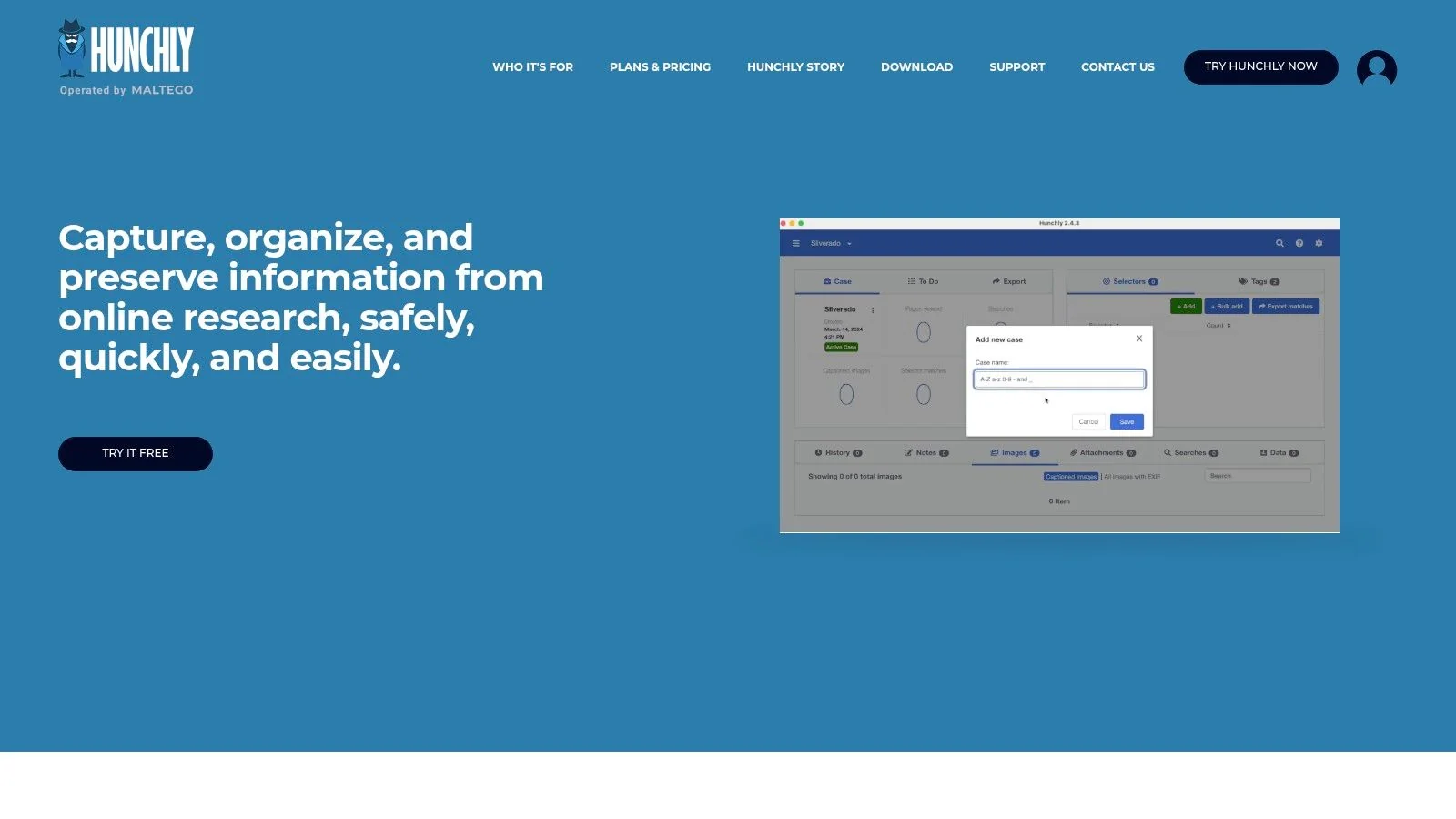
Captured data is organized into cases, and every item gets a hash that creates a chain of custody. That preserves evidence exactly as you saw it, whether you're screening a candidate, documenting harassment, or examining a threat.
Quick-Start Guide
- Download and Install: Visit the Hunchly website and sign up for the 30-day free trial. Download the extension for your browser (Chrome or Chromium-based).
- Create a New Case: Once installed, click the Hunchly icon in your browser and select "New Case." Give your investigation a name and description.
- Start Capturing: With your case activated, simply start browsing. Hunchly will automatically begin saving every page you visit in the background.
- Tag and Add Notes: Right-click on any page to add tags or notes directly to a capture. This helps you organize important evidence as you find it.
- Review Your Case: Open the Hunchly Dashboard to review all captured pages, view selectors (specific text you highlighted), and export your case data into a clean report.
Key Considerations
Hunchly is a premium tool with an annual subscription, but its value in providing defensible evidence is unmatched for serious investigators. The workflow is most streamlined on Windows, though it is fully supported on Mac and Linux with some minor setup differences. While the local version stores data on your machine, a cloud edition is available for those needing persistent, accessible storage. Hunchly’s focus on documentation makes it a perfect companion for other discovery tools and enhances many social media investigation tools by preserving the evidence they uncover.
6. Intelligence X
Intelligence X is a search engine and archive for information standard search results miss: historical data, leaked documents, and archived pages. It indexes data from the dark web, breaches, and Pastebin, showing exposures that could affect your job prospects or security.
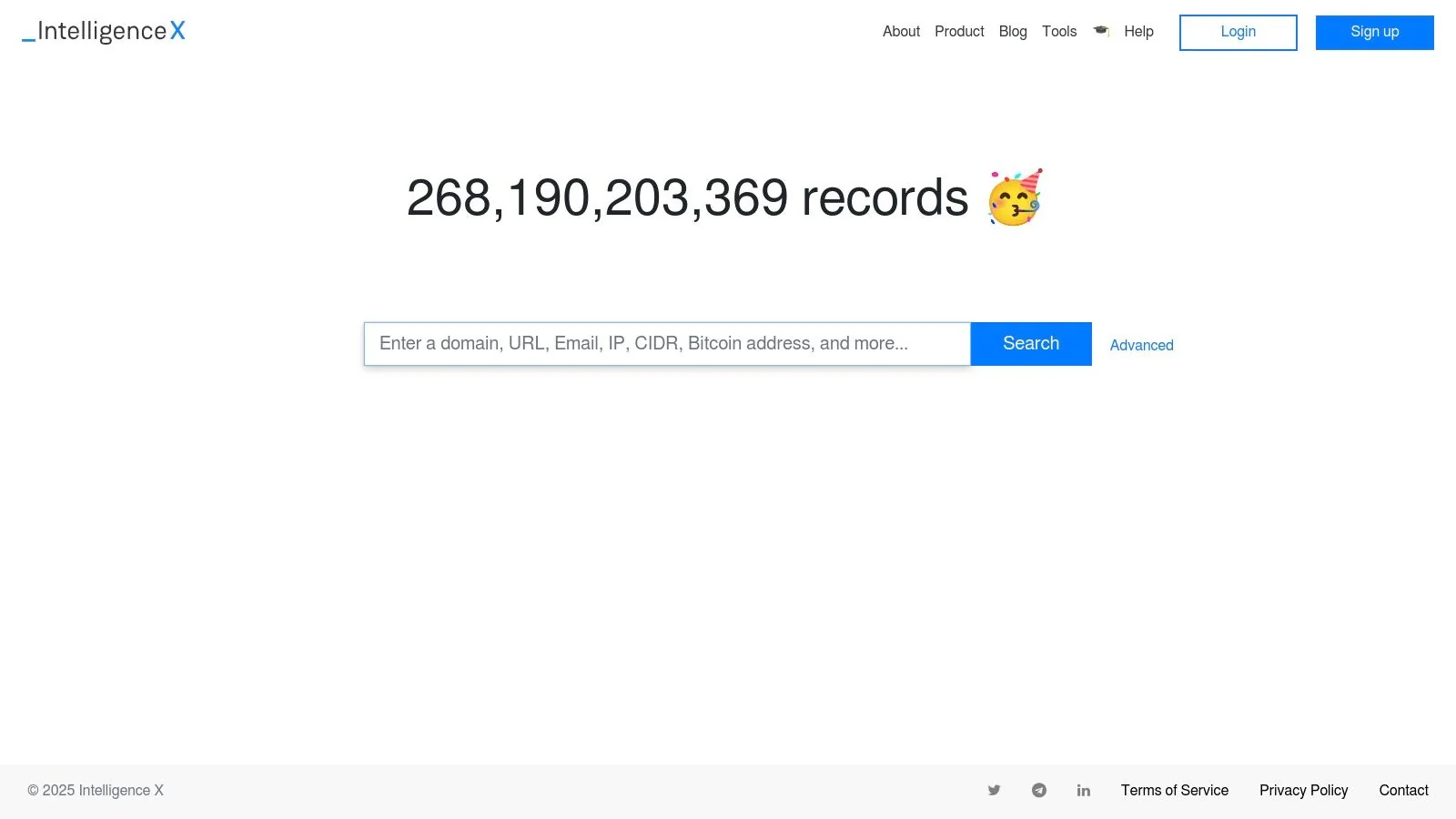
You query it with "selectors": email addresses, domains, IP addresses, or phone numbers. Search an old email address to see if it appeared in known breaches. A 2023 report put breach exposures over 16 billion records, so checking credentials before a job application or background check matters.
Quick-Start Guide
- Visit the Website: Navigate to the Intelligence X homepage. No registration is required for basic searches.
- Enter a Selector: In the search bar, type your query. This could be an email address, domain name, phone number, or even a specific keyword.
- Choose a Data Source (Optional): Use the tabs below the search bar to narrow your search to specific categories like "Pastebin" or "Darknet."
- Review the Results: The platform will display a list of results where your selector has appeared. Click on individual results to view the archived content.
- Use Advanced Search: For more targeted queries, use advanced search operators like
"exact phrase"orfiletype:pdf.
Key Considerations
Intelligence X offers a free tier with daily search quotas, which is sufficient for beginners to get started. However, more advanced features, such as downloading data, API access, and real-time alerts on new leaks, are reserved for its paid professional plans. The pricing is annual and quoted in Euros, which can be a significant investment for hobbyists. While the free version provides powerful search capabilities, users needing to conduct comprehensive or automated investigations will need to consider a paid subscription.
7. OSINT Framework
OSINT Framework isn't a tool; it's a directory that organizes hundreds of tools into a mind-map interface, sorted by category: username, email address, domain name, social media. It's a roadmap for finding the right tool for a task.

The framework branches from a topic to sub-topics and finally to tools. Symbols mark whether a tool needs registration, installation, or runs in the browser, so you can see the effort involved. That helps when you're verifying a dating profile, researching a seller, or checking whether your gaming username is being misused.
Quick-Start Guide
- Access the Website: Navigate to the OSINT Framework website. There is no need to register or install anything.
- Select a Category: Click on a main category from the central mind map that matches your investigation's starting point (e.g., "Email Address").
- Explore Sub-Categories: The framework will expand to show related investigation types. For "Email Address," this might include "Breached Credentials" or "Mail Server."
- Choose a Tool: Click on a specific tool listed in the final branch. The link will take you directly to the tool's website.
- Use the Tool: Follow the instructions on the third-party website to conduct your search. Repeat the process by exploring other tools in the framework as needed.
Key Considerations
The greatest strength of the OSINT Framework is that it is free and acts as a massive, curated library. However, its main limitation is that it's only a directory; the quality and reliability of the linked tools can vary. Some links may occasionally become outdated, but the project is actively maintained. For beginners, it remains one of the best resources for discovering the vast landscape of available OSINT tools without any initial cost.
8. Bellingcat
Bellingcat isn't software; it's a learning resource from an investigative journalism collective. Its field-tested guides, case studies, and toolkit teach OSINT technique through real examples, from geolocation to social media analysis.

The guides break complex investigations into step-by-step processes. Their image and video verification guides help you detect catfishing on dating apps. The "Online Investigation Toolkit" is a maintained directory of useful tools, sorted by function. Bellingcat teaches the "why" behind the tools.
Quick-Start Guide
- Explore the Guides: Visit the Bellingcat website and navigate to the "How-Tos" section to find guides on topics like verifying images or tracking aircraft.
- Read Case Studies: Analyze their investigations to see how different OSINT techniques are combined to uncover the truth. Pay attention to the sources and methods cited.
- Browse the Toolkit: Bookmark Bellingcat's "Online Investigation Toolkit." When you face a new challenge, consult this list to find a relevant tool.
- Practice a Technique: Choose one guide, such as "How To Scrape And Archive Websites," and follow the steps using a website of your choice for practice.
- Follow on Social Media: Stay updated with their latest articles and techniques by following Bellingcat on platforms like Twitter to learn continuously.
Key Considerations
Bellingcat's primary offerings, its articles and toolkit, are free. They also offer paid workshops and webinars for those seeking more structured, intensive training, though availability varies. While the toolkit is an excellent resource, links can occasionally become outdated as third-party tools change. The true value of Bellingcat is its emphasis on ethical, verifiable, and transparent investigative processes, providing a highest standard for anyone serious about learning OSINT.
9. Udemy
Udemy is an online course marketplace with a library of OSINT classes. Courses break topics into video lectures, demonstrations, and downloadable resources, for people who prefer guided learning. They also cover the ethical and legal frameworks behind responsible investigation.

Udemy stands out due to its accessibility and affordability. Unlike formal certifications that can be expensive, courses on Udemy frequently go on sale for very low prices, and a one-time purchase grants you lifetime access. You can find courses specifically on preventing romance scams, securing your gaming profiles, or conducting due diligence for reputation management. This model allows beginners to learn at their own pace, revisit key concepts, and stay updated without recurring fees. The platform’s review system helps you vet instructors and course quality before committing, ensuring you invest your time and money wisely.
Quick-Start Guide
- Create an Account: Sign up for a free account on the Udemy website.
- Search for OSINT Courses: Use keywords like "OSINT," "Open Source Intelligence," or specific tool names to find relevant courses.
- Filter and Vet: Use filters to sort by rating, language, and skill level. Read reviews and watch preview videos to assess the instructor's teaching style and course content.
- Enroll and Learn: Purchase a course (preferably during a sale) to gain lifetime access. You can watch lectures on your computer or through mobile and TV apps.
- Engage and Practice: Follow along with practical exercises and engage with the instructor and other students in the Q&A section to deepen your understanding.
Key Considerations
The primary drawback of Udemy is the variable quality; not all courses are created equal. It's essential to rely on recent, highly-rated courses and user reviews to find the best content. Additionally, because the OSINT landscape changes rapidly, some courses may become outdated. However, its affordability, massive selection, and lifetime access make it an unparalleled resource for building a solid foundational knowledge before diving into more advanced, hands-on tools.
10. Amazon
Books are a good first step, and Amazon has a large selection on intelligence gathering, digital privacy, and investigation. Curated reading often beats jumping straight into software, giving you the context and ethics first.
Reviews help you separate practical guides from theory. Michael Bazzell's "Open Source Intelligence Techniques" shortens the learning curve on how digital footprints form, knowledge that matters for identity theft and reputation concerns.
Quick-Start Guide
- Search for Key Topics: Use specific search terms like "Open Source Intelligence," "digital forensics," "social engineering," or "online investigation techniques."
- Filter by Format: Decide between physical books for your reference library or Kindle versions for immediate access on any device.
- Read the Reviews: Pay close attention to reviews from readers who identify as beginners or professionals. Look for comments on practicality and clarity.
- Check Publication Dates: OSINT is a fast-evolving field. Prioritize recently published books or updated editions to ensure the techniques are still relevant.
- Build a Wish List: Create a "wish list" to track books you want to read, making it easy to purchase them over time as you build your expertise.
Key Considerations
Amazon's vast marketplace is its greatest strength and a potential weakness. While you can find almost any OSINT book, the quality of third-party sellers can vary, so it's often best to buy directly from Amazon or reputable sellers. Some niche or advanced texts might only be available directly from the author's website. However, for building a solid foundational library, Amazon remains the most convenient and comprehensive starting point for any aspiring investigator.
11. GitHub — Awesome OSINT
The "Awesome OSINT" repository on GitHub is a community-curated list, not a single app. It sorts hundreds of tools and guides into categories like username search, email verification, and social media analysis, giving you a map of the OSINT landscape.

The power of Awesome OSINT lies in its community-driven nature. The list is constantly updated by contributors, ensuring that it remains relevant and includes new and emerging tools. For a beginner, this is like having a directory that points you directly to the tools used by professionals, helping you find the right resource for investigating a digital footprint, verifying a dating profile, or securing your own online identity from potential threats. For example, a gamer could use the "Username Search Engines" section to see if their gamertag is being used on other platforms, which could indicate an impersonation or security risk.
Quick-Start Guide
- Navigate to the Repository: Visit the Awesome OSINT GitHub page.
- Browse by Category: Scroll down to the "Table of Contents" and identify the category that matches your investigation (e.g., "Username Search Engines" or "Geolocation Tools").
- Select a Tool: Click on a tool within your chosen category. Each entry provides a brief description and a direct link to the resource.
- Explore the Tool: Follow the link to the tool's website or repository. Read its documentation to understand how to use it effectively and ethically.
- Contribute (Optional): If you find a new tool or a broken link, consider contributing to the list by submitting a "pull request" on GitHub.
Key Considerations
Awesome OSINT is free to access. However, it's a directory, not a store. The quality, safety, and maintenance level of the listed tools vary significantly, so exercise caution and vet each resource before use. While its comprehensiveness can feel overwhelming, using the category structure to focus your search makes it an indispensable, free starting point for building a beginner's OSINT toolkit.
12. SANS Institute (SEC487/SEC587)
SANS Institute provides structured training. Its SEC487 course takes a beginner to proficiency with a professional curriculum focused on method: not just how to use tools, but when and why.

SANS's hands-on labs and expert instruction walk you through mapping a digital footprint or investigating corporate infrastructure. You learn a process, not a list of websites, which matters if you want a career in cybersecurity, threat intelligence, or reputation management.
Quick-Start Guide
- Explore Courses: Visit the SANS Institute website and navigate to the Cyber Defense curriculum to find SEC487 for foundational OSINT or SEC587 for advanced techniques.
- Review the Syllabus: Each course page provides a detailed syllabus, outlining the skills, tools, and methodologies covered each day.
- Choose a Format: Select the training format that fits your schedule, such as OnDemand (self-paced), Live Online, or in-person events.
- Register and Access Materials: Once enrolled, you will gain access to course books, virtual lab environments, and all necessary software.
- Engage and Practice: Follow the lectures and dedicate significant time to the hands-on labs, as they are crucial for reinforcing the concepts taught.
Key Considerations
SANS training is a significant financial investment, with courses often costing several thousand dollars. This premium pricing reflects its reputation and career-oriented value, often including a GIAC certification attempt. While the cost is a major barrier for independent learners, it is considered an industry standard for corporate training. The time commitment is also substantial, but for those serious about professionalizing their OSINT skills, the structured learning path is unparalleled.
12 Beginner OSINT Tools — Quick Comparison
| Product | Core features | UX / Quality | Value & Pricing | Target audience | Unique selling points |
|---|---|---|---|---|---|
| Digital Footprint Check 🏆 | 500+ platform scans · breach & profile checks · real‑time alerts | ★★★★★ — Instant, easy reports & DIY guides | 💰 Free one‑time checks; subscriptions for monitoring, family & enterprise | 👥 Individuals, families, job seekers, HR, security teams | ✨ Privacy‑first (256‑bit SSL, GDPR) · step‑by‑step remediation |
| Maltego | Visual graph analysis · transforms · commercial connectors | ★★★★ — Strong visualization & docs | 💰 Free Basic; paid tiers for connectors (sales) | 👥 Investigators, analysts, students | ✨ Visual link‑analysis · Maltego Academy |
| SpiderFoot | 200+ modules · web UI & CLI · exports & visuals | ★★★★ — Automated recon; flexible deployment | 💰 Free open‑source; SpiderFoot HX managed subscription | 👥 Security researchers, red teams, operators | ✨ Highly automatable · self‑hosted + managed HX |
| Shodan | Device/service search · rich filters · monitoring & API | ★★★★ — Powerful device discovery; steep query curve | 💰 $49 individual membership; API subscriptions | 👥 Infosec researchers, network admins | ✨ Exposed‑service discovery · streaming API |
| Hunchly | Automatic web capture · case management · exports | ★★★★ — Defensible evidence capture for investigators | 💰 Free 30‑day trial; reasonable annual plans | 👥 Investigators, journalists, legal teams | ✨ Chain‑of‑custody logging · case organisation |
| Intelligence X | Leak & historical search · phonebook · alerts & API | ★★★★ — Leak‑centric search with clear quotas | 💰 Annual plans (EUR); higher tiers unlock features | 👥 Investigators, breach analysts, researchers | ✨ Specialized leaked/historical datasets |
| OSINT Framework | Categorised directory of OSINT tools & links | ★★★★ — Beginner‑friendly discovery · constantly updated | 💰 Free | 👥 Beginners, students, hobbyists | ✨ Organized tool directory for tasks |
| Bellingcat | Field guides · Online Investigation Toolkit · workshops | ★★★★★ — High‑quality, field‑tested methods | 💰 Free guides; paid workshops | 👥 Journalists, investigators, educators | ✨ Practical case studies & step‑by‑step methods |
| Udemy | Video courses · hands‑on demos · downloadable resources | ★★★ — Quality varies by instructor; easy previews | 💰 Per‑course pricing; very affordable during sales | 👥 Beginners seeking self‑paced learning | ✨ Large course catalog · lifetime access |
| Amazon | OSINT books (paper/Kindle) · reviews · fast shipping | ★★★ — Wide selection; reliable delivery | 💰 Competitive pricing; Prime shipping | 👥 Readers building reference libraries | ✨ One‑stop shop for new & used titles |
| GitHub — Awesome OSINT | Curated repo of tools · categorized links · PR updates | ★★★★ — Comprehensive, community‑maintained | 💰 Free | 👥 Developers, researchers, power users | ✨ Curated, up‑to‑date links to open tools |
| SANS Institute (SEC487/SEC587) | Structured curriculum · labs · instructor support | ★★★★★ — Professional, career‑oriented training | 💰 Premium pricing; high ROI for careers | 👥 Security professionals, cert‑seekers | ✨ Industry‑recognized courses & hands‑on labs |
Start Building Your OSINT Toolkit Today
OSINT starts with the tools above, from Maltego's data visualization to Shodan's device search. They aren't only for security experts or investigators; anyone worried about privacy can use them, whether managing a job-search reputation or verifying a dating match.
OSINT isn't one magical tool. Proficiency comes from layering tools: SpiderFoot automates the first pass, Hunchly documents what you find, and the OSINT Framework and Bellingcat teach you to connect the dots. Together they turn raw data into actionable intelligence.
From Tools to Strategy: Your Actionable Next Steps
Knowing the tools is only the start. Build a small starter kit around your goal.
- For Personal Reputation Management: Your primary focus should be understanding your own digital footprint. A 2022 survey found that 70% of employers use social media to screen candidates before hiring. Start with www.digitalfootprintcheck.com/free-checker to get a baseline report. Then, use tools like SpiderFoot to automate searches for your name, email, and social media handles to see where you appear online.
- For Online Dating Safety: To avoid catfishing and romance scams, use the OSINT Framework to find reverse image search tools to verify profile pictures. Cross-reference usernames across different platforms to check for inconsistencies. A quick check can reveal if a profile is a fabrication, protecting both your heart and your finances.
- For Enhancing General Cybersecurity: If your main concern is security, Shodan is an excellent starting point. Use it to check if any of your home devices, like a router or smart camera, are unintentionally exposed to the internet. Combine this with the knowledge from SANS Institute courses to build a strong defensive posture.
- For Protecting Gaming Profiles: Use username search tools found via Awesome OSINT on GitHub to see if your gamertag is being impersonated on other sites. Check your associated email addresses in Intelligence X to ensure they haven't been part of a breach that could lead to account takeover.
The Ethical Compass of OSINT
The ethical and legal lines in OSINT can be blurry. Operate with a clear purpose, respect privacy, follow the terms of service of the platforms you investigate, and never use the information for harassment, intimidation, or illegal activity.
Start small, focus on one goal, and expand from there. These tools help you find information, verify it, and use it to protect yourself and others online.
Before you use these tools, establish a baseline: understand what information about you is already public. Digital Footprint Check gives you a clear, consolidated report that complements the deeper investigations these tools enable. Visit www.digitalfootprintcheck.com/free-checker for a free, instant report.