· Digital Footprint Check · Content Marketing · 20 min read
What Is a Profile Checker and How Does It Work?
A profile checker finds all your online accounts to help you protect your digital identity. Learn how to manage your digital footprint and secure your data.

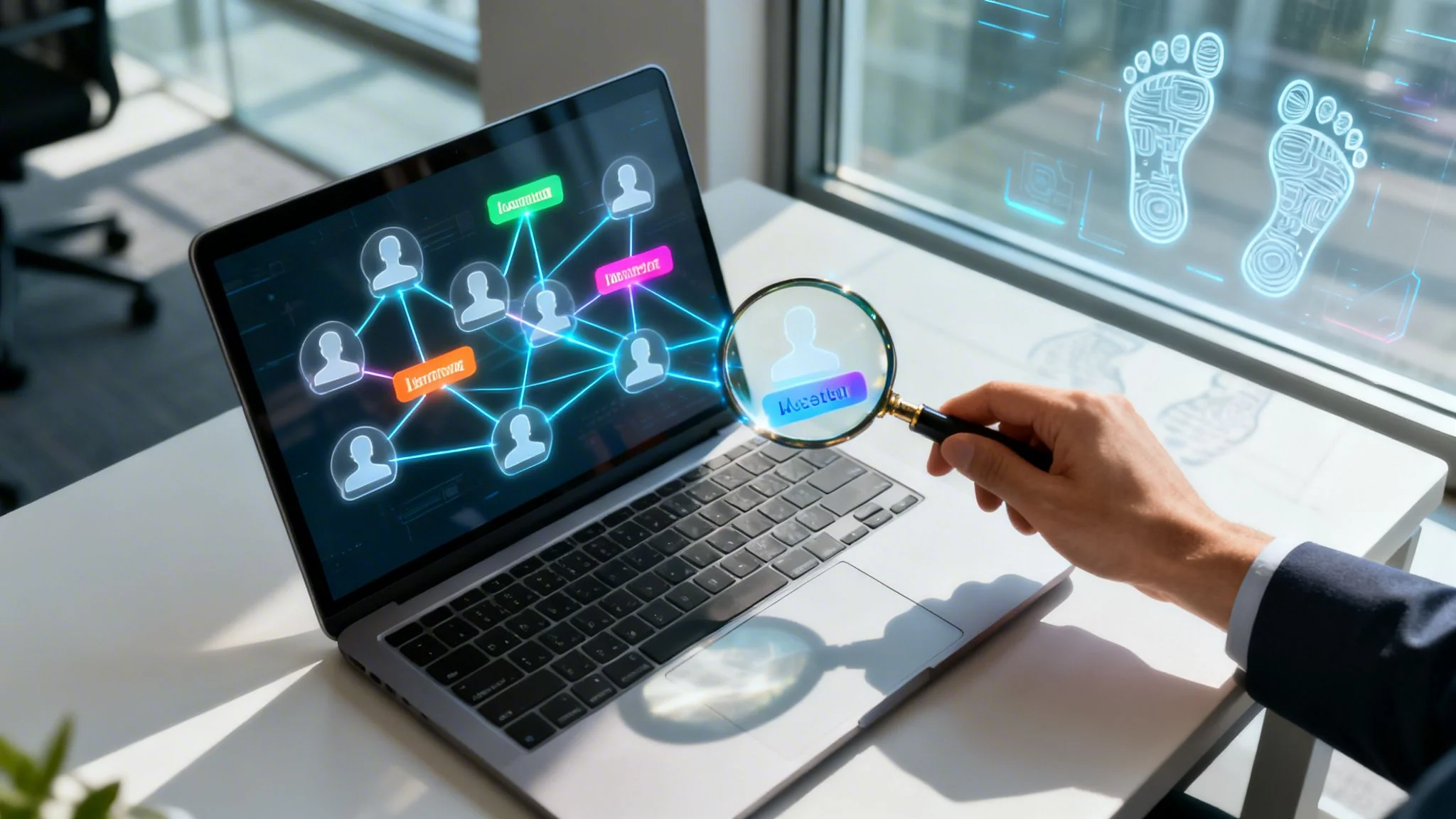
What story does the internet tell about you? Every social account, gaming forum, or newsletter sign-up leaves a trace. Over time, those traces build a detailed picture of who you are — your digital footprint. A profile checker finds and pieces together that scattered trail.
This guide covers what a profile checker is, how it uncovers your digital life, and how to use one to protect your privacy, career, and safety.
What Is a Profile Checker?
A profile checker works like a detective for your digital life — not hacking or spying. It scans hundreds of public websites, forums, breach databases, and public records to find accounts, posts, and mentions linked to your email address or username.
The process uses Open Source Intelligence (OSINT) to map what’s already public about you, giving a clear view of your online presence. See the basics in our guide on what is my digital footprint.
Why Your Digital Trail Matters More Than Ever
What a profile checker uncovers can have real consequences, often without you realizing it. These traces influence major parts of your life.
- Job Prospects: A forgotten profile from college or an old forum post can surface in a background check. A 2020 survey found 70% of employers use social media to screen candidates, and 57% have rejected someone based on what they found.
- Personal Safety: Exposed details like location history, phone number, or family connections can make you a target for harassment or stalking.
- Online Dating Safety: Verifying a partner’s digital trail can reveal warning signs of romance scams or catfishing before you’re invested.
- Reputation Management: Unflattering photos, outdated information, or negative comments can quietly damage your reputation.
Understanding your visible online identity is the first step to securing it — taking control of your narrative before someone else does.
The scale is large. A recent study found 86% of Americans have tried to clean up parts of their digital footprint, and the average person has 7.6 active social media accounts. See more findings on the digital footprint challenge at VPN Central. A profile check isn’t just curiosity — it’s a security audit on yourself.
Take the first step toward managing your online identity. See what the internet knows about you with our powerful and free tool. Run Your Free Digital Footprint Scan Now.
How Profile Checkers Uncover Your Online Life
How does a profile checker find a long-forgotten gaming account tied to an old email? It isn’t magic or hacking. It’s like hiring a researcher who finds clues scattered across the internet.
These tools use Open Source Intelligence (OSINT): they only look at data that’s already public. Anyone could find it with enough time; a profile checker automates and speeds up the process, connecting dots you didn’t know were there. See our guide on OSINT tools for digital footprint checking.
The Starting Clue: The “Seed” of the Investigation
The whole investigation kicks off with a single piece of information—a “seed” that you provide. This is the starting point for the search, a primary identifier linked to you.
- An email address
- A phone number
- A common username
- Your full name
Once you give the tool this initial clue, it gets to work. It systematically checks hundreds, sometimes thousands, of websites and databases to see where that specific piece of data pops up.
The Search Process Unpacked: From a Single Clue to a Full Map
A profile checker does far more than a simple Google search. It runs highly specific queries across a huge range of online platforms, looking for direct matches and any related information. This includes reverse username and email lookups, where the tool checks if your username or email is registered on a particular site.
But the real power comes from its ability to cross-reference what it finds. For example, it might spot a username on a gaming forum. It then takes that same username and scours social media sites. If it finds a match, it links those two accounts together, building a much fuller picture of your online identity.
This infographic shows how all the different pieces of your online life—social media, forums, and data breaches—feed into your total digital footprint.  As you can see, your identity isn’t just on one platform; it’s a whole web of connected profiles and data points that a checker is designed to map out for you.
From Breadcrumbs to a Full Story: A Real-World Example
Every piece of data a profile checker finds is like a digital breadcrumb. The tool’s job is to follow these trails wherever they lead. This is a lot like the “breadcrumb detectives activity” where you trace an online trail to see just how much of your information is out there in the open.
A single exposed email in a data breach can be the thread that unravels a dozen associated accounts, revealing usernames, past passwords, and other personal details you thought were private.
Here’s a typical play-by-play of how it connects the dots:
- Initial Search: You put in an email address. The tool finds it listed in a 2016 data breach from an old social media site.
- Cross-Referencing: That breach data also contains a username. The profile checker then searches for that exact username across 500+ other platforms, including gaming sites, social media, and forums.
- Discovery: It gets hits. The same username is found on three gaming sites (like Steam and Xbox Live), a political forum from 2012, and two social media profiles you forgot you made.
- Consolidation: The tool gathers all these findings into one simple report. It shows you how one compromised email was the key that unlocked six different online profiles, some of which you probably forgot you even made.
By methodically searching and linking information, a profile checker turns a few small clues into a detailed map of your online life. This gives you the power to see your digital self the way others might, so you can take back control of your reputation and lock down your personal data.
What a Profile Checker Report Actually Shows You
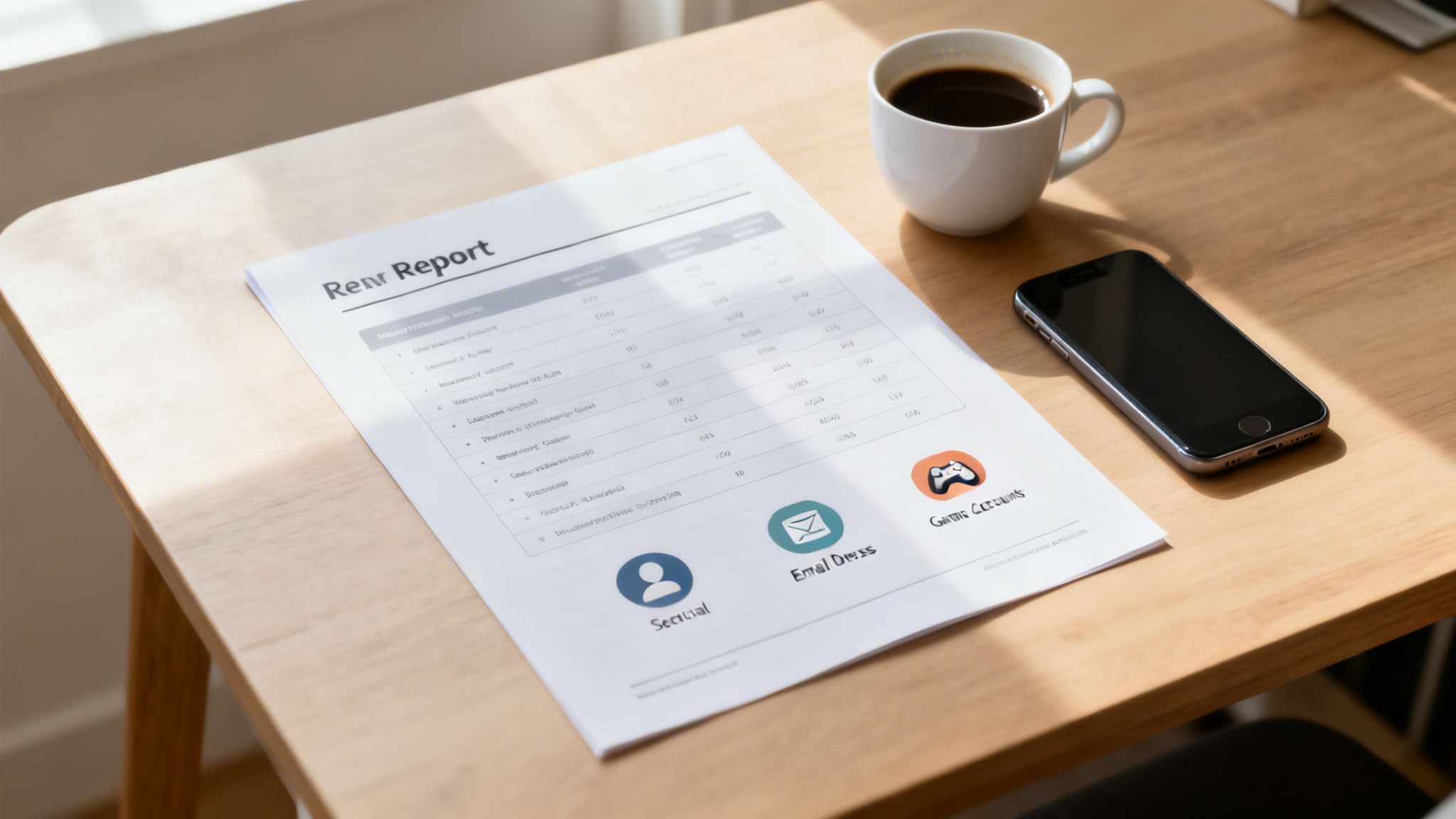
Running a search is just the beginning. The real value of a profile checker is in the report it generates. This isn’t just a simple list of links; it’s a comprehensive map of your public identity, piecing together scattered bits of data into a single, understandable picture.
Think of it as the ultimate source of truth for how you appear to the outside world—whether that’s a recruiter, a new date, or even a cybercriminal. The report organizes everything into clear categories, showing you exactly where your personal data lives and what risks it might pose.
Discovering Your Social and Professional Networks
One of the first things you’ll see are your social and professional accounts. You know about the profiles you use every day, but it’s the ones you’ve forgotten about that often create the biggest headaches.
A profile checker digs up things you’d never find on your own:
- Old Social Media Accounts: That MySpace profile from 2008 or the Bebo account you made in high school? They could still be floating around online, tied to your name or email, holding outdated and potentially embarrassing content.
- Forgotten Blogs: An old blog where you vented about a past job might seem harmless, but it can become a serious liability if a hiring manager stumbles across it.
- Public Professional Profiles: The report shows you exactly how your LinkedIn and other career sites appear to employers, highlighting any inconsistencies that might raise red flags.
Imagine a recruiter finding a public post you wrote a decade ago complaining about an old boss. Even if you’ve changed, that one post can be enough for them to quietly move on to the next candidate.
Uncovering Gaming and Forum Activity
Your online life is much bigger than just social media. For many of us, gaming profiles and niche forums are a huge part of our digital history. A profile checker dives deep into these corners of the internet, connecting usernames to your real identity.
This is where the most surprising links often pop up. A gamer tag you’ve used for years might also be attached to a controversial political forum you forgot you ever joined. That connection is public, and anyone who finds it can easily misinterpret it. For example, a specialized Steam inventory price checker shows just how much detail can be extracted from gaming profiles, revealing the history and value of digital items tied to a single account.
A profile checker report connects the dots you thought were separate. It can link your polished, professional LinkedIn to your anonymous gaming persona through a recycled username, effectively tearing down the wall between your different online lives.
Identifying Data Breach Exposure: Your Biggest Security Threat
This is arguably the most critical part of the report: your exposure in data breaches. When a service you use gets hacked, your personal data—like emails, passwords, and names—is often bundled up and sold on the dark web. Identity theft is a real and growing danger, with over a million Americans falling victim to it each year.
A profile checker scans massive databases of known breaches to see if your information has been compromised. This is vital for stopping identity theft before it starts. Finding out your email was leaked in a breach five years ago is your cue to change the password on any site where you might have reused it. This is also why many people explore our identity theft checker tools.
To put it all together, here’s a breakdown of the information a profile checker typically finds and what it means for you in the real world.
Types of Data Uncovered by a Profile Checker
This table shows the main categories of personal information a comprehensive profile checker can find, along with real-world examples of how that data could be used against you.
| Data Category | What It Finds | Potential Real-World Impact |
|---|---|---|
| Social & Public Profiles | Forgotten accounts, old blog posts, public photo albums, and professional network pages. | A hiring manager finds an unprofessional party photo, costing you a job offer. |
| Gaming & Forum Accounts | Usernames on platforms like Steam, Xbox, PlayStation, Reddit, and niche forums. | An aggressive comment on a forum from years ago is linked to you, damaging your reputation. |
| Data Breach Records | Your email, username, and sometimes past passwords exposed in third-party breaches. | A criminal uses your breached credentials to access your email or bank account, leading to identity theft. |
| Public Records & Data Brokers | Information from public databases and data brokers that can include your address history, phone numbers, and relatives. | A stalker uses publicly available information to find your home address or phone number, posing a direct threat to your personal safety. |
In the end, a profile checker report provides a crucial, bird’s-eye view of your digital vulnerabilities. It gives you the power to clean up your past, lock down your present, and take control of your future online.
Turning Your Report into an Action Plan
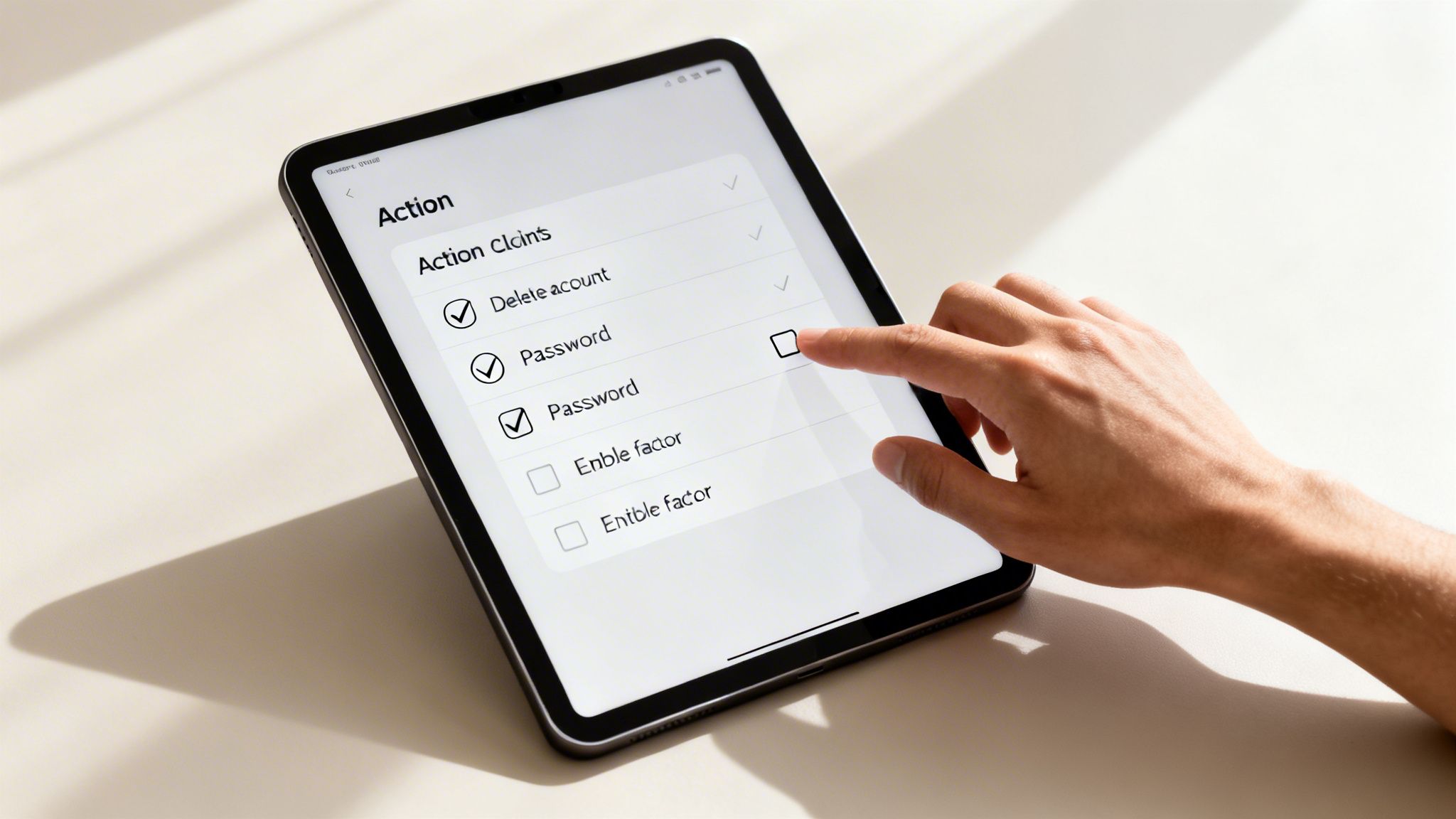
Getting your profile checker report back isn’t the finish line—it’s the starting block. Staring at a long list of your digital history can feel a bit overwhelming, but this report is your single best tool for reclaiming control. It turns vague anxiety about your online life into a concrete, step-by-step to-do list.
Think of it like getting diagnostic results from a doctor. You now know exactly what the issues are. It’s time to start the treatment. Here’s how to translate those findings into real-world actions that will lock down your accounts, polish your reputation, and shield you from future risks.
Priority #1: Responding to Data Breach Exposure
If your report flagged an email or password in a data breach, drop everything else. This is your top priority. The sheer scale of data exposure is staggering, with statistics showing 300 million people were affected by data breaches in 2023 alone. The consequences are personal—an alarming 85% of data breaches involve sensitive information that ties directly back to you. You can learn more about the scale of the data breach epidemic on Gitnux.org.
Here’s your emergency response plan:
- Change Your Passwords Immediately: Start with the account named in the breach. Then, immediately change the password on every other site where you’ve used that same password. Don’t take any chances.
- Enable Two-Factor Authentication (2FA): This is your best defense. Even if a scammer gets your password, they can’t log in without the second code, which is typically sent only to your phone.
- Review Account Activity: Log into the compromised account and scan for any suspicious logins, sent messages you don’t recognize, or changes to your profile.
A data breach isn’t just a notification; it’s a fire alarm. Acting fast is what separates a minor headache from a full-blown identity theft nightmare.
Cleaning Up Old and Unwanted Accounts
Your report probably dug up some digital ghosts—accounts on old forums, forgotten social media sites, or services you haven’t touched in a decade. These dormant profiles are ticking time bombs for both your security and your reputation.
Every forgotten account is another unlocked door for hackers. It’s also a source of outdated information that could paint a misleading picture of you to potential employers or colleagues. It’s time for a digital spring cleaning.
How to Permanently Delete Old Accounts
- Locate the Deletion Page: Services often hide their account deletion options. Dig around in the “Account,” “Privacy,” or “Security” settings for a “Deactivate” or “Permanently Delete” link.
- Follow the Instructions: You might have to answer security questions or click a confirmation link in your email. See it through to the end.
- Check for a Grace Period: Many platforms, like Facebook, use a 14-30 day “cooling off” period before your data is gone. Don’t log back in during this window, or you’ll accidentally reactivate the account.
Some sites, particularly data brokers, make it difficult to remove your information. If you’re hitting a wall, consider using a dedicated service. We cover this in our guide on data broker removal.
Polishing Your Public Profiles for Professionalism
For the accounts you decide to keep—especially professional ones like LinkedIn or any public-facing social media—your report is the ultimate reputation management guide. What shows up online can directly make or break your next career move.
Use your report to see your profiles exactly as a hiring manager would.
- Remove Unprofessional Content: Scour your public posts, photos, and even old comments. If it doesn’t fit the professional image you want to project, delete it. No exceptions.
- Update Your Information: Make sure your job titles, skills, and profile photos are current and consistent everywhere. Mismatched information looks sloppy and can even raise red flags about honesty.
- Review Privacy Settings: Go through each platform and check who can see your posts, photos, and personal details. Lock down personal accounts to “Friends Only” and ensure your professional profiles only show what you want the public—and future bosses—to see.
By turning your profile checker report into a working checklist, you shift from being a passive passenger in your digital life to the person in the driver’s seat. It’s time to build a safer, more professional online presence.
Run Your Free Digital Footprint Scan Now
Who Needs a Profile Checker? (Hint: It’s Probably You)
The idea of a “profile checker” might sound like something straight out of a spy movie, reserved for cybersecurity pros or private eyes. But in reality, understanding what the internet knows about you has become a day-to-day necessity for just about everyone.
This isn’t about being paranoid. It’s about being practical. From landing that dream job to simply staying safe online, knowing what’s floating around about you in the public domain is more critical than ever. Let’s walk through a few real-world scenarios where a tool like this goes from a “nice-to-have” to an absolute lifesaver.
The Ambitious Job Seeker
Picture Alex, a sharp recent grad hunting for a competitive marketing job. Their resume is flawless, the portfolio is impressive, and their LinkedIn profile is perfectly professional. What Alex forgot about, though, was an old gaming forum from a decade ago where they used a snarky username and posted some… let’s just say, immature comments.
A hiring manager does a quick search, connects that old username to Alex’s email, and suddenly the carefully crafted professional image starts to crumble. A profile checker would have flagged that forgotten account, giving Alex the chance to scrub it long before it could cost them a career opportunity.
The Cautious Online Dater
Now, think about Sarah, who’s navigating the world of dating apps. She matches with someone who seems almost too good to be true—charming, successful, and attentive. But a few small things feel off. The photos are a little too polished, and some details in his stories don’t quite add up.
Instead of diving headfirst into a potential romance scam, Sarah runs a quick check. The results are immediate and clear: the photos are stock images, and the name is linked to several other profiles on scam-awareness sites. That simple search just saved her from potential heartbreak and serious financial loss—a threat that costs victims billions every year.
In the world of online dating, a little verification isn’t paranoia—it’s just smart self-defense. Think of a profile checker as your own personal background check, helping you trust but verify before you get emotionally or financially invested.
The Protective Parent
Let’s look at David, a dad whose teenager just got their first smartphone. He’s walking that fine line between respecting his child’s privacy and worrying about everything from cyberbullies to online predators.
Together, David and his child use a profile checker to see what accounts are already linked to their new email address and phone number. This becomes the starting point for a healthy conversation about digital safety—what apps they’re using, the importance of privacy settings, and how to spot red flags. It’s not about spying; it’s about collaborative safety that empowers them both.
The Dedicated Gamer
Finally, there’s Maya, a passionate gamer who has poured years of time and money into her collection of in-game items and accounts. To her, it’s not just a hobby; it’s a valuable digital asset.
She runs a scan on her longtime username and is shocked to discover it was part of a data breach on a small fan site she’d forgotten she ever joined. The leaked password was an old one she had, unfortunately, reused on other platforms. Realizing her main gaming account was vulnerable, she immediately changed the password and activated two-factor authentication, securing her digital assets from being stolen.
These stories all point to the same conclusion. A profile checker is for everyone.
- Job seekers who need to make sure their public image is clean and professional.
- Online daters trying to protect themselves from catfishing and dangerous scams.
- Parents who want to guide their kids toward safer online habits.
- Gamers looking to safeguard valuable accounts and digital property.
- Anyone who cares about their privacy and wants to get ahead of identity theft.
Ultimately, using a profile checker is an act of proactive self-care. It arms you with the knowledge to clean up your digital past, protect your present, and build a more secure future online.
Run Your Free Digital Footprint Scan Now
How to Choose a Profile Checker You Can Trust
Now that you see what a profile checker can uncover, the next question is a big one: how do you pick the right one? Not all these services are built the same, and choosing a shady tool can actually make your privacy problems worse.
Think of it like hiring a security guard for your home. You need someone effective, reliable, and who respects your privacy—not someone who secretly makes copies of your keys.
This choice is everything, because your digital footprint has fueled a massive industry built on buying and selling your data. Many websites exist only to grab and sell your information. In fact, a recent report highlighted that 91% of webpages use trackers for advertising, with the average site deploying over 10 third-party trackers. Your data is a product, and you need to partner with a service that protects it, not exploits it. You can see more stats on the commercial exploitation of digital footprints to understand the scale of the problem.
Comparison: Trustworthy vs. Untrustworthy Profile Checkers
To help you decide, here’s a quick comparison of what to look for and what to avoid.
| Feature | ✅ Trustworthy Service | ❌ Untrustworthy Service |
|---|---|---|
| Privacy Policy | Clear, upfront, and states they will never sell your data. | Vague, hidden, or non-existent. Often implies data sharing with “partners.” |
| Data Sourcing | Uses only ethical Open Source Intelligence (OSINT) from public sources. | Methods are unclear. May use scraping techniques that violate terms of service or illegal means. |
| Reports | Actionable, organized, and provides clear steps for removal and security. | A messy data dump of links with no context or guidance. |
| Business Model | Transparent pricing for premium features; free scan is a genuine service. | ”Free” scan is a bait-and-switch; pressures you with scare tactics to buy expensive subscriptions. |
| Customer Support | Provides real contact information and responsive support. | Unaccountable, with no easy way to contact a real person. |
A trustworthy profile checker’s primary goal is to empower you by revealing your public data, not to collect more of it for their own purposes. Your privacy should be their top priority.
Choosing the right tool is the first real step in taking command of your digital identity. Make sure you pick a partner that puts your security and privacy above everything else. For a transparent look at what a secure service provides, you can review our digital footprint check pricing and features.
Frequently Asked Questions About Profile Checkers
It’s natural to have questions before diving into your own digital footprint. Let’s clear up some of the most common ones people ask about using a profile checker so you know exactly what you’re getting into.
Is Using a Profile Checker Legal?
Yes, it’s legal. A legitimate profile checker operates strictly within the bounds of Open Source Intelligence (OSINT). This just means it finds and organizes information that is already available to the public.
Think of it less like a hacker and more like a highly specialized research assistant. It doesn’t break into private accounts or read your DMs. It simply shows you what’s out there on the open internet—the same information a dedicated employer, investigator, or even a criminal could uncover with enough effort.
Will the Service Sell My Data?
This is a critical question, and the answer separates trustworthy tools from risky ones. A reputable service will have a crystal-clear privacy policy stating they will not sell or share your personal data.
Their business is built on providing you with security and peace of mind, not selling your information to marketers. Be cautious with any “free” tool that doesn’t have a transparent privacy policy. Often, you’re not the customer; your data is the product.
How Is This Different from a Google Search?
Googling your name is a start, but it barely scratches the surface. A profile checker is the difference between a flashlight and a full-blown searchlight—it’s designed for a much deeper and wider search.
A specialized tool automates searches across hundreds of sources all at once, including many that Google misses:
- Niche social media platforms and hidden forums that rarely rank in search engines.
- Vast databases of known data breaches to check if your login details have been exposed.
- Public records, government databases, and data broker sites that are difficult to access manually.
The real power is in how it connects the dots. It can link an old forum username to an email from a data breach, then connect that email to a social media account, building a comprehensive picture that a simple Google search would never reveal.
What If I Find Something Bad?
Finding an old, embarrassing post or a compromised password is actually a good thing. It means you’ve uncovered a vulnerability before someone else could exploit it. Now you have the power to fix it.
A good report doesn’t just dump problems in your lap; it gives you an action plan. Whether that means deleting an old account you forgot about or finally changing a password that’s been exposed in 10 different breaches, the report is your roadmap to cleaning up your digital past and securing your online life.
Ready to take control of your online story? At Digital Footprint Check, we provide the tools you need to see your public profile clearly and take action. Our free, ethical OSINT scan gives you the power to manage your reputation and protect your privacy. Discover what the internet knows about you with a free scan at www.digitalfootprintcheck.com/free-checker.