· Digital Footprint Check · Content Marketing · 20 min read
10 Osint Tools and Techniques for Safer Research
Explore 10 OSINT tools and techniques for footprint discovery, verification, asset mapping, ethical research, and online identity protection.

An old gaming profile can resurface at the worst possible moment. A reused username may connect a professional identity to a public forum, a breach record may expose an email address, or a dating profile may use an image that belongs to someone else. The problem is not just finding information. The problem is deciding whether the result belongs to the right person, whether the source is current, and what you can lawfully do with it.
Effective osint tools and techniques start with a narrow question, then move from discovery to verification, evidence preservation, and remediation. They help you find public exposure, not bypass private accounts or access authenticated data. Consent, purpose limitation, data minimization, and local-law checks are essential, especially for HR screening, relationship investigations, identity theft, and employee monitoring.
The ten resources below fit different stages of a defensible digital-footprint workflow. Digital Footprint Check is a practical starting point for mapping a personal or organizational footprint, with a free profile checker that can turn a vague privacy concern into a prioritized list of public exposure.
| Resource | Primary use | Technical difficulty | Evidence value | Main limitation |
|---|---|---|---|---|
| Digital Footprint Check | Personal and organizational exposure mapping | Low | Actionable report and risk context | Guides remediation rather than performing takedowns |
| Maltego | Entity and relationship mapping | Medium | Visual connections and source enrichment | Advanced connectors can require paid subscriptions |
| Shodan | Internet-exposed services and assets | Medium | Technical exposure indicators | Results need interpretation and authorization |
| Hunchly | Web capture and evidence preservation | Low to medium | Timestamped, organized case records | Discovery must happen elsewhere |
| OWASP Amass | Domains, subdomains, and network mapping | High | External asset inventory | Command-line workflow and tuning required |
| Intelligence X | Leaks, pastes, archives, and darknet exposure | Medium | Document context and metadata | Full access is subscription-based |
| TinEye | Reverse image and reuse checks | Low | Image provenance and impersonation clues | Free searches are limited |
| WhatsMyName | Username discovery across platforms | Low | Fast alias and account leads | Matches need manual verification |
| Epieos | Email and phone enrichment | Low to medium | Links to possible public services | Free access doesn’t include every module |
| Bellingcat Toolkit | Technique selection and research guidance | Low | Method and tool context | It’s a directory, not an investigation platform |
1. Digital Footprint Check
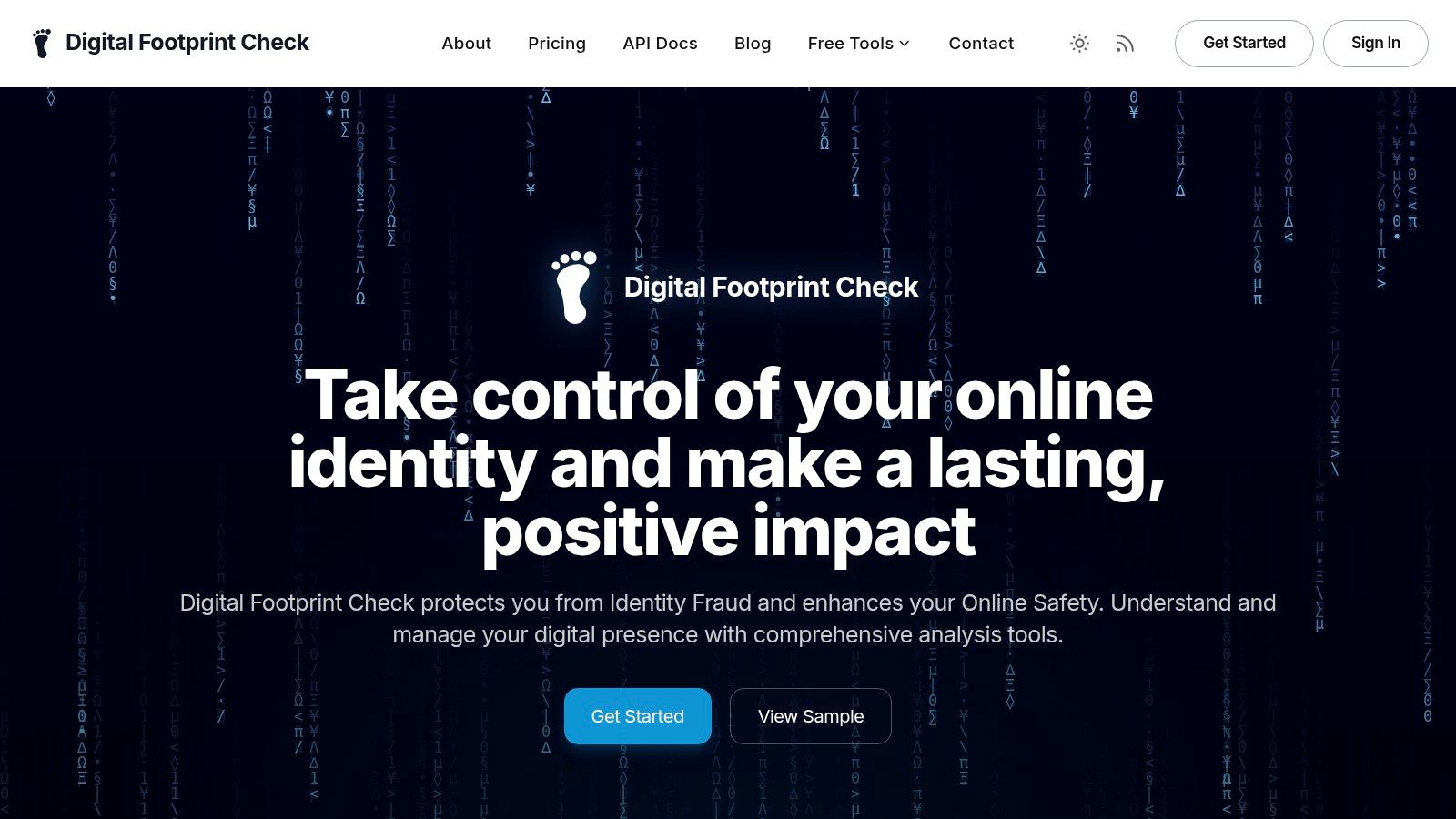
Digital Footprint Check is the strongest first stop when the question is broad: what personal, employee, or brand information is publicly visible right now? Its platform scans more than 500 public sources, including social networks, data brokers, breach databases, gaming networks such as Steam, Xbox, PlayStation, and Minecraft, public records, and web mentions. That breadth makes it useful for individuals, families, job seekers, HR teams, gamers, and security-conscious organizations.
The free profile check requires no credit card, while a one-time full report adds a privacy score, identity-theft risk assessment, background-search previews, and step-by-step DIY guides for account hardening and data removal. Optional subscriptions support continuous monitoring and real-time breach alerts. The service also offers family and enterprise capabilities, HR compliance features, and an API for integrations.
Where it fits
Use Digital Footprint Check’s personal footprint assessment before opening a collection of separate tools. It can reveal reused usernames, exposed contact details, gaming profiles, breach references, and professional reputation signals that deserve closer verification. For a job seeker, that may mean reviewing an old forum account. For a parent, it may mean finding public gaming identities. For an HR team, it provides a structured starting point for an ethical, role-relevant review.
The platform emphasizes 256-bit SSL encryption, GDPR compliance, and a policy that it doesn’t sell user data. It highlights tens of thousands of users and reports, including 50K+ reports generated and 25K+ users protected, and says it monitors more than 1,000 data breaches. Those product figures should be checked against the current service pages because platform details can change.
Its limitation is important. Digital Footprint Check discovers public exposure and explains how to address it, but it doesn’t remove information on your behalf. It also can’t access private or authenticated data, and public pages don’t list exact subscription prices. That boundary is a benefit for lawful research, but users must complete removal requests and account changes themselves.
2. Maltego
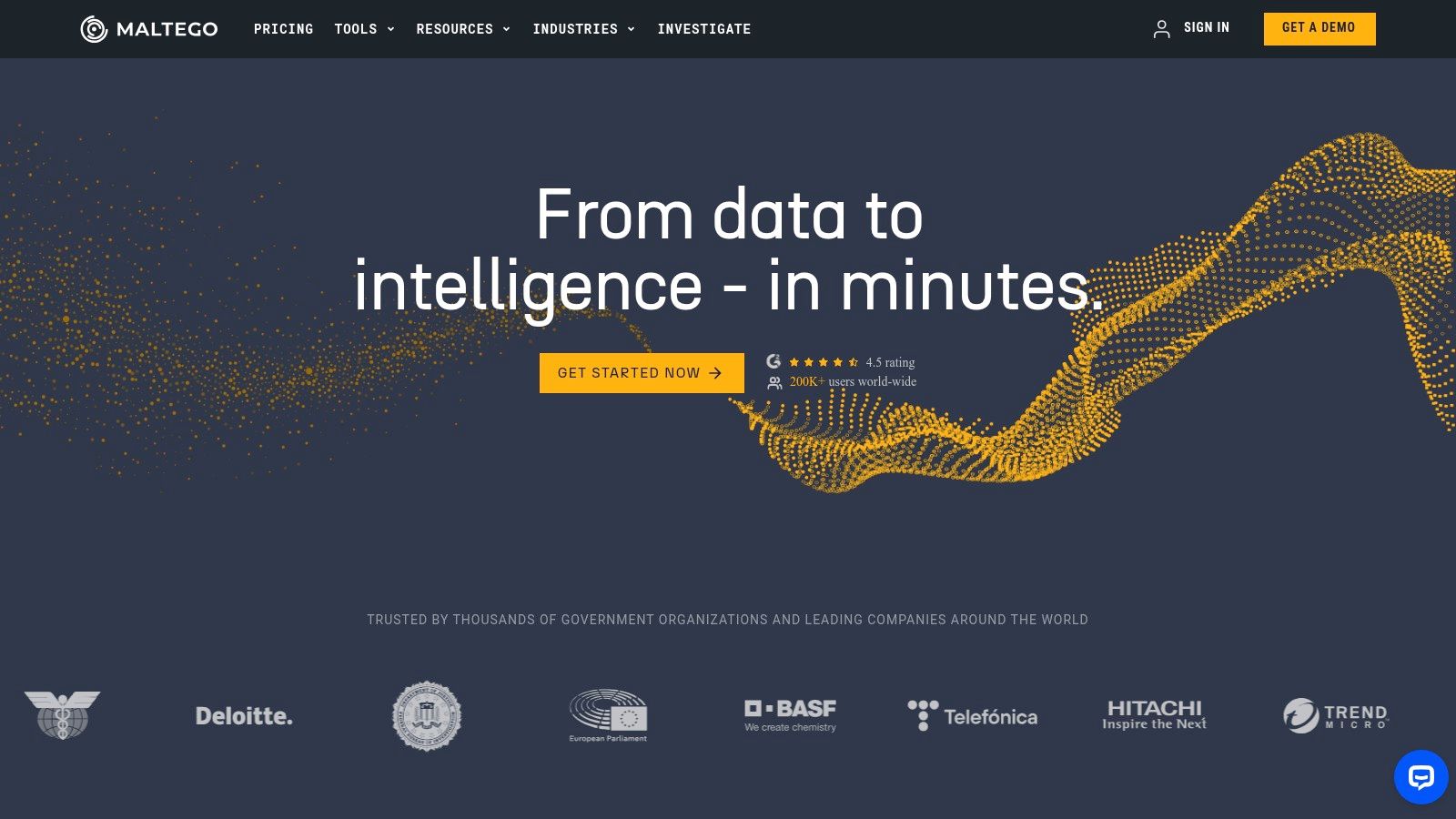
Maltego is built for the point where a simple search becomes a relationship problem. An investigator can begin with a name, company, domain, email address, or username, then map connections among people, organizations, infrastructure, social profiles, breach references, and other entities in a visual graph.
Its Transform Hub connects users to 120+ data providers and 12,000+ search methods, covering OSINT, social data, breach information, dark web sources, cryptocurrency, and corporate intelligence. Machines automate multi-step queries, while evidence-collection and monitoring modules support larger investigations. Maltego can run through public transform servers or private organizational hosting, which gives professional teams more control over data handling.
Strengths and trade-offs
The graph is most useful when several weak clues may form a meaningful pattern. A company domain might connect to forgotten subdomains, public employee profiles, technology services, and registration records. A username might connect to accounts that require separate manual review. The visual layout helps analysts see relationships they could miss in a flat list.
Maltego supports free, API-keyed, and paid connectors, so teams can build a workflow gradually. It has also earned professional adoption and holds ISO 27001:2022 certification, as described by Maltego’s platform information. The practical downside is cost and connector dependence. The most useful social and dark-web transforms often require separate paid data subscriptions, while higher tiers and enterprise pricing require contact with sales.
Use this OSINT tool comparison to decide whether Maltego’s graph workflow is justified. It isn’t the best choice for a one-off personal privacy check. It is a better fit for investigators who must document how multiple public entities relate and distinguish a lead from a verified connection.
3. Shodan
Shodan answers a technical question: which internet-exposed services and devices are associated with an authorized asset? It indexes service banners, devices, software indicators, and vulnerability references. Security teams use filters for service, product, vulnerability, SSL or SSH fingerprints, geography, and other attributes to review an organization’s external attack surface.
The right workflow starts with an approved domain range, IP range, or asset list. Search results can reveal an outdated service, an unexpected port, a certificate relationship, or a banner that identifies software. Those findings aren’t proof of compromise. They are exposure signals that an authorized administrator should validate and remediate.
Practical use
Shodan’s monitoring and alerting features can help teams watch known assets over time, while its API supports enrichment in security and asset-management workflows. Its documentation includes query examples, which makes the service more approachable than a raw data feed. Shodan’s official service also offers tiered access for personal, academic, corporate, and enterprise use, although current pricing and promotions should be checked directly.
The main risk is misuse. Searching a third party’s infrastructure without authorization can cross legal and contractual boundaries, even when the information is publicly indexed. Don’t turn a discovery query into an intrusion attempt, credential test, or vulnerability exploitation exercise.
For a personal or small-business review, begin with an internet footprint scan, then use Shodan only when you have a clearly defined technical asset and permission to examine it. Shodan is powerful for perimeter visibility, but it doesn’t tell you whether an exposed service is business-critical, abandoned, intentionally public, or already protected by another control.
4. Hunchly
Discovery is only half an investigation. Web pages change, social profiles disappear, and search results can look different from one day to the next. Hunchly addresses that evidence problem by capturing browsing sessions, pages, timestamps, metadata, notes, and case structure as research happens.
The tool is designed for defensible OSINT workflows. It supports cryptographic integrity controls, signing and verification, GPG signatures, exportable case records, and local storage. A cloud-storage option is available for teams that need a different handling model. The interface is aimed at investigators who may not want to build a custom evidence pipeline.
Preserve context, not just screenshots
A screenshot without the surrounding URL, time, page context, and collection notes may be difficult to interpret later. Hunchly helps create a chain between the page you viewed and the record you eventually cite in an internal report, an impersonation complaint, or a compliance review.
Practical rule: Capture the full context before drawing a conclusion. Record what you searched, why you searched it, and which details remain uncertain.
Hunchly doesn’t discover identities, domains, or images by itself. Pair it with a discovery tool such as WhatsMyName, TinEye, Maltego, or an ordinary search engine. Its value begins after you find a relevant public source and need to preserve it consistently.
The basic workflow is accessible, but cloud add-ons and volume licensing may require a conversation with the vendor. Hunchly’s official site explains its capture and case-management approach. For a personal privacy audit, it may be more than you need. For legal, journalistic, corporate-security, or HR work where another person must review the basis for a finding, its evidence safeguards can justify the extra step.
5. OWASP Amass
OWASP Amass is a command-line framework for discovering external assets and mapping an organization’s network footprint. It combines DNS enumeration, certificate-transparency records, and other OSINT sources to identify domains, subdomains, infrastructure relationships, and potential gaps in an asset inventory.
That makes Amass particularly useful for attack-surface review. A security team may know its main website but forget a development host, legacy subdomain, cloud service, or certificate-associated name. Amass helps turn scattered public indicators into a broader map that can be reviewed against authorized internal records.
Why practitioners keep it in the toolkit
OWASP Amass is free, open source, and governed within the OWASP ecosystem. It produces graph-oriented outputs and can be scripted into reconnaissance and asset-management pipelines. That flexibility matters when a team wants repeatable collection instead of a one-time manual search.
The trade-off is technical effort. Amass isn’t a turnkey graphical product. Results improve when analysts tune the configuration, understand DNS behavior, combine multiple sources, and separate confirmed assets from possible relationships. A raw subdomain list can also contain stale or third-party infrastructure, so every result needs ownership validation.
Use it only within an approved scope. Don’t scan or probe systems just because a public certificate or DNS record makes them visible. For a small organization, begin with passive collection and compare the results with known assets. For a security program, preserve output dates and configuration details so future changes can be explained rather than mistaken for new discoveries.
6. Intelligence X
Intelligence X is aimed at exposure that ordinary web search often misses. It searches open-web material, darknet content, peer-to-peer sources, pastes, leaks, and archived documents. Investigators can use email addresses, domains, document identifiers, and other selectors to look for evidence that information has circulated beyond its original context.
The useful distinction is documentary context. Intelligence X can provide previews, original-file views, metadata, alerts, and monitoring options, allowing an analyst to assess whether a result is a real exposure or merely a repeated reference. That matters when an employee email appears in a paste, when a company domain is included in a leaked document, or when an old file contains contact information that should no longer be public.
Handle sensitive results carefully
A leak result is not automatically evidence that a current password is valid, that a person committed misconduct, or that an account remains compromised. Treat it as a lead. Don’t download unnecessary personal data, redistribute leaked material, or test credentials. For an individual, the appropriate next action may be password replacement, multifactor authentication, session revocation, and a report to the affected service.
Intelligence X offers limited access through a free tier, with paid subscriptions and API options for broader searches and monitoring. Full-feature pricing and access conditions can change. The service is better suited to analysts who need historical and leak context than to someone who only wants to check whether a username exists.
Pair the result with independent evidence. Confirm the domain, date, account ownership, and affected service through lawful public sources or direct account controls. Preserve only what the investigation requires, and redact sensitive material in reports shared with managers, clients, or family members.
7. TinEye
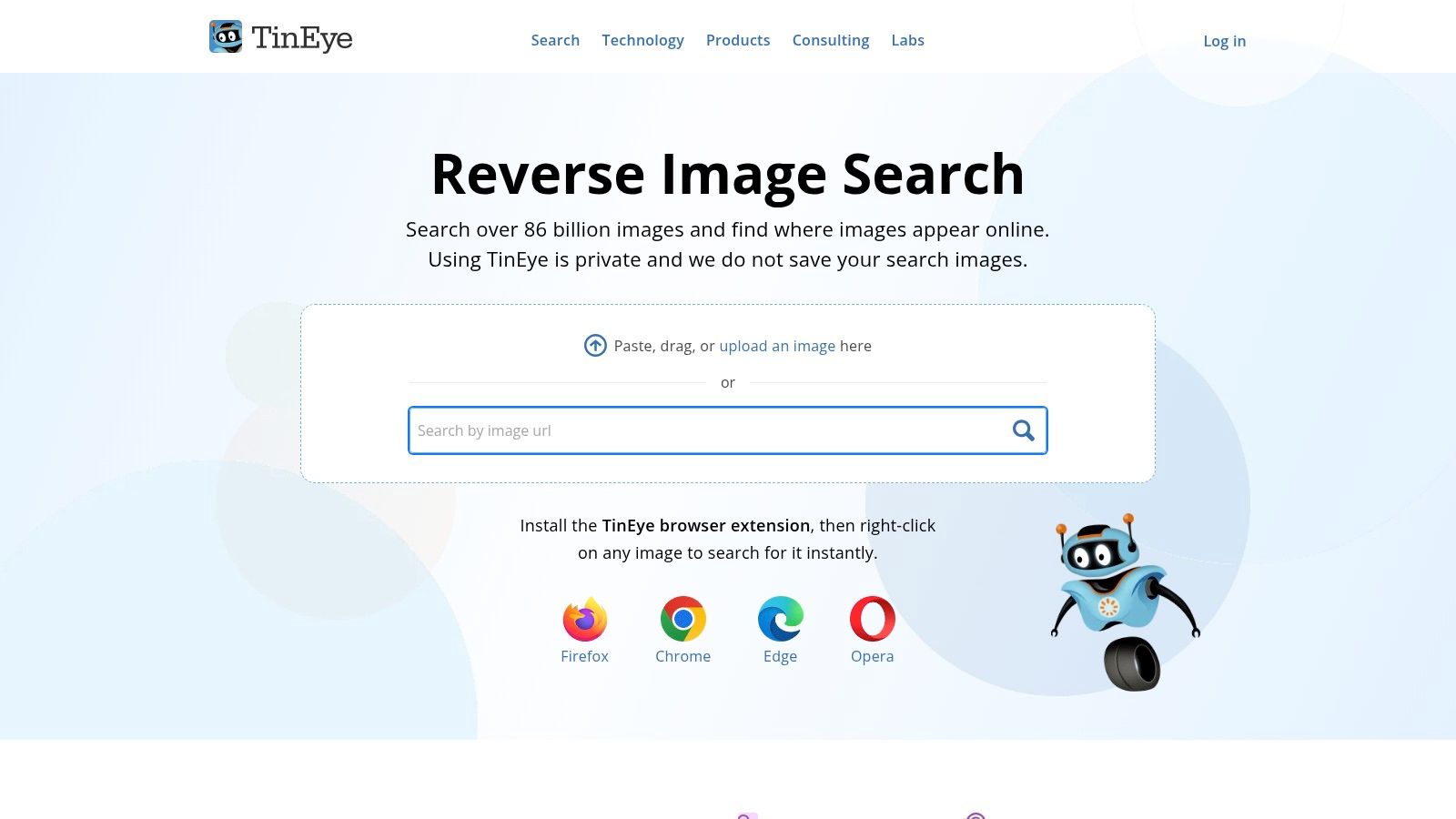
TinEye is a reverse-image search engine for a narrow but important question: where else has this image appeared? Uploading an image or using the browser extension can help identify earlier versions, altered copies, commercial reuse, impersonation, and profile-photo recycling.
This is valuable in dating-safety and catfishing investigations. A profile photo that appears under different names, on unrelated websites, or in an older context deserves caution. The finding doesn’t prove who is behind the dating profile. It does show that the image’s claimed origin may be unreliable, and it gives you a reason to pause before sharing money, identity documents, or intimate content.
Check provenance without overclaiming
TinEye offers web search, browser extensions, and commercial MatchEngine APIs for batch processing and developer integrations. Its reverse-image search service is useful for reuse tracking, but no reverse-image result identifies the person operating an account by itself.
Free site use is limited, while commercial API access is paid. Search coverage also varies by image and index. A missing result doesn’t establish that an image is original, private, or trustworthy.
Use reverse image search for people as one part of a verification process. Compare the image with profile history, account age, language, location claims, and requests for money. In a brand or employment context, preserve the image URL and capture dates before reporting impersonation or unauthorized use.
8. WhatsMyName
WhatsMyName is a fast way to test whether a username appears across many public platforms. Its community-maintained dataset covers 700+ platforms, and the browser tool returns source response details that help an analyst inspect each potential match manually.
The method is simple. Start with a known public handle, search for matches, then compare profile content, dates, language, avatar reuse, links, and stated interests. A matching username can reveal a neglected gaming account, a public forum profile, or an alias that a job seeker would rather review before an employer encounters it.
Treat matches as leads
WhatsMyName is free, open source, and maintained through a large community site list with documentation and GitHub support. It doesn’t perform deep account fingerprinting. It mainly detects situations where the username appears in a recognizable URL pattern, so false positives and unrelated users are possible.
A username match is a prompt for verification, not proof of identity.
That limitation is especially important for gaming accounts. A handle may be common, shared, or reused by different people. Don’t contact or expose a suspected account owner based on a single match. Use a deep username search to broaden discovery, then corroborate with independently visible details.
For personal privacy, the tool is excellent for finding old accounts you own. Review each result, close unused profiles, change reused usernames where possible, and remove public biographical details that make account linkage easier.
9. Epieos
Epieos focuses on email and phone enrichment. Its modular lookups can connect an address or number to possible public accounts and services, including professional, fitness, gaming, and breach-related indicators. Results often contain clickable data points that lead back to an original public source, which makes manual verification easier.
The service is useful when an investigation begins with one identifier instead of a name. A job seeker can review whether an old email address still points to public accounts. A security team can examine whether a published business number appears in unexpected services. A person dealing with suspected impersonation can use the results to identify which public accounts need account-recovery checks.
Use minimum necessary data
Epieos provides modules across 200+ sites, with plan differences affecting watermarking, CAPTCHA handling, and available lookups. Its free Member tier offers a starting point, while paid Osinter access and custom enterprise arrangements add capabilities. API access is available through custom enterprise plans rather than the basic workflow.
The tool doesn’t turn an email or phone number into certain proof of ownership. Shared mailboxes, recycled numbers, aliases, and stale records can all create misleading connections. Check whether the source is current, whether the identifier is controlled by the subject, and whether the result is relevant to the purpose of the investigation.
Don’t upload someone else’s sensitive identifiers casually. For HR or organizational use, document a lawful purpose and apply consistent standards. For personal privacy work, start with your own email addresses and phone numbers, then remove unnecessary public associations and strengthen recovery settings.
10. Bellingcat Online Investigation Toolkit
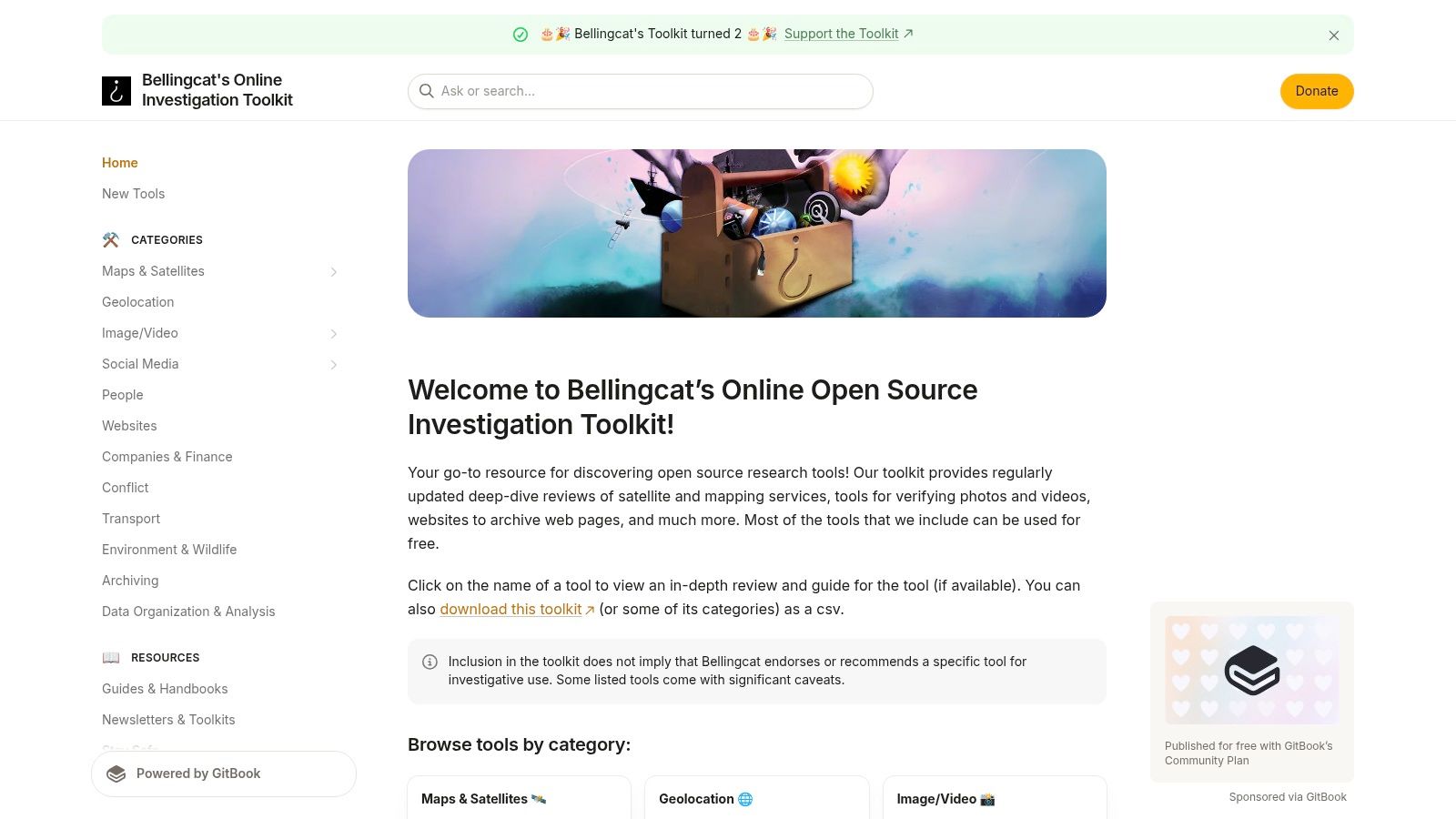
The Bellingcat Online Investigation Toolkit is a technique-first catalog rather than a single search platform. It organizes tools and methods into areas such as image and video analysis, environment, people and identity, geolocation, and breach checks. That organization helps analysts choose a suitable method before they start collecting unrelated results.
The toolkit is particularly useful for training. A new researcher can learn why an image search, map comparison, metadata review, or username search might answer a specific question. A team can use the categories to standardize research notes and reduce the habit of choosing a familiar tool for every problem.
Choose the method before collecting data
The Bellingcat Online Investigation Toolkit is regularly updated, non-commercial, and maintained through public documentation and GitHub collaboration. Its links and notes can save time, but the directory doesn’t execute searches, preserve evidence, or assess whether a result belongs to the right person.
Use it to build a workflow such as: identify the question, select a discovery method, verify through an independent source, preserve the relevant page, and record uncertainty. For a suspected catfish account, that might mean image provenance followed by profile-history checks. For a company, it might mean domain discovery followed by authorized technical validation.
The toolkit’s greatest strength is restraint. It encourages method selection instead of indiscriminate searching. That makes it a useful companion to more automated services, especially when employment, personal safety, or reputation consequences depend on the quality of the conclusion.
Top 10 OSINT Tools & Techniques Comparison
| Tool | Core features | UX & Quality | Price & Value | Target audience | Unique selling points |
|---|---|---|---|---|---|
| Digital Footprint Check 🏆 | 500+ source scan: social, breaches, gaming, public records ✨ | Clear, actionable reports; DIY removal guides; Privacy score ★★★★☆ | Free instant profile & first report; subs for continuous monitoring 💰 | 👥 Individuals, families, HR, security teams | ✨ Gaming detection; API; GDPR & 256-bit SSL; privacy-first |
| Maltego | Visual link analysis; 120+ providers; Machines for automation | Professional-grade graphs; steep learning curve ★★★★☆ | Tiered enterprise pricing; can be costly for solo users 💰 | 👥 Investigators, law enforcement, corporate security | ✨ Huge connector ecosystem; private/org hosting |
| Shodan | Internet-exposed device/service indexing; vuln & banner queries | Fast attack-surface discovery; good docs ★★★★☆ | Clear tiering; academic perks; higher tiers pricey 💰 | 👥 Security teams, researchers, ops | ✨ Advanced filters (service, vuln, geo); API & monitoring |
| Hunchly | Browser session capture with signing; case management & export | Court-ready evidentiary capture; easy for non-tech users ★★★★☆ | Paid single/enterprise licensing 💰 | 👥 Journalists, investigators, legal teams | ✨ Cryptographic integrity; case exports; GPG signatures |
| OWASP Amass | Subdomain/DNS enumeration; CT logs; graph outputs | CLI-first; powerful when tuned; needs technical skill ★★★☆☆ | Free, open-source 💰 | 👥 Security engineers, recon teams | ✨ OWASP-backed; scriptable integration into pipelines |
| Intelligence X | Darknet/paste/leak archive search; doc previews & alerts | Deep leak indexing; good context & metadata ★★★★☆ | Free tier; subscriptions for full access & API 💰 | 👥 Investigators, incident responders | ✨ Archive of leaks/pastes; original file views & metadata |
| TinEye | Reverse image search; MatchEngine API for batch use | Reliable provenance checks; mature tooling ★★★☆☆ | Limited free use; commercial API plans (volume-priced) 💰 | 👥 Brands, forensics, developers | ✨ MatchEngine for scalable image tracking & APIs |
| WhatsMyName | Username checks across 700+ platforms (URL-based) | Fast, community-driven; simple UI ★★★☆☆ | Free, open-source 💰 | 👥 OSINTers, researchers, individuals | ✨ Large, GitHub-maintained site list; rapid checks |
| Epieos | Email & phone enrichment across 200+ sites; source links | Practical one-box enrichment; clickable sources ★★★☆☆ | Free Member tier; paid Osinter; API via custom plans 💰 | 👥 Investigators, HR analysts | ✨ Quick pivots from email/phone to original sources |
| Bellingcat Toolkit | Curated, technique-first OSINT tool catalog by category | Trusted, well-organized guidance; great for training ★★★★☆ | Free resource 💰 | 👥 Investigators, trainers, research teams | ✨ Regularly updated, non-commercial curation |
Turn Findings Into Safer Digital Habits
A defensible investigation begins with a lawful objective. Write the question in one sentence, such as “Which public accounts are connected to my old username?” or “Which internet-facing assets belong to our approved domain range?” Avoid collecting information just because a tool makes it available.
Collect only the identifiers you need. For a personal review, that may be your own name, email addresses, phone numbers, usernames, domains, and profile images. For an organizational review, define the approved domains, public brand names, and employee-related scope in advance. HR teams should use consistent, role-relevant criteria and follow applicable employment and privacy rules.
Move from broad discovery to focused verification. A footprint platform can reveal possible exposure, WhatsMyName can surface username leads, TinEye can test image reuse, and Maltego can map relationships. Shodan and Amass belong in an authorized technical asset workflow, while Hunchly helps preserve the pages and context that support a finding.
Corroborate important results with independent public sources. A username match isn’t enough. A breach reference isn’t proof of a current password. An image match doesn’t identify the person behind a dating profile. Record the source, URL, collection time, relevant text, and uncertainty. Preserve context before a page changes, and keep reports proportionate to the purpose.
Use the findings to reduce exposure rather than to shame or confront someone. A practical remediation pass should cover:
- Unique passwords: Replace reused passwords, especially on email, gaming, social, and financial accounts.
- Multifactor authentication: Enable an authenticator app or security key where the service supports it.
- Privacy settings: Restrict public profile fields, friend lists, contact discovery, location history, and searchable gaming activity.
- Recovery details: Review backup email addresses, phone numbers, trusted devices, active sessions, and recovery codes.
- Breach response: Change affected credentials, revoke sessions, watch for phishing, and contact the relevant service through official channels.
- Impersonation reporting: Save profile URLs and evidence, then report fake accounts to the platform and affected organizations.
- Removal requests: Ask websites, data brokers, search engines, or public-record services about available correction and deletion procedures.
The same workflow has different consequences in different settings. For job-search reputation, review old usernames, public posts, professional profiles, and images before an employer sees them. For gaming accounts, look for public aliases, linked profiles, exposed recovery information, and account-sharing risks. For dating-app verification, compare image history and behavior patterns, but don’t treat OSINT as a substitute for meeting safely in public or following platform verification procedures.
Romance scams often combine a polished identity with urgent requests, inconsistent stories, isolation from friends, and pressure to send money or sensitive information. The FTC reported that nearly 60% of people who lost money to a romance scam in 2025 said it began on social media (FTC data on social-media scams). Reported romance-scam losses reached $1.16 billion in the first nine months of 2025, with 55,604 reports and a median reported loss of $2,218 in the third quarter (Consumer Sentinel coverage). Those figures reinforce the need to slow down, verify independently, and never send money because an online relationship creates emotional pressure.
Older adults need particular care. The FTC’s 2025 report to Congress said people aged 80 and over had a median reported loss exceeding $1,600, and older adults were much more likely than younger adults to report losses from romance scams and related impersonation fraud (FTC report on protecting older adults). Family members should support, not secretly surveil, relatives. Explain the warning signs, review privacy and recovery settings together, and contact financial institutions or authorities quickly after suspected fraud.
Identity theft requires account protection and formal recovery steps, not just online searching. The FTC recorded $15.9 billion in consumer fraud losses in 2025 across about 3 million complaints, according to reported FTC and AARP coverage. For organizations, the priority is different: map the external attack surface, confirm ownership, remove unnecessary exposure, and route verified technical findings to the responsible security team.
Discovery isn’t proof of wrongdoing. Public information can be stale, misattributed, copied, or deliberately misleading. Use the tools to reduce risk, preserve fair context, and make safer decisions. If you want to check your own exposed footprint, start with the Digital Footprint Check free checker, review the results carefully, and follow the remediation guidance. The platform helps you discover and understand public exposure, but it guides takedown and account-hardening work rather than performing removals for you.
Digital Footprint Check scans 500+ public sources, including social, gaming, professional, breach, public-record, and web-mention data, to help you map online exposure. Visit Digital Footprint Check to run a free check, review practical privacy guidance, and decide which accounts, credentials, and public records need attention first.