· Digital Footprint Check · Content Marketing · 13 min read
How Does Lifelock Work: Your 2026 Identity Protection Guide
Understand how does lifelock work to protect your identity in 2026. This guide covers monitoring, alerts, restoration & limitations. Is it right for you?

A breach notice lands in your inbox. You barely remember creating the account. A day later, your friend says their Instagram was hijacked, and now scammers are messaging everyone in their contacts. Then your bank asks whether you really tried to change your mailing address.
That’s usually when people start searching for identity protection. Not because they suddenly love cybersecurity, but because the internet has turned ordinary life into a trail of exposed details. Your email sits in old shopping accounts. Your phone number may be on people-search sites. Your name can show up in public records, breach dumps, social media, gaming platforms, and forgotten apps you stopped using years ago.
The stressful part is that you can’t realistically monitor all of that by hand. That’s why LifeLock keeps coming up. It’s one of the most recognizable names in identity protection, and many people assume it acts like a shield that blocks identity theft before it happens. That’s not really how it works.
A better question is this: How does LifeLock work in real life, once your data is already moving through dozens of systems you don’t control?
If you’re trying to sort out the difference between monitoring, restoration help, fraud coverage, and true privacy protection, you’re asking the right question. For a grounded overview of the recovery side of identity theft, these Mitchell-Joseph identity protection insights are useful because they focus on what happens after fraud starts, which is often where people realize how much work cleanup can involve.
That Sinking Feeling Are You Protected Online
Individuals don’t typically wake up wondering whether a criminal is trying to open credit in their name. They wake up, check messages, and get hit with small signs that something’s off. A password reset email they didn’t request. A bank notification they don’t recognize. A note from a company saying their data “may have been involved” in a breach.
That’s what makes identity theft so unsettling. It often begins subtly. There’s no broken window. No obvious alarm. Your information just appears where it shouldn’t, and by the time you notice, the damage may involve money, credit, accounts, or even your reputation.
Why this feels harder now
Your personal data no longer lives in one place. It’s spread across stores, employers, healthcare portals, schools, delivery apps, social platforms, public records, and old accounts you forgot existed.
A few real-world risks people often miss:
- Financial fraud: Someone uses your details to apply for credit or tamper with an existing account.
- Account takeover: A criminal gets into your email or social profile, then uses it to reset other accounts.
- Reputation damage: A hijacked social media account, exposed forum profile, or old public post can affect relationships or job prospects.
- Safety issues: An exposed address, phone number, or family connection can create offline risks too.
You don’t need to be careless to end up exposed. You just need to have used the internet for long enough.
That’s the background behind the LifeLock question. People aren’t usually asking about software architecture. They’re asking whether someone can help them spot trouble before it spreads.
How LifeLock Monitors Your Digital Life
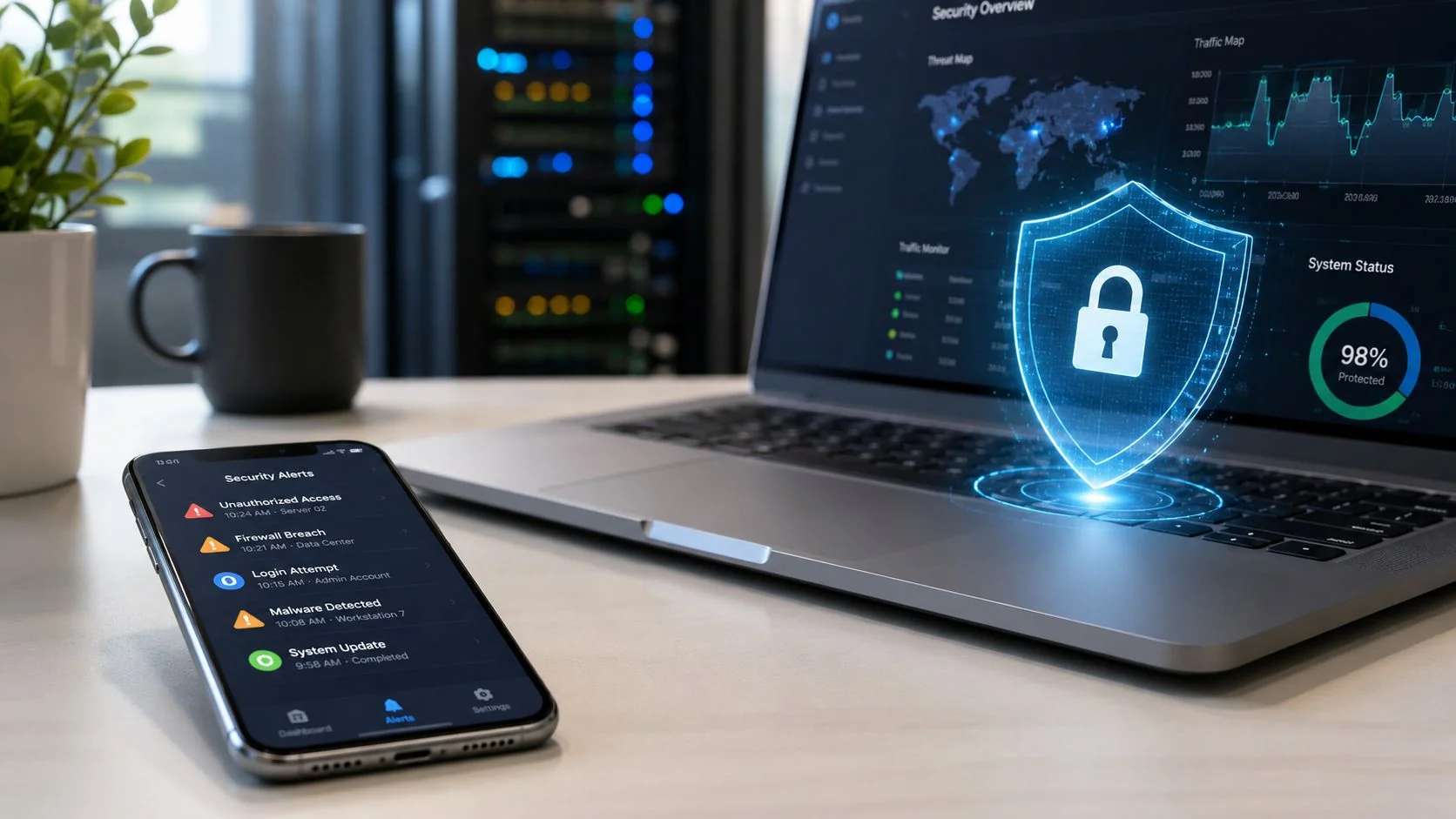
LifeLock makes more sense if you stop thinking of it as a vault and start thinking of it as a digital smoke detector. A smoke detector doesn’t make your house fireproof. It watches for danger and warns you fast enough to react.
That’s the basic answer to “how does LifeLock work.” It functions as an event-driven monitoring layer. It watches for signals connected to your identity, then alerts you when something changes in a way that could indicate fraud.
A visual helps here.

What it actually watches
According to a LifeLock member guide, its proprietary system scans hundreds of millions of transactions per second for suspicious activity and can alert members by phone, email, text, or mobile app when it detects possible identity-theft indicators, as described in the LifeLock member expectation guide.
Independent reviews describe the monitored sources as including dark web content, data breach notifications, USPS address changes, court records, and public-registry data. That combination tells you what the service is built to do. It looks for signs that your personal details are appearing in risky places or changing in ways that don’t match normal activity.
Think about these examples:
- A USPS address change alert: Useful if someone tries to redirect your mail so they can intercept bills, cards, or account notices.
- A credit-related alert: Useful if an application or file change suggests someone is trying to borrow in your name.
- Dark web exposure: Useful if a breached password, email, or other identifier turns up in a criminal marketplace.
- Court or public-record changes: Useful if your name appears in records you didn’t expect.
Why alerts matter more than people think
Identity theft often moves in stages. First a criminal tests whether your data works. Then they expand. They may move from a breached email to a retailer account, then to a financial account, then to your credit file.
An alert doesn’t erase that risk. It shortens the time between something happened and you found out.
For readers comparing this with other services, this breakdown of dark web monitoring options and tradeoffs is useful because dark web scanning is only one piece of a broader identity-monitoring setup.
A short video can make the concept more concrete:
Practical rule: Monitoring helps you detect misuse faster. It doesn’t remove the need for strong passwords, account security, or credit freezes when appropriate.
From Alerts to Action What Happens Next
The alert is the moment individuals care about. Your phone buzzes. The message says there may be suspicious activity linked to your identity. Now what?
LifeLock transitions from monitoring to response support. The service can notify you through the channels listed in its member materials, and then the next move depends on whether the activity is legitimate or not.

The first decision is yours
Not every alert means fraud. Sometimes you applied for credit and forgot. Sometimes a bank made an account update you expected. Sometimes a breached email shows up again because old data keeps circulating.
So the first job is simple: review the alert and verify whether the event is yours.
That matters because identity services can’t fully judge context the way you can. They can see that something changed. You know whether you changed it.
A practical response flow looks like this:
- Read the alert carefully and identify what changed.
- Ask whether you recognize it from your own recent activity.
- Treat anything unfamiliar as suspicious until you confirm otherwise.
- Escalate fast if it touches credit, address changes, banking, or a core account like email.
For readers worried about criminals using one compromised account to reach others, this guide to account takeover prevention steps pairs well with identity alerts because takeover often starts before direct financial fraud becomes obvious.
Restoration support and fraud coverage
LifeLock became well known for bundling monitoring with recovery support. The company’s member materials describe access to an identity-protection agent and a Million Dollar Protection package as part of that broader service model, which helped define how identity-protection subscriptions evolved beyond simple alerts.
The important distinction is this:
- Monitoring helps spot the warning sign.
- Restoration assistance helps you work through the cleanup.
- Financial protection features act as a safety net for eligible losses and expenses.
If you’ve never dealt with identity fraud, the restoration part may sound abstract. In practice, this can mean help organizing the steps needed after fraud appears, such as dealing with institutions, documentation, and the long tail of follow-up that can drag on after the first incident.
When fraud hits, the hardest part often isn’t one bad transaction. It’s the chain of calls, forms, and account repairs that follows.
That’s why people buy these services even if they already know how to freeze credit or dispute charges. They’re paying for faster awareness and support during a messy, stressful process.
Decoding LifeLock Plans and Features
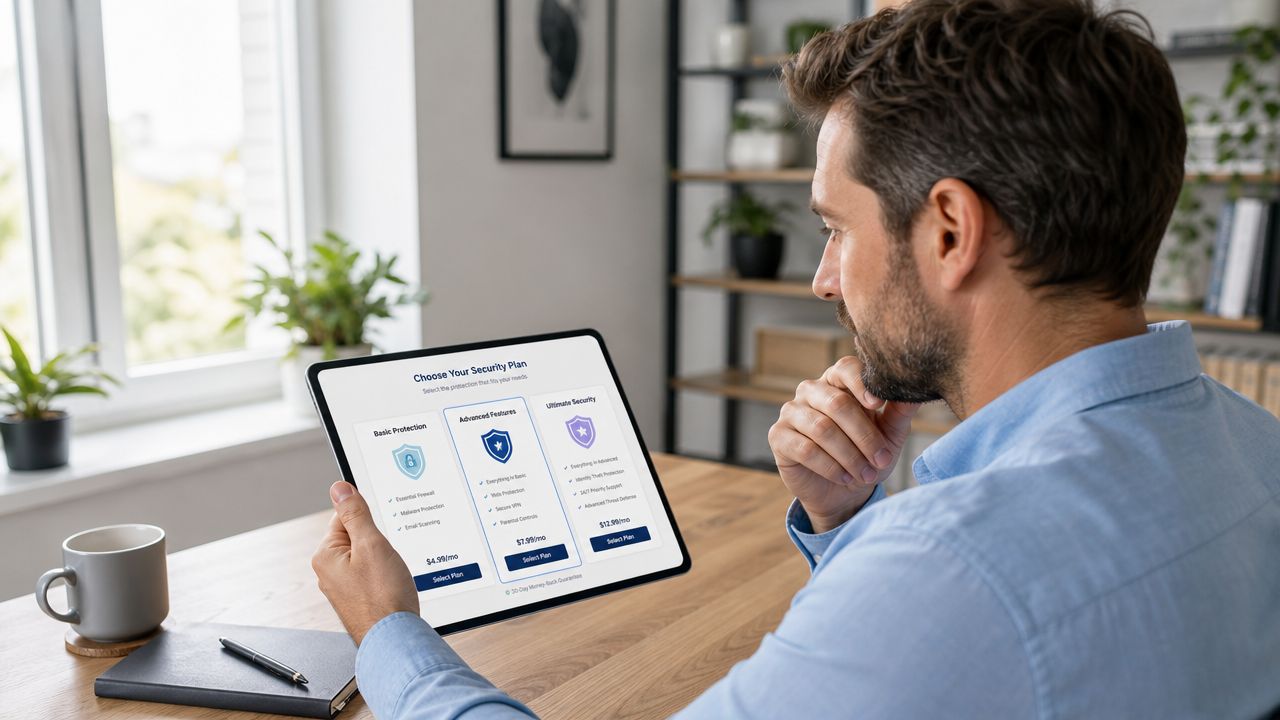
If you compare LifeLock plans, the feature list can feel like subscription alphabet soup. The useful way to read it is to ask a simpler question: What blind spots does each tier reduce?
The big divider is credit coverage
One of the most important differences is one-bureau versus three-bureau credit monitoring, as explained in this LifeLock plan overview.
Why does that matter? Because credit fraud doesn’t always show up everywhere at once. If a service only monitors one bureau, you may have less visibility into activity that appears first elsewhere. Monitoring across all three major bureaus reduces those blind spots.
Security reviews also note that higher tiers can expand beyond credit into checks on bank accounts, investment accounts, and 401(k) activity, which reflects how identity protection has broadened from basic credit alerts to wider financial monitoring.
Which features matter to which people
The most valuable plan isn’t always the top one. It depends on what you’re trying to protect.
| Feature area | Why it matters in real life | Most relevant for |
|---|---|---|
| One-bureau credit monitoring | Basic visibility into credit-file changes | People starting with lower-cost monitoring |
| Three-bureau credit monitoring | Fewer blind spots across the credit system | Homebuyers, professionals, anyone worried about new-account fraud |
| Bank and investment monitoring | Helps catch suspicious activity outside traditional credit files | People with multiple financial accounts |
| 401(k) monitoring | Adds visibility to retirement-related account activity | Workers building retirement savings |
| Privacy Monitor style features | Helps address personal info on people-search sites | People concerned about exposure, stalking, or doxxing |
If you want a deeper decision-focused breakdown, this article on whether LifeLock is worth it for different users looks at the tradeoff between price, convenience, and actual protection needs.
A higher tier doesn’t automatically mean better security for you. It means broader monitoring. That only pays off if the extra areas match your real risks.
The Hard Truth What LifeLock Cannot Do
This is the part many ads blur. LifeLock is not a magic shield. It cannot stop a company you use from getting breached. It cannot erase data that has already spread. It cannot prevent every form of identity theft.
Its core strength is detection and response support. That’s valuable, but it’s different from prevention.
What stays outside its lane
LifeLock is focused on identity and financial-fraud signals. That means it may help with alerts tied to credit, account changes, breached identifiers, or related records. But your online exposure is broader than that.
It won’t necessarily tell you:
- What old profiles are still public on forums, gaming services, or social platforms
- Which people-search sites list your details
- Whether an old username connects to your current professional identity
- What embarrassing or harmful public content might affect a job search or reputation
- How much of your family, location, or contact history is easy to map online
That gap matters. A person can avoid direct financial fraud and still suffer real harm from exposed personal information. Employers search names. Scammers scrape public details. Harassers connect usernames across sites. Criminals use publicly available clues to make phishing messages more believable.
Where prevention really comes from
Prevention usually comes from layers you control. Strong passwords. Password managers. Two-factor authentication. Credit freezes when needed. Careful handling of recovery email accounts. Removing exposed records where possible.
If reducing public exposure is part of your goal, services focused on data broker removal and people-search site opt-outs address a different problem than LifeLock does. They try to shrink what strangers can easily find about you, rather than just alerting you after risk indicators appear.
LifeLock vs DIY vs Digital Footprint Scanning
A smart personal security setup doesn’t require blind loyalty to one product. It helps to think in layers. One layer monitors for identity misuse. Another reduces exposed data. Another relies on habits and free controls you manage yourself.
That’s why the better comparison isn’t “LifeLock or nothing.” It’s LifeLock vs a DIY setup vs digital footprint scanning, and for many people the answer is some combination of all three.
Identity Protection Strategies Compared
| Approach | Cost | Primary Function | Best For |
|---|---|---|---|
| LifeLock | Paid subscription | Automated identity monitoring, alerts, restoration support, fraud-related assistance | Busy adults who want active monitoring and guided response |
| DIY method | Usually low direct cost, but high time cost | Credit freezes, manual account review, password manager use, checking reports and statements | Budget-conscious users who are organized and willing to stay hands-on |
| Digital footprint scanning | Varies by tool | Finds publicly exposed accounts, breach traces, usernames, social profiles, and other open-source exposure | People who want to understand what’s visible about them across the web |
Where each approach shines
The DIY route can be strong if you’re disciplined. You can freeze credit, monitor your statements, tighten passwords, and lock down important accounts. The weakness is consistency. After an initial scare, a week of carefulness often gives way to drifting.
LifeLock helps by automating part of the watch process and giving you somewhere to turn when an alert appears. You’re paying for convenience and support, not invincibility.
Digital footprint scanning answers a different question: what can strangers, scammers, recruiters, or stalkers already learn about me from public and semi-public sources? That includes old usernames, social profiles, breach traces, and publicly visible details that don’t always trigger traditional identity-theft alerts.
One example in this category is Digital Footprint Check, which searches a wide range of public-facing platforms and records to show what personal information is discoverable online. That’s useful before fraud happens because it helps you see your exposure, not just react to it later.
If you want a broader framework for evaluating paid services against free habits and exposure discovery, this guide on whether identity theft protection works and where it helps most is worth reading.
The strongest setup usually combines habits, monitoring, and exposure reduction. One layer watches. One layer hardens accounts. One layer tells you what the internet already knows about you.
A simple way to choose
Ask yourself three questions:
- Do I have time to monitor this myself? If not, automated alerts may be worth paying for.
- Is my biggest risk financial fraud or public exposure? Those are related, but they’re not the same.
- Do I know what personal data is already out there? If the answer is no, you’re protecting blind.
That last point is where many people get stuck. They buy monitoring before they understand the size of their visible footprint.
Your Action Plan Is LifeLock the Right Choice
LifeLock makes sense for a specific kind of person. If you’re busy, manage multiple financial accounts, and want alerts plus recovery support in one place, it can be a practical layer in your security setup. It’s especially appealing if you know you won’t keep up with manual monitoring on your own.
If you’re a student, early-career worker, or someone on a tight budget, a DIY setup may be enough for now. You can still get meaningful protection from strong account hygiene, careful credit management, and regular checks on key accounts.
The smarter first step
Before you pay for any identity service, figure out what you need to protect.
That means looking beyond credit and asking harder questions. Where is your email exposed? What old accounts still exist? What public records or profiles connect back to your phone number, username, or name? Could a scammer use those details for impersonation, phishing, or harassment? Could a recruiter or client find something that hurts your reputation?
LifeLock can help you detect some forms of misuse. It can’t map your whole online footprint for you.
So if you’re still asking how does LifeLock work, the shortest honest answer is this: it watches for identity-related warning signs and helps you respond. That’s useful. It’s just not the whole job.
Before you choose any paid protection plan, check what’s already exposed. Digital Footprint Check offers a free checker that helps you see what personal data, accounts, and public traces may be visible online, so you can build a security plan around your real risks instead of guessing.