· Digital Footprint Check · Content Marketing · 15 min read
Account Takeover Prevention: Your 2026 Protection Guide
Master account takeover prevention with our 2026 guide. Get practical checklists, detection signals, and response playbooks to protect your digital identity.

Account takeover isn’t a niche fraud problem anymore. In the U.S. alone, losses reached $15.6 billion in 2024, up 23% from $12.7 billion in 2023, and about 29% of U.S. adults, roughly 77 million people, have experienced account takeover according to the Federal Reserve Financial Services.
That phrase often sounds technical, but its meaning is straightforward: a criminal gets control of an account you already use. Email. Banking. Steam. Instagram. PayPal. A work portal. A dating app. Once they’re in, they don’t just steal money. They can impersonate you, lock you out, pivot into other accounts, and use your identity against your contacts.
The pattern is usually boring at first. A password reset email you didn’t request. A login alert from a place you’ve never been. A changed recovery phone number. Then the damage gets expensive and personal.
A lot of people think security starts and ends with a password. It doesn’t. Good account takeover prevention is a lifecycle. You reduce what attackers can learn about you, harden the accounts they’re most likely to target, watch for early signs of abuse, and know exactly what to do if someone gets in anyway.
The Soaring Threat of Account Takeover

Nearly one in three U.S. adults has dealt with account takeover, and the losses are already measured in the billions. That scale matters because this attack rarely stops at a single login.
Account takeover is a digital home invasion. Attackers get in with a leaked password, a phishing page, a hijacked recovery flow, or enough personal detail to pass weak identity checks. Once inside, they look for the fastest path to money, more accounts, or both.
The full attack cycle is what many people miss. The login is only one stage. The setup often starts days or weeks earlier with open-source intelligence. Attackers collect exposed email addresses, old usernames, date-of-birth fragments, phone numbers, employer details, and social posts. That research helps them guess security questions, target convincing phishing messages, and abuse account recovery tools that were meant to help legitimate users.
Email usually becomes the command center. If an attacker controls your inbox, they can request password resets across shopping sites, financial apps, social platforms, and work services. If they also control your phone number or recovery methods, your odds of getting the account back drop fast.
That is why ordinary account maintenance deserves more attention than it gets. If you are reviewing settings for something as routine as managing your Throughwire account, apply the same habits you would use on a bank or email account. Check recovery addresses, phone numbers, active sessions, login history, and alert settings before someone else does.
A common misconception is that security starts and ends with a password. In practice, weak recovery flows are often the quieter failure point. I have seen well-protected accounts fall because the backup email was old, the mobile number had changed hands, or customer support accepted details that an attacker could gather from public records and social profiles.
Your public footprint shapes how easy you are to impersonate. Public usernames, old forum posts, reused profile photos, and exposed contact details give attackers material to work with. This guide to the hidden dangers of your digital footprint and what hackers can learn about you explains how that exposure builds into real account risk.
Effective account takeover prevention covers the whole lifecycle. Reduce what attackers can learn, harden the accounts they target first, protect recovery paths, watch for early signs of misuse, and keep a response plan ready for the moment prevention fails.
Your First Line of Defense A Prioritized Prevention Checklist
The best defense isn’t complicated. It’s disciplined. Many individuals don’t need more tools first. They need a better order of operations.
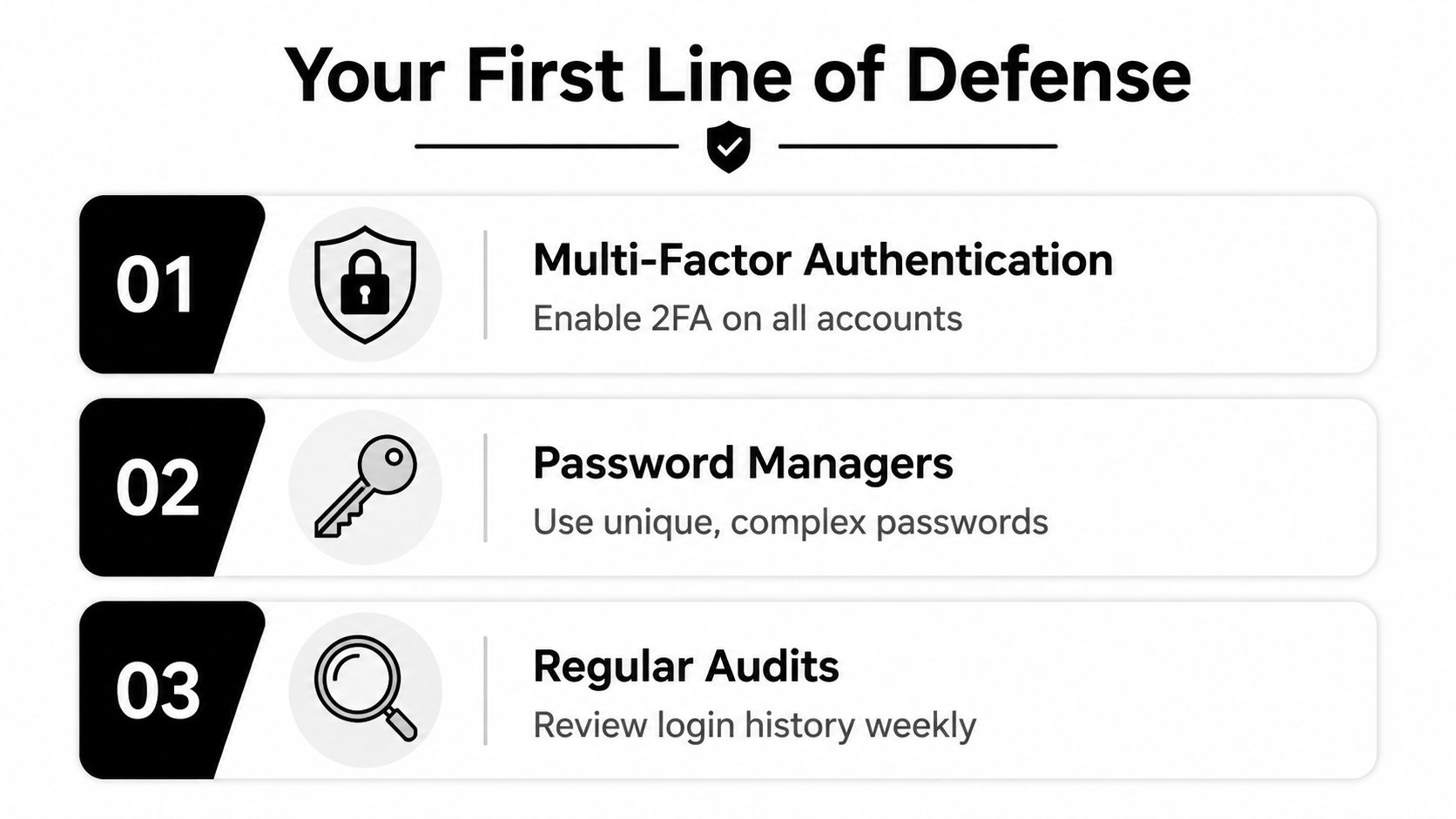
Start with the accounts that unlock everything else
If you only harden five accounts today, make them these:
- Primary email
- Banking and payment apps
- Mobile carrier account
- Password manager
- Main social or work account
That order matters. Email resets everything. Your mobile carrier can become the path around weak text-based verification. Your password manager is the vault key.
The checklist in priority order
| Priority | Action | Why it matters |
|---|---|---|
| Highest | Use unique passwords for every important account | Reused passwords turn one breach into many compromises |
| Highest | Enable MFA wherever possible | It adds a second barrier after the password |
| High | Prefer passkeys or passwordless options when offered | Removing passwords cuts off a major attack path |
| High | Lock down recovery email, phone, and backup codes | Attackers often target recovery instead of login |
| Medium | Review active sessions and login alerts | Early detection limits damage |
| Medium | Reduce public exposure of email, phone, and usernames | Less exposed data means less material for attackers |
MFA helps, but it doesn’t finish the job
A lot of bad advice treats MFA like a cure-all. It’s one of the best controls available, but it isn’t magic.
While 87% of large enterprises enforce MFA, 62% of organizations still experienced at least one successful account takeover in 2024 despite MFA deployment. Experts also note that eliminating passwords entirely prevents approximately 80% of all security breaches, according to Mitek’s account takeover fraud statistics.
That’s the trade-off in plain English. MFA raises the cost for attackers. It does not remove the attack surface if passwords, phishing, social engineering, and account recovery are still weak.
Practical rule: If a service offers passkeys, hardware security keys, or a strong app-based second factor, use that before relying on text-message codes.
If you need a clean refresher on storage and creation habits, this guide to IT security for strong passwords is worth a read. Pair that with a proper password manager and a review of password manager best practices so you aren’t solving password reuse with a spreadsheet or browser autofill alone.
The weak point most people ignore
Login gets attention. Recovery gets exploited.
Attackers know many users secure the front door and forget the side entrance. If your recovery email is an old inbox you never monitor, or your security questions are answerable from social media, your MFA setup may not save you.
Check these now:
- Recovery email. Make sure it’s active, secured, and not shared with anyone else.
- Recovery phone number. Confirm it’s current and tied to a carrier account you’ve also secured.
- Backup codes. Store them offline or in a secure vault, not in your inbox.
- Security questions. If a site still uses them, treat the answers like passwords. They don’t need to be truthful. They need to be unguessable.
- Trusted devices. Remove old laptops, phones, and tablets you no longer control.
Don’t secure every account the same way
Your grocery app doesn’t deserve the same effort as your email or brokerage account. Security gets better when you apply it based on impact.
Use your strongest options on accounts that can reset other accounts, move money, expose private messages, or affect your reputation. That’s where account takeover prevention gives you the best return for the least friction.
Spotting the Warning Signs How to Detect an Attack
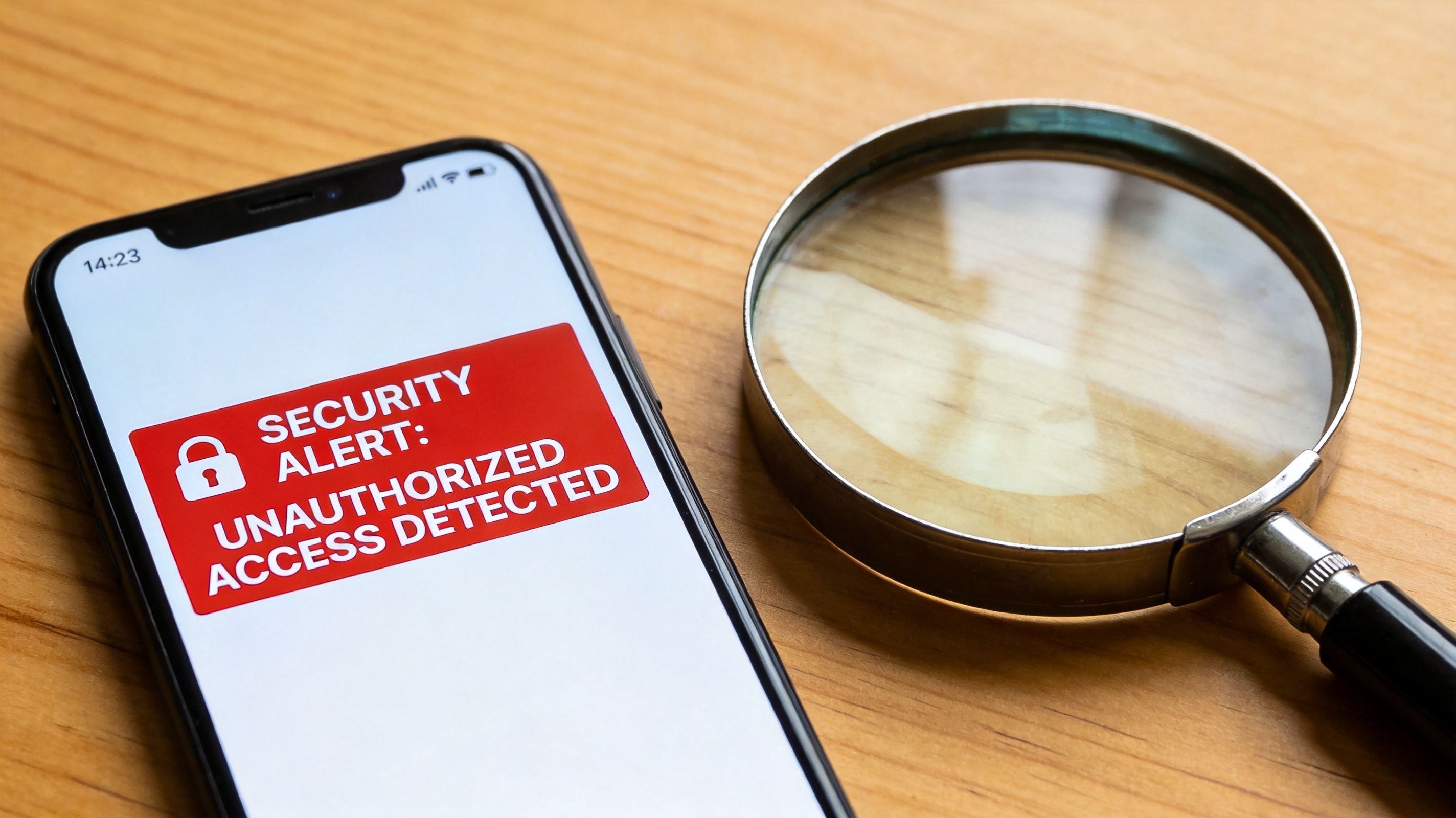
Most takeovers don’t begin with a dramatic lockout. They begin with small anomalies. A password reset email at the wrong time. A new-device notification you can’t explain. A change to contact details you didn’t make. Good detection starts with paying attention to those “that’s odd” moments.
The obvious alerts you should never ignore
Treat these as urgent until proven harmless:
- Unexpected password reset messages. Someone may already be testing your recovery flow.
- Login alerts from unfamiliar devices or locations. This often means valid credentials are in circulation.
- Changes to recovery details. A new phone number or email on the account is a serious warning sign.
- Messages you didn’t send. Friends asking why you sent links or money requests often spot compromise before you do.
- New subscriptions, purchases, or account linkages. Attackers often make small changes before doing anything visible.
If you’ve received a suspicious alert and want to check whether your address has already been exposed, this guide on checking if your email was hacked is a practical place to start.
Learn your normal so you can spot abnormal
Institutions call this behavioral analysis. You can use the same logic without enterprise software.
Ask simple questions. Do you usually log in from one city and one phone? Do you normally check a platform in the evening, but an alert arrives at dawn? Do you buy in one category and suddenly see a payment attempt somewhere unrelated? The point isn’t to become paranoid. It’s to know your baseline.
Leading financial institutions using behavioral biometrics achieve fraud detection rates exceeding 90% while reducing false-positive alerts by 66%, according to BioCatch’s analysis of precision in combating account takeover. The underlying idea is straightforward. Real users behave in patterns. Attackers break those patterns.
This short explainer helps visualize what that looks like in practice.
Build a lightweight personal detection habit
You don’t need to check every account daily. You do need a rhythm.
- Review security notifications instead of swiping them away.
- Check recent sessions on your most important accounts.
- Read banking and marketplace alerts carefully. Small test activity often comes first.
- Watch your inbox rules and forwarding settings in email. Attackers like to hide evidence there.
If something feels off, assume the attacker is already in the reconnaissance phase and act early.
The Incident Response Playbook What to Do Immediately
Panic wastes time. A checklist saves it.
If you suspect an account takeover, your first job is containment. Your second job is recovery. Your third job is damage control. In that order.
Step one contain the attacker
Start with the compromised account and move fast.
- Change the password immediately if you still have access.
- Log out of other sessions or use the “sign out everywhere” option.
- Enable or strengthen MFA if it wasn’t already turned on.
- Check recovery details and remove any phone number or email you don’t recognize.
- Capture evidence. Save screenshots of alerts, changed settings, and suspicious messages.
If the compromised account is email, treat it as the highest priority. Email often controls the reset links for everything else.
Step two recover control through the right path
Many people lose momentum. They keep trying the old password, or they click links from suspicious emails. Don’t do that.
Go directly to the service’s official recovery flow from the app or the bookmarked site. Use account recovery deliberately, not reactively. One overlooked truth in account takeover prevention is that recovery is part of the attack surface, not just the solution. Security guidance for ecommerce specifically says to “harden account recovery flows (not just login),” and 95% of practitioners confirm that “post-breach prevention and recovery” are central to fraud strategy, as noted by CSide’s guidance on preventing account takeover fraud.
Step three assess the blast radius
Once you’re back in, don’t stop at “password changed.”
Check for:
- Forwarding rules in email
- Linked payment methods
- Connected apps and OAuth permissions
- New devices
- Changed profile details
- Messages sent to contacts
- Deleted alerts or archived notifications
Change the passwords on any other accounts that shared the same password, even if those accounts still look normal.
Step four respond by account type
| Account type | Immediate concern | First follow-up action |
|---|---|---|
| Password resets on other services | Check forwarding, filters, recovery options | |
| Banking or payments | Transfers, stored cards, beneficiary changes | Contact fraud support through official channels |
| Social media | Impersonation, scam messages, reputational harm | Warn contacts and review connected apps |
| Gaming | Loss of inventory, account resale, chat abuse | Lock account, review trade and login history |
| Work account | Internal spread, data exposure | Notify IT or security team immediately |
Step five tell the right people
If an attacker sent messages from your account, warn your contacts. If money moved, call the provider’s fraud line. If a work account was involved, escalate internally right away. Silence helps attackers keep operating.
Documentation matters here. Write down when you noticed the issue, what changed, what support told you, and what you reset. When you’re stressed, memory gets unreliable.
Security Advice for Different Roles

An account takeover rarely stops at the first login. Attackers look for the account that opens the next door, then the one after that. The right defenses depend on what that account can reach, who trusts it, and how easy it is to recover.
For job seekers and professionals
A compromised email account can cost you interviews without any obvious warning. An attacker can reply to recruiters, change recovery details, reset LinkedIn, and damage your credibility while everything still appears normal on the surface.
Use one email address for job applications and another for personal accounts if you can. That limits blast radius if one inbox gets exposed in a breach or scraped from a resume. Lock down the email account first, because it usually controls recovery for everything else.
Public exposure matters here. Old forum posts, portfolio sites, bios, and domain registrations give attackers material for impersonation and recovery abuse. Review what is easy to find about you, especially phone numbers, birth dates, and old usernames.
If your work depends on reputation, check for fake profiles and copycat outreach on a schedule, not just after a problem.
For gamers
Gaming accounts get targeted because they mix money, status, and social trust. Rare items, long account histories, saved payment methods, and access to friends or guilds all have resale value.
The weak point is often the surrounding ecosystem, not the game login itself. Discord servers, marketplace trades, “support” DMs, tournament invites, and recovery emails are common entry points. Once inside, attackers often move fast, change contact details, and use the account to trick other players.
Use unique credentials for every gaming platform. Review linked apps, bots, and marketplaces. If your account still relies on text messages for sign-in or recovery, read about SIM cloning and related mobile takeover threats, because phone number control can undermine otherwise decent account security.
For parents and families
Children’s accounts often have weak passwords, shared devices, and recovery options that nobody checks. That makes them attractive stepping stones into family email, payment accounts, cloud photo storage, or messaging apps.
Put recovery under adult control for younger children. That includes backup email addresses, phone numbers, and saved recovery codes. I also recommend reviewing account recovery questions. Many are built from facts a classmate, neighbor, or someone browsing social media could guess.
Teach kids one practical rule. If a message creates urgency, asks them to “verify” something, or offers a reward for logging in, stop and ask an adult first.
For HR teams and managers
HR and management accounts sit in the middle of trust, money, and sensitive records. Attackers know that. A mailbox in HR can be used to redirect payroll, request tax forms, impersonate leadership, or harvest documents that make later social engineering much easier.
Start with the accounts that control identity and payment. Payroll, benefits portals, shared HR inboxes, executive assistants, and finance approvers need stronger sign-in controls and tighter recovery settings than low-risk internal tools. Recovery paths matter as much as passwords. If a help desk process, backup email, or mobile number can be talked around, the front-door controls lose value.
Give staff a clear escalation path for suspicious requests involving direct deposit changes, W-2s, gift cards, or urgent document access. Early reporting contains damage. Quiet hesitation helps attackers keep their foothold.
Beyond Prevention Ongoing Monitoring with OSINT
One-time cleanup gives people false confidence. Attackers don’t always move on after a failed attempt.
A staggering 95% of security practitioners report “repeated attacks against the same compromised accounts,” according to Liminal’s reporting on account takeover prevention in banking. That lines up with what practitioners see in the field. Once attackers identify a profitable or reachable target, they often come back through different channels.
Why repetition changes the strategy
If a criminal has your old email, a reused username, and details scraped from public profiles, the first blocked login isn’t the end. It’s a probe. They may return with a phishing lure, a recovery attempt, or social engineering against your mobile carrier or contacts.
That’s why account takeover prevention has to include visibility into your own attack surface. You need to know what information about you is already circulating publicly and where your exposed identifiers appear across services.
What OSINT adds that account settings can’t
Traditional account security tells you what’s happening inside a service. OSINT helps you understand what attackers can learn before they even touch the login page.
Useful monitoring looks for things like:
- Exposed email addresses
- Phone numbers tied to public profiles
- Reused usernames across platforms
- Old accounts you forgot existed
- Breached credentials and identity clues
- Professional and personal overlap that makes targeting easier
For readers who want a grounded introduction, this overview of OSINT tools for beginners explains the mindset well. The important shift is this: don’t wait for a provider to tell you there’s a problem. Look at yourself the way an attacker would.
Continuous monitoring also helps with attribution. If the same email, username, or phone number appears across many platforms, repeated attempts start to make more sense. You’re not seeing random noise. You’re seeing a pattern.
Making Your Digital Identity Resilient
Resilience is different from prevention. Prevention tries to stop the first hit. Resilience assumes pressure will come and makes sure you can absorb it without losing control.
That mindset is more useful than chasing perfect security. Protect the accounts that control everything else. Watch for changes that don’t fit your normal behavior. Rehearse what you’ll do if recovery becomes necessary. Reduce the personal data that makes social engineering easier. Then keep monitoring because attackers don’t always stop after one try.
The strongest setups aren’t always the most complicated. They’re the ones people maintain. Unique passwords stored in a real password manager. Strong authentication on high-impact accounts. Recovery options reviewed instead of forgotten. Public exposure kept in check.
That same principle shows up in other trust-sensitive technology fields too. Teams building identity-heavy systems, including firms such as a blockchain development company, still run into the same core truth. If identity, recovery, and access control are weak, the architecture around them won’t save the user.
A resilient digital identity isn’t hidden from the internet. It’s hardened, monitored, and recoverable.
The fastest way to improve your security is to see what attackers can already see. Run a free scan with Digital Footprint Check to uncover exposed accounts, public identifiers, and other clues that can fuel account takeover attempts.