· Digital Footprint Check · Content Marketing · 14 min read
Master Internet Privacy: a Beginner's Guide to Protecting
Explore internet privacy for beginners with practical tips to protect your data online and stay safer today.

Internet privacy for beginners is about control: knowing who collects your information and managing your digital footprint to protect your safety, job prospects, and finances.
Why Your Online Privacy Matters More Than You Think
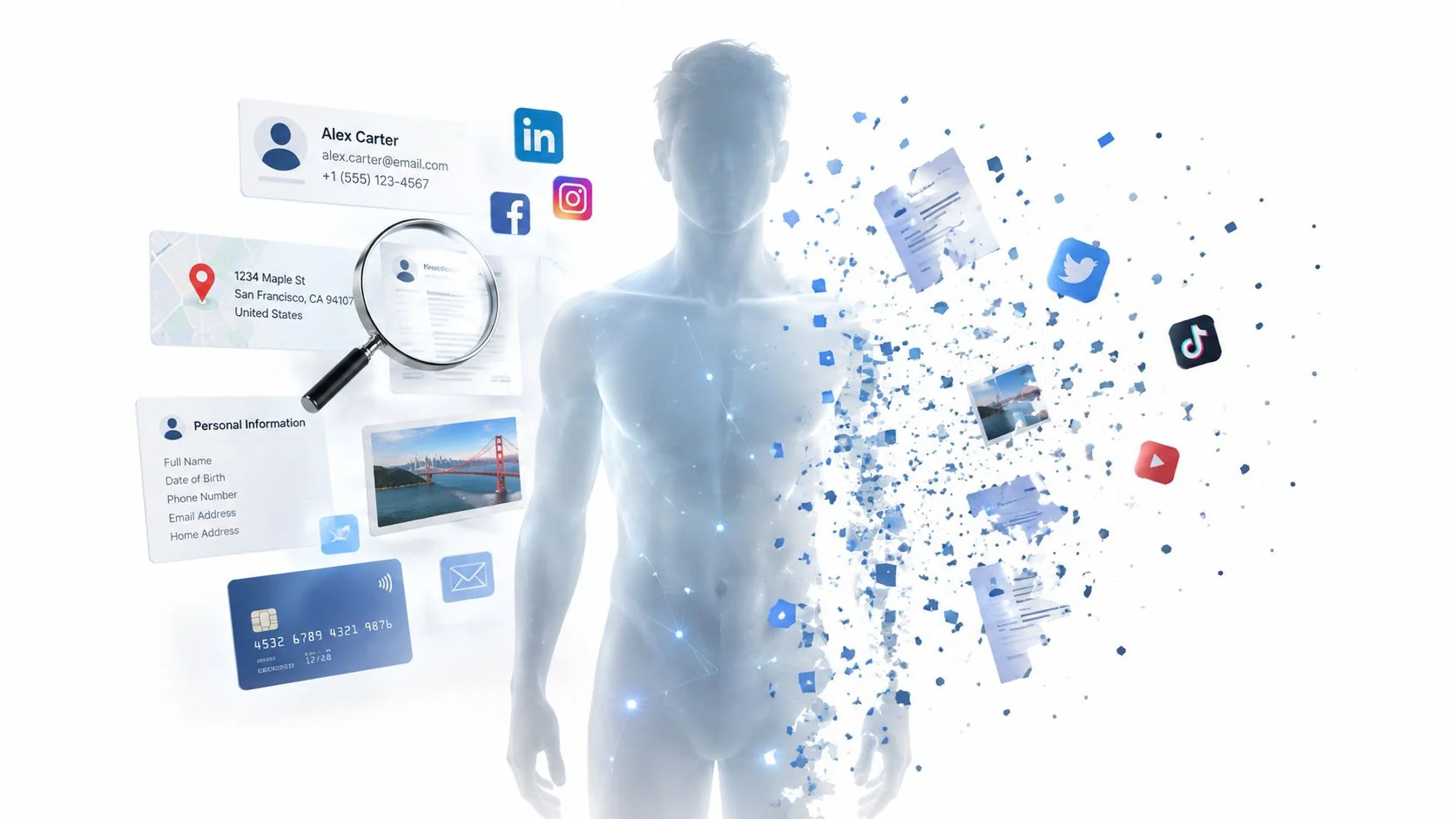
The feeling of being watched online isn’t paranoia. It’s how the modern internet works. Each click, search, and like adds to a detailed profile of who you are, often a digital identity you don’t recognize.
The internet runs a constant background conversation about you, one you never joined. This guide explains why protecting your digital life now affects your job hunt and your personal safety.
Who Is Watching and What Do They Want?
The “I have nothing to hide” framing misses the point. Your data has value, and several groups collect it for different reasons.
- Advertisers and Data Brokers: They track your browsing, purchases, and location to build profiles about you. They use those profiles to sell to you, then sell the profiles themselves, creating a permanent record of your habits.
- Social Media Platforms: They use your posts, friends, and interactions to keep you hooked. The data fine-tunes your feed and serves hyper-targeted ads. You pay for the “free” service with your personal information.
- Cybercriminals and Scammers: They hunt for exposed data like email addresses, phone numbers, and personal details for phishing, identity theft, and scams. Some use OSINT (Open-Source Intelligence) tools to assemble public data into a profile for a targeted attack.
Attackers connect scattered bits of data into a full picture of your life, from your daily routine to your financial weak spots.
The Real-World Consequences of Poor Privacy
Poor online privacy has concrete consequences. A future employer can dig up an old photo from an account you forgot, and the job offer disappears. A 2020 survey found that 70% of employers screen candidates on social media, and 57% have seen content that made them reject someone. Posting too much about a vacation tells burglars your home is empty. These are two of the hidden dangers of your digital footprint and what hackers can learn about you.
Data breaches happen constantly. When a service you use is hacked, your login details can end up for sale on the dark web. If you reuse passwords, criminals can then reach your email or online banking. A privacy check-up is basic personal security.
What Is Your Digital Footprint
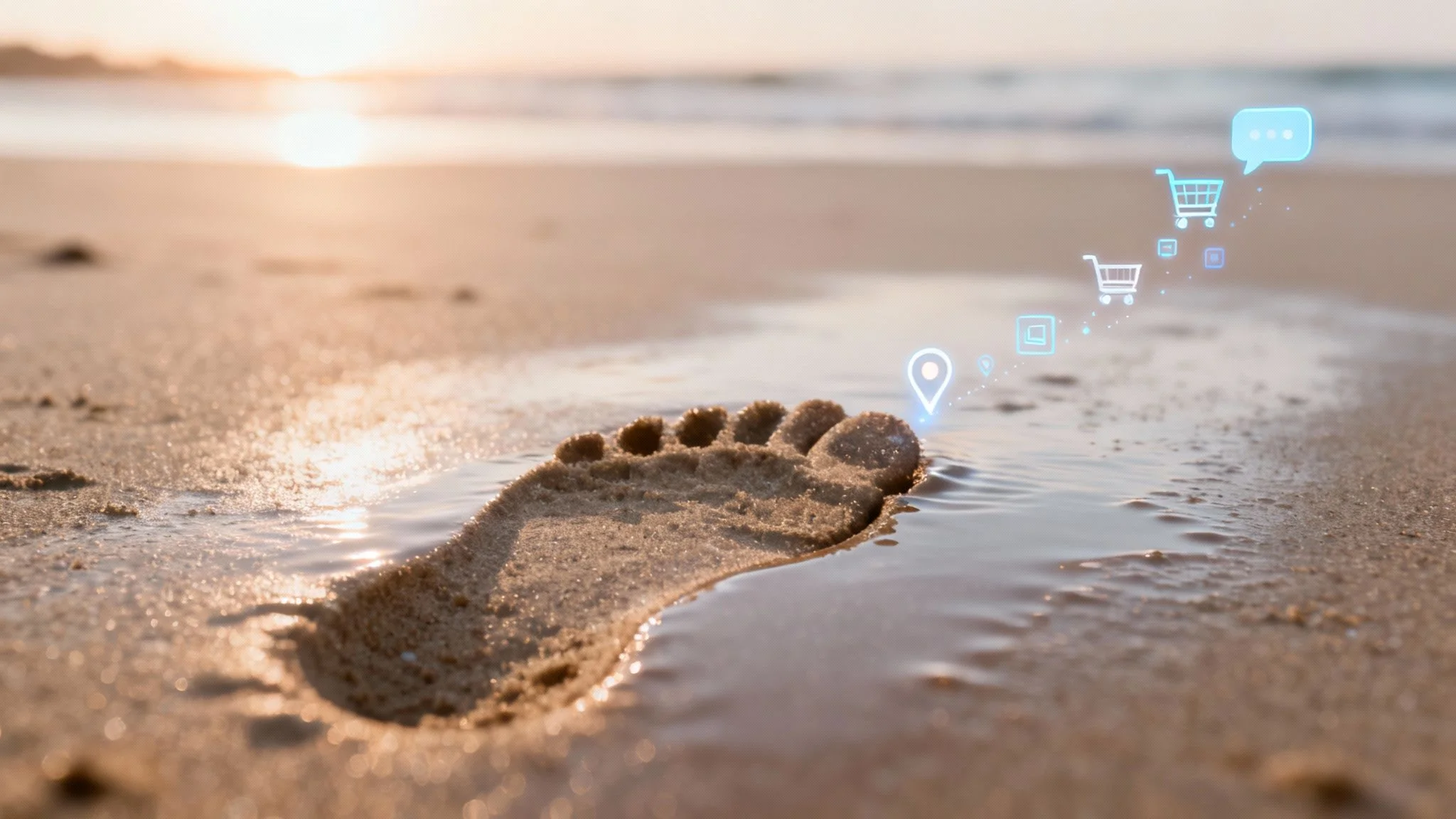
Walk on a beach and you leave a footprint with every step. Online, you do the same: every website you visit, item you buy, email you send, and comment you post leaves a trail. That trail is your digital footprint.
Understanding the trail is the first step toward controlling your online identity. It splits into two types, based on how the information gets out.
Your Active Digital Footprint
Your active digital footprint is what you share on purpose, the data you knowingly put online.
It’s the visible part of your online life. Each action that hands over data adds a piece to the trail.
Here are a few common examples of how you build your active footprint:
- Posting on Social Media: Each status update, photo, and comment you share on Instagram, Facebook, or X adds to your public persona.
- Sending Emails: Every email you send and its contents create a permanent record.
- Filling Out Online Forms: Subscribing to a newsletter or creating an account hands over personal details.
This part of your footprint is mostly under your control. What you share, and what you keep private, shapes how you appear online.
Your Passive Digital Footprint
Your passive digital footprint is the data collected without your action or awareness. It forms as you browse and use online services.
Cookies, small files websites place on your device, collect this data in the background. Passive collection raises the biggest privacy concerns.
A key vulnerability of modern advertising is that while only one advertiser wins a bid to show you an ad, many participants in the auction receive your data. Anyone posing as an ad buyer can access a stream of sensitive information about billions of individuals.
This data paints a detailed picture of your life. For a deeper dive, see our guide on what a digital footprint is and its components.
Why Is This Data So Valuable
Companies collect this data because it has value.
They bundle it into consumer profiles and sell them for hyper-targeted advertising. Search for a product on one site, and its ads follow you across the web.
The data also feeds market research, political campaigns, and financial decisions. To see the scale, it helps to understand how AI models like GPT perceive information on the web: random data points combine into a detailed, sometimes invasive profile.
A digital footprint stops feeling abstract when you see how it can be used against you. The risks reach your finances, career, and physical safety.
A few harmless habits connect to serious problems. Once you see the stakes, protecting yourself becomes a necessity, not a chore.

Common Online Risks and Their Potential Impact
To make these threats tangible, here’s a quick breakdown of what they are and the real damage they can do.
| Online Risk | What It Is | Potential Real-World Impact |
|---|---|---|
| Phishing & Scams | Deceptive emails or messages tricking you into revealing sensitive information like passwords or credit card numbers. | Bank accounts drained, fraudulent purchases made, accounts hijacked, and identity theft. The FBI’s 2022 Internet Crime Report noted over $10 billion in losses from cybercrime. |
| Data Breaches | When a company’s database is hacked, exposing customer data like names, emails, passwords, and addresses. | Your stolen information is sold online, leading to identity theft, financial fraud, and targeted spam. Your gaming account could be stolen, losing you hundreds of hours of progress. |
| Social Media Oversharing | Publicly posting too much personal information, such as your location, daily routine, or vacation plans. | Physical risks like burglaries (when you post you’re away) and stalking, plus reputational damage that can affect your career. |
| Identity Theft | Criminals using your stolen personal information to impersonate you for financial gain. | Fraudulent loans or credit cards opened in your name, damaged credit score, and legal headaches. Victims can spend months or years recovering their identity. |
| Catfishing & Romance Scams | Someone creating a fake online persona to deceive people into a relationship, often for financial gain. | Significant financial loss (over $1.3 billion in 2022 alone, per the FTC), emotional distress, and potential for blackmail. Verifying dating app profiles is crucial for safety. |
| Reputation Damage | Old, unprofessional, or controversial online content resurfacing and being used against you. | Lost job opportunities, damage to professional credibility, and social embarrassment. Effective reputation management is now a professional necessity. |
These risks are common. Understanding how each works is the first step toward a defense.
Phishing Scams and Financial Theft
Phishing is the most direct threat to your wallet. It works by exploiting trust and urgency. Scammers send emails and texts that imitate your bank, Amazon, or Netflix, hoping you’ll click a link and enter your credentials on a fake site.
One click can empty your bank account or expose credentials for other services. Learning to prevent spyware keeps your devices from being compromised first.
Social Media Oversharing and Personal Safety
Sharing exciting moments online feels natural, but oversharing backfires. Posting vacation photos in real time announces that your home is empty.
Burglars have admitted to scouting social media for targets. Posting your daily coffee runs or gym schedule invites stalking. An innocent post can hand a criminal exactly what they need to harm you.
Professional Reputation and Career Prospects
Your digital footprint is your unofficial resume. 70% of employers now screen candidates on social media before hiring. An embarrassing photo from a decade ago or a public argument can resurface at the worst time.
Every public piece of information, an old photo or a complaint about a former boss, can be found and used to judge you. In a competitive market, your online reputation decides.
It also affects the job you already have. Online information can get an offer withdrawn or damage your credibility. Managing your image is now part of managing your career.
Identity Theft from Data Breaches
You can do everything right and still lose data when a company you use is hacked. Breaches are constant. In the first half of 2025, the Identity Theft Resource Center tracked 1,732 publicly disclosed breaches, a 5% jump from the same period in 2024.
Names, emails, and passwords appear in about 44% of those incidents. Criminals buy leaked data on the dark web and open credit cards, take out loans, or file tax returns in your name. Cleanup can take years.
Deception on Dating Apps
Online dating adds its own privacy risks. Catfishing, a fake identity used to lure someone into a relationship, often sets up a romance scam aimed at your money.
The FBI reported over $735 million lost to romance scams in 2022. Beyond money, catfishing causes real emotional damage. Verifying that a match is who they claim to be is a basic safety step.
Building Your Essential Privacy Toolkit
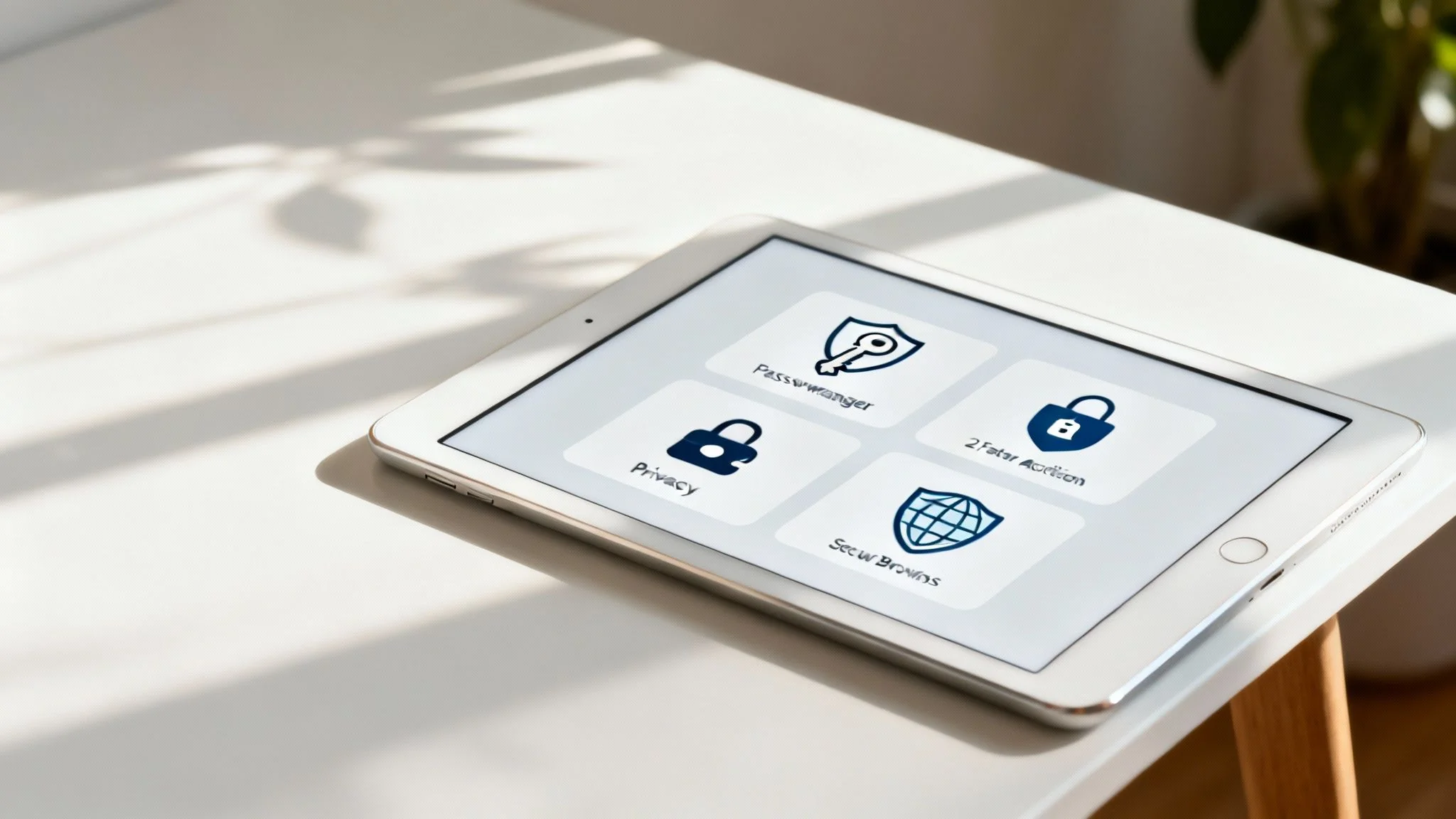
You know the risks. Now act. Protecting your digital life takes a few habits and the right tools, not technical wizardry.
This section covers four pillars of online safety. Each step is simple and builds a foundation for better privacy.
Master Your Passwords with a Password Manager
Most people reuse a few weak passwords across dozens of sites. One breach at one company then unlocks your whole online life. A password manager fixes this.
It’s an encrypted vault that creates and remembers a unique password for each site. You remember one master password.
A password manager solves both password problems: it removes the need to reuse weak passwords and creates a unique credential for each service, shrinking your exposure to breaches.
This one change is the most effective security upgrade you can make.
Enable Two-Factor Authentication Everywhere
Any password can be stolen. Two-factor authentication (2FA) adds a second checkpoint.
After you enter your password, the service asks for a second piece of information, usually a code from an authenticator app or a text message.
Even with your password, a thief can’t get in without your phone. 2FA blocks unauthorized access.
You should turn on 2FA for every account that offers it, paying special attention to these:
- Email: Your main email resets passwords for everything else. Lock it down.
- Banking and Financial Apps: Protect your money with every tool available.
- Social Media Accounts: Stop hackers from hijacking your profile and impersonating you.
- Gaming Profiles: Secure the accounts and digital items you’ve spent hours on.
Lock Down Your Social Media Privacy Settings
Social platforms default to exposing more of your life than you expect. A few minutes in your privacy settings changes what the world sees.
Platforms differ, but the controls are the same: who sees your posts, who can find your profile, and which apps can read your data.
Run this checklist:
- Set Your Profile to Private: Limit posts to people you’ve approved.
- Review Who Can Find You: Block lookups by email or phone number.
- Audit Your Tagging Settings: Require approval before tags appear on your timeline.
- Manage Connected Apps: Revoke access for old, unused, or suspicious apps.
Adopt Secure Browsing Habits
Your browser is your main window to the internet and a source of data leakage. Advertisers use cookies to follow you across sites, building a detailed profile of your habits and interests.
A privacy-focused browser or an ad-blocking extension shuts down most of this tracking. Ad blockers also stop “malvertising,” where criminals inject malware into ad networks. The FBI now recommends using one.
More options are in our guide to internet privacy tools. These small steps build a safer online experience.
How to Find and Clean Up Your Online Data
Privacy tools protect you going forward. The data you’ve already left online still needs attention.
Old data, forgotten accounts and public posts, stays around for years. It risks your reputation, safety, and job prospects. Cleaning it up returns control of your past identity.
Become Your Own Online Investigator
Start by seeing yourself the way the internet sees you. A few searches uncover more than you expect and map where your data sits.
Act as your own OSINT analyst: use public information to piece together your footprint.
Start with:
- Search Your Name: Use quotation marks for an exact match (e.g., “Jane Doe”). Try your middle initial, city, or profession too.
- Search Your Username: If you reuse a handle across platforms, search it. You may find old forum posts or gaming profiles you forgot.
- Search Your Email and Phone Number: Wrap them in quotes. This shows where your contact info is posted or appears in breaches.
You’ll find some expected results and some surprises: a professional profile, an old college blog, a comment from a decade ago. Each is a breadcrumb to an account that needs attention.
Deleting Old and Forgotten Accounts
Over the years you sign up for services you stop using. Each dormant account holds personal data that a future breach could expose. Clean them out.
Your oldest accounts are your weakest. They use simple passwords and lack two-factor authentication, which makes them easy targets.
Start by listing every service you remember using. Search your email for “welcome” messages and account notifications to jog your memory. When you find an old account, log in and look for the option to delete or deactivate it. For a full walkthrough, see our data removal guide.
Addressing the Privacy Paradox
People worry about privacy far more than they act on it. This gap has a name: the privacy paradox.
Polling from 2024–2025 shows up to eight in ten internet users worry about privacy, yet far fewer do anything. Only about 36% use a password manager and 26% enable multifactor authentication, despite those being the most effective tools. More on this trend and other data privacy stats on Exploding Topics.
Cleaning up your data closes that gap and turns concern into protection.
Discovering Your Exposure with a Digital Footprint Check
Googling yourself misses the sensitive information below the surface. A search won’t surface deep-web forum mentions, obscure public records, or breach data that Google doesn’t index.
Specialized tools built for a deep footprint check go further. An automated scan works through hundreds of sources to find traces of your information.
Beyond a Simple Google Search
A manual search skims the surface. An automated scan maps what’s below.
These tools connect your name, email, phone number, and usernames to many sources, including:
- Data Breach Databases: Whether your accounts and passwords have been compromised.
- Public Records: Whether your address or other details are publicly available.
- Social and Gaming Profiles: Forgotten accounts or profiles you thought were private.
- Online Forums: Mentions and posts linked to your identity.
You get a complete, actionable picture of your exposure, one that’s hard to assemble by hand.
Taking Control with Actionable Insights
Data rights are expanding. The EU’s GDPR in 2018 started a wave of data protection laws. By early 2025, an estimated 144 countries had privacy legislation covering roughly 79–82% of the world’s population. More in LitsLink’s data privacy roundup.
An automated scan shows the problems and where to start fixing them. Knowing where you’re exposed is the first step toward reclaiming your privacy.
Instead of guessing where your data is, get a definitive report.
Use a free digital footprint checker to get an immediate, actionable report on your online presence and start taking back control.
A Few Final Questions About Internet Privacy
These questions come up when people first think about privacy. Straight answers help you start making changes.
Is It Even Possible to Be Totally Private Online?
100% anonymity isn’t realistic for most people, and it’s the wrong goal. The aim is to become a harder target.
That’s data minimization: reduce how much of your information is out there and control who sees it. Strong passwords, 2FA, and locked-down social media make it harder for companies and criminals to use your data. You’re adding locks to your doors, not hiding your house.
Will Privacy Tools Slow Down My Internet?
Mostly no. Daily tools like a password manager run in the background and don’t touch your connection. The same goes for a privacy-focused browser or account settings.
A VPN (Virtual Private Network) can have a small effect because it encrypts traffic and routes it through a server. Modern VPNs are fast enough that you won’t notice during normal browsing or streaming. The security gain outweighs any slowdown.
Online privacy means controlling your own story and protecting yourself from constant monitoring, judgment, and manipulation.
Why Should I Care If I Have “Nothing to Hide”?
Privacy is about control, not secrecy. It has nothing to do with doing something “wrong.”
Your data is used in ways you never see: sold into advertising profiles, reviewed by employers, and considered by banks deciding on a loan. Scammers use it to build a profile convincing enough to steal your identity.
Privacy is a right. It lets you decide how your story is told and used.
Ready to see what the internet really knows about you? Digital Footprint Check gives you a comprehensive and instant picture of your online exposure. Get a free, actionable report on your own digital footprint by visiting www.digitalfootprintcheck.com/free-checker and start taking back control today.