· Digital Footprint Check · Content Marketing · 19 min read
10 Address Email Reverse Lookup Tools Compared
Compare 10 address email reverse lookup tools for identity checks, breach research, scam prevention, privacy, accuracy, and ethical OSINT use.
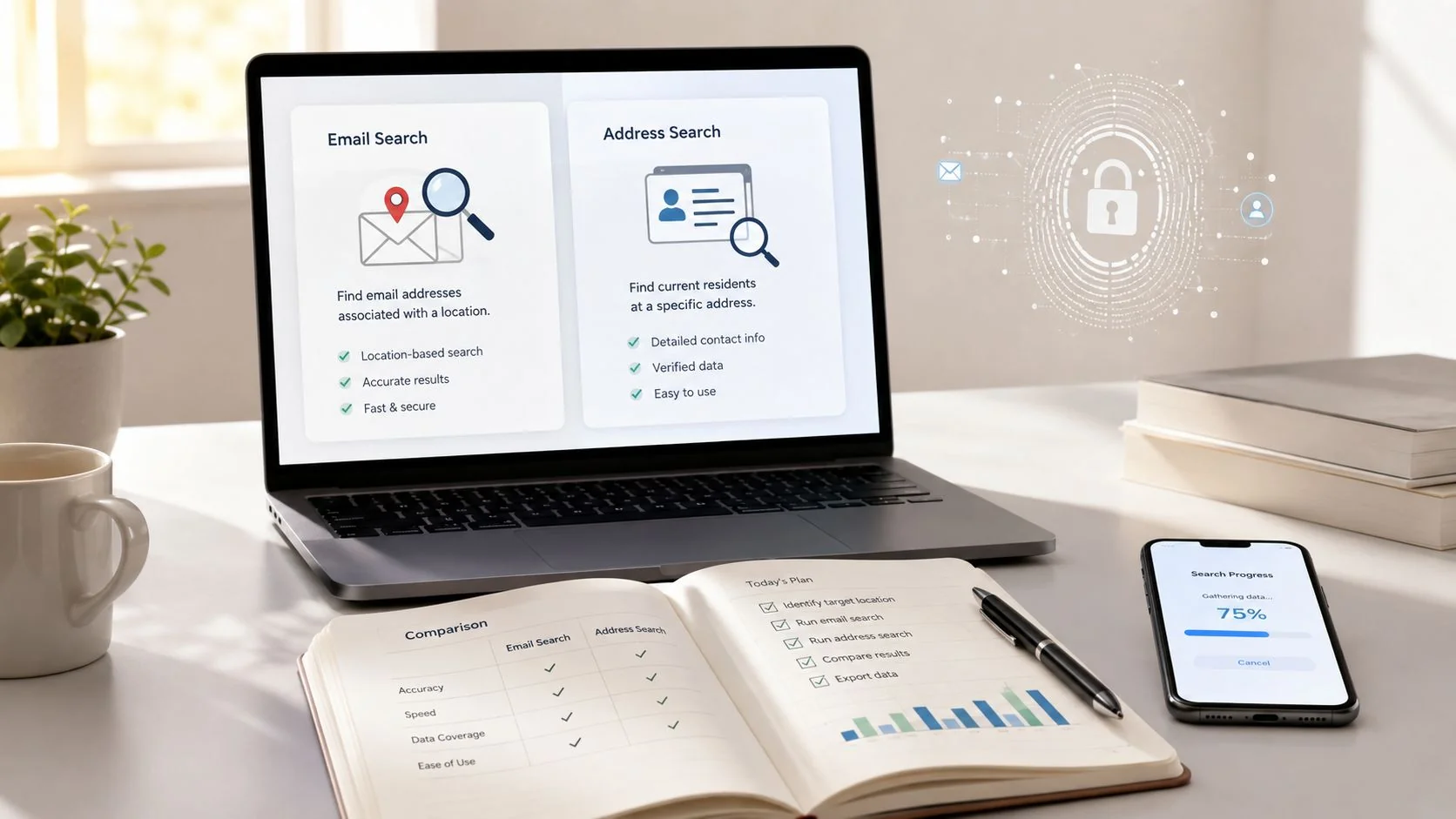
You receive an email from someone you don't recognize. It might be attached to a dating conversation, a gaming account recovery request, a job inquiry, or a message claiming that your payment failed. The address looks ordinary, but the sender's story doesn't quite fit. An address email reverse lookup can help connect that identifier to possible names, usernames, social profiles, contact details, professional records, or breach exposure. It can't turn a database suggestion into proof.
Results may be outdated, incomplete, recycled from another person, or incorrectly matched. The safest approach is to choose a resource based on the question you're asking, record what each result says, and verify important findings with independent signals. Don't use lookup tools for stalking, discrimination, unauthorized access, harassment, doxxing, or exposing sensitive information. If you're checking your own exposure, Digital Footprint Check's free checker can help you understand what may already be discoverable about you online.
1. Digital Footprint Check
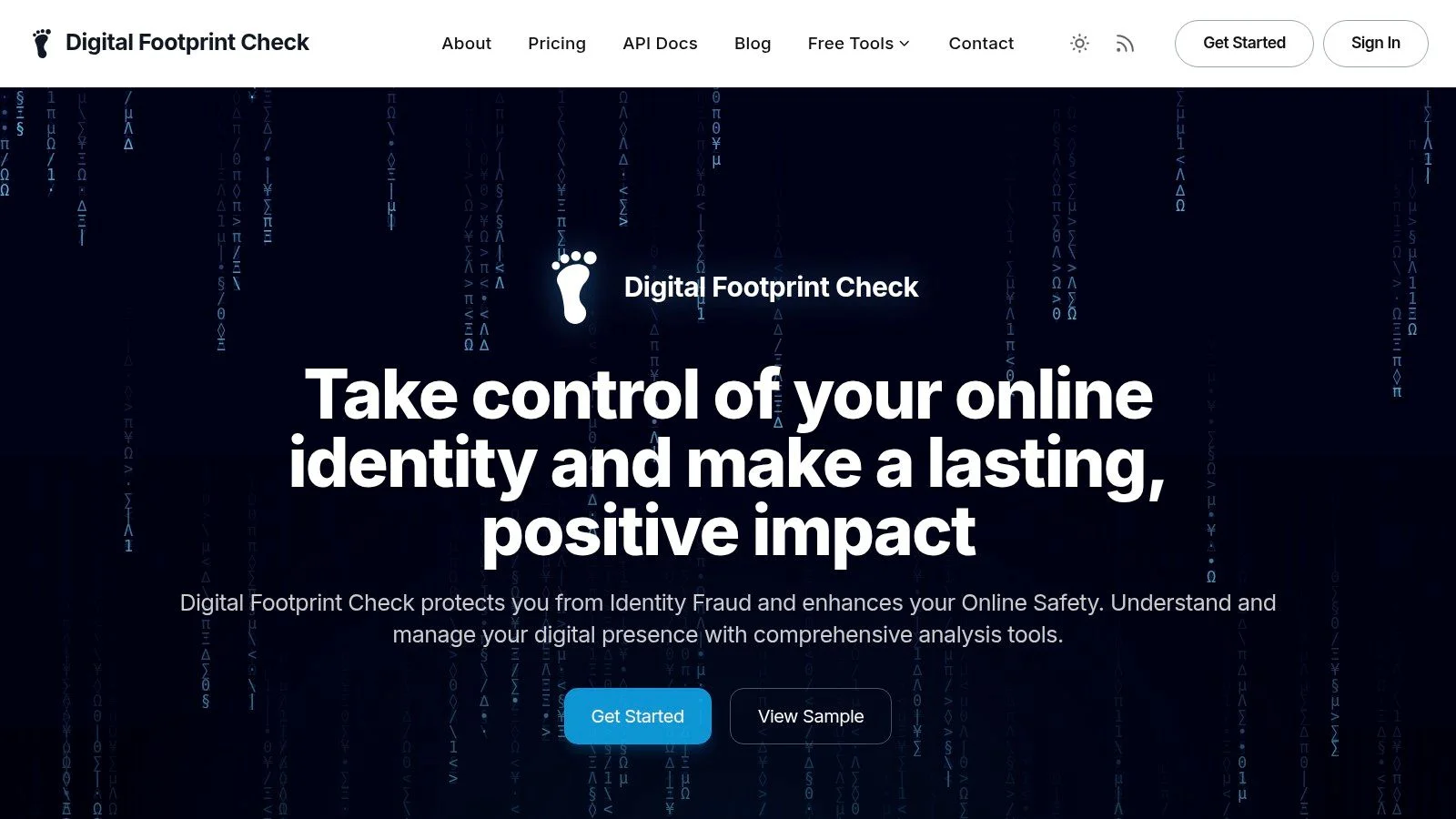
Digital Footprint Check is the strongest all-purpose choice when an email address is only one part of a larger identity investigation. Its OSINT-focused platform is designed for individuals, families, job seekers, HR teams, gamers, and security-conscious users who need to see how an identity appears across the internet, not just in a people-search report.
The service searches 500+ sources, including social networks, data-broker records, gaming networks, public records, and dark-web breach databases. It can connect email addresses and usernames with profiles across services, surface gaming accounts such as Steam, Xbox, PlayStation, and Minecraft, and provide reputation and exposure context for professional or personal privacy reviews.
Best for exposure discovery and remediation
The first detailed profile and breach report is free, with no credit card required. Reports are written for practical use, with step-by-step DIY removal guidance rather than just presenting a list of exposed records. Optional plans add continuous monitoring, real-time alerts, and ongoing reputation tracking.
The platform states that it has generated 50K+ reports, protected 25K+ users, and monitored 1,000+ data breaches. Those figures are product usage claims supplied by the service, so treat them as context rather than a guarantee that every address will produce a match.
Practical rule: Use a broad exposure report to generate leads, then verify the most sensitive findings independently before acting on them.
Digital Footprint Check's privacy positioning includes 256-bit SSL, GDPR compliance, and a strict no-sale policy for user data. Its limitation is important: it provides discovery, monitoring, and removal coaching, but it doesn't remove data on your behalf. Continuous monitoring and alerting also require a paid plan, and detailed pricing tiers aren't publicly shown on the site.
For a focused explanation of how the service fits into an investigation, see this Digital Footprint Check digital footprint lookup. It's particularly useful when an address may connect to dating profiles, a gaming identity, professional accounts, or exposed credentials at the same time.
Website: Digital Footprint Check
2. Spokeo
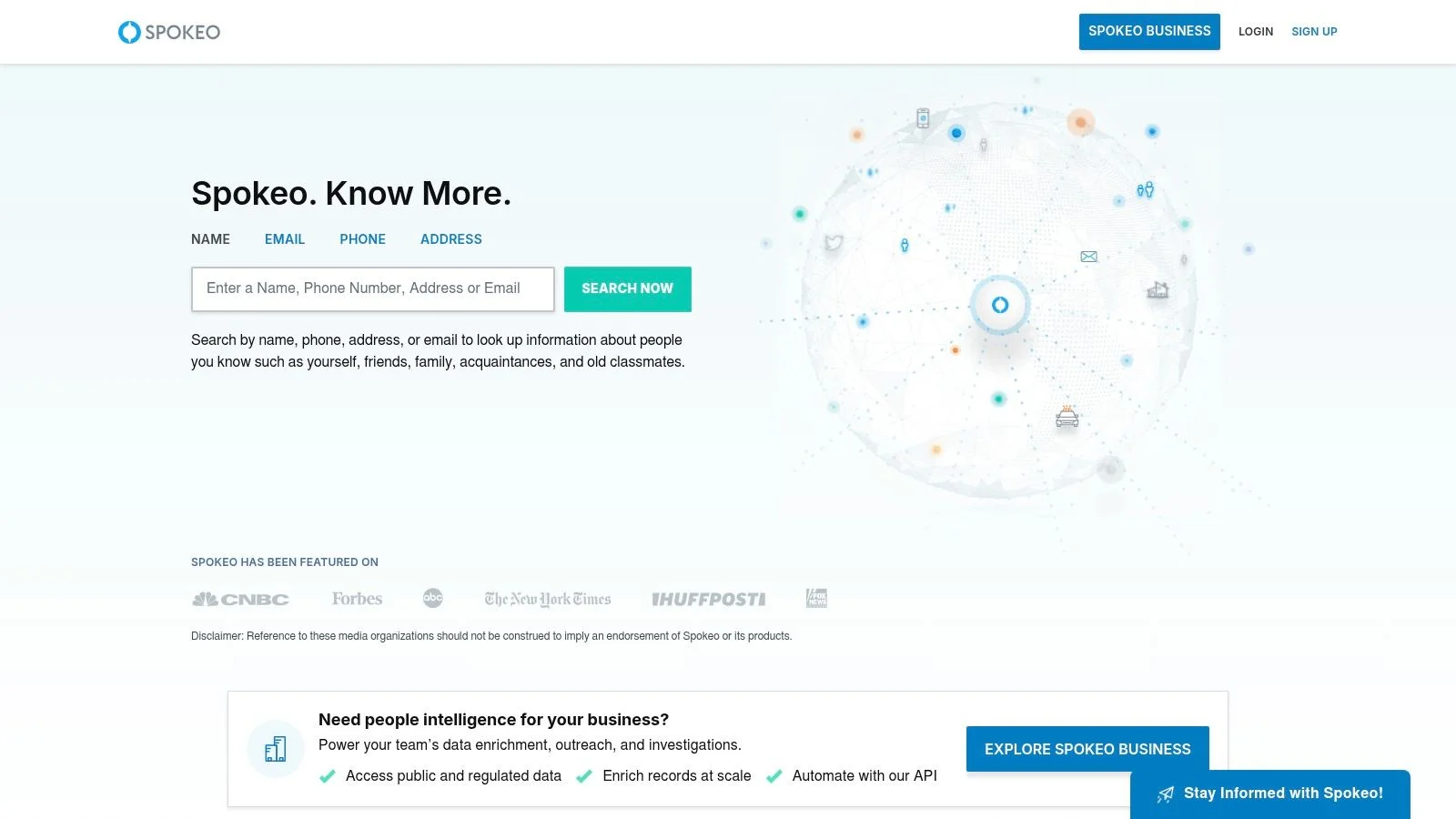
Spokeo works well as a quick consumer-oriented first pass. Enter an email address and the service may return a likely name, possible phone numbers or addresses, and linked social or media profiles assembled from public and commercial data.
Its main strength is accessibility. Someone who doesn't work with OSINT tools can search an address, review the suggested identity, and pivot toward public-facing profiles without learning command-line tools or building a complicated investigation workflow. The service also supports reverse phone, name, and address searches, which makes it useful when an email result produces a possible name that needs a separate check.
Where Spokeo fits
Spokeo is primarily useful for US-focused consumer searches. It can help establish a starting hypothesis, such as whether an address appears alongside a public social profile or a possible contact record. It shouldn't be treated as a definitive identity service, especially when names are common or when multiple people have used the same address over time.
Most detailed report information is paywalled, and exact pricing may only become clear during the checkout process. People-search databases can also contain stale or misattributed records, so a possible address doesn't prove current residence and a suggested profile doesn't prove ownership.
The platform provides an opt-out process for individuals who want to suppress their own records. If you're researching yourself, review the result carefully and follow the removal process instead of assuming that one request will erase every copy across the wider data-broker ecosystem.
For a product-to-product perspective before choosing a workflow, review this Digital Footprint Check comparison with Spokeo. Spokeo is best used as a low-friction lead generator, not as the only source behind a consequential decision.
Website: Spokeo
3. BeenVerified
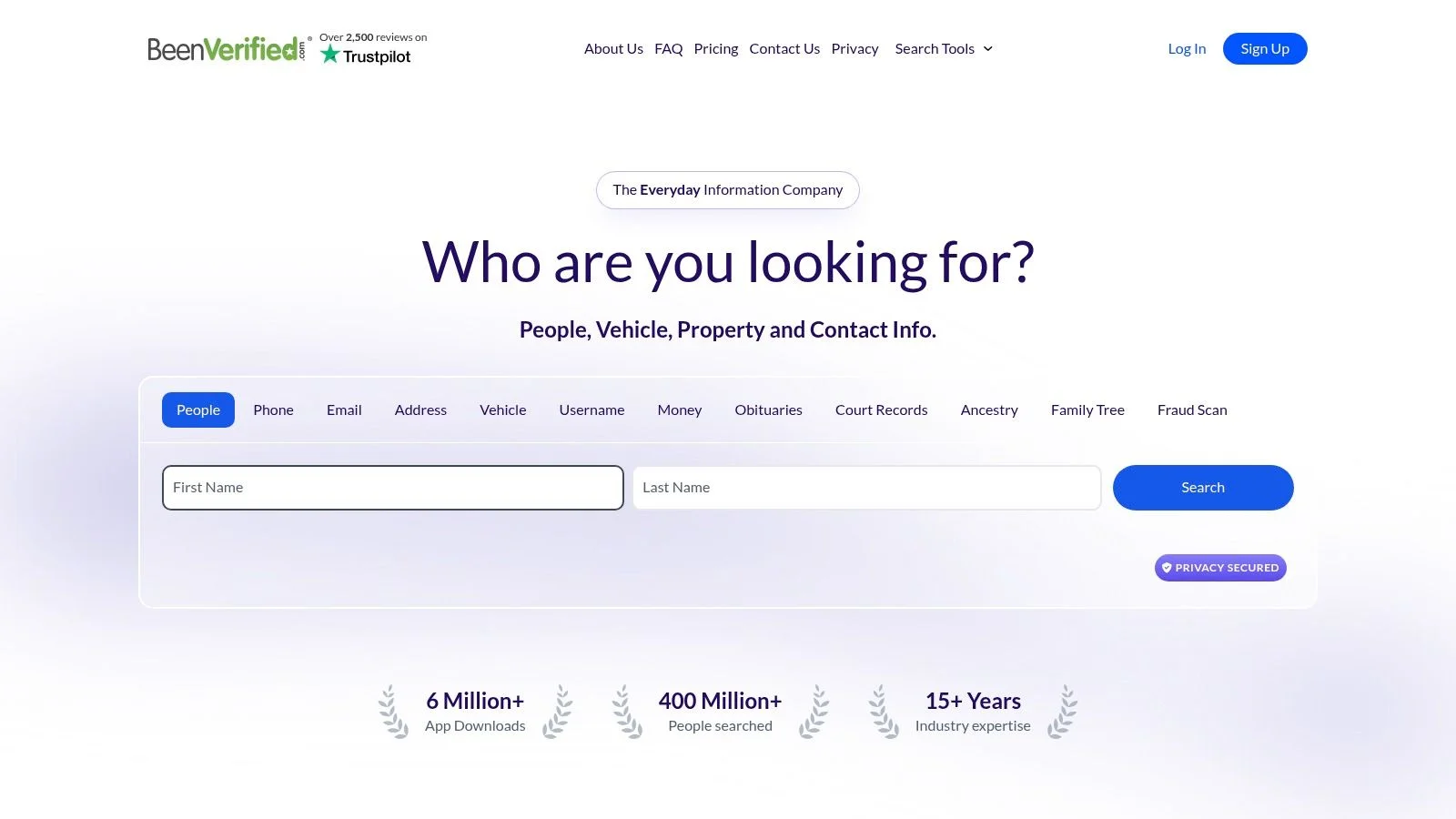
BeenVerified is a broad US people-search service that supports reverse email, phone, name, and address searches. Its reports can combine contact information, possible associates, property records, and other aggregated public-record signals, with mobile apps available for checks away from a desktop.
The service makes sense when an email lookup needs a consumer-record pivot. For example, a possible name from an email result can be checked against an address history or associated contact record. That can help separate a plausible lead from an isolated database entry, but it still doesn't establish that the person currently controls the email account.
Strengths and limits
BeenVerified's interface is straightforward, and its iOS and Android apps make it convenient for users who need to perform a search while handling a suspicious message or an unfamiliar contact. The platform also offers an opt-out flow for people who want to request data removal.
Detailed results require a paid membership. Aggregated public records may be outdated, incomplete, or attached to the wrong person. A shared household address, an old phone number, or a common name can create a compelling-looking but inaccurate match.
A record that supports an identity hypothesis is useful. It isn't permission to confront, publish, or investigate someone beyond a legitimate purpose.
Use BeenVerified as one corroboration layer, particularly for US consumer data. Don't use it alone for employment screening, relationship accusations, or decisions affecting access to housing, finance, or services. For a broader comparison of its role against an OSINT-oriented platform, see Digital Footprint Check versus BeenVerified.
Website: BeenVerified
4. TruthFinder
TruthFinder combines reverse email, phone, address, and people searches with public-record reports. It can surface possible social connections and other consumer identity signals through its website and mobile access, while offering opt-out controls for people who want their information removed.
Its main value is context. A search may connect an email address with a possible location, social profile, or historical association. Compare those clues with the sender's own statements before deciding whether to continue a conversation, investigate a scam, or stop engaging.
Don't confuse depth with certainty
TruthFinder's reports collect many record categories in one interface, which can make a tentative match look established. Several entries may come from the same underlying source, so repeated details do not necessarily provide independent confirmation.
Full reports require a paid membership. Mismatches remain possible when an address is old, a name is common, or public records have changed. Check sensitive claims against a separate source, such as a profile controlled by the person or a direct verification step that does not expose private information. Keep the conclusion proportional to the evidence.
For scam detection, use TruthFinder to add context to a safety decision. An unfamiliar contact requesting money, credentials, gift cards, cryptocurrency, or urgent secrecy already provides enough reason to decline or pause. A polished report cannot establish that the sender controls the account, and basic security boundaries should take priority over identity research.
Website: TruthFinder
5. Intelius
Intelius is a veteran US public-records service that supports reverse email, phone, address, and people searches. It works best as a secondary source, especially when another lookup has already produced a possible name, location, or phone number that needs corroboration.
The platform aggregates identity signals from public records and offers web and mobile experiences. Its consumer privacy tools include an opt-out process, which matters because the same databases used for discovery can also expose your own historical information.
A useful second opinion
Intelius is not the tool to choose when you need live account enumeration or detailed breach context. Its value is comparative. If another people-search result suggests a person and location, a separate Intelius search can show whether broadly similar public-record signals appear elsewhere.
Pricing and access vary by package, and many details are paywalled. Data quality can also vary, so don't treat two consumer brokers as fully independent if they may draw from overlapping public-record suppliers. Look for different evidence, such as a profile controlled by the person, a professional-domain connection, or a direct verification step that doesn't expose private information.
An address match is especially easy to overinterpret. People move, share addresses, use forwarding services, and appear in records for reasons unrelated to current residence. Record the exact wording of the result, the date you found it, and whether it says “possible,” “associated,” or something more specific.
Website: Intelius
6. Social Catfish
When a message raises doubts about dating identity or romance fraud, Social Catfish targets that scenario directly. Its workflow combines reverse email searches with reverse-image, username, phone, and address pivots, helping investigators compare identifiers that may appear across social platforms.
An email search may surface possible owners, aliases, or linked accounts. Reverse-image search is useful when a contact's photos may belong to someone else, a common warning sign in catfishing cases. Optional human-led investigations are available when a case needs specialist assistance, though the resulting match still requires independent verification.
Strong for dating and romance-scam signals
Use the service to test whether a romantic contact's story remains consistent across identifiers. A repeated username, reused photograph, mismatched location, or email connected to unrelated profiles can justify slowing down and asking safer questions. These clues support further checking, but none proves fraud alone.
The FTC reported that romance scams caused $1.14 billion in losses in 2023, with a median loss of $2,000 per victim, making them the agency's highest-loss imposter-scam category that year. The FTC's romance-scam warning explains the risks and common warning signs.
Some features and full reports require payment, while specialist investigations can cost more. Treat Social Catfish as a scam-detection and identity-resolution aid, not proof of ownership. Confirm important findings through an independently sourced channel, refuse money requests, and avoid links or identity-document requests from the contact.
Privacy also matters. Search only information you have a legitimate reason to assess, and avoid confronting a suspected scammer with personal details revealed by the lookup.
Website: Social Catfish
7. That'sThem
That'sThem provides a low-friction reverse email lookup for a quick first-pass screen. It also supports phone, name, and address searches, allowing an email result to become a broader consumer-record check without much setup.
Depending on the address and available coverage, the service may show basic identity or contact details. That can help prioritize follow-up on a suspicious message before paying for a deeper report. It is most useful for identity discovery and scam triage, while professional identity resolution or breach context requires other sources.
Useful as a first-pass screen before deeper research
That'sThem can indicate whether an address appears in a public data trail. Results are generally less detailed than paid people-search reports, and coverage or freshness can vary. A blank result does not establish that the address is private, new, legitimate, or unrelated to a person.
Use any match as a lead, then compare independent signals. For a job inquiry, confirm the employer through its official website and a separately sourced contact channel. For a gaming message, rely on the platform's account and security tools. For dating contact, independently verify key claims and do not send money or identity documents.
Searches can also produce false matches when names, locations, or contact details overlap. Check several identifiers before acting, and avoid treating a single listing as proof of ownership.
That'sThem offers opt-out and data-suppression controls. If you are checking your own address, use them where appropriate. Removing one listing does not automatically clear every broker or indexed page.
Website: That'sThem
8. Epieos
Unlike consumer people-search services, Epieos takes an OSINT-oriented approach, focusing on platform-level checks that help researchers determine where an address may be active.
Its main value is account enumeration. Rather than producing a long background report, it offers investigative pivots that may show where an email is in use. That can support scam detection, identity discovery, or follow-up research, but it does not establish ownership of every account tied to a reused address.
Epieos emphasizes reducing false positives, avoiding target notification, and not logging queries. These are vendor statements, so review the service's current terms before using it for sensitive work. The results are strongest when combined with independent signals, such as a public profile, matching username, avatar, domain, or professional contact page.
Best for researchers who can interpret uncertainty
Use Epieos to ask, “Where might this address be active?” A platform indicator can guide manual review, while professional identity resolution usually requires an employer's official website or another authoritative source. Breach context also belongs to a dedicated breach database, not an account-presence result.
Coverage can change with privacy settings, deleted accounts, recycled addresses, platform updates, and detection errors. A blank result does not prove that an address is unused, and a match does not prove that the same person controls the account.
Avoid password resets, login testing, or actions that could notify or disrupt the account owner. Use the service for your own accounts, authorized investigations, fraud triage, or consent-based research. It should not become a shortcut for bypassing authentication or building a private dossier without consent.
Website: Epieos
9. Have I Been Pwned
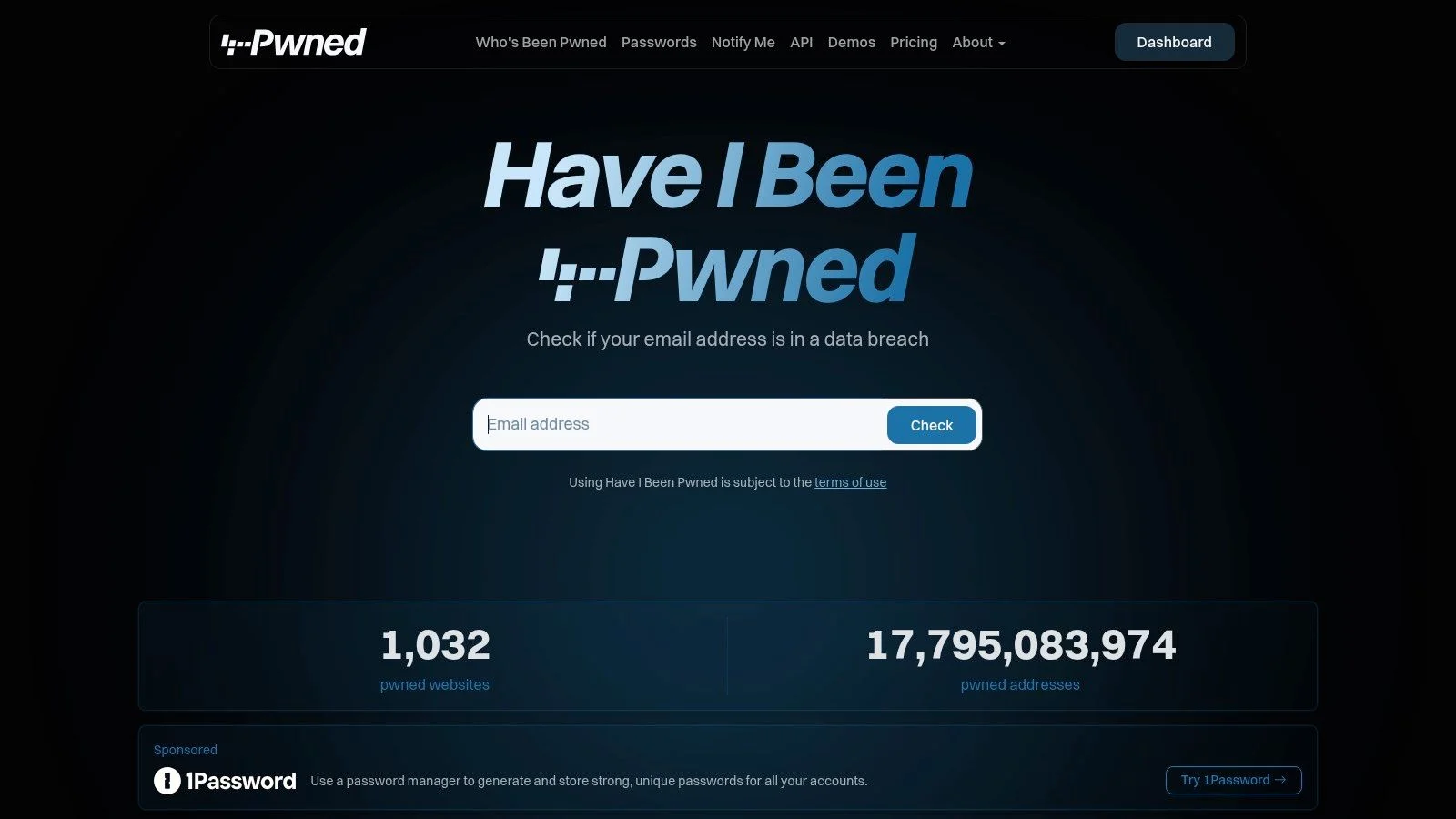
Have I Been Pwned isn't a people-finder. It's the essential breach-context check in an address email reverse lookup workflow because it answers a different question: where has this email appeared in known breach data?
The service can show breach exposure and a timeline, identify breach sources, and provide risk context. It also supports future breach notifications, domain-wide monitoring, and an API for teams. Some compromised data elements are redacted to protect victims, so the absence of visible details doesn't mean the original breach contained nothing else.
Why breach history changes the interpretation
Surfshark reports that since 2004, about 23.8 billion accounts have been breached globally and roughly 7.9 billion unique email addresses have appeared in those breaches. Research linked to NordPass and cited in 2026 says nine out of ten breach incidents contain email addresses as an exposed field, as summarized by Clean Email's breach statistics overview.
Have I Been Pwned lists 17,795,083,974 pwned addresses as of late August 2026, showing how long-running and widespread email exposure has become. Historical repetition also matters. A BeenVerified study of more than 171,000 email users found that 56% had appeared in at least one breach, while the average address appeared in 5.2 breaches, according to the BeenVerified email breach study.
A breach hit doesn't prove current account control, current ownership, or criminal activity. It tells you that the identifier appeared in exposed data. Use it to secure your own accounts, change reused passwords, enable multifactor authentication, and assess risk, not to accuse or contact a person.
For a broader privacy workflow, see this Have I Been Pwned alternative from Digital Footprint Check.
Website: Have I Been Pwned
10. Pipl
Pipl is aimed at professional and institutional users rather than casual consumer searches. Its identity-resolution platform correlates emails with people and organizations across global sources, returning identity graphs, historical and alternate identifiers, relationship mapping, contact data, and digital-footprint elements.
That architecture suits risk, fraud, trust and safety, compliance, and investigative teams that need repeatable workflows. An enterprise API and managed access can help teams integrate identity signals into review processes rather than asking individual analysts to search several consumer sites manually.
When enterprise resolution is justified
Pipl's strength is professional use. A team investigating fraud or validating business contacts may need global coverage, historical identifiers, relationship context, and contractual controls around access. That is a different requirement from a person checking an unfamiliar dating email.
The trade-off is equally clear. Pipl isn't targeted at individual consumers, and pricing and access generally require an enterprise sales process. The platform may be too substantial for a one-time personal lookup, while its compliance tooling is more relevant when an organization has a documented purpose, access controls, retention rules, and lawful authority.
A professional identity match still needs human review. Teams should distinguish an automated correlation from a confirmed identity, document why the search was necessary, and avoid using sensitive information in ways that create unfair or discriminatory outcomes. For a wider view of people-search options, consult Digital Footprint Check's best people finder websites guide.
Website: Pipl
Top 10 Email & Address Reverse Lookup Comparison
| Service | Core features | Quality ★ | Pricing 💰 | Target 👥 | Unique ✨ |
|---|---|---|---|---|---|
| Digital Footprint Check 🏆 | 500+ OSINT sources (social, gaming, brokers, dark web), breach & username scans, DIY removal, real-time alerts | ★★★★★ | 💰 Free initial report; subscription for continuous monitoring | 👥 Individuals, HR, security researchers, job seekers | ✨ Privacy-first (256-bit SSL, no-sale), gaming account detection, actionable remediation |
| Spokeo | Reverse email/phone/name, aggregates public & commercial records, opt-out flow | ★★★☆☆ | 💰 Paywalled full reports (checkout pricing) | 👥 Consumers doing quick identity lookups | ✨ Broad US coverage, easy UI |
| BeenVerified | Public-record aggregation, reverse lookups, mobile apps, opt-out | ★★★☆☆ | 💰 Membership unlocks full reports | 👥 US consumers on mobile | ✨ Mobile apps, wide public-record pulls |
| TruthFinder | Deep public-record aggregation, reverse searches, social links, ongoing updates | ★★★★☆ | 💰 Paid membership for full background reports | 👥 Consumers seeking deep background checks | ✨ Emphasis on criminal/civil records and updates |
| Intelius | Reverse email/phone/address, large public-record index, opt-out | ★★★☆☆ | 💰 Tiered/paywalled packages | 👥 Consumers & corroboration use | ✨ Veteran brand with broad datasets |
| Social Catfish | Reverse email/image/username/phone, dating-scam workflows, human investigators | ★★★★☆ | 💰 Paywalled features; specialist services extra-costly | 👥 Dating-scam victims, fraud investigators | ✨ Reverse-image focus & optional human-led investigations |
| That'sThem | Simple reverse email/phone/name lookups, fast UI, opt-out | ★★★☆☆ | 💰 Free/basic checks; limited depth | 👥 Quick spot-check users | ✨ Fast, low-friction first pass |
| Epieos | Platform-level email/phone enumeration, non-notifying checks, OSINT pivots | ★★★★☆ | 💰 Research-oriented; some paid features | 👥 Researchers, privacy-minded investigators | ✨ Minimizes target alerts, research-friendly outputs |
| Have I Been Pwned | Email breach lookup, breach timeline, notifications, domain/API monitoring | ★★★★★ | 💰 Free lookup; paid API/domain monitoring options | 👥 Everyone, security teams & researchers | ✨ Authoritative breach corpus, essential for breach context |
| Pipl | Enterprise identity graphs, email-to-person resolution, historical identifiers, API | ★★★★★ | 💰 Enterprise pricing via sales (higher cost) | 👥 Risk, fraud, trust & safety, compliance teams | ✨ High match quality, global identity graphs & integrations |
Verify the Signal Before You Act
Start by defining the legitimate purpose. Are you checking your own exposure, assessing a suspicious sender, validating a professional contact, reviewing a possible catfishing pattern, or investigating a security incident with authorization? The answer should determine how invasive your search needs to be.
Use the least invasive resource that can answer the question. Have I Been Pwned is appropriate for breach context. Epieos may help with account-presence research. That'sThem, Spokeo, BeenVerified, TruthFinder, or Intelius can provide consumer-record leads. Social Catfish fits dating and scam investigations, while Pipl is designed for professional identity resolution. Digital Footprint Check is useful when you need email, username, gaming, public-record, social, and breach signals in one exposure-oriented workflow.
Record what each result says. Don't rewrite “possible associate” as “confirmed relative,” “historical address” as “current residence,” or “profile linked to this email” as “profile owned by this person.” The language matters because databases often combine old records, shared identifiers, and information supplied by sources that you can't independently inspect.
Corroborate important findings across independent signals. A likely name is stronger when it aligns with a public professional profile, a consistent location, and an email domain used by the organization. Even then, keep your conclusion qualified. A professional-domain address can be reassigned, a username can be copied, and a profile can be impersonated.
Email enrichment benchmarks show why verification controls matter. In a 2026 third-party test of 5,000 B2B contacts, the median coverage across 14 tools was 58.9%. The best waterfall provider reached 87.1% coverage, 95.7% validity, and 4.0% false positives, while another tool reached 86.4% coverage, 98.9% validity, and 0.9% false positives, according to the 2026 email enrichment benchmark. A separate benchmark guide places typical 2026 B2B email match rates between 70% and 85%, with multi-source waterfall providers reaching 85% to 95% overall and sometimes 98% email accuracy, while single-source APIs often sit between 50% and 65%, as discussed by GrowthToday's email enrichment guide.
Personal inboxes are harder to resolve than business-domain addresses. Independent guidance reports that business emails may return useful identity data roughly 80% to 95% of the time, while personal Gmail, Yahoo, and Outlook addresses may fall to about 30% to 60%. A 2026 test of 500 B2B emails produced matches ranging from 8% to 87% depending on the method, and browser extensions produced significant false positives, according to ScaledMail's reverse email lookup guide.
Separate evidence from assumptions: exposure proves that an address appeared somewhere. It doesn't prove who controls it now, why it appeared, or what the person did.
Check your own information first whenever possible. Avoid searching sensitive data without a clear need, use opt-out processes offered by people-search services, secure exposed accounts, change reused passwords, enable multifactor authentication, and document lawful consent for professional research. If a dating contact requests money or pushes you toward an investment platform, stop the transaction and report the account rather than trying to build a private dossier.
The FTC reported in 2026 that nearly 60% of people who reported losing money to a romance scam in 2025 said the scam began on social media, while social-media romance scams accounted for $298 million in reported losses in 2025, as detailed in the FTC's 2026 data spotlight. The agency also reported that social-media scam losses rose to eight times the 2020 level, according to its social-media scam loss analysis. A later FTC consumer alert said romance-scam losses increased by 22% to $1.48 billion, with an average reported loss of $2,020 per person, as described in the FTC imposter-scam trends alert.
Use the Digital Footprint Check free checker for a personal exposure review, then act on the findings through account security, opt-outs, and sensible privacy changes. Reverse lookup results should never be used for stalking, discrimination, unauthorized access, public disclosure, or retaliation.
Digital Footprint Check searches email addresses, usernames, social profiles, gaming accounts, public records, data brokers, and breach sources to help you understand your exposed online identity. Visit Digital Footprint Check to run a free personal check, review what may be discoverable, and get practical guidance for protecting and cleaning up your digital footprint.