· Digital Footprint Check · Content Marketing · 19 min read
Check Digital Footprint Free No Signup: See Your Online Life
Use these 10 top tools to check digital footprint free no signup. See what employers, scammers, & data brokers know about you online – easily!

You usually learn the answer at a bad time. A hiring manager brings up an old username. A date recognizes a photo from a profile you forgot to delete. A scammer uses an address, gamer tag, or throwaway email that should have been buried years ago.
That reaction is reasonable. Public records, old social accounts, tagged photos, breach data, and reused handles often connect faster than people expect. Public posts, tagged images, and old bios are significant, but they usually come after direct security exposure. A leaked email, a reused username, or a people-search listing is often what makes the rest of your trail easy to find.
A useful self-audit starts in layers. Check what appears publicly under your name first. Then test the identifiers you reuse across sites, such as usernames, email addresses, profile photos, and phone or address records. That sequence works well for job seekers who want to reduce reputation risk, and for anyone dating online who wants to see what a stranger could verify in minutes.
If you want a quick starting point, run a free digital footprint check with no signup. Then verify the results with the narrower tools below, because free tools rarely cover every platform or record type.
1. Digital Footprint Check
You get the most value from a broad scan at the start of a self-audit. Before you chase down one old username or one breached email, it helps to see the wider picture. That is where Digital Footprint Check fits. It gives you a quick first pass across several exposure types in one place, which is useful if your trail is spread across old social accounts, gaming handles, forum profiles, dating apps, and people-search records.
For a non-technical user, that matters. Opening separate tools for breaches, usernames, photos, and public listings works, but it is slower and easier to abandon halfway through. A broad scan helps you build an initial list, then decide which identifiers need a closer check.
Where it fits best
I would put this first for anyone who wants to work through their footprint in layers instead of guessing. Start broad. Then verify the findings with narrower tools for email breaches, username reuse, social profiles, reverse image matches, and people-search records.
It is a practical starting point for:
- Job seekers: to spot old bios, comments, usernames, or profile fragments that can surface during screening
- People using dating apps: to see what a match could connect from a name, photo, or reused handle
- Gamers and forum users: to check whether long-used tags still point back to public accounts
- Parents and families: to find scattered public traces tied to shared emails, usernames, or household records
What works and what does not
Its main strength is speed. You can run a no-signup check and get a usable overview without setting up an account or learning several separate search methods first.
The trade-off is important. A tool like this is best for discovery, not proof or removal. Results can give you a direction, but you still need to confirm what is current, what is yours, and what needs action. Free scans also vary in depth. They can miss closed platforms, stale records, private accounts, and data that only appears in more specialized searches.
That is why I treat it as the first layer in a privacy workflow, not the whole workflow. If the scan suggests email exposure, follow up with a dedicated breach checker. If it turns up reused handles, test those with username tools. If you want to compare that narrower breach-first approach, this Have I Been Pwned alternative for broader exposure checks shows where an all-in-one scan helps and where a single-purpose tool is still better.
The privacy upside is simple. You can check what is visible without handing over an account signup first. The limitation is just as real. It will not clean up the internet for you. You still have to remove old posts, close accounts, opt out of people-search sites, and secure any breached logins yourself.
Start with the broad scan when the problem feels messy. Then work inward, from public visibility to the specific identifiers that expose the rest.
2. Have I Been Pwned
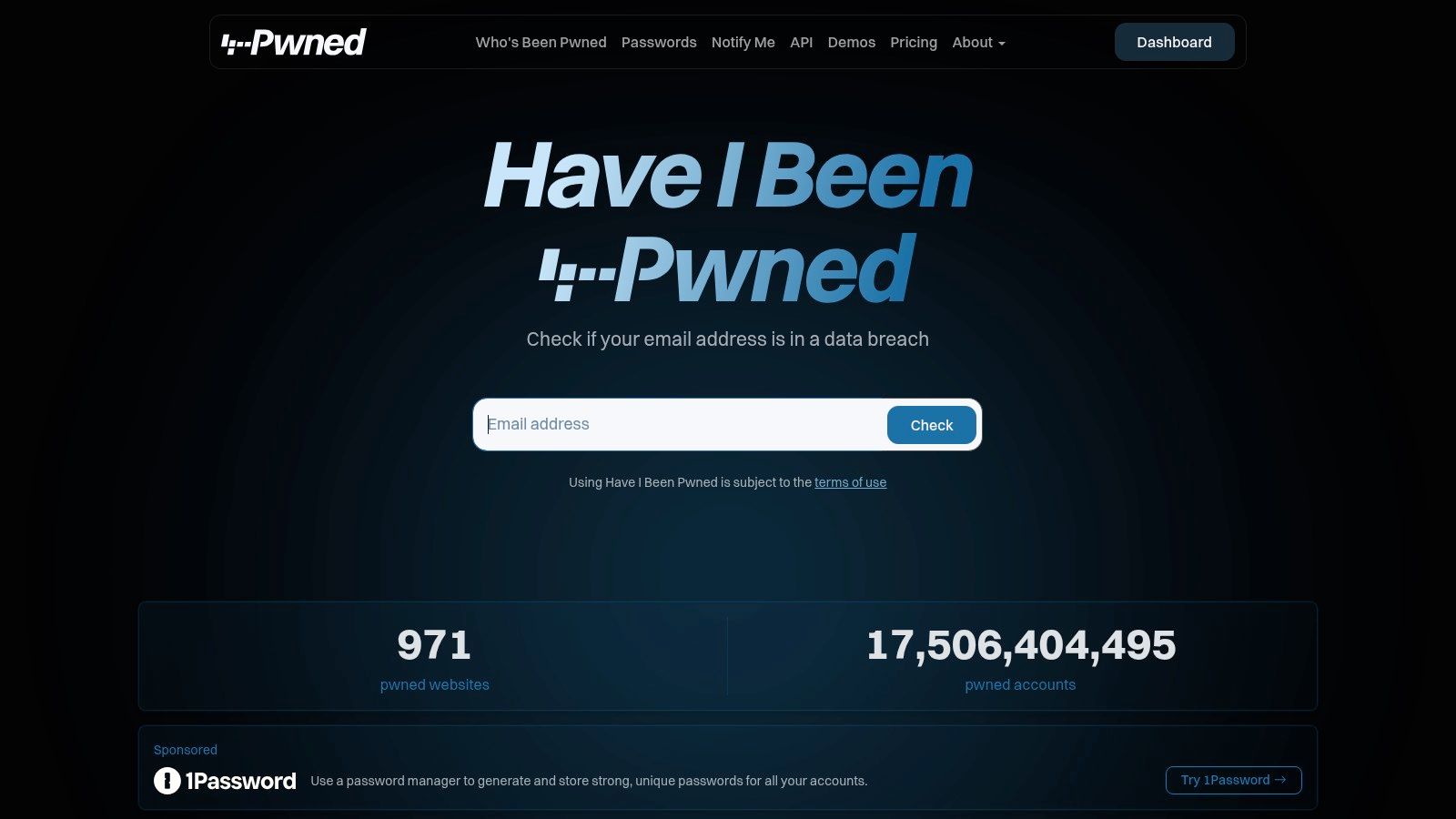
A practical self-audit usually gets personal at this stage. After a broad scan shows possible exposure, the next question is often much simpler: which of my email addresses have already been caught in known breaches?
Have I Been Pwned is built for that one job. You enter an email address, get a quick yes-or-no result, and can review the breach names tied to it. For a free no-signup check, that focus is the reason it remains useful. It cuts out noise and answers a question that directly affects account security.
Best use case
HIBP works best when you already have a shortlist of addresses to test, especially ones that still unlock other accounts:
- Primary inboxes
- Old school or work emails
- Alias addresses used for shopping or forums
That workflow matters in real life. Job seekers often have old resumes tied to forgotten inboxes. People returning to dating apps often reuse an older email they have not checked in years. If one of those addresses appears in multiple breaches, it is a sign to change passwords, review recovery options, and close accounts you no longer need.
Its limitation matters just as much. HIBP checks breach exposure. It does not map your public profiles, trace username reuse, surface people-search listings, or show where one identifier leads to another. Results also depend on what breach data has been verified and added, so a clean result does not mean your address has never been exposed anywhere.
If you want to compare that narrow breach check with a wider privacy workflow, this Have I Been Pwned alternative for broader exposure checks is the better reference point.
My rule is simple. Run every email address you still control through HIBP, then act on the ones that matter first. Start with any inbox tied to banking, work logins, password resets, or old accounts where you may have reused credentials.
3. Epieos
Epieos is the kind of tool that feels almost unfair the first time you use it well. You give it an email address or phone number, and it tries to pull together public traces connected to that identifier.
That makes it useful when your digital footprint is not organized around your real name. Many people leave a clearer trail through an old email, recovery phone, or signup alias than through a clean Google search.
When Epieos is useful
Epieos works best in these situations:
- You have an old email and want to see what else is tied to it
- You are checking whether a phone number links back to public accounts
- You are following one clue at a time rather than running a broad scan
For privacy self-audits, this helps answer a practical question: if someone starts with one identifier, how easily can they pivot to the rest of your online life?
That is the main trade-off too. Epieos is a pivot tool, not a polished all-in-one privacy dashboard. Results can vary because platforms change what they expose publicly. Some modules are stronger than others. Sometimes you get useful breadcrumbs. Sometimes you get very little.
Advanced users like it because it can connect into investigation workflows. Non-technical users should treat it as a spot-check tool. Use it after a broad scan or when one email address keeps popping up in breach reports and you want to know where else it leads.
It is worth trying if your footprint is fragmented and identifier-based, but it is not the tool I would rely on alone for a complete no-signup audit.
Website: Epieos
4. Namechk
Namechk is one of the fastest ways to answer a very specific question: where does this username already exist?
That sounds simple, but it matters more than people think. Many people reuse a handle for years across social apps, side projects, gaming communities, and hobby forums. If someone knows that handle, they can often map out a surprising amount of your online identity.
Why it helps with a self-audit
Namechk checks username presence across many platforms and also shows domain availability. For privacy use, domain checks are less important. Its main value is seeing whether an alias appears all over the web.
This is especially useful for:
- Old gamer tags
- Instagram or TikTok handles reused elsewhere
- Professional side-project usernames
- Dating-app-adjacent aliases you want to separate from your real identity
The downside is straightforward. Namechk tells you whether a handle appears to exist on a platform. It does not prove the account belongs to you, and it does not tell you what is visible on the profile. You still have to click through and verify manually.
That manual step matters because false assumptions create bad cleanup decisions. A similar username is not always your account. At the same time, one exact match across multiple niche sites often is enough to reveal a pattern.
Namechk is one of the better “map the alias” tools for beginners because it is fast and visual. Use it early in the process, then follow up with deeper username tools if a handle appears in more places than you expected.
Website: Namechk
5. WhatsMyName
WhatsMyName is more investigative than Namechk. It is built around username enumeration, and it often catches profiles that simpler tools miss.
That is why it is popular in OSINT circles. It checks a very large set of sites using a community-maintained ruleset and returns direct profile links when it finds likely matches. For a personal privacy audit, that means less guessing and more actual verification.
Why it is often better than lighter username tools
A key advantage is transparency. You are not just seeing a green or red indicator. You are getting a profile URL you can inspect.
That helps when:
- You are tracing a niche username across obscure platforms
- You want evidence, not just availability
- You suspect throwaway accounts still exist under one old alias
The weakness is maintenance. Username tools depend on platform behavior. When websites change URLs or response patterns, a rule can break. That can create false negatives until the project updates its checks.
If a username matters to your audit, never trust one tool. Run it through at least two different username search engines and manually verify the profiles.
For a practical workflow, I like WhatsMyName after Namechk. Namechk gives you the quick spread. WhatsMyName gives you the deeper follow-up. If you want to learn the method behind that process, this guide on mastering username search is useful.
Website: WhatsMyName
6. UserSearch
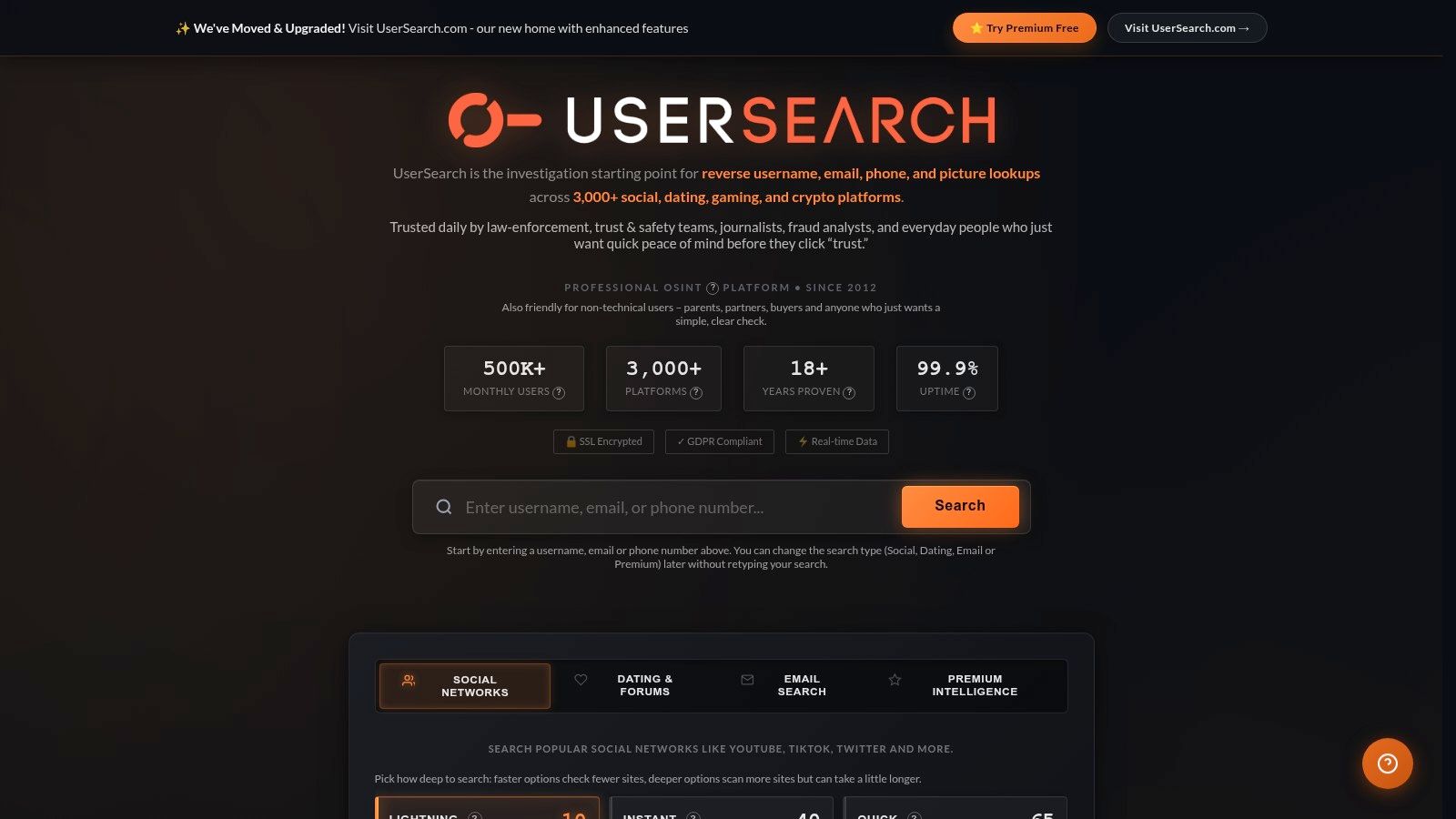
UserSearch is the wide-net option. If WhatsMyName feels like a targeted probe, UserSearch feels like casting across the stranger corners of the internet.
Its appeal is coverage. The site is built to search usernames across social platforms, dating sites, gaming services, forums, and other niche categories where people often create side identities or disposable accounts.
Where it shines
This is one of the better tools for people who have ever used the same handle in very different contexts. That includes:
- Gaming and modding communities
- Dating and hookup platforms
- Crypto or forum pseudonyms
- Accounts created during a very online phase of life that you no longer track
UserSearch can help surface the profiles people forget first, which are often the most awkward ones to rediscover during a job search or relationship dispute.
Its trade-off is quality control. Broad coverage can mean uneven results. Some hits need manual confirmation. Some categories are better maintained than others. Free no-signup use is best treated as reconnaissance, not proof.
For personal audits, I use UserSearch as a complement, not a replacement. If Namechk and WhatsMyName cover the obvious social web, UserSearch helps test whether your alias spread into niche spaces you stopped thinking about years ago.
If you are tracing a handle that has followed someone for a long time, this walkthrough on how to find someone by username explains the logic well.
Website: UserSearch
7. Social Searcher
Some people have very little profile exposure but a lot of post exposure. That is where Social Searcher helps.
Instead of focusing on accounts alone, it searches public posts, mentions, hashtags, profiles, and some web-visible chatter across platforms. For reputation management, this is a different layer of your footprint. It answers, “What public content can someone find about me or tied to my name, username, or brand?”
Practical uses
Social Searcher is helpful when:
- You want to see public mentions without logging into multiple apps
- You need to check whether an old handle appears in posts rather than profile pages
- You are watching for reputation issues around your name or business
This matters for job seekers and professionals because posts tend to age badly. A dormant profile may never bother you. A public comment, repost, or tag can keep resurfacing.
The limitation is access. If a platform hides content behind login walls or stricter privacy settings, Social Searcher may miss it. The tool only sees what is publicly accessible and indexed.
That does not make it weak. It just means you should use it for what it is. Think of it as your public chatter scan. It is light, quick, and useful for seeing what strangers can spot without much effort.
If your name is common, search a combination of your real name, city, username, and employer. That produces cleaner results than searching a name alone.
Website: Social Searcher
8. TinEye
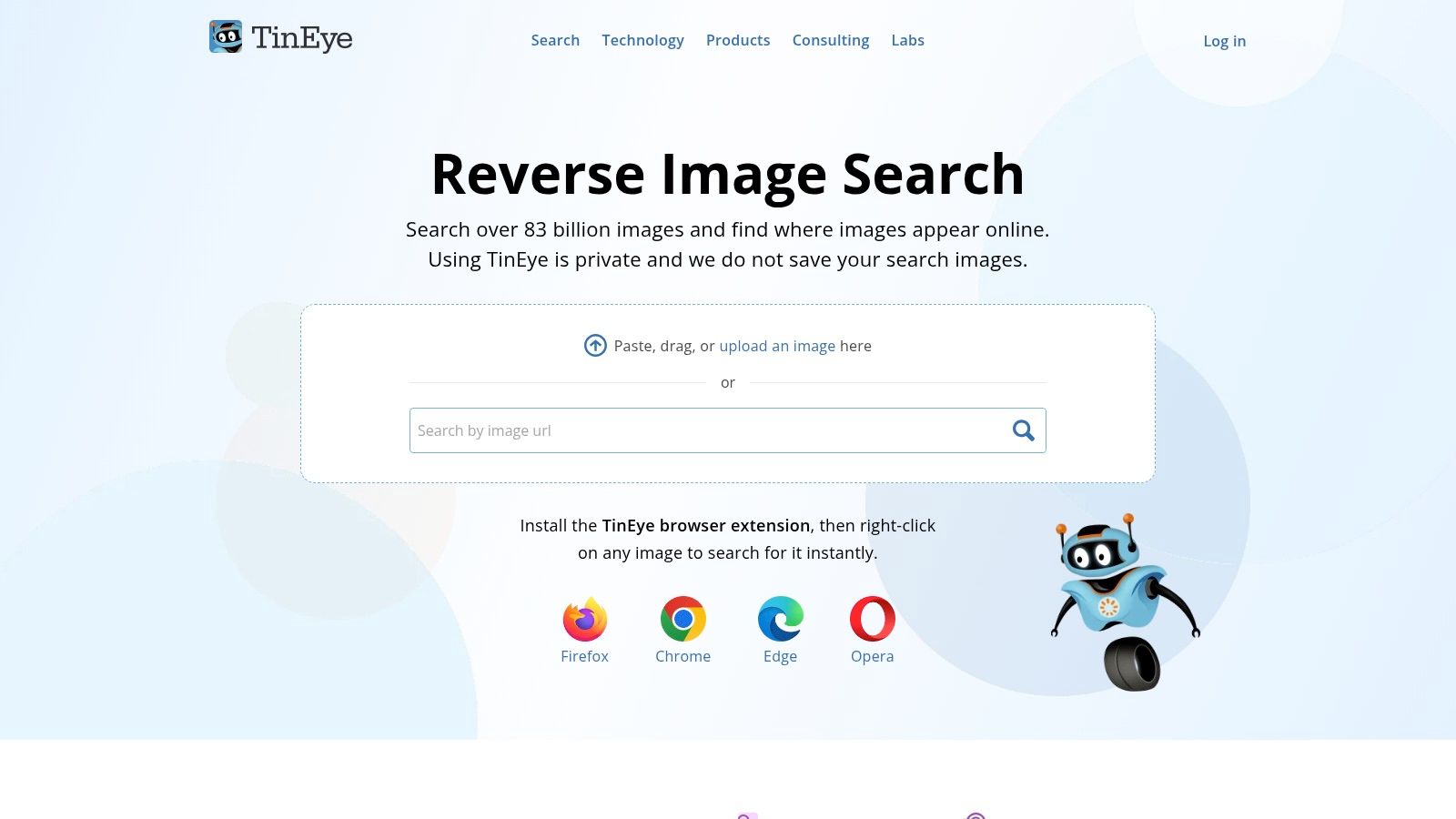
Photos are one of the most overlooked parts of a digital footprint audit.
People check names and emails, then forget the same profile photo may appear on old accounts, copied profiles, romance scam listings, or cached pages. TinEye is one of the easiest no-signup tools for checking that.
What TinEye does well
TinEye uses image matching rather than relying only on file names or metadata. You upload a picture or paste an image URL, and it looks for matches and variations online.
That makes it useful for:
- Finding reused profile photos
- Checking whether an old headshot still appears on dead accounts
- Spotting photo misuse in catfishing or scam contexts
For dating safety and reputation management, this is one of the most practical steps you can take. If a profile photo has spread further than you intended, a reverse-image search can reveal it fast.
The downside is coverage. No reverse-image engine sees the whole web. TinEye may catch matches that another engine misses, but the reverse is also true. Distinctive images perform better than generic selfies or heavily cropped photos.
Run at least two of your most used photos through reverse-image search. Start with your current profile photo and one older image you used widely on social or gaming accounts.
If you want a people-focused workflow for that process, this guide to reverse image search people gives practical next steps.
Website: TinEye
9. TruePeopleSearch
TruePeopleSearch shows a side of your footprint that many people never intentionally created. Public-record aggregation.
If you live in the US, this matters a lot. These sites can tie together names, addresses, phone numbers, age ranges, and relatives in a way that feels invasive even when each piece came from a public source.
Why this matters more than many expect
A lot of privacy advice focuses on social media. That is only half the problem. In major markets where public broker access is common, data-broker visibility can expose the basics someone needs to profile you quickly.
TruePeopleSearch is useful because it shows that exposure plainly. Search your name, number, or address and you can often see what a stranger could assemble without much effort.
This kind of check is strongest for:
- US residents
- Anyone who has moved several times
- People trying to understand stalking or impersonation risk
- Job seekers who want to see what background search noise looks like
The biggest limitation is geography. Tools in this category are much less useful outside the US. Incogni explicitly notes that public broker accessibility drives much of the value in the US, while scans can be less effective in regions protected more heavily by GDPR, as explained on Incogni’s digital footprint checker page.
Accuracy is also uneven. Data brokers merge and mislabel records. So treat results as exposure clues, not a certified dossier.
Website: TruePeopleSearch
10. ThatsThem
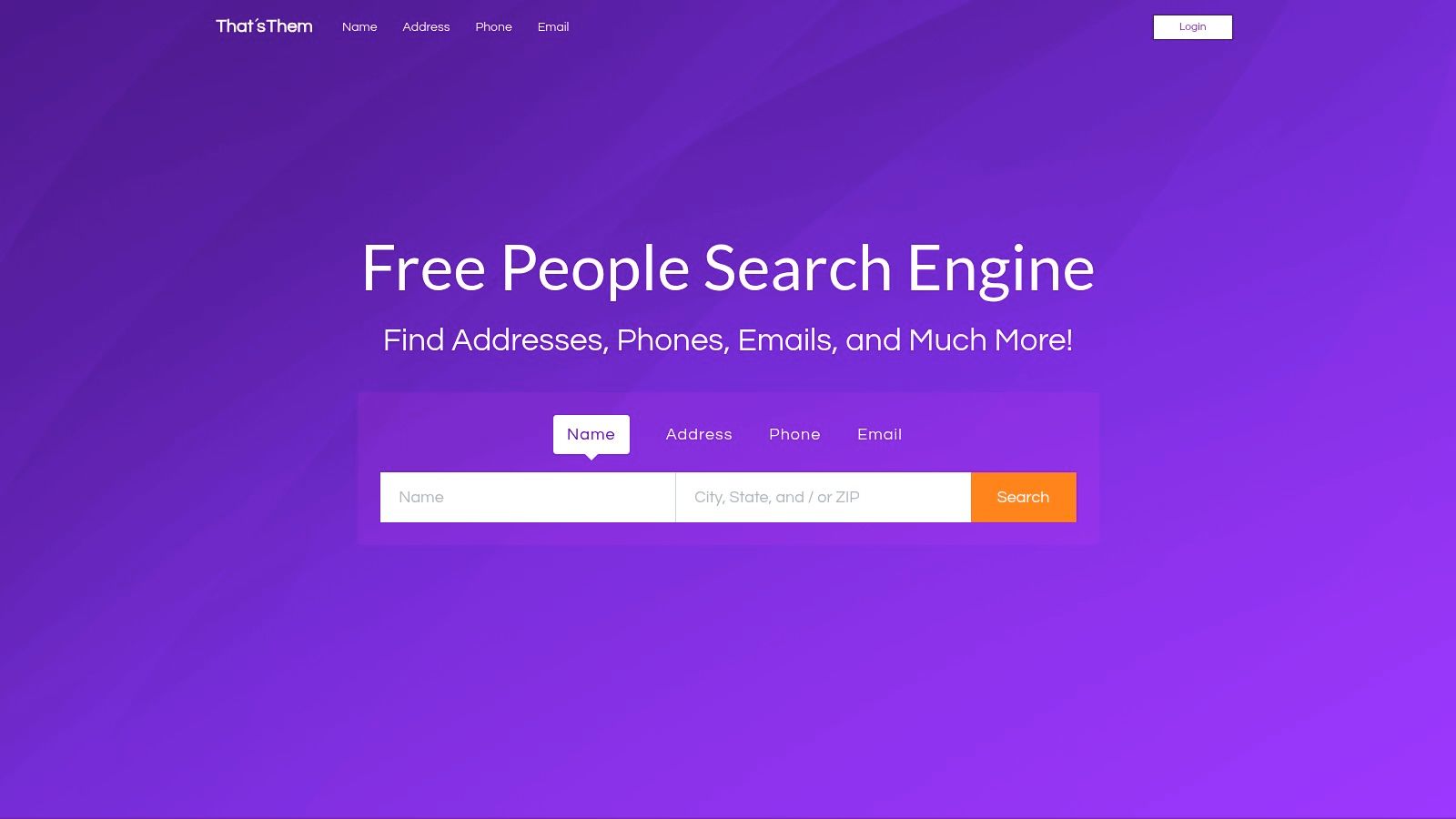
A common privacy problem starts with a single detail. Someone gets your old Gmail address from a marketplace message, or your phone number from a rental listing, and then works outward until they have your name, city, and household connections.
ThatsThem is useful for testing that exact risk. It is a US-focused people-search tool that lets you search from different starting points, including name, phone, email, and address. In a practical self-audit, that makes it less about curiosity and more about linkability. You are checking how easily one identifier reconnects to the rest of your life.
That matters in several real situations. Job seekers can see what a recruiter or background screener might surface from an older contact detail. People using dating apps can check whether a phone number or burner email still points back to a home address or legal name. If you are dealing with harassment, this kind of lookup shows how little information someone may need to build a profile.
I suggest using ThatsThem late in the audit, after you have already checked breach exposure, usernames, and public social traces. By that point, you know which identifiers are already loose. ThatsThem helps answer the next question: which of those identifiers can still be tied back together through broker-style records?
The trade-off is accuracy. Results on sites like this can be stale, merged with another person, or missing recent moves. Coverage is strongest in the US and much weaker elsewhere, so international readers should treat it as a limited check rather than a reliable map of exposure.
It also will not show your full footprint. Free tools each cover a slice of the problem, as noted earlier. ThatsThem is the slice that tests whether your contact details still connect cleanly to your offline identity.
Website: ThatsThem
Top 10 Free No-Signup Digital Footprint Tools Comparison
| Tool | Core features | Quality & trust | Pricing & value | Target audience | Unique strengths |
|---|---|---|---|---|---|
| Digital Footprint Check 🏆 | ✨ 500+ source scans (social, breaches, public records, gaming); DIY removal guides; real-time alerts | ★★★★☆ · Numerous reports · GDPR & 256‑bit SSL | 💰 Free quick checks & first report; paid subs for continuous monitoring | 👥 Individuals, HR, security researchers, families | 🏆 ✨ All‑in‑one OSINT + privacy‑first approach; actionable remediation steps |
| Have I Been Pwned (HIBP) | Email breach & paste lookup; k‑anonymous password check | ★★★★☆ · Widely trusted & transparent sources | 💰 Free basic checks; some API/domain features paid/verified | 👥 Individuals, security pros, admins | ✨ Extensive verified breach database; simple one‑off checks |
| Epieos | Reverse email/phone lookups; multiple modules; Maltego integration | ★★★☆☆ · Popular in OSINT community | 💰 Free modules; paid tiers for higher capacity | 👥 OSINT investigators, researchers | ✨ Fast pivots from identifier to related public traces |
| Namechk | Username + domain availability across 90+ platforms | ★★★☆☆ · Quick, visual results | 💰 Free; no signup required | 👥 Brand owners, social users checking impersonation risk | ✨ At‑a‑glance name collision & domain checks |
| WhatsMyName (web UI) | Username enumeration across hundreds of sites; community ruleset | ★★★★☆ · Open‑source, frequently updated | 💰 Free | 👥 OSINT users, investigators | ✨ Finds profiles missed by simpler checkers; transparent rules |
| UserSearch | Username search across many platforms (social, dating, gaming, forums) | ★★★☆☆ · Broad niche coverage | 💰 Free (premium features on .com) | 👥 Investigators, people finding throwaway/niche accounts | ✨ Exceptional niche/site coverage with streaming results |
| Social Searcher | Public posts, mentions, hashtags & image search across networks | ★★★☆☆ · Fast ad‑hoc scanning | 💰 Free core tools; paid advanced options | 👥 Reputation managers, researchers, journalists | ✨ Unified public mention search without platform logins |
| TinEye | Reverse‑image search with content‑based matching & browser extensions | ★★★★☆ · Strong image matching engine | 💰 Free basic; paid API for bulk | 👥 Investigators, content owners, marketers | ✨ Excellent for finding reused photos, scams, impersonation |
| TruePeopleSearch | US‑centric people search: names, phones, addresses, relatives | ★★★☆☆ · Widely cited in OSINT/privacy resources | 💰 Free | 👥 US residents checking public‑records exposure | ✨ Fast snapshot of US public‑record footprint |
| ThatsThem | Multi‑modal people‑finder (name, phone, email, address, VIN, IP) | ★★★☆☆ · Commonly listed in OSINT guides | 💰 Free basic searches | 👥 Users assessing public data & opt‑out needs | ✨ Broad search modalities useful for removal triage |
From Free Checks to Full Protection Your Next Steps
A real self-audit usually starts with a small jolt. A recruiter asks about an old account. A dating app match recognizes a recycled username. A breach notice lands in the inbox tied to your bank, your cloud storage, or your main shopping accounts. At that point, privacy stops being abstract and turns into a cleanup job.
Free, no-signup tools are useful for that first pass because they let you check exposure without handing over more data or getting locked into a paid service. Their value is speed and range. Their limit is follow-through. They can show you what is visible, but they usually do not remove broker listings, close abandoned accounts, or keep watch for new exposure.
The most practical way to use them is as a layered workflow, not a random set of searches.
Start with broad visibility. Check what appears under your name, old cities, and public-facing profiles. Then move to specific identifiers: every current and retired email address, your main usernames, and any profile photos you have reused across platforms. If you live in the US, finish with people-search sites that expose addresses, phone numbers, relatives, and age ranges. That order works because it mirrors how another person would identify you. A recruiter may begin with your name. A scammer may begin with a breached email. Someone from a dating app may start with a profile photo or username.
That sequence also helps you prioritize by risk, not by annoyance.
- Fix live security problems first: breached email accounts, reused passwords, exposed phone numbers, and current home addresses create the clearest path to phishing, account takeover, and harassment.
- Separate identities where possible: old usernames, inactive forum accounts, and forgotten bios often connect your real name to communities, hobbies, or past relationships you intended to keep separate.
- Clean up reputation issues after that: public posts, tagged photos, and stale profile text can affect hiring, client work, and personal trust, but they usually matter less than an exposed login or address.
One check is a snapshot.
New breaches surface later. Data brokers republish records. Platforms change their indexing rules, and accounts that were hard to find become easy to search again. That is why a personal privacy workflow needs a simple review cycle. Run the broad checks after major life changes such as a move, a job search, a breakup, or a return to online dating. Recheck email breaches and reused usernames more often.
Use your results as a task list. Change reused passwords. Put a password manager in place. Turn on multi-factor authentication for email first, because email resets everything else. Delete or lock down accounts you no longer use. Opt out of broker listings where the site allows it. Keep a short note with what you removed, what is still pending, and which sites require follow-up later.
That is a significant trade-off with free tools. They are strong discovery tools and weak maintenance tools. For a self-audit, that is often enough to tell you what a stranger can learn in a few minutes, and what you need to fix first.


