· Digital Footprint Check · Content Marketing · 19 min read
A Guide to Username Social Search and Protecting Your
Master username social search with our guide on OSINT tools, manual techniques, and practical tips to protect your digital identity and enhance online safety.

A simple username search can stitch together your entire online life, connecting the dots between your gaming habits, old forum rants, and professional profiles. It’s a powerful method for finding every account tied to a specific handle, painting a surprisingly detailed picture of a person from a single digital breadcrumb. This isn’t just about curiosity; it’s a critical skill for digital privacy, identity theft prevention, and reputation management.
Your Username Is a Map of Your Digital Life
Think about your go-to username—it’s more than a login. For most of us, it’s a unique tag that follows us across the internet. It can link your polished professional persona on one platform directly to that anonymous gaming profile on another, potentially creating unforeseen risks to your personal and professional life.
Every time you sign up with that name, you leave a trace. Over time, these traces create an interconnected map of your online presence. This web of accounts and activities is a huge part of what’s known as your what is a digital footprint.
This kind of visibility has real-world consequences. Imagine a hiring manager is looking over your resume. A quick username social search might unearth an unprofessional forum post you made a decade ago, potentially sinking your job prospects before you even get an interview. In the world of online dating, that same search could reveal conflicting information, raising red flags for catfishing or a romance scam. This happens more than you’d think.
Why This Search Matters for Your Safety and Reputation
Knowing how to run a username search isn’t just for cybersecurity pros or OSINT experts. It’s a critical skill for anyone living online today. It gives you the power to:
- Manage Your Reputation: See yourself the way potential employers, clients, or even a new date might, and clean up any problematic content that could harm your job prospects.
- Boost Your Personal Safety: Find out if your public usernames are linked to too much personal information, making you a target for identity theft, scams, or harassment.
- Secure Your Gaming and Social Accounts: Uncover old, forgotten accounts—like on gaming platforms or dating apps—that might be vulnerable to data breaches and could be used to compromise your current profiles.
The act of looking people up on social media is becoming second nature. By 2025, it’s estimated that 66.6% of U.S. consumers will have used social search. This isn’t some niche activity anymore; it’s mainstream behavior impacting everything from hiring decisions to personal safety.
This guide will walk you through the practical steps, starting with foundational manual techniques and moving into more advanced OSINT tools. The goal is simple: to give you the skills to control the story your username tells about you, ensuring it’s one that enhances your online identity, rather than puts it at risk.
Getting Your Hands Dirty: Manual Search Techniques
Before you even think about firing up an automated tool, you need to master the art of the manual search. This is the bedrock skill for any username investigation and a core component of OSINT (Open Source Intelligence). Getting hands-on gives you a feel for how information is indexed across the web and lets you pivot your strategy in real-time. It’s about more than plugging a name into a search bar; it’s about bending the search engine to your will to protect your digital privacy.
The whole process is pretty straightforward at a high level. You start with a username, run it through some smart search queries, and then piece together the results to map out a person’s online presence.
This is the basic flow:
As you can see, that middle “Search” step is where the magic happens. It’s the bridge connecting a single piece of data—the username—to a whole universe of online activity.
Your Secret Weapon: Advanced Search Operators
The real power of manual searching isn’t in Google itself, but in the special commands you can give it. These advanced search operators, sometimes called “Google dorking,” let you tell the search engine exactly where and how to look.
Exact Match (
""): Always start here. Wrapping a username in double quotes, like"GamerPro123", forces the search to look for that exact phrase. This single trick cuts out an incredible amount of noise and irrelevant results. It’s non-negotiable for effective identity protection.Site-Specific Search (
site:): This is your most powerful tool for cybersecurity checks. A query likesite:twitter.com "GamerPro123"tells Google to only search within Twitter. It’s the fastest way to confirm if a username exists on a specific, high-priority platform.URL Search (
inurl:): This one is a bit more niche but can be a lifesaver. Usinginurl:GamerPro123hunts for the username within a website’s URL structure. This is perfect for uncovering profile pages on forums or older sites where the username is part of the address, likesomeforum.com/users/GamerPro123.
The key is combining these. A query like site:reddit.com inurl:"user" "GamerPro123" gets specific, showing you Reddit user profiles containing that exact name. For more on this, check out our detailed guide on how to find a person on social media.
To make this easier, here’s a quick reference table with some of the most effective search query combinations for reputation management and security.
Effective Username Search Query Cheatsheet
| Search Goal | Example Query | What It Does & Why It’s Useful |
|---|---|---|
| Find an exact username on one specific site | site:instagram.com "CreativeCat" | Restricts the search to Instagram for the exact username “CreativeCat.” Essential for verifying accounts on major platforms. |
| Find a username in profile URLs on a site | site:github.com inurl:"CreativeCat" | Searches GitHub for URLs containing the username, ideal for finding professional coding profiles that impact job prospects. |
| Exclude a specific site from results | "CreativeCat" -site:twitter.com | Finds all mentions of the username except for those on Twitter. Useful for filtering out known, safe profiles to find hidden ones. |
| Find the username on any social media platform | "CreativeCat" (site:facebook.com OR site:instagram.com OR site:linkedin.com) | Searches for the username across a list of specified social networks in a single query, speeding up reputation checks. |
| Find a username on forum or community sites | "CreativeCat" (site:reddit.com OR inurl:forum OR inurl:community) | Broadens the search to find the username on popular forums, where unfiltered comments can pose a risk to personal safety or reputation. |
Keep this cheatsheet handy. It’ll save you a ton of time and help you structure your manual searches like a pro.
Cracking the Code of Username Variations
Here’s a hard truth: people almost never use the exact same username everywhere. They tweak it. They add numbers, underscores, or prefixes. A thorough manual search for online identity protection has to anticipate these changes.
Think about a simple username like “JaneDoe.” The variations are endless: “JaneDoe88,” “Jane_Doe,” “TheRealJaneDoe,” or “JDoe.” Each one could be tied to a different account on a different platform, from a gaming profile to a dating app, revealing a different facet of her online life.
Before you even start searching, take a minute to brainstorm these permutations. Common patterns include:
- Adding birth years or significant numbers (
JaneDoe95) - Using underscores or hyphens (
Jane-Doe,Jane_Doe_123) - Swapping in initials (
JDoe,J_Doe) - Adding prefixes or suffixes (
OfficialJaneDoe,JaneDoeArt)
Searching for these alternatives is how you uncover the accounts that could lead to identity theft or damage your reputation. A professional might use “JaneDoe” on LinkedIn, but you might find their unfiltered opinions under “Jane_Doe_Art” on DeviantArt or “JDoeCodes” on GitHub.
Putting It All Together (And Knowing When to Stop)
Let’s imagine you’re a hiring manager looking into a candidate who uses the handle “CreativeCat.”
A quick search for site:github.com "CreativeCat" could immediately pull up their portfolio of coding projects. Awesome. But what about their public persona? Running site:reddit.com "CreativeCat" might uncover their activity on various subreddits, giving you insight into their communication style and interests. This is how a multi-dimensional profile is built, for better or worse.
But let’s be realistic—manual searching has its limits. It’s a grind. It takes a ton of time, you have to meticulously document everything you find, and you’ll almost certainly miss profiles on smaller, niche websites that aren’t well-indexed by Google.
While it’s an essential starting point and gives you a solid foundation, it’s just that: a start. For a exhaustive search to protect against scams and manage your reputation effectively, you’ll eventually need to bring in more powerful methods.
Using OSINT Tools for a Deeper Search
Let’s be realistic. Manual search techniques are essential, but they have their limits. Trying to check a username across hundreds of different platforms by hand would take you days, maybe even weeks. This is where you need to work smarter, not just harder. Open Source Intelligence (OSINT) tools are built for this exact problem, automating the grunt work and scanning massive networks in seconds to enhance your cybersecurity and digital privacy.
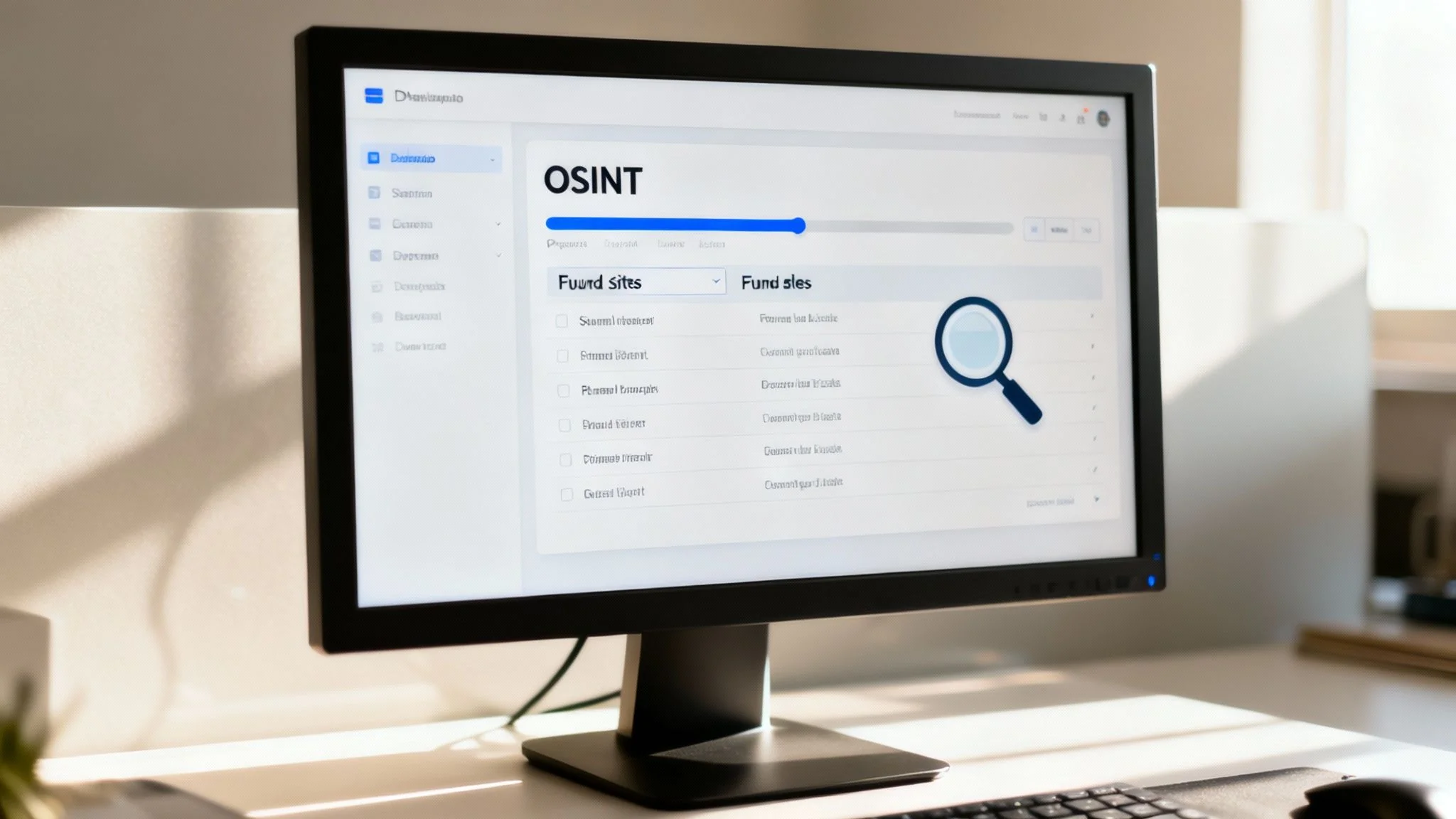
These specialized tools, often just called “username checkers,” are designed to blast a single username out to hundreds of websites all at once. They’ll rapidly check social media sites, gaming forums, coding repositories, and more, spitting back a list of every place that username might exist—a critical first step in preventing identity theft and securing your accounts.
How Username Checkers Work
The idea behind these tools is simple but powerful. Instead of you sitting there manually typing site:someobscureforum.com "TheUsername" over and over, an OSINT tool does it for you across a massive, pre-built list of websites.
The payoff is immediate and obvious:
- Speed: A search that would take you an hour of tedious work is finished in less than a minute.
- Scale: They check niche sites, gaming profiles, and obscure communities you’ve probably never even heard of.
- Efficiency: You get a clean, organized list of potential hits, making your analysis for reputation management or scam prevention way easier.
But don’t mistake them for a quick fix. These tools have one major weakness: false positives. A checker might flag a username as “found” on a site, but that could just mean the profile URL is reserved or the page gave back a generic error message instead of a “not found” page. Verification is still a critical step that requires a human eye to prevent misidentification.
Choosing the Right Tool for the Job
Not all OSINT tools are built the same. Some are powerful command-line scripts for the more technically inclined, while others are simple, user-friendly web apps anyone can use. Their real value comes down to the size and quality of the website list they check against. If you’re just getting started, you’ll want to explore a good list of OSINT tools for beginners to find a solid entry point.
Remember, the goal of an OSINT tool is to gather data points fast. Your job is to analyze those points, throw out the noise, and connect the real dots to build an accurate picture.
For instance, a cybersecurity analyst might use a tool to quickly see if a username from a data breach is being reused on crypto-trading platforms, preventing further account compromise. On the other hand, someone concerned about online dating safety might use a web-based checker to see if a potential match has profiles on other sites that tell a different story, helping detect catfishing. For more advanced work, understanding how this data gets pulled is key. It’s worth checking out a complete guide on how to extract data from websites to get a feel for the underlying tech.
Ultimately, OSINT tools are amplifiers. They take your one query and shout it across the internet far wider than you ever could on your own. They find the haystacks; it’s still on you to sift through them to find the needle. This combination of automated discovery followed by smart, manual verification is the most effective way to conduct a thorough username social search.
Searching Beyond Facebook and Instagram
When you’re tracking down a username, looking on Facebook and Instagram is just scratching the surface. It’s a good start, but a person’s real online identity is usually spread across a ton of other places—niche forums, gaming networks, and professional sites you might not think to check. If you stop at the big social platforms, you’re only getting a tiny piece of the puzzle, potentially missing critical information for online dating safety or reputation management.
You need to dig into the corners of the internet where specific hobbies and interests come alive. These are the platforms that often show you more about someone’s personality, technical abilities, and even how they talk to others—things a polished social media profile will never reveal. The aim is to build a complete picture of an online identity, whether for cybersecurity checks, preventing romance scams, or managing a reputation.
Platforms You Can’t Afford to Miss
Think of a username as a key. That key doesn’t just open one door; it opens a whole series of them across the web, and each one tells a different part of the story.
- Gaming Networks (Steam, Xbox Live, PSN): A gamer tag is a rich source for OSINT. It can reveal how active someone is, what games they’re into, who they play with, and their communication style in gaming forums. It’s a raw, unfiltered look into their downtime that can be crucial for assessing gaming account security.
- Professional & Coding Sites (GitHub, Stack Overflow): For anyone in the tech world, these profiles are a public resume. A GitHub account lays out their coding projects, who they collaborate with, and how skilled they are, which can directly influence their job prospects.
- Forums and Communities (Reddit, Quora): The perceived anonymity of forums like Reddit often leads to much more honest conversations. A person’s comment and post history can give you a straight shot into their true opinions and deep-seated interests, which could positively or negatively impact their reputation.
- Dating Apps & Niche Socials: Profiles on platforms like Tinder, Bumble, or specialized hobby sites provide context for online dating safety and personal interests. Cross-referencing these is key to detecting catfishing and ensuring dating app verification.
This isn’t just theory; it reflects a major shift in how people use the internet. Social media has evolved beyond just connecting with friends. Today, 24% of people use social platforms as their go-to search engine. This trend makes it vital to check these sites, because they’re often where first impressions—and decisions about job prospects or personal safety—are now formed. You can see more on this in the latest social media search statistics from WebFX.
Checking for Security Risks
Beyond just building a profile, a solid username social search is a critical cybersecurity measure. You have to check the places where data breaches and leaks end up. Finding a username on one of these sites is a huge red flag for identity theft that requires immediate action, like changing passwords everywhere.
- Data Breach Aggregators: These are services that collect and organize data from known security breaches. A quick search can tell you if a username—and the email or password tied to it—was exposed in a hack.
- Paste Sites (e.g., Pastebin): Hackers and cybercriminals frequently dump stolen information, like massive lists of usernames and passwords, onto these sites. Searching them can instantly reveal if an account’s credentials are out in the open.
Sometimes you need to go even deeper, especially into platforms like dating apps where verification is key. For example, learning how to search for someone on Tinder can be crucial for ensuring safety in online dating and preventing romance scams.
Trying to manually check all these different platforms is a massive chore. It’s time-consuming and easy to miss things. That’s exactly why running a targeted free username search is so effective—it automates the whole process, digs into the right places, and gives you a complete report in a fraction of the time.
How to Verify and Analyze Your Findings
So you’ve run your searches and have a list of potential accounts. This is where the real work of digital privacy protection begins. Just finding a profile isn’t the finish line; now you have to connect the dots and confirm each one actually belongs to your person of interest. This is the critical analysis phase, where a raw list of links transforms into a clear picture of someone’s digital life, helping you spot signs of identity theft or catfishing.
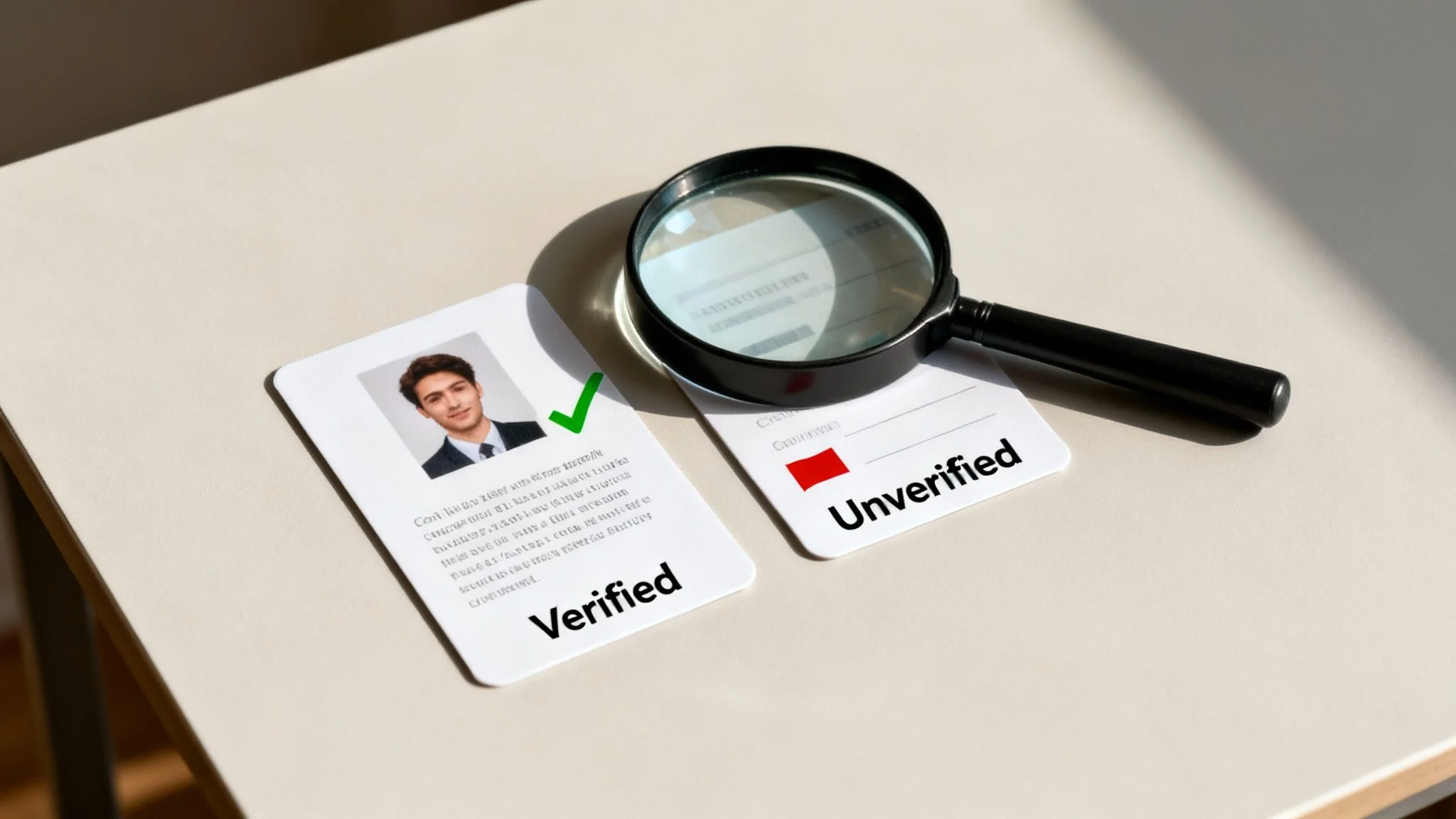
Your first move should always be cross-referencing. Start looking for patterns across all the profiles you’ve uncovered. Do the profile pictures match, or at least follow a similar theme (like using the same avatar or photo style)? Does the bio mention the same city, profession, or set of hobbies? Building consistency across these data points gives you confidence that the accounts are all linked to the same individual.
From Data Points to a Coherent Story
Once you start finding these links, the next step is to hunt for the opposite: inconsistencies. Inconsistencies are often the biggest red flags you’ll find, and they’re especially crucial when you’re investigating a potential romance scam or just trying to verify someone’s identity for online dating safety.
Let’s walk through a real-world example of catfishing detection. You’re checking out a username from a dating app. Your search turns up a matching profile on a professional networking site and another one on a popular gaming forum.
- The Professional Profile: Lists a job in finance based in New York City.
- The Gaming Profile: Mentions being a student in California and uses different slang and tone.
- The Dating Profile: Claims they work remotely and travel all the time.
These details just don’t add up. The conflicting information strongly suggests you might be dealing with a catfisher or, at the very least, someone who is deliberately misrepresenting themselves. A single piece of contradictory information is often enough to cast serious doubt on an entire online persona. This is the point where you shift from simple searching to active investigation—a process very similar to how you would reverse search an email address to verify its true owner.
Connecting Your Findings Ethically
As you begin to piece together the puzzle of someone’s digital life, it’s vital to handle the information you uncover responsibly. For most people, a personal username search is about managing their own reputation or ensuring their personal safety, not about intruding on someone else’s privacy without a valid reason. Always operate within legal and ethical boundaries, and only use the information for its intended purpose, whether it’s for cybersecurity, identity theft prevention, or online dating verification.
This shift toward social searching has a huge impact on how people make decisions. A Sprout Social survey found that 37% of consumers now start their product research directly on social media, bypassing traditional search engines. This really highlights how much trust and weight people put on the information they find on social platforms, making verification for things like job prospects and online safety more critical than ever. Discover more insights about social media search trends on sproutsocial.com.
Ultimately, analysis comes down to critical thinking. You have to weigh the evidence, identify the connections, and spot the anomalies that don’t fit. This process ensures you’re building an accurate picture of a digital footprint, which helps protect you from scams and allows you to manage your own online identity effectively.
Now, It’s Time to Take Control
Finding out where your username lives online is just the start. Think of it as drawing a map of your digital life. Now, you get to decide which roads to keep open, which to repave, and which to close off for good. This is where you shift from investigator to manager, turning that raw data into a safer, more intentional online presence through proactive reputation management and cybersecurity.
The goal isn’t to erase yourself from the internet. It’s to prune, secure, and polish your footprint so it reflects who you are today, not the person you were five or ten years ago.
Start by auditing the list of accounts you found. Sort them into three simple piles: the active and important ones, the old and forgotten relics, and the ones containing stuff you’d rather not have floating around in public.
Your Action Plan for a Cleaner Footprint
With your list sorted, it’s time to get to work. Don’t feel overwhelmed; just tackle it one account at a time. This is about making conscious choices for your online identity protection, not a scorched-earth deletion spree.
Here’s a practical checklist to walk you through the cleanup:
Secure Your Active Accounts: For every account you still use, lock it down. That means turning on two-factor authentication (2FA) everywhere it’s offered and using a unique, strong password for each site. This is non-negotiable for gaming account security and preventing identity theft. Never, ever reuse passwords. One breach on a minor site could give attackers the keys to your entire digital kingdom.
Review and Update Privacy Settings: Social media platforms are constantly tweaking their privacy options, often in ways that aren’t in your favor. Dive into the settings of each active profile. Who can see your posts? Who can tag you in photos? Is your email or location visible to strangers? Ratchet down the privacy to a level you’re comfortable with to protect your personal safety.
Delete Old and Unwanted Profiles: That ancient gaming forum account from 2008? The social media profile you abandoned years ago? These are liabilities. Old, unmaintained accounts often have weak security and become prime targets in data breaches. If an account serves no purpose, hunt down the deactivation or deletion option and get rid of it permanently.
Think of this process as proactive reputation management. It ensures that the next time someone—an employer, a new friend, a potential date—looks you up, they see a curated, secure, and professional version of you that enhances your job prospects and personal safety.
Building a Proactive Digital Life
Managing your digital footprint isn’t a one-and-done project; it’s a habit. This is the cornerstone of modern cybersecurity and online identity protection.
Set a calendar reminder to run a search on your main usernames every few months. This simple check-in helps you catch any new accounts you might have forgotten you created or see if your information has popped up in a new data breach.
By keeping a regular eye on your online presence, you stay in the driver’s seat. You can squash potential issues before they grow into real problems, whether it’s an unprofessional comment from a decade ago resurfacing or a compromised password on a site you barely remember. This proactive mindset is the real secret to maintaining a positive and secure digital identity for the long haul.
The manual and OSINT tool-based methods we’ve covered are powerful, but they take serious time and effort. Digital Footprint Check automates this entire process, scanning over 500 platforms—including social media, gaming sites, and dating apps—to give you a complete and actionable report on your online presence in minutes. See what your username reveals about you and start securing your digital life from identity theft, scams, and reputation damage today.
Take the first step with our Free Footprint Checker.