
· Digital Footprint Check · Content Marketing · 16 min read
4 Digit PIN Generator Tools: 7 Options Compared for 2026
Compare 7 free 4 digit PIN generator tools, learn how to pick a code attackers can't easily guess, and see the real security limits of four-digit PINs.
The card is dead for the rest of the day. Three wrong taps at the cash machine and the bank locked it, all because the PIN was a birth year with the last two digits swapped, a choice that felt clever at the time and took a stranger about six seconds to guess.
A four-digit code has only 10,000 possible values, roughly 13.3 bits of theoretical entropy when every digit is drawn uniformly, as NIST's digital identity guidance frames it. That number is small. What makes it survivable is the guessing limit around it, not the code itself.
Reaching into memory defeats the math. People pick years, anniversaries, repeated digits and shapes traced on a keypad, and those clusters are the first thing an attacker tries.
Below I compare seven tools with a genuine 4 Digit PIN Generator mode, plus one general-purpose number service, and I flag where each one's pattern filters shrink the pool of valid codes. The trade-offs are real. Every filter that removes a weak PIN removes a valid one too, and no generator can lock an account, stop a camera over your shoulder, or keep you from typing the same four digits into three different devices.
Table of Contents
- 1. Strong Password Generator
- 2. public.tools
- 3. ToolQuiet
- 4. NeedMyTools
- 5. PasswordSecure
- 6. RandNext
- 7. 1Password
- 8. RANDOM.ORG
- How the 7 Four-Digit PIN Generators Compare on Length, Filters, and Access
- Pick a Random Code, Protect It, and Know Its Limits
1. Strong Password Generator
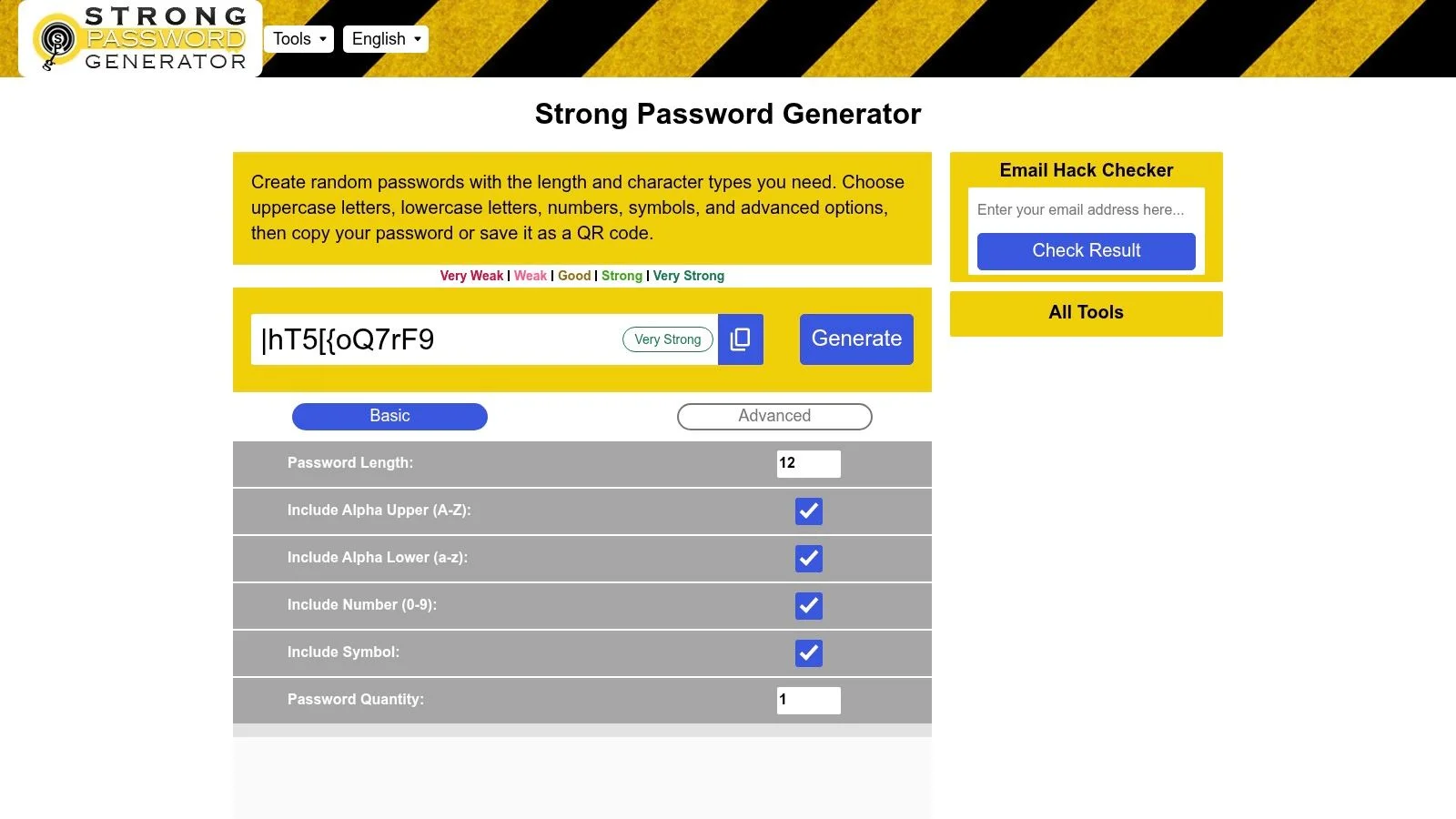
The Strong Password Generator is a free online service for creating random passwords with configurable lengths, character types and formatting rules. Its 4 Digit PIN Generator sits inside the same suite, which matters more than it sounds. The PIN you set today should come from the same habit that produces the account password you'll change next month.
What It Actually Generates
The password builder handles uppercase, lowercase, numbers and configurable symbols, with controls for length and quantity on the basic screen. The advanced panel is where it earns attention.
- Character distribution: either let the tool balance character types automatically or set a preset quantity for each one.
- Composition rules: insert keywords, choose a starting character, exclude visually similar characters and block duplicate characters.
- Transfer options: copy to clipboard, or display the result as a QR code and scan it on a phone instead of retyping a long string.
- Companion utilities: a password strength checker, an email hack checker, hash generators for MD5, SHA-1, SHA-256 and SHA-512, plus a security blog covering reuse and multifactor authentication.
Where It Earns Its Place
Several security jobs live on one site rather than scattered across five tabs. Passwords are generated on the page, and the service states that generated passwords aren't saved, which separates creation from storage. The QR code is the practical win for a PIN: nobody should be typing a fresh code into a phone keyboard while squinting at a desktop monitor.
Practical rule: generate the code here, then store it nowhere digital. Keep it in your head or in a password manager's secure note, never in a screenshot or a chat draft.
What It Won't Do
A generator only solves one half of the problem. NIST's digital identity guidance defines a PIN as a numeric memorized secret and states that memorized secrets need enough complexity and secrecy to make guessing or discovery impractical. Randomness helps with that. It does nothing about lockouts, cameras or reuse.
The PIN utility is also a side room in a password house. If what you want is granular control over four-digit pattern filtering, a dedicated PIN page will give you more knobs. Choose this one when you want passwords, PINs, hashes and a leak check in a single trusted destination.
2. public.tools
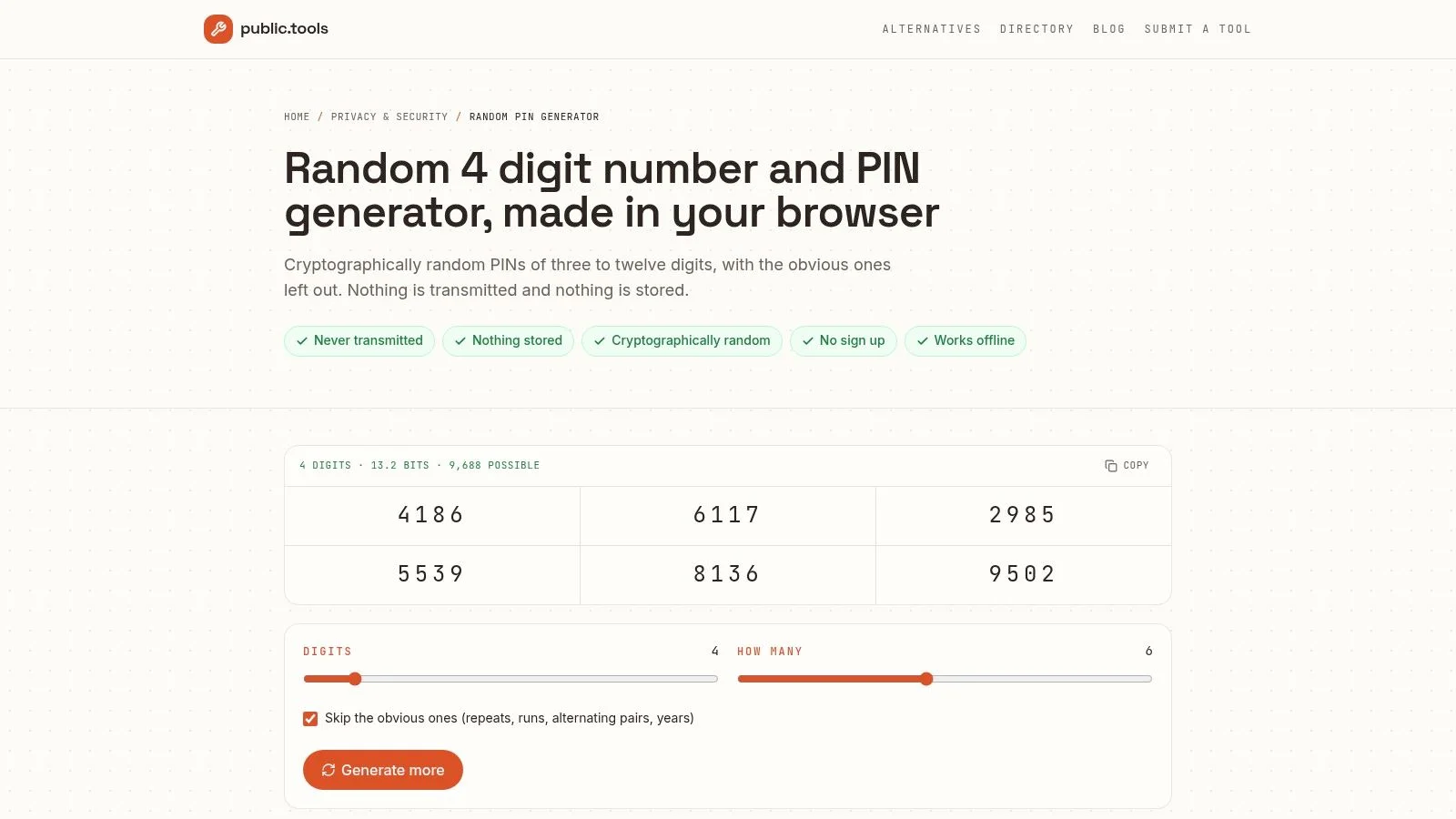
public.tools runs a single page with a single job, and it explains the math behind its own filters. That transparency is rare in this category. You set the length from three to twelve digits, choose whether you want one code or a batch, and switch filters on or off as needed.
The Filters Do the Real Work
The optional filters skip repeated digits, straight runs, alternating pairs and years. These are the patterns people reach for when they pick a code themselves, which makes them the first ones an attacker tries. A keypad walk like 2580 feels arbitrary to the person choosing it and obvious to anyone guessing. Filtering these out costs part of the pool, but it removes the codes that fall first.
Turn the filters on and the pool drops below 10,000. That's the trade you're making: every pattern you exclude shrinks the space an attacker has to search, and it shrinks your own options by the same amount. The site documents how much each filter removes, so you can see the remaining space instead of guessing.
Privacy Claims and Their Limits
Generation happens in the browser, and the page keeps working offline once loaded, so the digits never travel to a server while you're using it. These claims are self-reported rather than independently audited, so treat them as a design statement rather than a certificate. Generated PINs also vanish when you refresh or close the tab. Copy the code before you leave the page.
Randomness is the only guarantee a generator can make. It can't stop someone watching your fingers, it can't raise the attempt limit on the lock, and it can't help if the same four digits guard something else you own. If your email has already surfaced in a breach, the guessing happens somewhere else entirely, so run a breach check on your address before assuming the PIN was the weak point. It costs nothing, and it's one of the better defaults in this list.
3. ToolQuiet
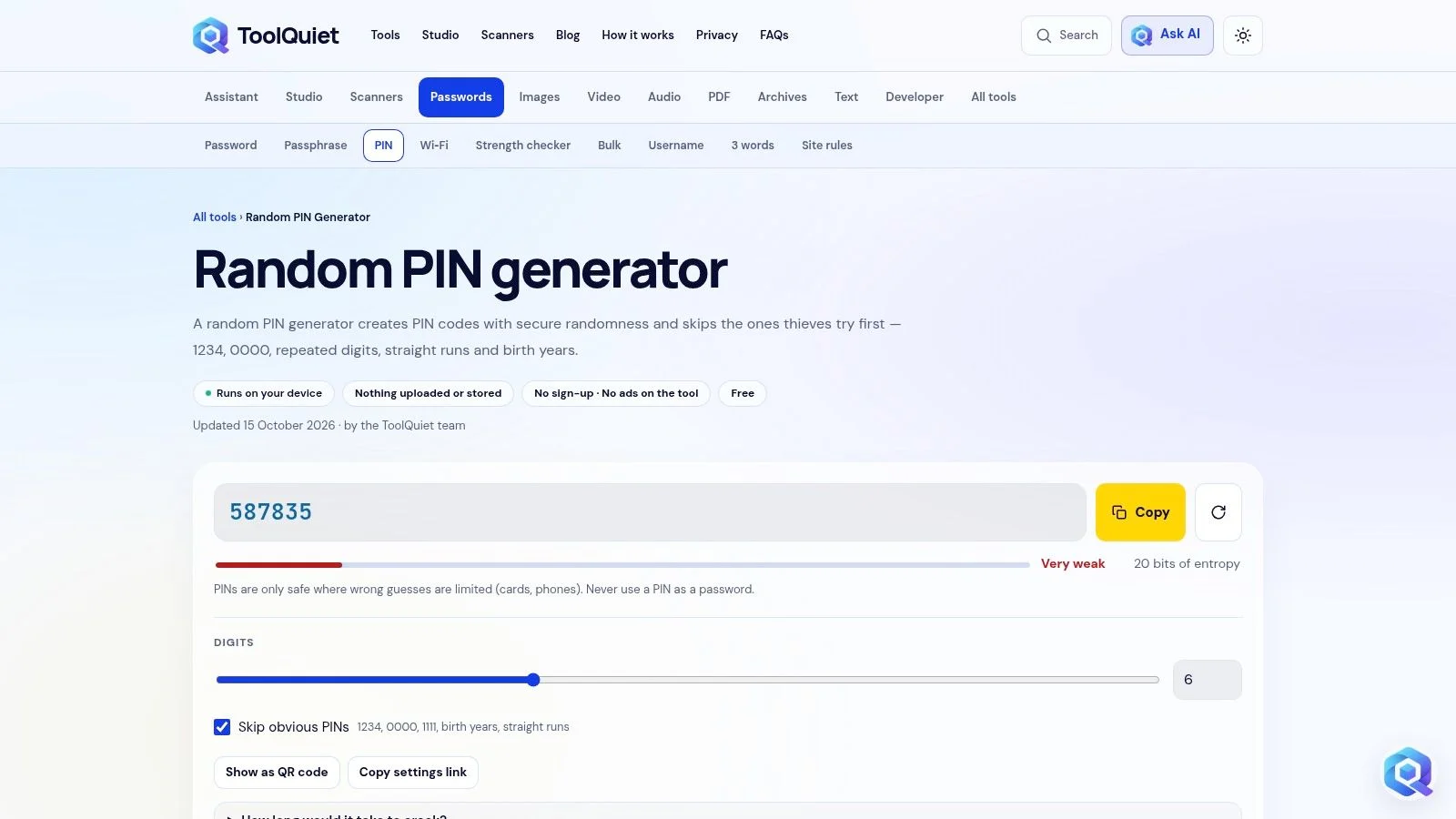
ToolQuiet defaults to six digits and treats four as a step you have to ask for. That's a defensible starting position, given how heavily human-chosen codes cluster. Leaked PIN data consistently puts 1234 among the most frequently chosen four-digit codes, so a tool that nudges you toward six digits is steering you away from the patterns attackers try first.
Filters and Output Controls
Length runs from three to twelve digits, and the filter set skips common PINs, repeats, straight runs and years. Each filter you enable trims the 10,000-code pool, so turn on what the code needs rather than everything available. Output goes to the clipboard with one click, or to a QR code if the code is heading for a phone. A keyboard shortcut generates a fresh value, which sounds trivial until you're producing a dozen codes in a row.
Advice You Don't Usually Get
A typical generator stops at the copy button. This one adds plain guidance about attempt limits and reuse, the two things that break a four-digit code in practice. Randomness is the one guarantee any generator can make. It cannot stop a lockout policy that allows too many guesses, and it cannot stop someone watching your fingers at the keypad. The reminders about those limits earn the paragraph they take.
A short numeric secret is a lock on a door with a very low attempt limit. If the door allows unlimited tries, the lock is decoration.
The caveats are ordinary. The page requires JavaScript, so it won't work with scripts blocked, and the randomness and privacy details are self-reported rather than audited. Free, no account required, and the six-digit default is the right instinct.
4. NeedMyTools
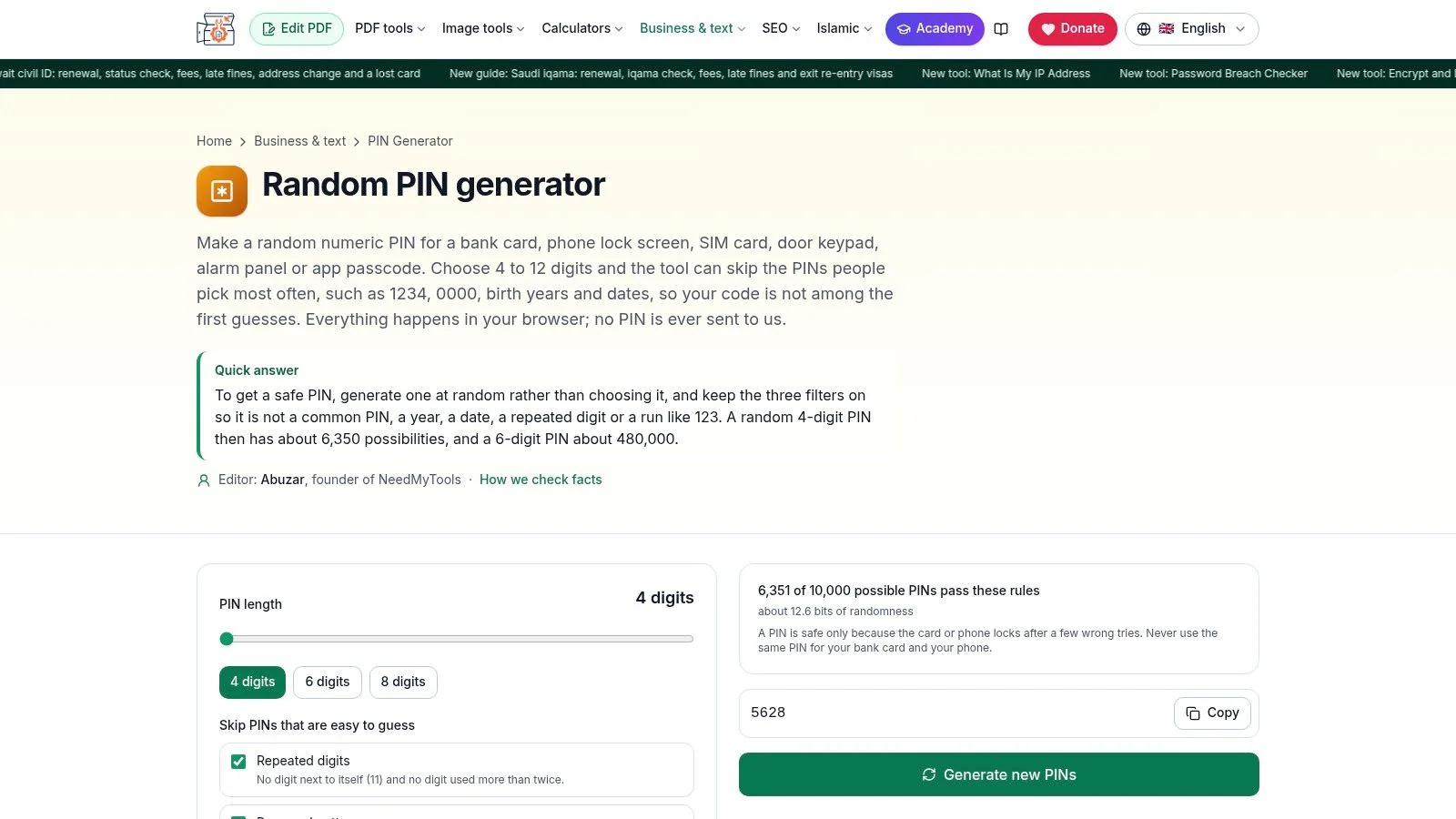
NeedMyTools suits projects that need many codes at once. It offers quick buttons for four, six and eight digits, with other lengths available, and it builds batches of 1, 10, 50 or 100 at a time. Results copy straight out or download as a text file.
Batch Mode Changes the Job
Setting up a small office of loaner phones or a shelf of spare keypad locks is a different task from choosing a personal PIN. Batch generation with a file export fits that workflow. The filters can exclude common codes, dates, repeats and sequences, and the page estimates how many four-digit options remain after your selections.
That estimate is the useful part. A 2025 review of leaked four-digit PINs from Have I Been Pwned shows that large datasets cluster heavily around common codes. Excluding those patterns improves each draw, but it also removes part of the 10,000-code pool. A generator can give you a random PIN; it cannot stop that PIN from being written down, watched or used somewhere else.
Trade-off to weigh: every filter makes each surviving code a little more resistant and the pool a little smaller. Stack enough of them on a four-digit length and you're drawing from a narrow slice of 10,000.
One Honest Caveat
The site says analytics record your settings. That's ordinary web practice, but it makes the privacy presentation less minimal than public.tools or ToolQuiet, and settings alone can hint at what kind of code you're generating. Nothing here is a reason to avoid the tool. It's a reason not to treat every generator as equally quiet.
5. PasswordSecure
Reuse is the failure mode worth fixing first, and it's more common than many assume. Verizon's credential-stuffing analysis found that, in the median case, only 49% of passwords associated with an infostealer-infected user were distinct from one another. Credential stuffing made up a median 19% of daily authentication attempts in the single-sign-on logs analysed, rising to 25% for enterprise-sized companies (Verizon's 2025 credential-stuffing research). The same reflex that reuses a password reuses a PIN.
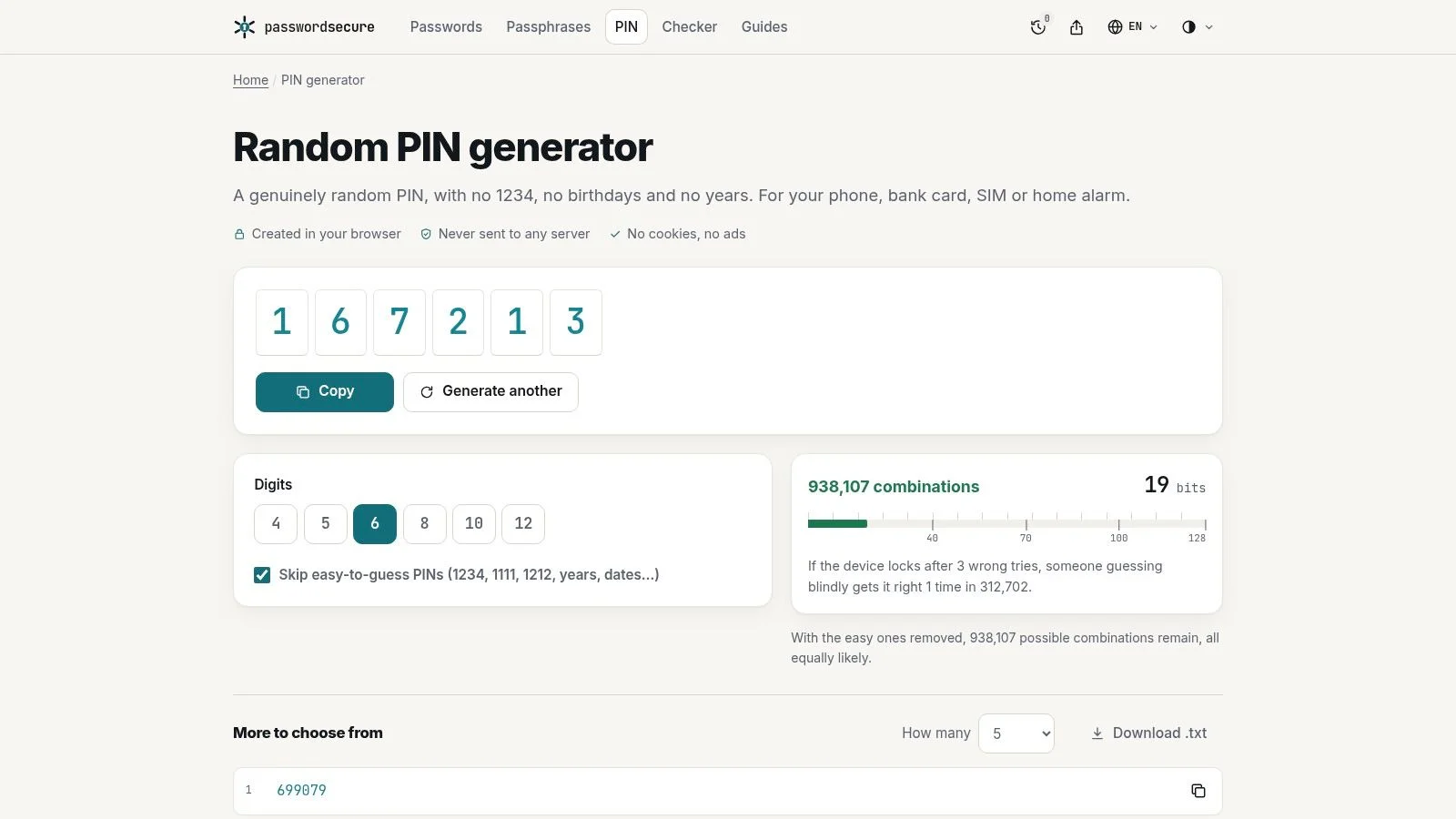
PasswordSecure keeps things narrow. Preset lengths run from four to twelve digits, an optional filter skips predictable codes such as sequences, repeats, dates and years, and the page pairs copy and generate-another buttons. Four digits is a direct choice rather than something buried under a custom field.
Why Simple Sometimes Wins
If you need one code for one device, a page with four controls beats a page with fourteen. There's no batch mode and fewer customisation options than the batch-oriented tools, which is a limitation only if you need it. The page also warns about attempt limits and reuse, the same two risks that decide whether four digits hold up at all.
Privacy claims are self-reported and not independently audited, so the usual caveat applies. If you want the broader routine that keeps a PIN useful, the password security practices worth adopting cover storage, rotation and the account hygiene that surrounds a single code.
Free, no account, and the shortest path from "I need four random digits" to having them.
6. RandNext
Four digits gives you 10,000 possible codes. That pool is small enough to brute force in theory and large enough to survive when the device locks after a few bad tries. Extra digits help only while that retry limit still matters; once guesses are easy or the same code is reused, a longer PIN mostly changes the shape of the same risk.
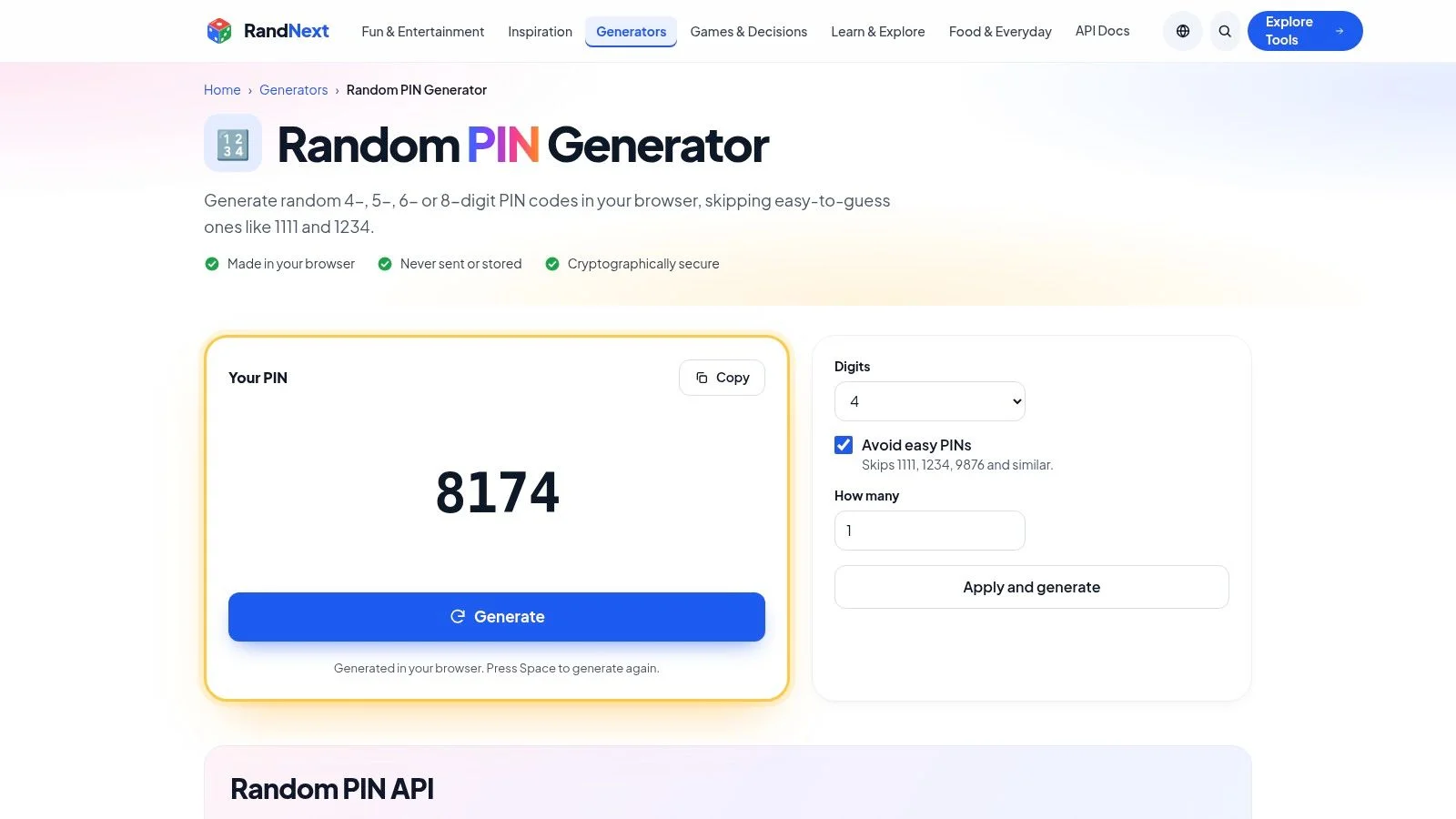
RandNext covers four, five, six and eight-digit lengths, so it can match stricter devices without pretending length is the whole fix. I would pick four digits for a lock screen with a hard attempt cap, then move up only when the service or hardware demands it.
The Easy-PIN Filter, Clearly Labelled
The optional easy-PIN switch rejects codes such as 1111, 1234 and 9876. That shrinks the 10,000-code pool, but in the useful direction: the removed candidates are the ones people choose and attackers try first. A vague “stronger PIN” toggle would be harder to trust, because you would not know whether it cuts repeats, dates, runs or something else.
Generation and copying are single clicks, and no account is needed.
Where It Falls Short
Filter detail and output controls are thinner than the leading alternatives, and the site says there is no dedicated public API. That rules out scripted provisioning for a fleet of devices. The guarantee is narrow too: a generated code can be random while retry rules stay soft, a keypad stays visible, or reuse carries the same digits into another account. If leaked credentials become fuel for automated logins, account takeover prevention matters more than adding two digits. RandNext is quick, clear and honest about its limits.
7. 1Password
Generation is the easy half. What happens to the code afterwards decides whether it survives. Verizon reported that the median time to remediate leaked secrets discovered in a GitHub repository was 94 days, and that 46% of compromised systems containing corporate logins were non-managed devices storing both personal and business credentials (Verizon's 2025 Data Breach Investigations Report). A code you can't track is a code you can't fix.
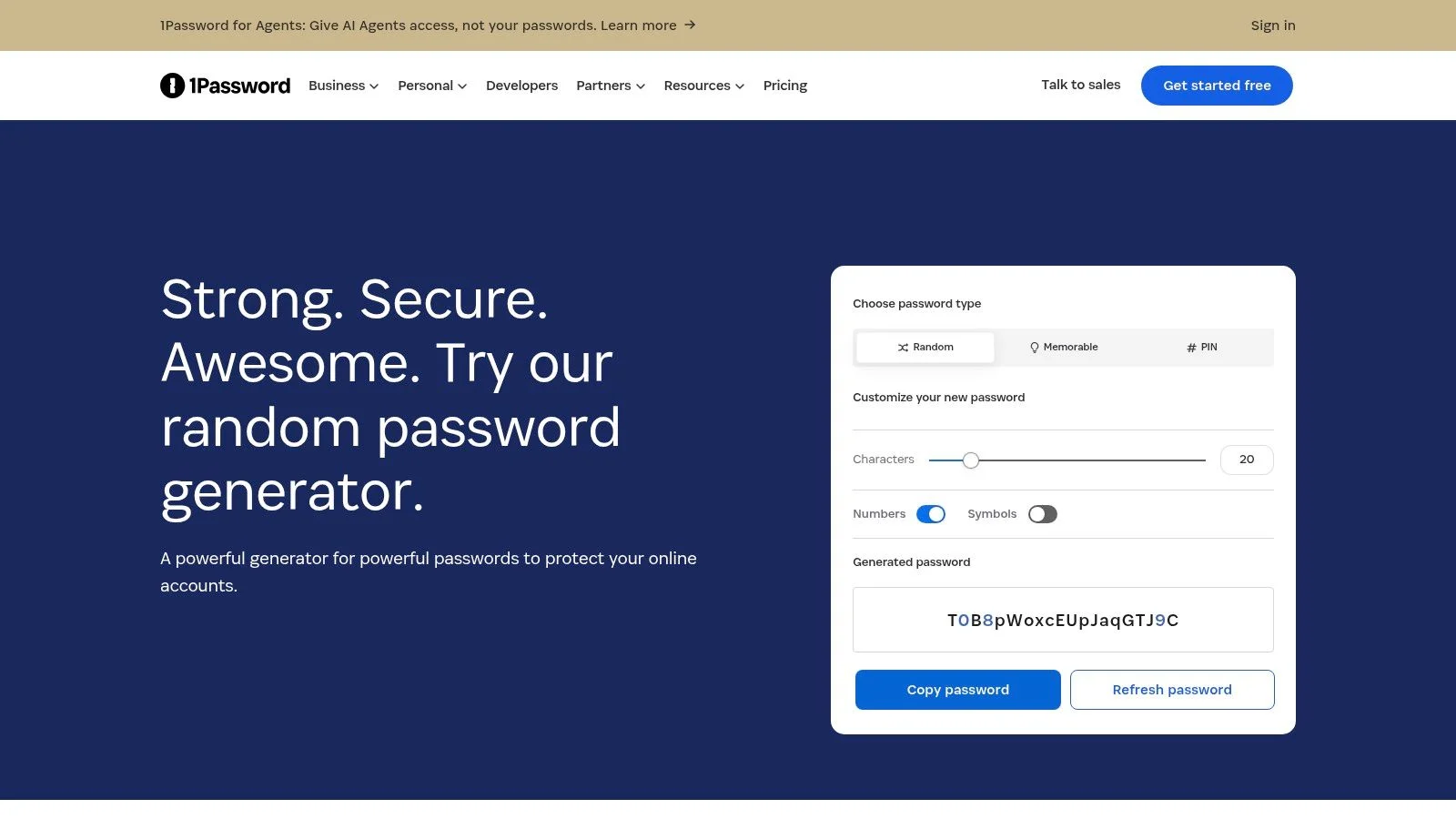
1Password's public generator includes a PIN mode alongside random and memorable password options. Anyone can use the web version. Subscribers also get the generator inside the app, where the output drops straight into a stored item with autofill attached.
The Workflow Is the Feature
A PIN generated in isolation lives in your memory or on a sticky note. A PIN generated inside a manager becomes a record you can find, update and delete when a device is retired. For anyone already running 1Password, that's the whole argument, and it's a strong one.
Where a Dedicated Tool Does Better
Four-digit filtering is not what this generator is built for. Expect fewer pattern controls than public.tools or NeedMyTools, and check which PIN lengths your device accepts before you commit. The generator is also part of a commercial ecosystem, which is fine if you're already paying and unnecessary if you're not.
If the mechanics are unfamiliar, this explanation of how password managers work covers storage, encryption and autofill. The brand is established, the PIN mode works, and the storage layer is the core product.
8. RANDOM.ORG
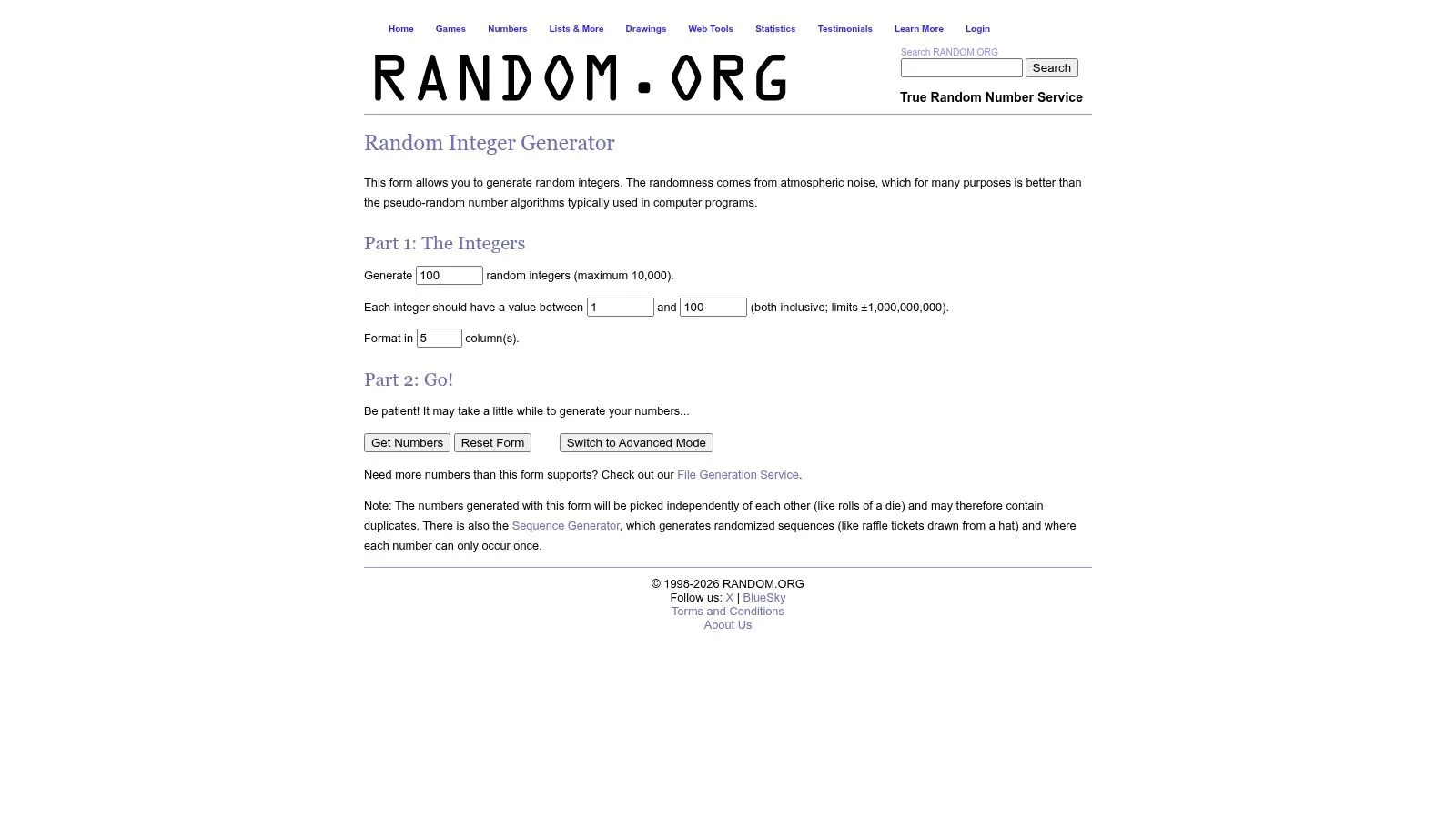
If the source of randomness is what you care about, RANDOM.ORG answers that question directly. It generates integers from atmospheric noise and explains the method on the page. You choose a range and a batch size and it returns several values in one request.
The problem it solves is real. In 2024, researchers found that participants and existing guessing models could guess 6.7% of four-digit smartphone PINs after five guesses (the 2024 study in the ACM Digital Library). Five attempts is nothing. A code drawn from human habit barely counts as a secret.
What It Isn't
It's a number service, not a PIN tool. Set the range from 1000 to 9999 and you get four-digit values, but you also exclude every PIN that starts with zero, so 0042 never appears. You handle formatting, leading zeroes and the decision about whether to use an online service at all for a code that guards something valuable. There are no pattern filters, so nothing stops it from returning a run or a repeated digit.
Worth knowing: a range that starts at 1000 is not the same as a four-digit generator. You've quietly cut a tenth of the pool before you've excluded anything.
When a leaked set of credentials gets tested against other sites, unique random values are the ones that survive the sweep, which is the mechanics behind credential stuffing. Use RANDOM.ORG when provenance of randomness is the deciding factor. Use a dedicated PIN page for everything else.
How the 7 Four-Digit PIN Generators Compare on Length, Filters, and Access
The filters column is where these tools differ. Every tool here can produce a four-digit code, but each exclusion you switch on deletes a slice of the 10,000 possible PINs, so a stricter filter set leaves a smaller, less human pool behind. Length matters less than it looks: pick four digits and every generator on this list draws from the same 10,000 codes.
| Item | PIN Lengths Offered | Pattern Filters | Output Options | Account Needed |
|---|---|---|---|---|
| Strong Password Generator | 4 digits | No PIN-specific filters | Single code with copy | No |
| public.tools | 3–12 digits | Repeated digits, runs, alternating pairs, and years | Batch generation | No |
| ToolQuiet | 3–12 digits; defaults to 6 | Common PINs, repeats, straight runs, and years | Copy and QR code | No |
| NeedMyTools | 4, 6, and 8 digit presets; other lengths available | Common codes, dates, repeats, and sequences | Batch generation, copy, and text-file download | No |
| PasswordSecure | 4–12 digit presets | Sequences, repeats, dates, and years | Copy and generate another | No |
| RandNext | 4, 5, 6, and 8 digits | Easy-to-guess codes | One-click generation and copy | No |
| 1Password | PIN mode with adjustable digit count | Filters by character type only | Online generator and app | No for the web tool; the app requires a 1Password account |
| RANDOM.ORG | 1000–9999 range produces four-digit values | No PIN-specific filters | Batch generation | No |
Access is simple across the board. Six of the seven run in a browser with no sign-up, and only the 1Password app gates the generator behind an account. If you want the widest pattern exclusions, public.tools, ToolQuiet and NeedMyTools filter the most habit-shaped codes out of the pool. Strong Password Generator and RANDOM.ORG give you random digits with nothing removed, which is fine for randomness and weaker against guessability. The table shows what each tool controls; what none of them control is the retry limit on the device you are protecting.
Pick a Random Code, Protect It, and Know Its Limits
Every tool above solves the same narrow problem. Each one draws from the 10,000-code pool without reproducing human habit, and that's the only guarantee any generator can make. It cannot enforce a lockout, stop a camera, or prevent you from typing the same four digits into a bank card and a phone.
The evidence says the failure is rarely the math. Verizon's 2025 Data Breach Investigations Report, built on 22,052 incidents and 12,195 confirmed breaches, found credential abuse remained the leading initial-access method at 22% of breaches, with third-party involvement doubling from 15% to 30% (Verizon's 2025 DBIR). Exposure and reuse do the damage. A random PIN only helps if it stays random, stays unique, and stays out of places where it can be read.
Practical ordering, then. Generate the code with a tool that filters patterns, use four digits only where the device or card forces it, and set a different code on every card and device you own. Keep it out of notes apps, chat threads, screenshots and cloud documents. Accept that four digits resist guessing only when the retry limit is enforced and monitored, and treat a device with unlimited attempts as unprotected no matter how random the code is.
What a generator can't fix is the information trail behind a guessable code. Birthdays, postcodes, phone fragments and old usernames are exactly the material a targeted guesser works from, and much of it sits in public posts, breach dumps and forgotten forum accounts. If a code was built from details about you, the exposure happened long before the PIN was set.
Start with the free check at Digital Footprint Check. We search 500+ platforms, including social networks, breach databases, gaming profiles and public records, so you can see which personal details are already public before someone builds a guess around them. The process takes three steps: search a username or email, review the potential matches, then act on the step-by-step guidance. All scans run under bank-level TLS 1.3 encryption, one-time packs start at $5 for two searches or $10 for five, and pay-per-use credits never expire. Run the check, then set a code nobody could have read off your profile.