· Digital Footprint Check · Content Marketing · 18 min read
Best Online Reputation Management Software: a 2026 Guide
Compare the best online reputation management software with features, pricing, and use cases. Find the right tool for your business, family, or career in 2026.

A local business owner wants better reviews. A job seeker wants an old profile photo and forgotten forum account to stop showing up in searches. A parent wants to know what information about their child is publicly exposed. An HR team needs compliant background visibility, not gossip. A gamer wants to check whether old usernames, breached credentials, and public gaming profiles are tying together more of their identity than they realized.
All of them can end up searching for the best online reputation management software. They are not looking for the same thing.
That difference matters. Business reputation management usually means reviews, listings, public responses, surveys, and social mentions. Personal online identity protection goes further. It includes hidden accounts, data broker exposure, breached credentials, gaming profiles, public records, and the kind of digital footprint that can affect job prospects, online dating safety, account security, and even identity theft risk. The FTC received 1,135,291 identity theft reports in 2024, and identity theft represented 18% of the FTC’s 6.47 million total Consumer Sentinel Network complaints that year, which is a reminder that exposed personal data has real consequences beyond embarrassment (identity theft complaint data).
The market for these tools has also grown well beyond a niche category. One market projection says the global online reputation management market is expected to grow from USD 6.88 billion in 2025 to USD 14.01 billion by 2031, with North America accounting for 38.20% of revenue in 2025 and Asia-Pacific projected to grow at 18.13% CAGR during 2026 to 2031 (online reputation management market forecast).
The right pick comes down to coverage, monitoring, response workflows, privacy, pricing transparency, integrations, scalability, and how much setup work you’re willing to take on. These ten tools split cleanly across those needs.
1. Digital Footprint Check
A bad review is one kind of reputation problem. An exposed gamer tag tied to your real name, a breached email reused across accounts, or a public people-search profile is a different one. Digital Footprint Check is built for that second workflow: finding what is publicly discoverable about a person across sources that business review platforms usually do not cover.
The tool scans 500+ sources across social networks, gaming platforms, data brokers, breach databases, public records, and general web mentions. That scope matters because personal reputation problems rarely sit in one place. A hiring manager might find an old username, a scammer might connect a phone number to a broker listing, or a family might want to see whether a child’s social and gaming identities are easy to trace back to a home address.
Why it stands out
The starting point is simple. You can run a free digital footprint check in about a minute and get a report that shows what personal information appears to be publicly accessible. For people under time pressure, that is useful. I would use it early in the process, before job applications, before high-visibility media appearances, or after a suspected account compromise.
What makes the product different from review-management software is the mix of discovery and remediation guidance. It does not just surface mentions. It looks for linked profiles, exposed records, and breach risk, then points users toward practical cleanup steps. The company also states on its site that it monitors more than 1,000 data breaches and has generated more than 50,000 reports while protecting about 25,000 users.
Practical rule: Find the exposure first. Cleanup is easier once you know which accounts, records, and leaked details are actually public.
Best for and trade-offs
Digital Footprint Check fits users who need personal exposure discovery, not a team inbox for replying to Google reviews.
- Job seekers and professionals: Check what an employer can connect to your name, email, usernames, or old profiles.
- Families and parents: Find exposed personal details, linked accounts, and searchable records.
- Gamers and creators: Review visibility across Steam, Xbox, PlayStation, Minecraft, and other identity trails that many ORM tools skip.
- Dating and scam prevention: Cross-check whether a profile appears consistent across public sources.
- HR and security teams: Support OSINT-led screening and exposure discovery, with the usual need for lawful and ethical use.
There is a real limitation. The product helps users identify issues and work through removals, but it is not a done-for-you takedown service. For some buyers, that is a strength because they want visibility and step-by-step guidance. For others, especially teams that need hands-on vendor support, it means adding internal effort or pairing it with another service.
The privacy posture is also relevant here. The platform highlights 256-bit SSL, GDPR compliance, and a policy against selling personal data. That does not replace independent security review, but it is the baseline I would expect from a tool that handles personal exposure data.
2. Reputation

Reputation is built for multi-location brands that need central control. If you manage hundreds or thousands of locations, scattered Google reviews are only part of the problem. You also need governance, approval workflows, listings accuracy, surveys, and reporting that regional managers can use.
Its strength is consolidation. Reviews, listings, social workflows, surveys, and analytics live in one enterprise-grade system, with a prescriptive scoring layer that gives leadership a single view of performance. That helps when marketing, operations, and customer experience teams all need to work from the same dataset.
Where Reputation fits best
This is not the product I’d recommend first to a single-location dentist or solo consultant. It makes more sense for healthcare groups, dealership networks, retail chains, hospitality brands, and franchise-heavy businesses.
A useful way to think about it is this: if your problem requires policy enforcement and delegation across locations, Reputation belongs on your shortlist. If your issue is a personal-name search result or exposed data broker record, it doesn’t. That’s where tools focused on online reputation management services for people and personal exposure problems come in.
Enterprise ORM succeeds or fails on ownership. If no one owns response rules, escalation paths, and listing accuracy, the dashboard becomes shelfware.
Expect a longer implementation cycle and quote-based pricing. That’s normal at this tier. Learn more at Reputation.
3. Birdeye
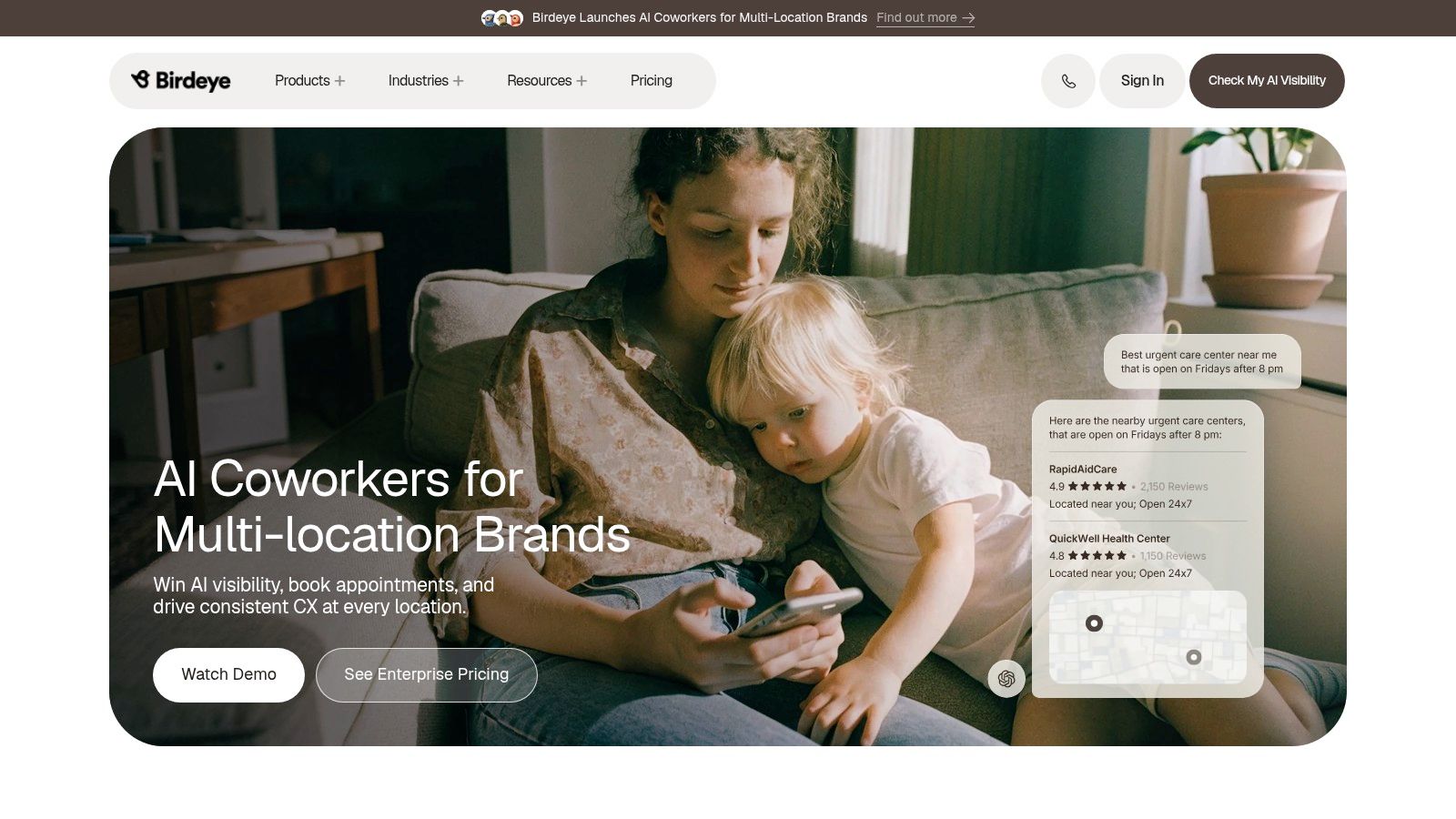
Birdeye is one of the strongest all-in-one options for local and multi-location businesses that want reviews, messaging, listings, and local customer experience tools in one stack. It tends to work well for service businesses, medical practices, home services, and brands that care as much about review generation as they do about review response.
The practical advantage is that Birdeye doesn’t stop at monitoring. It helps businesses actively ask for reviews, centralize incoming conversations, and keep listings consistent across locations. For teams trying to reduce vendor sprawl, that’s attractive.
What it does well
Birdeye is especially good when review management is tied to everyday customer communication. A lot of businesses don’t need a heavyweight social listening suite. They need better review requests, better response workflows, and a cleaner local visibility setup.
That also aligns with how buyers research businesses now. A 2026 industry analysis says shoppers use six review sites on average, 31% require 4.5 stars or higher, 47% won’t use a business with fewer than 20 reviews, and 74% only care about reviews written in the last three months. The same coverage notes that Google’s share as a review source fell from 83% to 71%, while generative AI usage for local business recommendations rose from 6% to 45% (cross-platform review behavior in 2026).
That means Birdeye’s real value isn’t just “get more reviews.” It’s helping teams maintain recent, consistent, cross-platform signals. If you’re also trying to audit your broader exposure outside business reviews, this guide to tools for monitoring your digital footprint and keeping your data safe fills the gap Birdeye doesn’t address.
Its trade-off is scope. If you only need lightweight monitoring, it may be more platform than you need. Visit Birdeye.
4. Podium
Podium works best when text messaging is already central to how you run the business. Some tools treat reviews as a separate project. Podium treats them as part of the customer conversation.
That’s why local businesses often like it. SMS-based review requests, reminders, website chat, Google and Facebook messaging, and payments can all sit in the same thread history. If your team closes jobs, books appointments, collects payment, and then asks for feedback by text, Podium fits that rhythm naturally.
Best use case
Podium is strongest for businesses that need to turn everyday conversations into review opportunities. Think auto services, clinics, legal practices, home services, and front-desk-heavy local operations. The workflow is simple. Serve the customer, follow up by text, ask for the review while the experience is still fresh.
Its limitation is depth outside that lane. Podium isn’t the first tool I’d choose for broad web monitoring, crisis detection, or deep social listening. It’s narrower, but it executes its lane well.
If your main goal is review velocity through SMS and a unified inbox, Podium deserves a look. If your concern is personal identity exposure, romance scam vetting, or hidden account discovery, you’ll need a different tool class entirely. The FBI recorded Americans losing $929,287,469 to confidence and romance fraud in 2025, alongside 23,159 romance-scam complaints, which is a reminder that online trust problems often extend well beyond business reviews (romance scam losses and complaints).
Explore it at Podium.
5. Yext Reviews
Yext Reviews makes the most sense when listings accuracy and location consistency matter as much as review response. That’s the key distinction. Some reputation tools start with reviews and add listings later. Yext starts from the idea that bad business data creates reputation problems before a customer ever leaves feedback.
For enterprise and multi-location teams, that matters. If hours, addresses, phone numbers, and location pages drift across platforms, customer frustration shows up downstream as complaints and poor review sentiment.
Why Yext earns a place
Yext’s Reviews module sits tightly alongside Listings and Pages. That setup is useful for brands that want to manage first-party reviews on their own site while keeping third-party platform information synchronized. It also suits organizations with distributed locations and centralized marketing control.
The trade-off is familiar. Yext often requires contracts, planning, and a serious implementation owner. It’s not the fastest or cheapest path for a small business that only wants alerts and simple responses.
One more reason Yext matters in 2026 is trust and consistency. Consumers increasingly look for signals that reviews are current, believable, and part of a transparent brand profile. Independent 2026 survey data found that 42.0% of shoppers think reviews may be fake or AI-generated, 40.6% think they may be paid or incentivized, and 32.5% think brands may manipulate them. A separate 2026 survey in the same coverage found that 49% believe there are too many fake reviews, 45.1% check whether brands publicly respond to reviews, and 33% trust brands more when negative reviews are answered (online review credibility survey findings).
Yext can’t solve trust on its own, but it can help teams present a cleaner, more consistent public footprint. Visit Yext.
6. ReviewTrackers
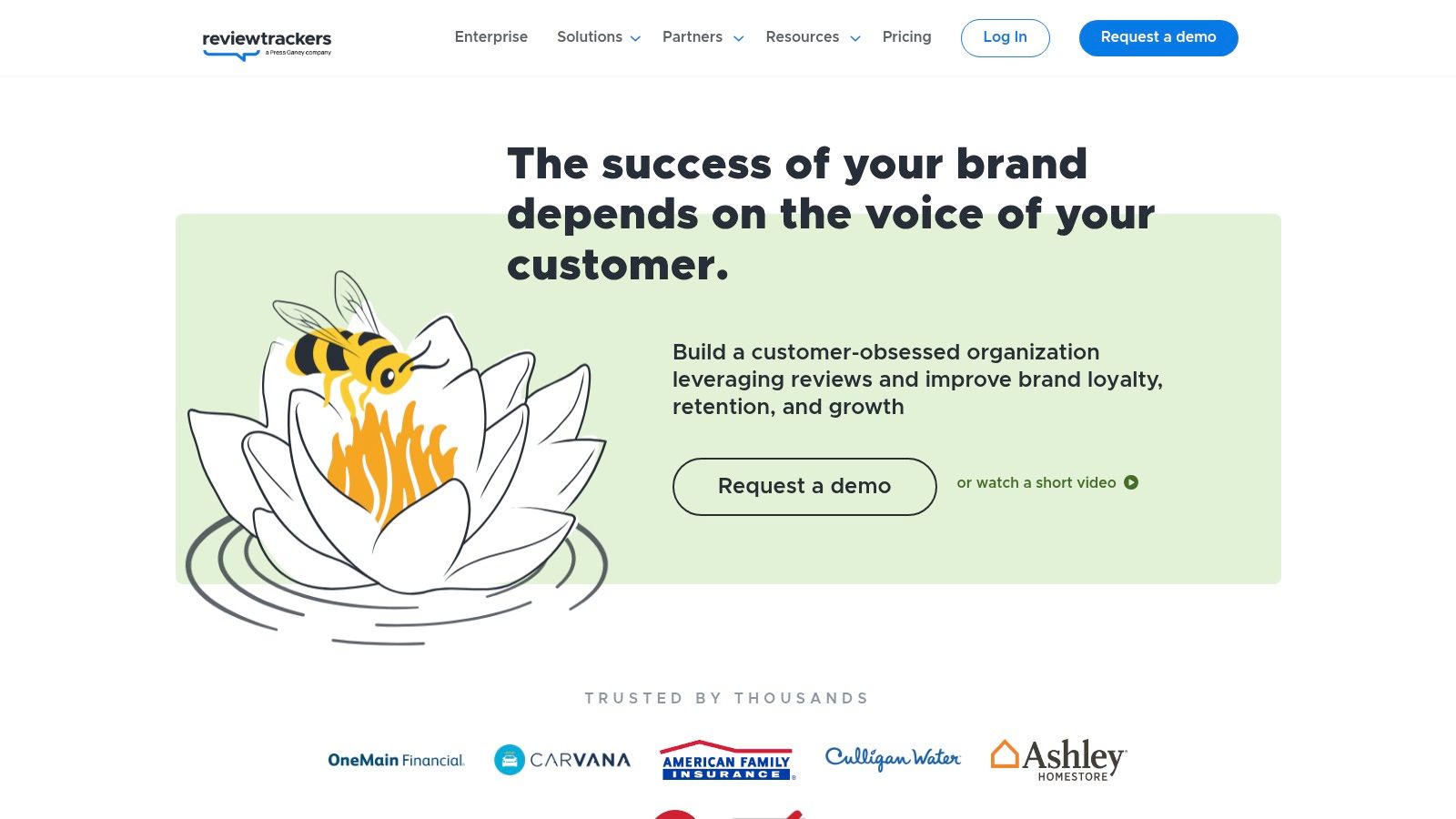
ReviewTrackers is a good middle ground for companies that want a review-focused platform without buying an oversized enterprise suite. It aggregates reviews from many sources, supports solicitation workflows, and surfaces trends from customer feedback without forcing you into a broader social or CRM ecosystem.
I usually recommend it to SMBs and mid-market teams that want clarity more than complexity. The interface and feature set stay close to the actual reputation job: monitor reviews, request new ones, respond faster, and learn from recurring complaints.
Why teams choose it
ReviewTrackers is practical when multiple departments need access. Marketing can watch trends, operations can catch location-specific complaints, and customer success can respond without creating a long internal handoff.
Its competitor insights and experience analysis are useful because they connect review text to operational problems. That’s often more valuable than a vanity dashboard. If customers keep mentioning slow service, confusing billing, or poor communication, the software should help you isolate that pattern.
- Best fit: SMBs and mid-market brands with several locations.
- Less ideal: Teams that need advanced social listening beyond reviews.
- Nice bonus: Data-oriented organizations can use it alongside BI workflows.
If your problem is a negative article or personal search result rather than reviews, software alone may not be enough. This guide on how to remove negative search results is closer to that use case. ReviewTrackers itself is best viewed as a review operations tool, not a broader personal identity or crisis-PR platform.
See ReviewTrackers for details.
7. BrandYourself
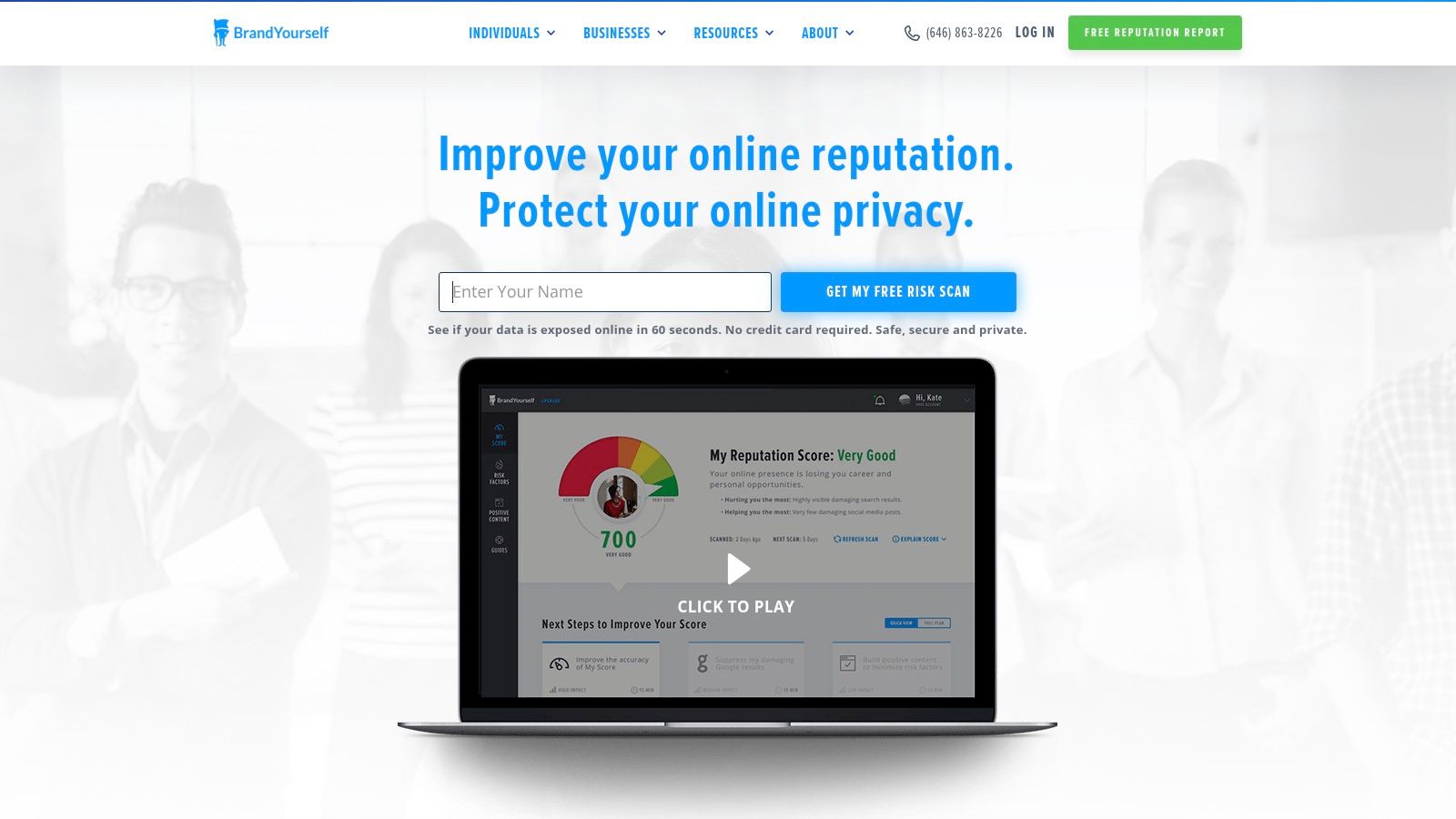
BrandYourself is the most direct personal-name reputation tool on this list. It isn’t trying to help a chain restaurant manage Google Business Profiles. It’s trying to help a person understand what appears when someone searches their name and what signals may hurt them.
That’s a real need for students, job seekers, founders, creators, and professionals changing industries. Search results can shape first impressions before an interview, a partnership conversation, or a dating-app verification step ever happens.
Best for personal-name cleanup
BrandYourself’s DIY approach is the main appeal. It scans search results and social profiles, flags risky content, and gives users a structured action plan. That makes it easier to tackle reputation work in manageable steps instead of guessing what to clean first.
Field note: Personal reputation cleanup works best when you pair suppression tactics with actual deletion, privacy tightening, and account audits. Publishing positive content alone rarely solves the whole problem.
Its main limitation is scope. It isn’t a business review suite, and it isn’t a deep OSINT discovery platform. If you need hidden account discovery, breach awareness, gaming-profile coverage, or broader exposure mapping, it won’t replace a more expansive footprint tool.
Still, for personal-name search improvement, it fills a useful niche. If you need a broader playbook for profile cleanup, account pruning, and search-result hygiene, this guide on how to clean up online reputation is a strong companion resource.
Visit BrandYourself.
8. Sprout Social
Sprout Social belongs in this roundup because not every reputation problem starts on a review site. For many brands, reputation lives on social platforms first. Product complaints, support issues, influencer criticism, viral misunderstandings, and competitor comparisons can move faster on social than in local review ecosystems.
With the Listening add-on, Sprout Social gives teams structured social monitoring, sentiment analysis, publishing, engagement, and reporting in one environment. That combination matters when the same team needs to schedule content, answer inbound messages, and watch for reputation flare-ups.
Where Sprout Social wins
Sprout is best for brands whose reputation depends on social operations being mature and centralized. Agencies, consumer brands, SaaS teams, nonprofits, and communications departments often fit that profile. The UI is polished, the workflow model is understandable, and the collaboration features are strong.
The trade-off is focus. Sprout is not review-first software. If Google, Yelp, TripAdvisor, and local listings are your center of gravity, another platform will likely serve you better.
Use Sprout Social when social mention monitoring and channel management are the core need. Pair it with a review tool if customer feedback spans both social and local platforms.
9. Brand24
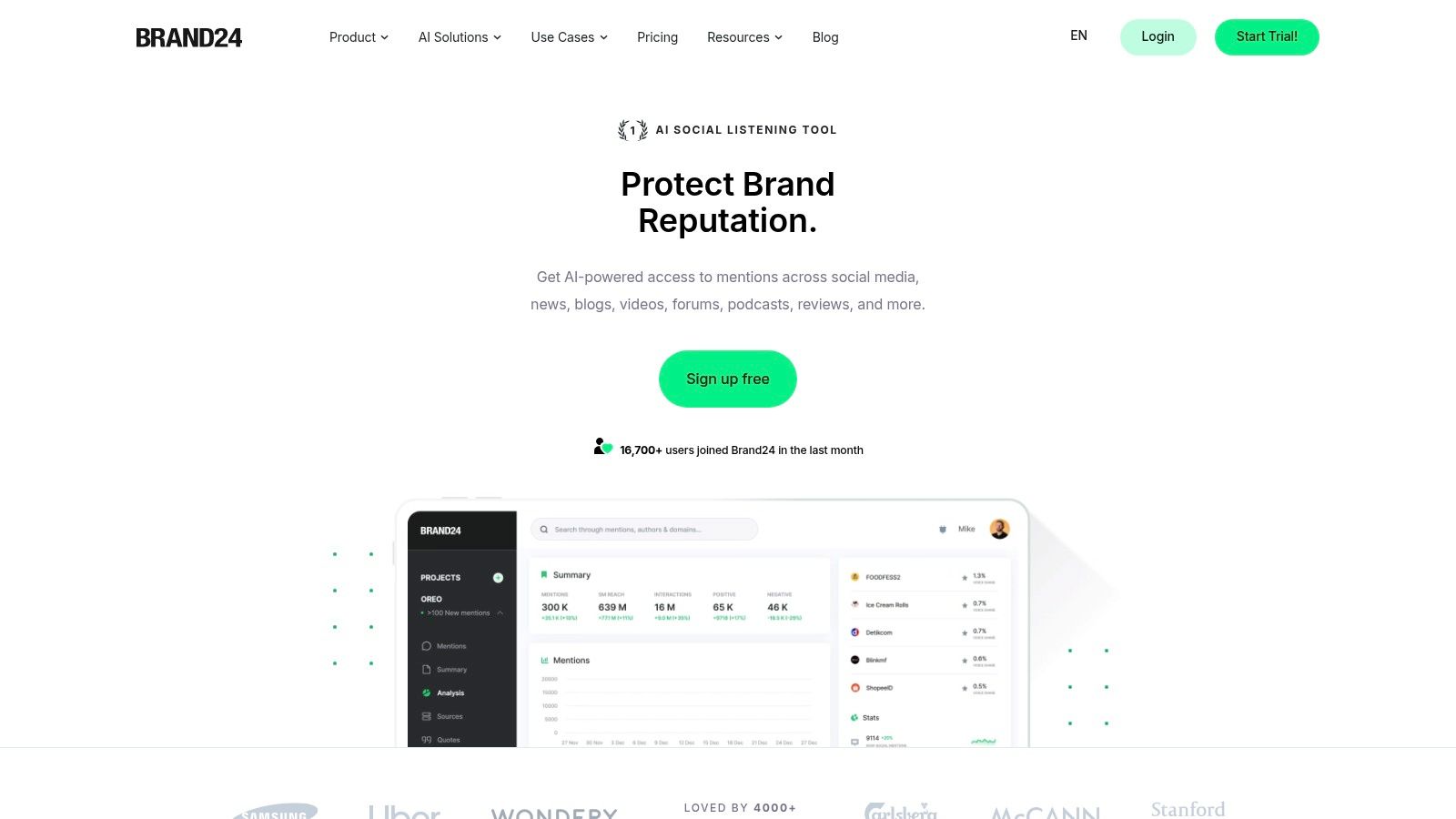
Brand24 is the tool I reach for when a team says, “I need alerts fast, I need web-wide mention coverage, and I don’t want an enterprise procurement project.” It covers web mentions, news, blogs, forums, social channels, and Reddit well enough to be useful for both ongoing monitoring and early crisis detection.
That makes it one of the most practical social-listening-style entries on this list. Setup is usually quicker than with heavyweight enterprise suites, and self-serve pricing makes it easier to test.
Best use case
Brand24 fits lean marketing and communications teams, founders, agencies, and in-house brand managers who need to know when people are talking about them outside formal review platforms. It’s also useful for campaign tracking and competitor observation.
Watch where complaints start, not just where they become visible. A Reddit thread or forum post can become the source material for later search results, AI summaries, and media coverage.
Its weakness is just as clear. It doesn’t manage listings, and it doesn’t specialize in review request workflows. If your business depends on local review generation, use something else for that core job.
Brand24 is available at Brand24.
10. Mention
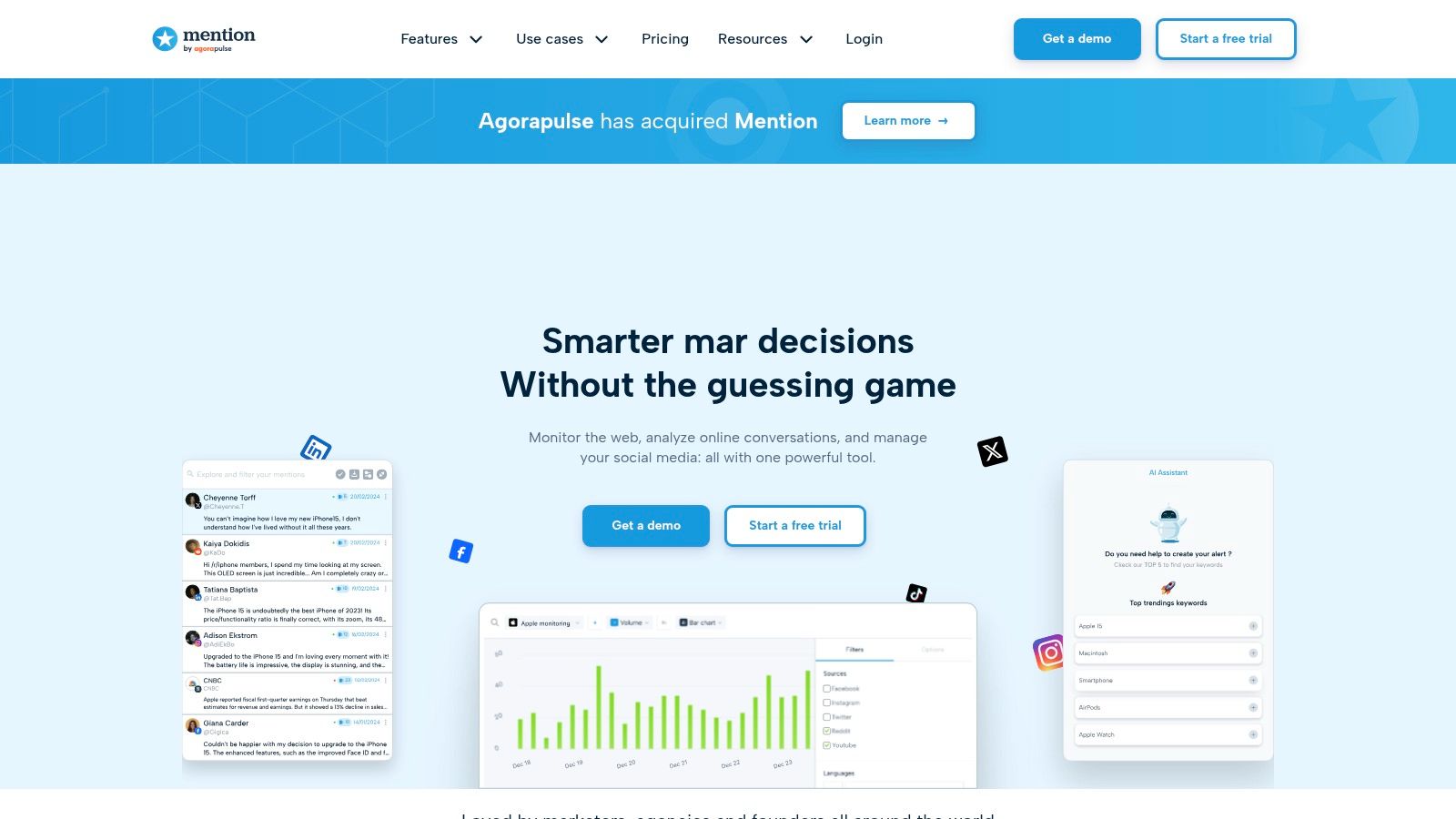
Mention is a nimble monitoring tool for teams that want alerting, reporting, and collaboration without diving into a larger suite. It tracks web and social mentions, supports sentiment and share-of-voice views, and offers team workflows that make it usable beyond a solo marketer’s dashboard.
If Brand24 feels slightly more monitoring-centric, Mention often feels slightly more reporting-and-team-friendly. The difference isn’t dramatic, but it matters when multiple people need to review and distribute insights.
Where Mention makes sense
Mention is a good fit for organizations that need practical, everyday brand monitoring with a shorter learning curve. Startups, nonprofits, smaller agencies, and lean in-house teams often benefit most. Public pricing on self-serve tiers also lowers the barrier to entry.
The limitation is that Mention isn’t a full reputation stack. It doesn’t replace review solicitation platforms, listings management, or personal digital-footprint discovery. It’s best as one layer in a broader system.
For teams that need web and social alerts first, Mention is a sensible pick. For people trying to protect job prospects, investigate catfishing signals, audit gaming profiles, or spot exposed data tied to identity theft risk, Mention won’t cover enough of the surface area.
Visit Mention.
Top 10 Online Reputation Management Tools, Feature Comparison
| Product | Core features | UX & Quality | Value & Pricing | 👥 Target audience | Unique selling points |
|---|---|---|---|---|---|
| Digital Footprint Check 🏆 | ✨ Scans 500+ sources: social, gaming, breaches, public records; DIY removal guides | ★★★★☆ · clear, instant reports (~60s) | 💰 Free first report; optional subscriptions for monitoring/alerts | 👥 Individuals, families, job seekers, HR, security researchers | ✨ Privacy-first (GDPR, bank‑level encryption), step‑by‑step remediation, dark‑web breach alerts |
| Reputation | Centralized reviews, listings, surveys, AI Rep Score | ★★★★☆ · enterprise analytics & workflows | 💰 Quote-based (enterprise) | 👥 Multi‑location brands, enterprises | ✨ Prescriptive Rep Score, governance at scale |
| Birdeye | Reviews, messaging, listings, local CX | ★★★★ · integrated dashboards & automation | 💰 Custom pricing by features/locations | 👥 Local & multi‑location businesses | ✨ Strong review generation + messaging integration |
| Podium | SMS review requests, unified inbox, payments | ★★★★ · messaging-first UX | 💰 Higher-tiered; quote/seat based | 👥 Local businesses prioritizing SMS workflows | ✨ SMS-based review growth + payments in thread |
| Yext Reviews | Aggregate/respond to reviews, first‑party reviews, analytics | ★★★★ · tight listings + review flow | 💰 Contract/enterprise pricing | 👥 Enterprises, multi‑location brands | ✨ Seamless Reviews ↔ Listings ↔ Pages SEO integration |
| ReviewTrackers | Multi‑site monitoring, solicitations, AI responses | ★★★★ · reputation‑focused, usable | 💰 Location‑based quotes | 👥 SMB to mid‑market multi‑location | ✨ Clear toolkit, unlimited users on core plans |
| BrandYourself | Personal SERP scanner, action plan, monitoring | ★★★★ · education‑first UX | 💰 Low annual cost (DIY) | 👥 Job seekers, students, professionals | ✨ Personalized SEO/action plans for names |
| Sprout Social (Listening add‑on) | Publishing, engagement, listening (add‑on) | ★★★★ · polished UI, scalable | 💰 Core plan + paid Listening add‑on | 👥 Brands focused on social channels | ✨ Unified social stack + deep listening (add‑on) |
| Brand24 | Real‑time web & social mentions, AI insights | ★★★★ · quick alerts, simple setup | 💰 Transparent, self‑serve pricing | 👥 Teams needing real‑time alerts/crisis monitoring | ✨ Fast setup, Reddit & forum coverage |
| Mention | Real‑time monitoring, sentiment, share‑of‑voice | ★★★★ · nimble UI & alerts | 💰 Public tiers; Company plan for API/higher quotas | 👥 Small teams, PR/marketing monitoring | ✨ Straightforward monitoring + API access on Company plan |
Choose the Tool That Matches the Reputation You Manage
The biggest mistake buyers make is treating all reputation tools as interchangeable. They aren’t. Review management, social listening, personal digital-footprint discovery, and search-result cleanup overlap in places, but they solve different problems.
For individuals, families, job seekers, gamers, and anyone dealing with privacy, identity exposure, or OSINT-led discovery, Digital Footprint Check is the strongest starting point in this list. It helps you discover what is public across social platforms, gaming accounts, breach data, public records, and broker-style exposure. That matters when your concern is bigger than reviews. It affects job prospects, family safety, account security, dating-app verification, and scam prevention.
BrandYourself is the better choice when the main objective is improving a personal-name search presence. If your issue is what appears when someone Googles your name, that focused workflow is useful. It won’t replace broader exposure discovery, but it can help you prioritize cleanup and create stronger positive search assets.
For local businesses and multi-location operators, the best online reputation management software usually sits in the review-and-listings tier. Birdeye, Podium, Yext Reviews, ReviewTrackers, and Reputation all fit there, but they fit for different reasons. Podium is messaging-first. Birdeye is broader and more all-in-one. ReviewTrackers stays closer to pure review operations. Yext Reviews shines when listings consistency and location data matter. Reputation is best suited to large organizations with governance and scale concerns.
For brands that need mention alerts, sentiment analysis, and early warning from social or the broader web, Sprout Social, Brand24, and Mention are the stronger choices. Sprout Social is the best fit when publishing and engagement live alongside listening. Brand24 is great for fast monitoring and value. Mention is a practical middle option for teams that want accessible monitoring and reporting.
A clean implementation sequence keeps any of these tools from turning into another unused dashboard:
- Define identities and risks: List the names, brands, locations, usernames, executives, products, and keywords you need to monitor.
- Run a baseline scan: Capture what is visible now before you configure automation.
- Set the right alerts: Separate review alerts, mention alerts, breach alerts, and identity-exposure alerts.
- Assign response ownership: Decide who handles reviews, who handles social mentions, and who handles personal-exposure remediation.
- Document remediation: Keep records of removals requested, platform reports submitted, privacy settings changed, and recurring issues found.
- Review on a schedule: Reputation work isn’t one-and-done. Recheck it regularly.
No tool replaces strong privacy settings, unique passwords, MFA, careful account linking, ethical screening practices, direct reporting to platforms, or professional legal and PR advice when the situation calls for it. Software helps you see and manage the problem. It doesn’t replace judgment.
If you want to start with the widest view of your personal exposure, run a free check at Digital Footprint Check’s free checker.
If you’re comparing reputation tools and realize your real problem is broader than reviews, start with Digital Footprint Check. It helps you discover exposed accounts, gaming profiles, breach data, public records, and other personal signals that standard ORM platforms often miss. Run a free check first, then use the report to decide what to remove, secure, or monitor next.