· Digital Footprint Check · Content Marketing · 14 min read
Open Source Intelligence Software: a Practical Guide
Learn what Open Source Intelligence Software does, its core capabilities, legal limits and how to choose a tool that verifies matches before you act.
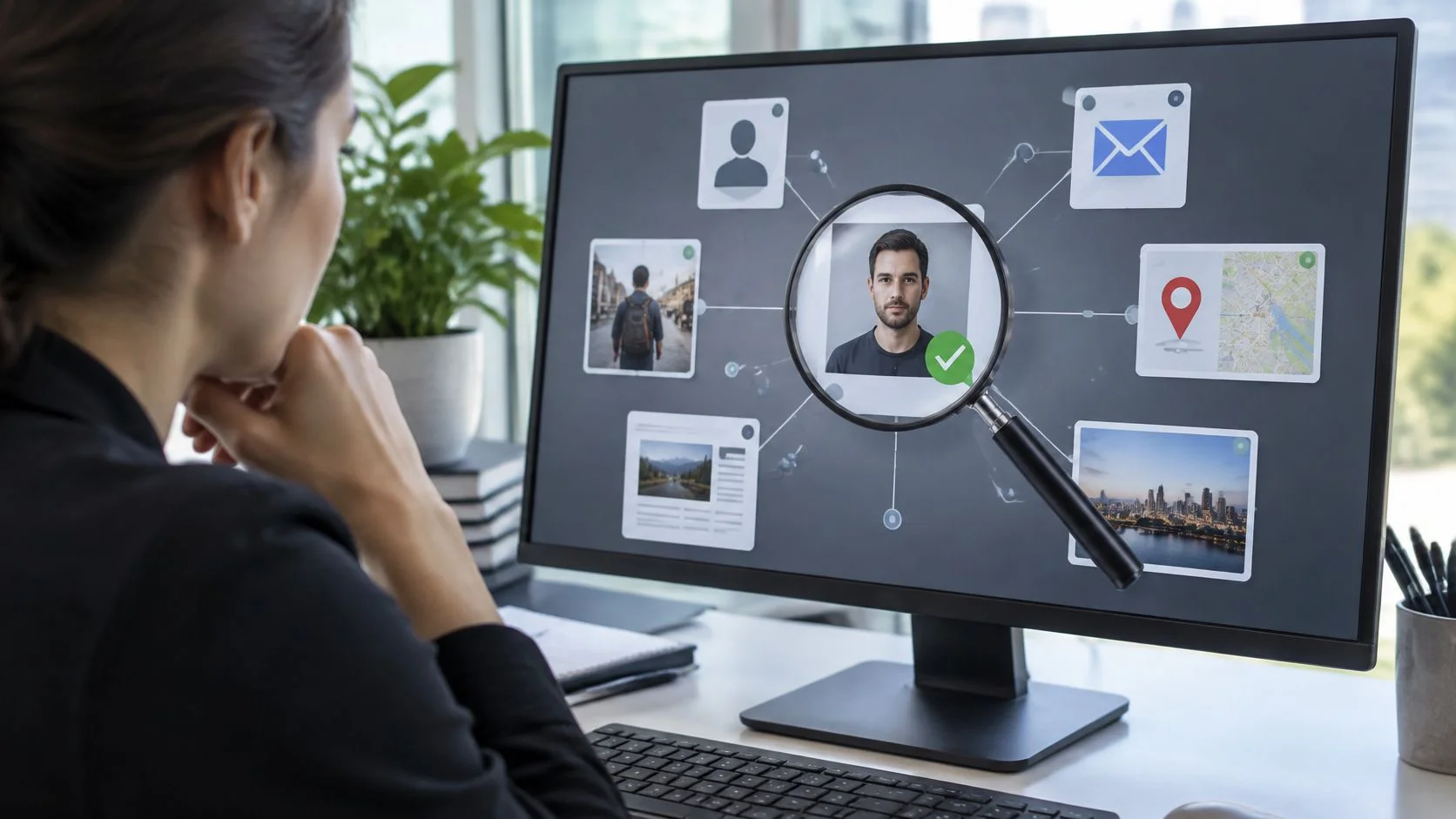
You type your name into a search bar and find an old forum account, a professional profile, and someone else's address. Which results matter? Which belong to you? If you're preparing for a job interview, securing a gaming account, or checking a suspicious dating profile, finding information is only the beginning. Knowing what you can trust is the harder part.
What Open Source Intelligence Software Does
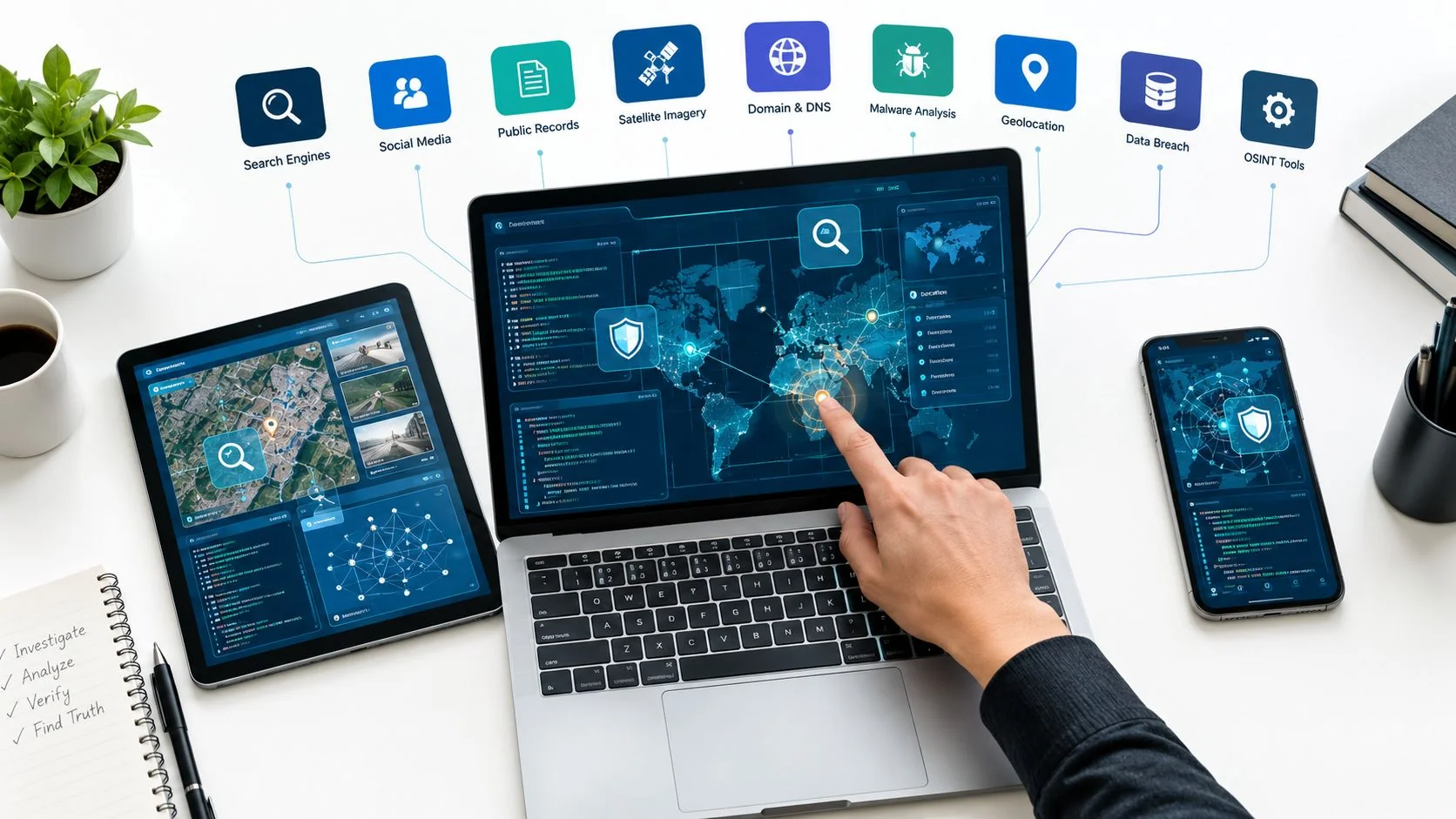
Open source intelligence software collects publicly available information, organizes it, and helps analyze it against a defined question. That question might be whether your email appears in a known breach or whether an unfamiliar profile is using your photographs.
Start with your own search results. A page containing your name isn't necessarily about you. A useful OSINT workflow connects relevant identifiers, such as usernames, email addresses, phone numbers, and profile links, while preserving enough context to evaluate the connection.
A search engine resembles a shelf of books. OSINT software should work more like a librarian who checks authors, editions, and publication dates before answering your question.
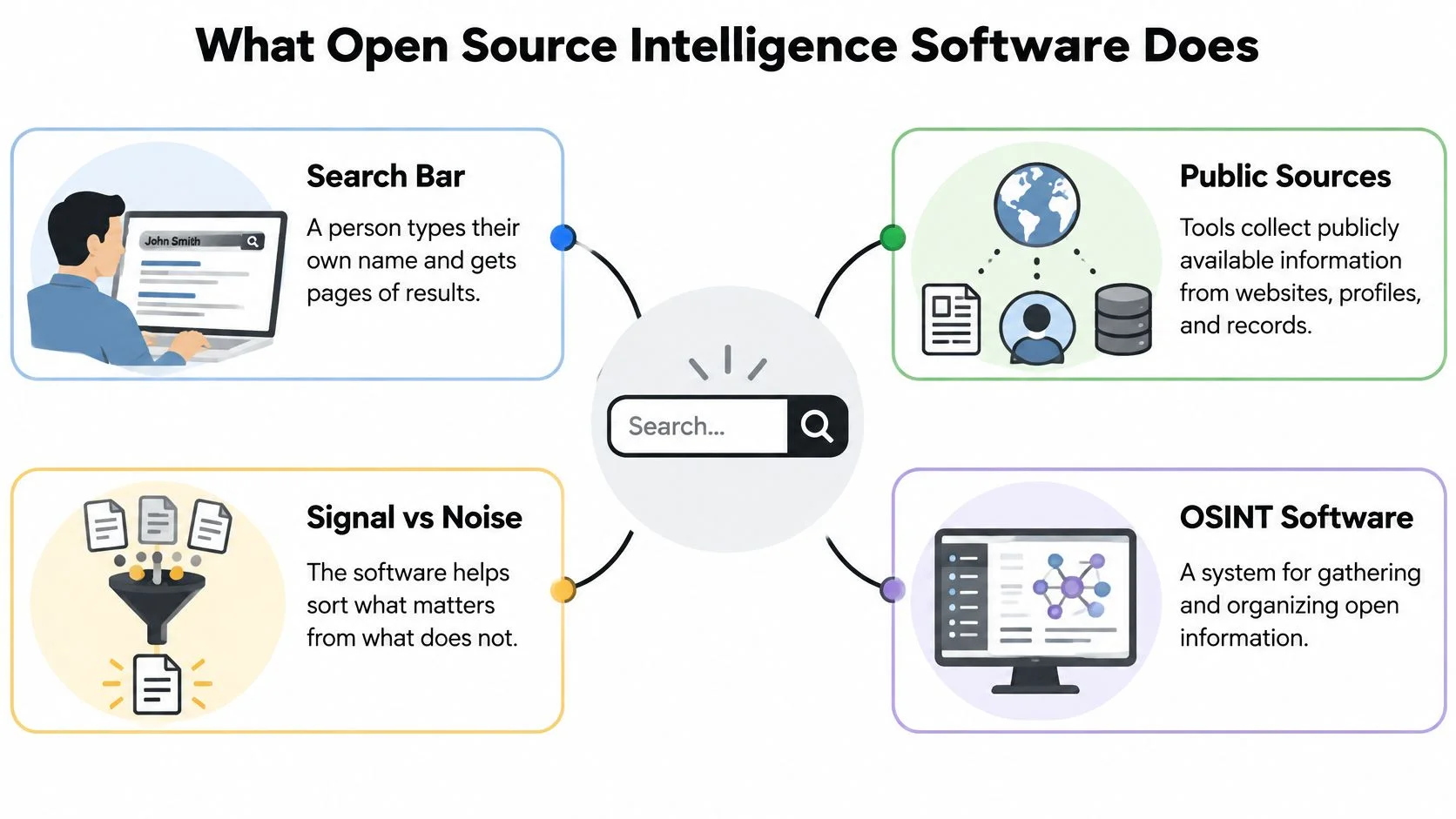
Public information isn't finished intelligence
The distinction between collecting information and producing intelligence is central to Open Nuclear Network's explanation of open-source data. Gathering material becomes useful when someone processes and analyzes it for a specific purpose.
Say an old username appears on a public gaming profile. That's a discovery. Establishing whether you controlled that account, whether it exposes personal information, and whether anything needs fixing requires additional work.
- Collection retrieves the publicly discoverable account.
- Interpretation identifies what the account reveals.
- Verification establishes whether the finding belongs in your report.
Also, open source refers to the information, not necessarily the software's code. An OSINT product can be a commercial service rather than an openly licensed program.
Our tool scans more than 500 sources to show what's online about a person. That breadth supports discovery, but a useful investigation still begins with a focused question. The practical examples in our guide to what OSINT is used for can help you choose one.
Your working definition should be straightforward: software that helps turn public information into verified answers to a defined question, not merely a longer list of search results.
Core Capabilities at a Glance
Core capabilities of OSINT software
| Capability | What It Surfaces | Typical Use |
|---|---|---|
| Identifier search | Accounts linked to an email, phone number or username | Confirming which accounts use a known identifier |
| Reverse email search | Where an email address appears online | Finding unknown contacts or a reused address |
| Data breach check | Breaches that included an email address or credentials | Deciding which passwords to change first |
| Social profile discovery | Public profiles across social and professional networks | Auditing a job-search or brand footprint |
| Gaming profile detection | Public gaming accounts tied to a name or handle | Checking your own or a child's gaming presence |
| Public records search | Registrations, filings and listings | Pre-employment or tenant background checks, where legally permitted |
| Dark web mentions | References to a person or identifier in leaked or forum data | Early warning of identity misuse |
| Continuous monitoring | Changes to tracked fields since the last check | Ongoing alerts for new exposures |
Read the table by starting with your problem, not the longest feature list. An unknown email sender calls for a different search than a job seeker reviewing public posts. Neither requires collecting every available detail about a person.
Our reports can reveal social profiles, gaming accounts, forum activity, breach exposures, public records, email appearances, and dark web mentions across 500+ data sources. Those categories describe possible findings, not a promise that every search returns every category.
What should happen behind the interface
The workflow is collection, validation, processing, analysis, and dissemination. Collection retrieves material; validation evaluates it; processing organizes identifiers and removes duplicates; analysis answers the question; dissemination presents the relevant findings to the appropriate person.
NATO's curriculum guide cites the systematic OSINT definition documented in Joint Publication 2-0 on October 22, 2013, and the allied doctrine AJP-2.9 published in June 2019. The practical lesson for buyers is that OSINT is a disciplined process, not just automated searching.
A breach result, for example, should distinguish an exposed email address from an exposed password. A dark web mention shouldn't imply criminal involvement. A public filing needs its date and jurisdiction to make sense.
Practical rule: Choose the capability that answers your question, then decide what evidence would justify acting on its result.
For an initial privacy audit, prioritize breach checking, profile discovery, and identifier search. Give each a separate verification task: examine the exposure type, establish account ownership, and distinguish genuine identifier connections from coincidental matches.
Types of OSINT Software Compared
OSINT software categories compared
| Category | Typical Users | Strength | Limit |
|---|---|---|---|
| Free single-purpose lookups | Individuals testing one identifier | Fast answer at no cost | Basic lookups may lack monitoring or a collection record |
| Consumer footprint services | Individuals and parents auditing exposure | Multi-source report across profiles, breaches and records | Free tier may show only a limited preview |
| Paid monitoring platforms | Small businesses and HR teams | Scheduled re-checks, alerts and API access | Subscription commitments and integration work |
| Enterprise investigation suites | Security and investigations teams | Role-based access and audit logs | Training and administrative overhead |
These are buying categories, not universal specifications. A free utility may preserve excellent evidence, while an expensive platform may leave its matching method unclear.
Single-purpose lookups suit narrow tasks. Checking whether your email appears in a known breach doesn't necessarily require an investigation dashboard. Keep your own record of what you searched and what the response actually established.
Consumer footprint services combine discovery tasks into a report. They're useful when you want to review scattered accounts without managing separate searches across every source category.
Match the software to the work
Monitoring platforms make more sense when the question repeats: has an exposure changed, has a new mention appeared, or does a security team need an alert? API access lets another application request results, but it doesn't eliminate the need to interpret them.
Enterprise suites address a different problem: coordinating investigators while controlling access, evidence, and retention. Those controls matter when an organization must explain how it reached a consequential decision.
- For a personal audit, start with a targeted lookup or consumer report.
- For recurring exposure checks, evaluate monitoring and alert relevance.
- For formal investigations, prioritize evidence handling and accountable access.
Buy the category that fits the work. Then apply the verification scorecard below before treating its output as reliable.
Who Uses OSINT Software and Why
A job seeker wants to know what an employer might find. A parent wants to understand a child's public gaming presence. A security researcher wants to identify exposed organizational information before an attacker exploits it.
Digital Footprint Check users include privacy-conscious individuals, parents monitoring their children online, HR professionals verifying candidates, security researchers, journalists, and business owners protecting their brand reputation. Each group needs a different scope, even when they use similar search tools.
In a March to June 2024 survey of 51 experts, 28% reported using OSINT tools daily for information gathering, while 33% used them weekly or monthly, according to New America's survey findings. That describes the surveyed experts, not the general population, but it illustrates how routinely professionals use these methods.
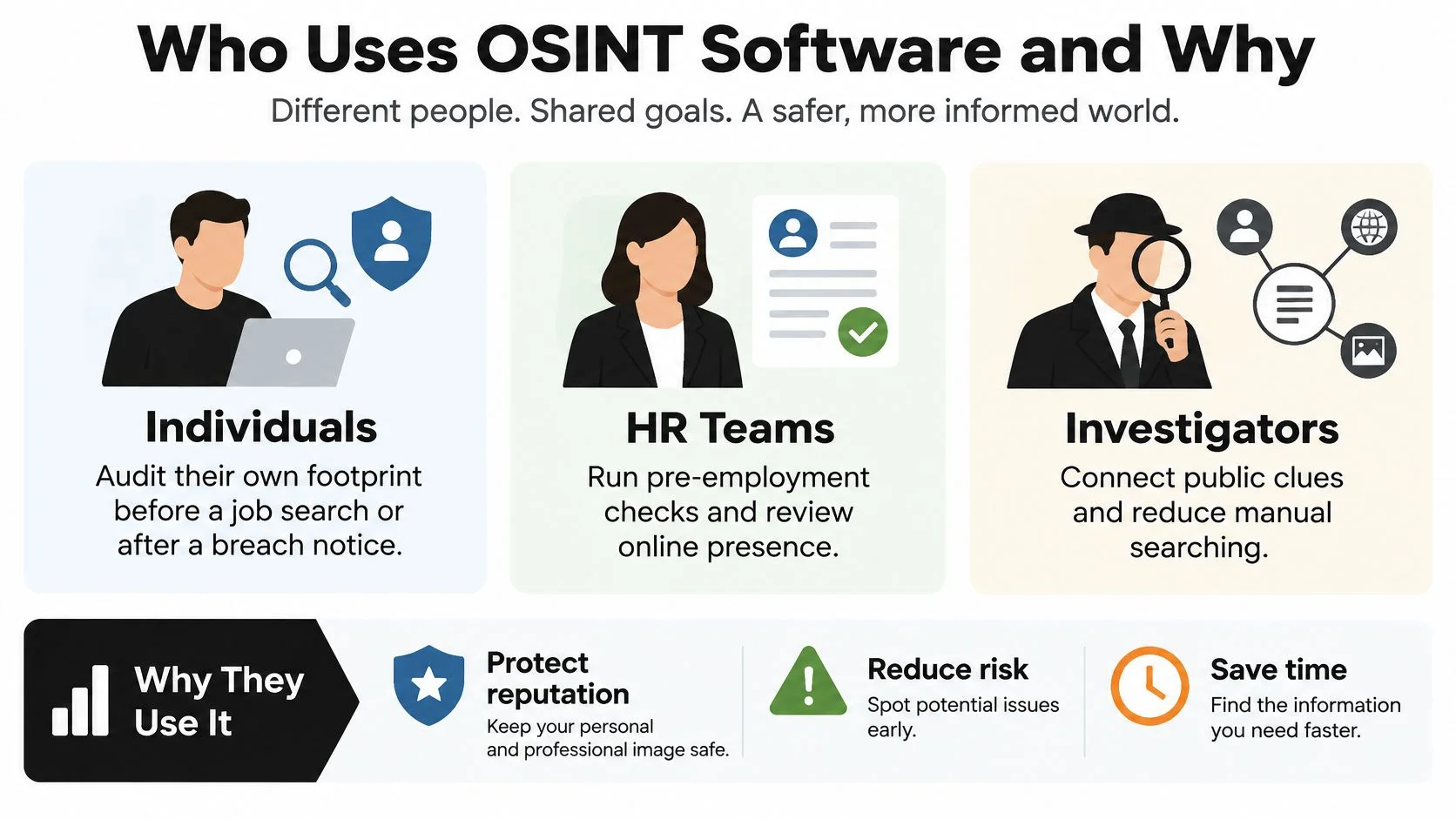
When a search affects someone's prospects
Say a hiring reviewer finds an offensive forum post under a username resembling a candidate's email address. Rejecting the candidate immediately would turn a tentative association into an employment decision.
A careful reviewer establishes ownership, checks the post's date and surrounding discussion, and assesses whether it's relevant to the role. The candidate should have an appropriate opportunity to explain or correct the finding, and the organization needs a legally compliant screening process.
Finding information about someone doesn't establish that it's relevant to a decision about them.
Journalists face a related challenge when authenticating a source. Business owners must distinguish criticism from impersonation. Parents should focus on public exposure and age-appropriate safety conversations rather than covertly accessing private accounts.
For families, our guide to investigating public gaming-platform exposure provides a more focused starting point than a general name search.
Choose your role and write a narrow question before searching: Which public accounts expose my child's real name? is more useful, and less intrusive, than attempting to collect everything about their online life.
Gaming Accounts and Romance Scams in Practice
A reused password can cost you a gaming account
Say someone obtains a password from an unrelated service and tries it against your gaming account. If you've reused it, they may gain access without breaching the gaming platform itself. Your linked email account deserves particular attention because it can control password resets.
Verizon's 2025 Data Breach Investigations Report announcement describes an analysis of 22,052 security incidents, including 12,195 confirmed breaches across 139 countries, and identifies compromised credentials as an initial access vector in 22% of breaches. Its additional analysis found that, in the median infostealer-malware case, only 49% of a user's passwords were unique across services.
A breach finding is a prompt to secure accounts, not proof that someone has already taken them over:
- Replace every reused password, giving each account a unique password.
- Enable multifactor authentication, especially on the linked email account.
- Review active sessions and sign out unfamiliar devices.
- Remove unfamiliar recovery methods, including changed recovery addresses or phone numbers.
Our continuous monitoring of data breaches and dark web activity alerts users to potential identity theft risks. Alerts support investigation; they don't secure an account on your behalf.
A convincing dating profile can still be fraudulent
The immediate consequence of a romance scam may be financial loss, but victims can also expose identification documents, private photographs, or account access.
The FBI's 2024 Internet Crime Report recorded 17,910 confidence-fraud or romance complaints and $389,312,356 in reported losses for that category in 2024. These are reported complaints and losses, not a count of every victim.
Consider a match who messages consistently, avoids live video, claims a sudden emergency, and requests cryptocurrency. Their profile may look polished because they've copied another person's photographs and biography.
- Verify independently. Compare contact details and biographical claims against sources you obtain yourself.
- Check reused material. Reverse-search photographs and examine username appearances without assuming every match belongs to the same person.
- Preserve evidence. Keep messages, profile links, payment requests, and transaction records before reporting suspected fraud.
A successful video call or an apparently consistent profile isn't a guarantee of honesty. Conversely, an absent search result doesn't prove catfishing.
Our guide to scams on dating apps explains warning patterns in more detail. Pause before sending money, sharing credentials, or helping someone move funds, even if you've been talking for a long time.
Ethical and Legal Limits Before You Search
Publicly available doesn't mean unrestricted or appropriate to reuse. Viewing a public post, combining it with location records, storing it indefinitely, and using it to judge a candidate are different activities with different consequences.
A self-search generally has a clearer purpose than investigating another person. Third-party screening requires careful consideration of lawful purpose, consent where required, data minimization, retention, correction, deletion, subject access, and cross-border handling.
A privacy-focused OSINT paper in IPSI Transactions discusses how privacy rules, including GDPR, shape the balance between security investigations and individual privacy. Requirements differ by jurisdiction and use case; employment screening and automated decision-making warrant qualified legal review rather than assumptions based on a tool's availability.
Don't create another exposure
CISA's guidance on managing your online presence warns that attackers can combine social activity, location information, and connections into targeted campaigns. An investigation report that concentrates those details can itself become sensitive.
Collect only what's necessary. Restrict who can view the report, keep credentials and unrelated personal details out of exports, and establish when records will be deleted. Don't infer health, religion, sexuality, or other sensitive traits from ambiguous posts.
For organizations working with volunteers, nonprofit screening support from VolunteerBadge offers a relevant resource for considering social-media screening. It shouldn't replace a documented, jurisdiction-appropriate policy or professional legal advice.
Before searching another person, review whether your proposed OSINT use is legal and answer these questions:
- Purpose: Why am I searching?
- Authority: What's my lawful basis, and is notice or consent necessary?
- Scope: What am I collecting beyond that purpose?
- Access: Who will see the result?
- Correction: What happens if it's wrong?
Relationship concerns don't justify bypassing account security, impersonating someone, or tracking their private location. Keep searches within legitimate public-access boundaries, and don't publish accusations based on unresolved findings.
How to Judge a Tool Before You Trust It
How certain is this match? That question separates a useful OSINT tool from a large collection of loosely associated records.
Common names, reused usernames, and recycled phone numbers create false positives. Academic work on OSINT verification identifies information verification as a difficulty, particularly when investigators have fewer independent sources. Adding more results doesn't resolve that problem.
CISA's OSINT training description frames the work as collecting, verifying, and analyzing publicly available information. A trustworthy evaluation should therefore examine how software supports verification, not just how much it retrieves.
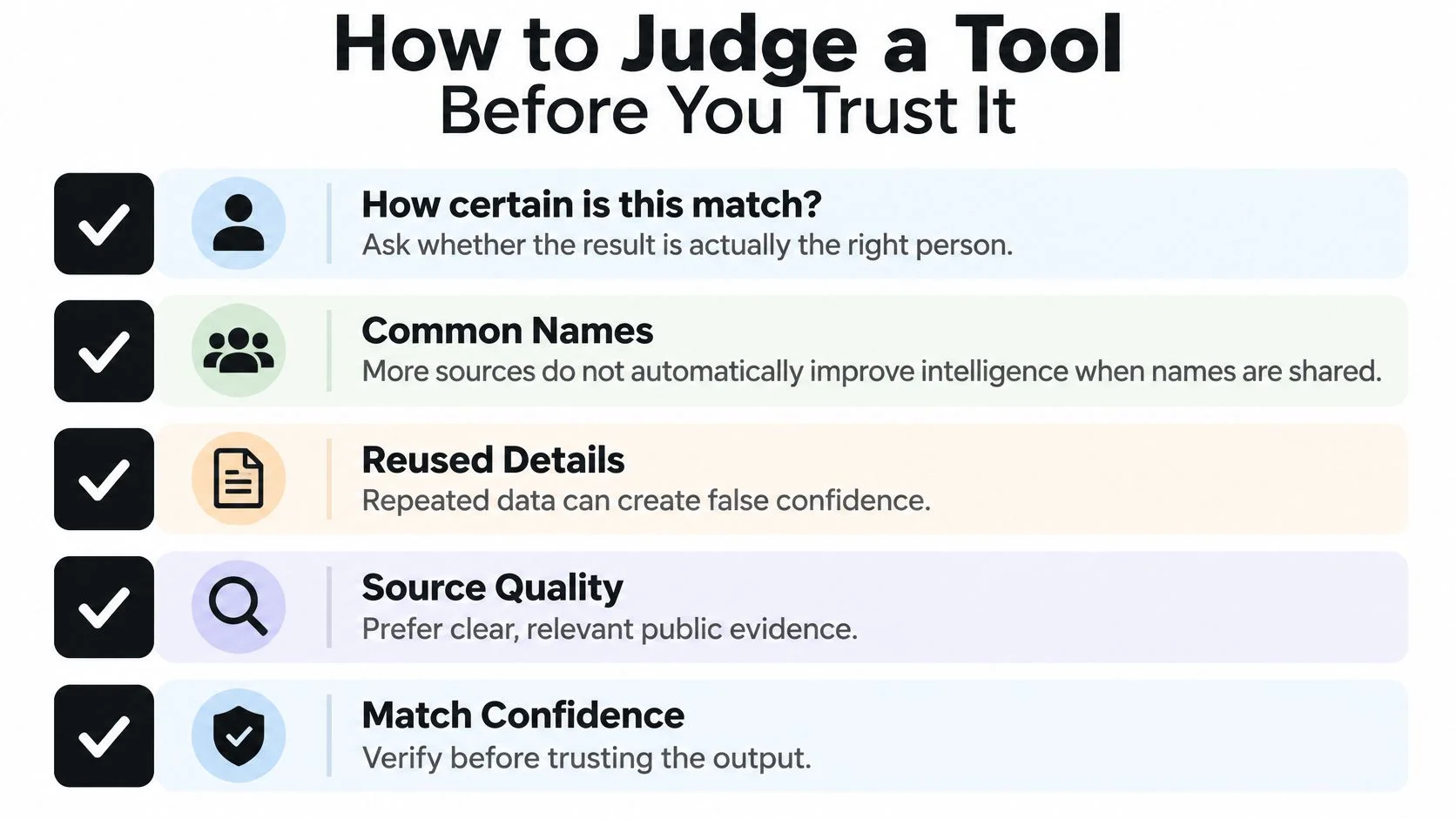
OSINT tool verification scorecard
| Criterion | What Good Looks Like | Red Flag |
|---|---|---|
| Provenance | Source URL, retrieval time and method kept with each finding | No dates or sources shown |
| Match confidence | Scores built from several attributes such as avatar, bio, domain or location | One matching username treated as proof |
| Change tracking | Hashes and history showing what changed and when | Only a current snapshot with no history |
| Confirmed versus lead | Clear labels separating verified items from unverified leads | Every result shown with equal weight |
| Access and audit | Role-based access and logs of every search and export | No record of who searched what |
| Retention and deletion | Set retention periods and deletion on request | Results kept indefinitely with no delete option |
| Coverage disclosure | Named source categories and known gaps | Vague claims of searching everything |
| Human review | Analyst or user sign-off before a conclusion is drawn | Automatic risk scores used as final decisions |
A hash is a digital fingerprint used to help detect whether saved content has changed. It doesn't establish that the content was truthful. Likewise, a confidence score needs an explanation of its supporting evidence; a precise-looking score alone isn't persuasive.
Our offered checks include data leaks, online profiles, gaming profiles, phone numbers, web reports, geolocation, dark web analysis, social networks, and API access. Results depend on the information entered and the sources available, and no search can guarantee a complete picture. A geolocation feature also shouldn't be mistaken for permission or an ability to track someone's live whereabouts.
Use our guide to how to use OSINT to put findings into a repeatable review process.
Treat a username match, a copied photograph, an old breach record, or a missing result as a clue, not standalone proof of identity, wrongdoing, or safety.
For a practical test, look for agreement among three independent attributes. That's a review heuristic, not a scientific certainty threshold: copied biographies and photographs may originate from the same source. If the evidence conflicts or can't be independently corroborated, label the result a lead, not a fact.
Choose a Plan and Run Your First Check
Start with your own email address or username so you can evaluate results against accounts you recognize. Our free tools include a Profile Checker, Username Search, Data Breach Checker, and Reverse Email Search.
The interface provides a starting point for entering an identifier and reviewing the response.
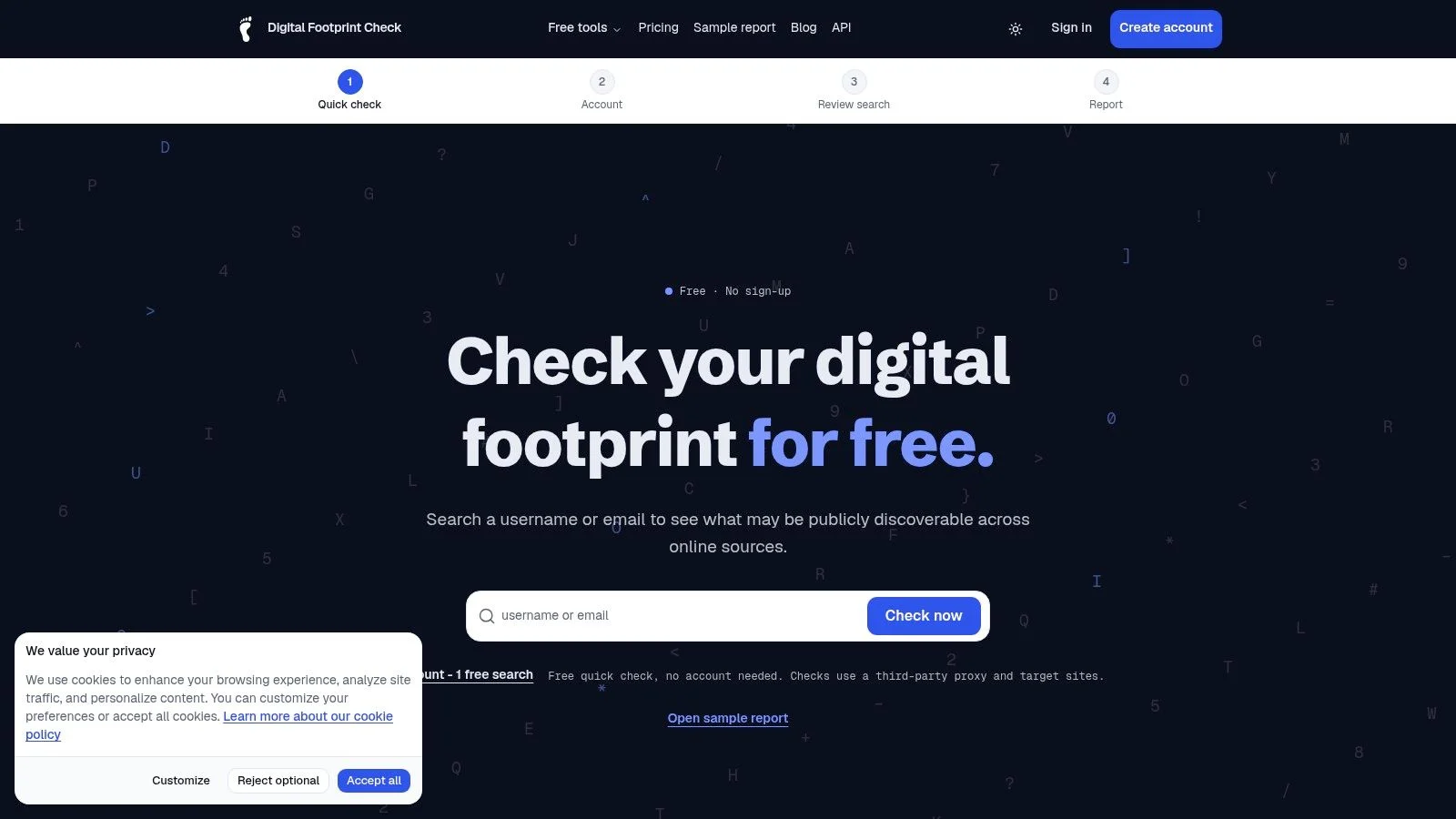
The Free plan includes one free search in total, not a separate allowance for each free tool. It returns a limited preview; paid plans provide more searches and full features.
Digital Footprint Check plans compared
| Plan | Price | Searches | Extras |
|---|---|---|---|
| Free | $0 per month | 1 free search | Limited preview of the footprint |
| PRO monthly | From $10 per month | 30 searches per month | API access and ongoing monitoring alerts |
| PRO Annual | $93 per year | 360 per year, allocated as 30 a month | Saves $27 per year compared with monthly billing |
Choose a plan based on your actual workload. A personal preview can help you assess whether further investigation is useful; recurring exposure reviews may justify monitoring. Don't purchase additional searches just to accumulate more unresolved matches.
For a visual introduction, watch the product walkthrough.
Your first review
- Run a self-search using your email or username through the free footprint checker.
- Classify each finding as confirmed, a lead, or wrong using the verification scorecard.
- Secure exposed accounts using the gaming-account recovery checklist, including the linked email account.
- Review alerts and recheck monthly if you choose monitoring, recording which exposures you've addressed.
Keep a short action record rather than copying every personal detail into another document. Note the affected account, the concern, and the action taken so your privacy audit produces concrete improvements.
Digital Footprint Check offers public-profile discovery, breach checks, and monitoring to help you understand your online exposure. Visit Digital Footprint Check to explore the tools, start with your own identifier, and verify each finding before deciding what to change.