· Digital Footprint Check · Content Marketing · 17 min read
Ethical Osint: How to Find Someone Email on Facebook
Discover how to find someone email on Facebook ethically. Our OSINT guide covers manual searches, Google dorks, and safe automated tool use for privacy.

You joined a Facebook group for freelancers, found someone who looks like a solid partner for a project, and then hit the usual wall. Their Messenger is locked down. Their profile is sparse. You need a professional way to contact them without crossing a line.
That’s where people start searching how to find someone email on facebook.
Sometimes the reason is harmless and practical. You want to move a business conversation off-platform. You want to verify whether a dating profile connects to a real person. You want to check whether a suspicious account is tied to a wider online identity before you trust it. In all of those cases, the right method matters as much as the result.
Why Finding an Email on Facebook Is a Modern Challenge
Facebook used to expose more profile information than it does now. That’s no longer the default reality. In 2026, approximately 85% of Facebook users maintain privacy settings that hide their email addresses from public view on profile About sections, affecting over 3.05 billion monthly active users globally, according to analysis of Facebook email discovery and privacy trends.

That one fact changes the whole approach. If you expect to click a profile, open the About tab, and immediately find an address, you’ll waste time. The platform is built around user-controlled visibility, and users tend to tighten those controls.
Why people still try anyway
The need is still real.
A recruiter may want to verify whether a candidate’s social identity matches their professional presence. A parent may want to check whether a suspicious adult interacting with a teen has a wider trace online. A person using dating apps may want to validate whether a charming profile is a real individual or part of a romance scam setup.
Those are legitimate OSINT scenarios. They rely on open source intelligence, which means gathering information that people or organizations have already made public. It doesn’t mean hacking. It doesn’t mean bypassing privacy controls. It means reading digital clues carefully and connecting them responsibly.
The practical shift from direct search to structured research
Most failed searches happen because people use Facebook like a phone book. It isn’t one.
A better mindset is this:
- Start with what’s visible
- Collect identifiers, not assumptions
- Pivot to other public sources
- Verify before contacting
That process matters because the email itself may never appear on Facebook. What Facebook often gives you is a bridge. A username. A business page. A website. A company name. A location clue. A linked Instagram or LinkedIn profile. Those fragments are often more useful than an exposed inbox.
Practical rule: Treat Facebook as a starting node, not the whole investigation.
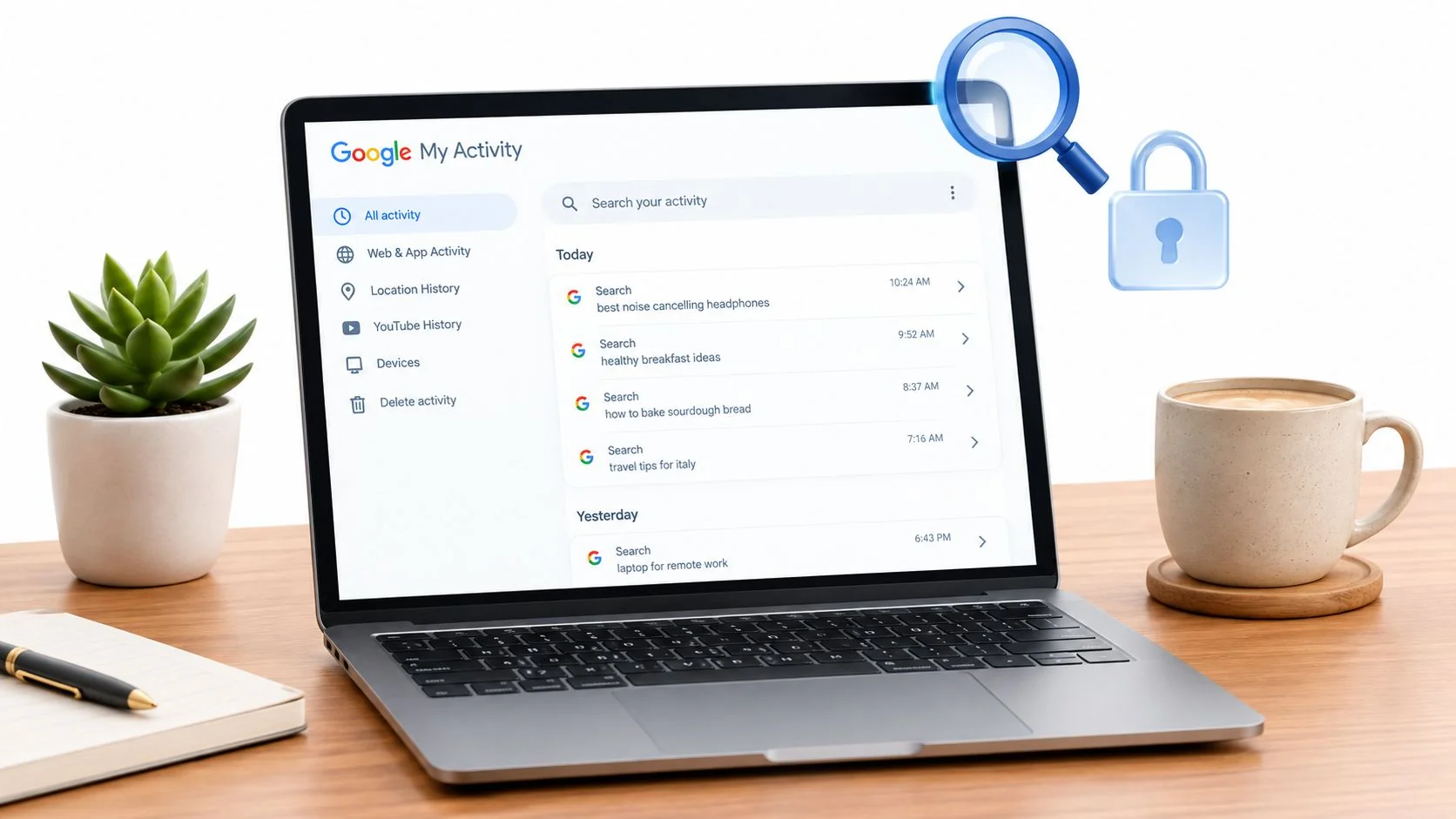
If you’re checking your own exposure before someone else does, run through a personal privacy audit and review what information is online about me. That mindset makes this guide more useful from both sides. You’ll learn how discovery works, and why defense matters.
Your First Step On-Platform Manual Search Methods
The manual route is still the correct first move. It’s fast, free, and sometimes enough. But you need to know where to look and when to stop.
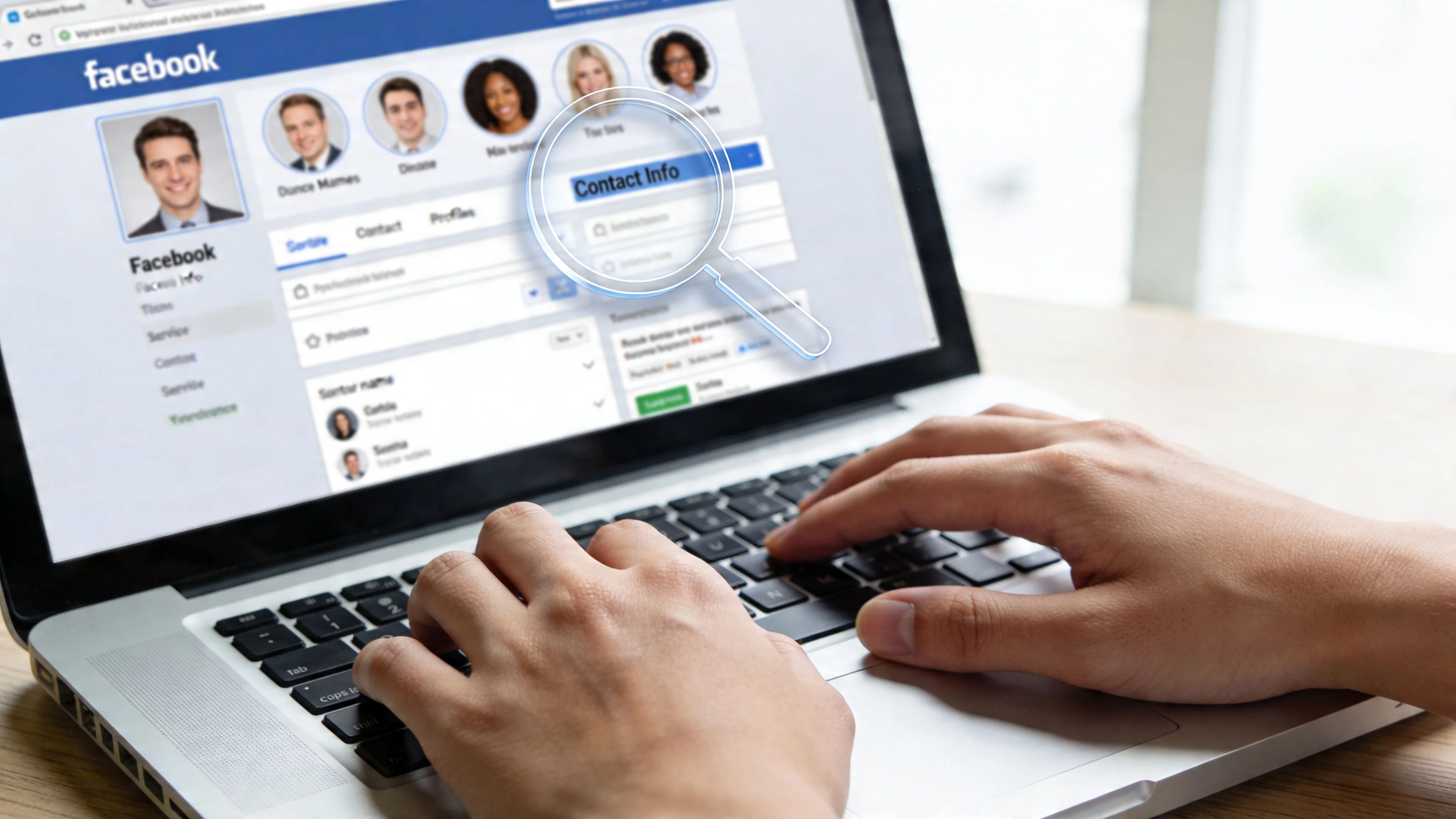
OSINT benchmarks show that fewer than 20% of personal profiles have visible contact details, and since Facebook’s 2022 privacy updates, 85% of users actively hide their emails, as outlined in this manual enumeration breakdown for Facebook email searches. So yes, start manually. Just don’t confuse “first step” with “best chance.”
Check the About tab properly
Often, this is done too quickly. They click About, scan once, and leave. Slow down.
Open the profile and inspect:
-
Contact and Basic Info
This is the direct path. If an email is public, it’s usually here. -
Work and Education
A current employer gives you a domain to investigate later. -
Intro and bio fields
Some users don’t place an address in the contact area, but they mention a business, website, or handle elsewhere. -
Websites and social links
A linked portfolio, business page, or creator site can lead to a contact form or public email.
Manual review works best when you capture every clue, not only the thing you hoped to find.
Search older public content
People often lock down profile contact details but forget older posts, comments, or page content.
Look for:
- Public posts with contact language
Search terms like “email me,” “contact,” “bookings,” or “for inquiries.” - Comments under shared work
Artists, service providers, and small business owners sometimes drop contact details in comment threads. - Event pages and announcements
Speaking events, community meetups, and workshops may include organizer contact info. - Business pages instead of personal profiles
A personal profile may be closed, while a page tied to the same person is built for outreach.
People doing job outreach or partnership vetting often get lucky. The email isn’t on the profile. It’s attached to the work.
Use groups and shared spaces carefully
Mutual groups can reveal context even when they don’t reveal the email itself.
Check whether the person:
- Posts under a business name
- Mentions a website in group intros
- Shares files, guides, or promo material with contact details
- Uses the same username across group posts and other social platforms
If you’re trying to identify someone from a scammy sales pitch, this context matters. A throwaway profile may still reveal a repeated alias, a brand name, or a linked site. Those clues are often stronger than anything in the main profile.
A broader social media profile search workflow is useful once Facebook stops giving you direct answers.
Know when manual search has failed
This matters more than most guides admit. Many people spend too long forcing a dead end.
Manual search has probably run its course when:
| Sign | What it usually means |
|---|---|
| About tab is empty | The user has locked down contact visibility |
| No public posts exist | You won’t get much from on-platform review |
| No work or website is listed | You lack a domain pivot |
| The profile looks personal only | Cross-platform tracing becomes more important |
| The account feels thin or inconsistent | You may be looking at a fake or disposable identity |
Here’s a helpful walkthrough before you move into deeper techniques:
Don’t chase certainty from one profile. Chase corroboration across public signals.
If your reason is online safety, dating verification, or scam prevention, manual review is still worth doing because it tells you something even when it fails. A profile with no visible contact info, no external links, no work history, and no stable identity clues may not be private. It may be intentionally untraceable.
Advanced OSINT Techniques for Deeper Discovery
When Facebook itself doesn’t reveal an email, the smarter move is to pivot away from the platform and use what the profile gives you. By doing so, OSINT becomes methodical instead of hopeful.
Cross-platform workflows perform better than pure on-platform searching. Using Google dorks and linked-platform chaining can raise recovery to 30-40%, compared with 8-15% for manual, on-platform-only searches, according to this OSINT guide to Facebook email discovery methods.
Use Google dorks to surface public traces
Google often indexes fragments that Facebook doesn’t make obvious inside the interface.
Useful queries include:
site:facebook.com "[full name]" "@gmail.com"site:facebook.com "[full name]" "@outlook.com""[full name]" "[company name]" emailintext:"[name]" email filetype:pdf
These aren’t magic commands. They work because people leave traces in public posts, cached pages, event materials, bio snippets, and downloadable files. If someone gave a talk, uploaded a brochure, or appeared in a community newsletter, Google may surface the email or the domain.
Pivot from Facebook clues to professional email patterns
A Facebook profile rarely hands you a polished business contact. It often gives you the pieces needed to reconstruct one.
A strong pivot chain looks like this:
| Facebook clue | Next move | What you’re trying to get |
|---|---|---|
| Employer listed | Search company website | Domain and staff naming pattern |
| Personal website | Check contact or about page | Direct address or form |
| Linked Instagram | Look for creator bio link | Booking or business contact |
| Linked LinkedIn | Review contact info and role details | Better employer and title context |
| Username or vanity URL | Search same handle elsewhere | Reused identity and contact trail |
If the profile says someone works at a specific company, search that company’s public pages for team bios, press releases, author pages, or media contacts. Once you see how that company formats addresses, you can test likely patterns with a verifier.
For B2B outreach, this is usually more effective than trying to extract a personal email from Facebook. If your target is a founder, recruiter, consultant, or sales lead, a work address is often the better result anyway.
For a deeper look at that part of the workflow, Reachly’s guide to essential tips and tricks for LinkedIn email discovery is useful because it shows how professional-network clues can support responsible email discovery after Facebook gives you a company or role.
Run reverse username searches
People reuse handles constantly. That habit creates one of the best OSINT pivots available.
If the Facebook vanity URL, display name, or creator tag is distinctive, search it across:
- GitHub
- X or other public social platforms
- Personal blogs
- Portfolio sites
- Community forums
This doesn’t just help you find an email. It helps you decide whether the identity is consistent.
A legitimate person usually leaves a coherent pattern. Same name. Similar photo. Matching city or industry. Repeated branding. Scam accounts often break under this kind of check. The Facebook identity may exist, but the wider footprint won’t support it.
If you’re following a username trail, a dedicated deep username search tool can speed up the process and surface platforms you wouldn’t think to check manually.
Verify before you use any address
Finding a likely address isn’t the same as finding a good one.
Before sending anything, check whether:
- The domain clearly belongs to the right company
- The naming pattern matches other public staff emails
- The person still appears tied to that employer
- The address shows up consistently in multiple public contexts
A guessed address is a lead, not a fact, until public evidence supports it.
That distinction matters in job recruiting, business development, and personal safety checks. Sending a message to the wrong person can be embarrassing. In some cases, it can also alert a bad actor that someone is investigating them.
What works best in practice
If the person is a professional, creator, or business owner, the strongest route is usually this:
- Pull employer or website data from Facebook.
- Search public web mentions tied to that identity.
- Check linked professional accounts.
- Confirm the address pattern.
- Contact respectfully and explain why you’re reaching out.
If the person is part of a dating or scam concern, the strongest route is different:
- Document the profile details.
- Search the username and profile photo context.
- Look for reused bios, aliases, and linked sites.
- Treat any discovered email as one clue among many.
- Focus on identity validation, not just contact.
That’s the difference between OSINT as research and OSINT as impulse. Good investigation follows context.
Manual Investigation vs Automated Footprint Analysis
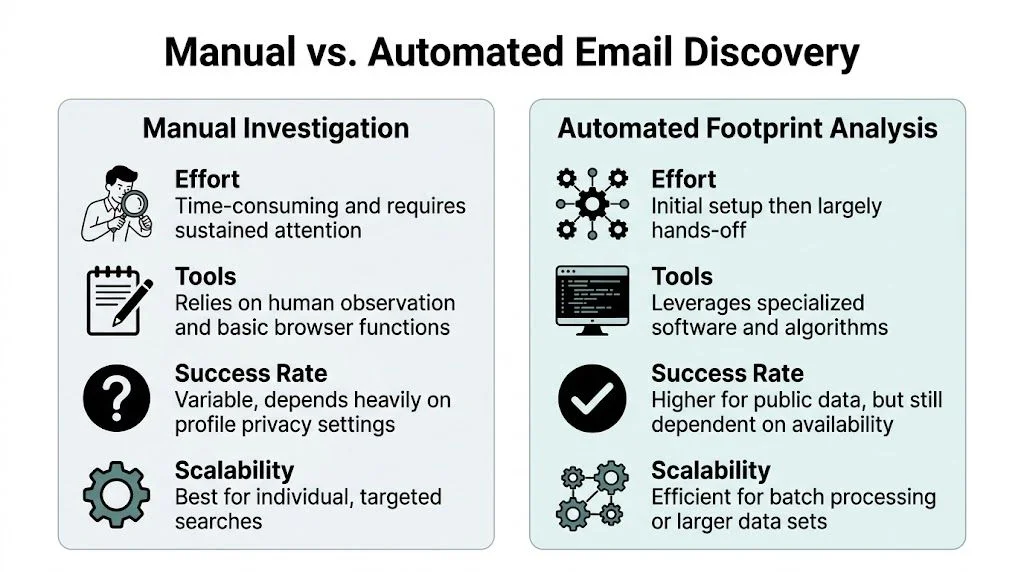
At some point, the question changes. It stops being “Can I find this manually?” and becomes “Is this worth doing manually?”
That depends on the situation. If you’re checking one person and already have strong clues, manual work is reasonable. If you’re reviewing multiple identities, checking your own exposure, or trying to spot scam patterns across platforms, manual work gets slow fast.
The real trade-offs
Manual OSINT gives you control. You see every clue yourself, make your own judgment calls, and avoid over-relying on a tool. That’s valuable when you’re vetting a sensitive situation, such as a suspicious online relationship or a possible impersonation attempt.
Automated footprint analysis helps when the risk isn’t one clue. It’s fragmentation. A person may have traces across social accounts, breach records, old usernames, business listings, and public references that are difficult to assemble by hand.
Here’s the practical comparison.
| Factor | Manual OSINT | Automated Tool (Digital Footprint Check) |
|---|---|---|
| Speed | Slower, especially when profiles give few clues | Faster for broad footprint discovery |
| Effort | Requires repeated searching, note-taking, and cross-checking | Lower hands-on effort after input |
| Scope | Best for one profile at a time | Better for wider public-trace discovery across platforms |
| Context | Strong for nuanced human judgment | Strong for surfacing scattered records quickly |
| Accuracy control | You personally verify every clue | You still need human review, but discovery is streamlined |
| Best use case | Targeted investigations and careful vetting | Personal privacy audits, repeated checks, and scale |
When manual is enough
Manual methods usually make sense if:
- You’re investigating one person
- You already have a name, employer, or website
- You need to understand context, not just contact
- The case involves dating safety, scam review, or reputation checks
- You want to minimize unnecessary data collection
A careful human investigator can catch inconsistencies that automation may not interpret well. Tone, timeline mismatches, odd posting behavior, and identity contradictions still matter.
When automation makes more sense
Automation is the better call if:
- You want to audit your own digital exposure
- You need to review multiple profiles or staff identities
- You suspect the person has accounts spread across many platforms
- You’re trying to spot old usernames, breach exposure, or hidden public traces
- You don’t want to spend hours pivoting manually
Decision test: If your search has turned into repeated tab switching, fragmented notes, and uncertain identity matching, automation usually saves time.
This matters for families, HR teams, founders, and job seekers. A recruiter may want to understand whether a candidate’s public footprint is coherent. A gamer may want to know whether a handle connects to old forum accounts or exposed credentials. A parent may want to review public traces around a suspicious contact. Those aren’t bulk sales tasks. They’re safety and reputation tasks.
The best investigators don’t treat this as manual versus automated in some ideological sense. They use manual work to interpret, and automation to surface. That’s the practical balance.
How to Protect Your Own Email From Being Found
Once you understand the discovery process, the defensive steps become obvious. If someone can trace you from Facebook to a public website, old social profile, creator page, or business listing, your email may be easier to find than you think.
The good news is that users can reduce that exposure without doing anything extreme.
Start with your Facebook privacy settings
Open your account settings and review every field tied to contact and visibility.
Pay attention to:
- Email visibility
Set it to Only Me if it appears at all. - Phone number visibility
Lock this down too. A phone number often leads to broader identity tracing. - Friends list
Public friend graphs can reveal employers, family links, and alternate accounts. - Past posts
Older public content often contains more than current profile fields. - Bio, intro, and links
Remove anything that creates an unnecessary trail unless you want that trail public.
If you use Facebook for personal life, don’t treat it like a business card.
Separate personal and public contact paths
A lot of email exposure comes from convenience. People use one address for everything, then connect that same identity to social signups, newsletters, portfolios, gaming accounts, and public profiles.
A better setup is simple:
| Purpose | Better approach |
|---|---|
| Personal social accounts | Use a private email not published anywhere |
| Public business inquiries | Use a separate work or contact address |
| Newsletter or creator activity | Use a dedicated public-facing inbox |
| Sensitive recovery functions | Keep them off public profiles entirely |
This doesn’t make you invisible. It makes correlation harder.
Clean up the off-platform links
Facebook itself may be locked down, but your linked accounts may still expose you.
Check whether your Facebook profile points to:
- a personal domain with your email in the footer
- a creator page with an exposed contact button
- a neglected LinkedIn account with outdated details
- an old bio link page that still lists direct contact information
If one platform is tidy and the others are sloppy, investigators will use the sloppy ones.
A strong guide to tightening those habits is this set of email security best practices, especially if your concern is identity theft or account recovery abuse.
Watch for old content and reused usernames
People forget what they published years ago. That’s a problem because search engines and archive-like indexing don’t forget as easily.
Search your own name, common usernames, and brand aliases. Check older forum bios, giveaway entries, creator pages, and cached profile fragments. If you find an exposed address, update or remove it where possible.
Your safest email is the one that isn’t publicly tied to every version of your online identity.
That matters for job seekers, too. A recruiter or client doesn’t need your private inbox pulled from an old gaming profile or hobby site. Keeping identities separated protects both privacy and reputation.
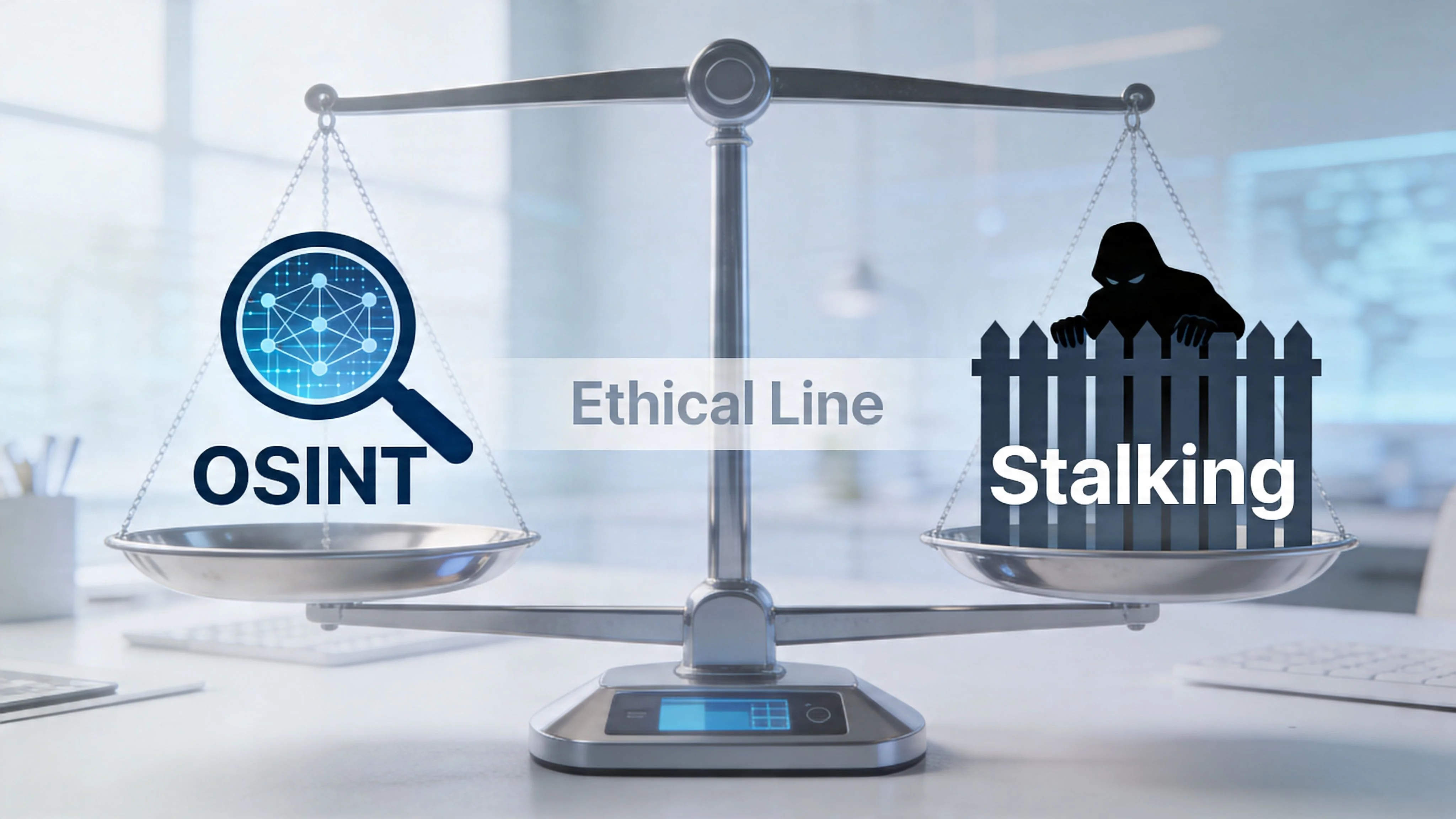
The Ethical Line Between OSINT and Stalking
The technique isn’t the issue. The intent is.
OSINT is legitimate when you use public information for a lawful, proportionate reason. That can include verifying a dating profile, checking whether a business contact is real, reviewing scam indicators, or conducting compliant background research. It becomes unethical when the purpose shifts to harassment, coercion, intimidation, obsessive monitoring, or doxxing.
Public data is not unlimited permission
A common mistake is thinking “it’s public” ends the discussion. It doesn’t.
Public availability tells you the data exists in the open. It does not automatically justify any use of that data. If someone left an email on a business page, contacting them about legitimate business may be reasonable. Using the same email to pressure them, threaten them, or invade their personal life is not.
Ethical OSINT stays inside public visibility and outside manipulative behavior.
That means no impersonation. No password-reset abuse. No scraping that violates platform rules if you can avoid it. No attempts to force access where a user has chosen privacy.
Use-case matters
Here’s a practical test.
Legitimate reasons often include:
- verifying identity before trusting someone with money or emotion
- checking whether a recruiter, landlord, buyer, or seller is real
- confirming a professional contact route for outreach
- investigating potential impersonation or account misuse
- reviewing your own family’s or company’s public exposure
Unethical reasons include:
- tracking an ex who doesn’t want contact
- collecting personal info to pressure someone
- building a dossier for harassment
- trying to bypass someone’s clear privacy choices
- gathering data for identity theft or social engineering
That’s why responsible investigators often focus on pattern confirmation, not maximum extraction. If a profile is private and gives no lawful public trail, that’s often where the search should stop.
A broader discussion of identity correlation can help if you’re trying to understand what counts as acceptable discovery versus invasive digging. This overview on how hidden social media accounts get found is useful when you want to think in terms of risk and restraint.
Keep your contact ethical too
Even if you find a valid email, your first message matters.
A respectful first contact should:
- identify who you are
- explain why you’re reaching out
- reference the public context that led you there
- avoid pretending you know them personally
- give them room to ignore or decline
If your message would feel unsettling when read out loud in court, don’t send it.
That standard sounds blunt, but it works. Good OSINT professionals don’t only ask, “Can I find this?” They ask, “Should I use this, and how?”
Frequently Asked Questions About Finding Emails
Is it legal to look for someone’s email through Facebook?
Using public information for lawful research is generally different from hacking or unauthorized access. The line gets crossed when someone bypasses privacy controls, uses deceptive methods, or violates platform rules aggressively. Public OSINT is about observation and verification, not intrusion.
What if the Facebook profile is completely private?
Then you may have very little to work with, and that’s the point of privacy controls. In that situation, look for lawful public context outside the profile, such as a business page, a linked website, or a reused username on other public platforms. If none of that exists, accept the limit instead of forcing the search.
Does Facebook notify someone if I view their profile?
Facebook doesn’t provide a standard feature that tells users exactly who viewed their profile. That said, unusual behavior on-platform can still draw attention. If you start liking old posts, sending repeated requests, or interacting oddly in mutual groups, the person may notice you even without any alert system.
Is finding a work email different from finding a personal email?
Yes. A work email is often meant for professional contact and is more likely to appear through company pages, staff bios, or public business references. A personal email usually deserves a higher privacy expectation, even if you can trace it through scattered public clues.
What should I do if I find multiple possible emails?
Slow down and verify context. Match the email to the right employer, timeline, username, or website before using it. If you can’t connect it confidently to the person you meant to contact, treat it as unconfirmed.
What if I’m trying to protect myself from scams, not contact the person?
Then don’t fixate on the email alone. Use the search to validate identity consistency. Check names, usernames, linked sites, work claims, and public history. In scam prevention, one verified contact point matters less than whether the whole digital footprint makes sense.
If you want to see what’s publicly tied to your own identity before someone else maps it first, try Digital Footprint Check. It’s a practical way to review exposed accounts, usernames, breach traces, and public-contact clues so you can tighten privacy, reduce identity-theft risk, and understand your online footprint with less guesswork.