· Digital Footprint Check · Content Marketing · 15 min read
8 Phishing Prevention Tips for Every Digital Life
Practical phishing prevention tips for individuals, families, job seekers, gamers, HR teams, and small businesses, with clear steps to reduce risk.
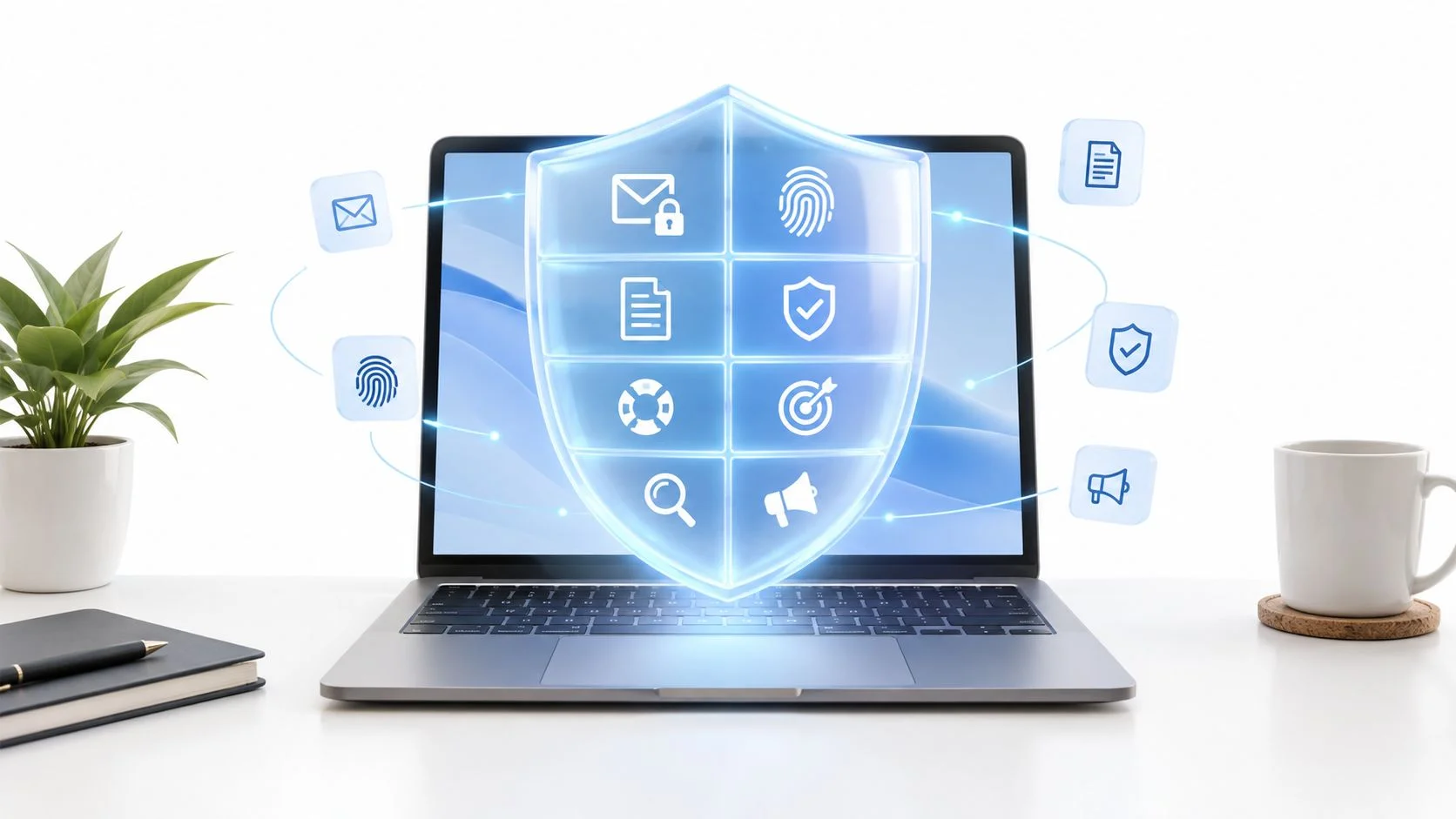
A job seeker gets a message from a recruiter that uses their correct name, mentions a former employer, and links to what looks like a familiar application portal. Nothing about it screams scam. The details are real, the timing makes sense, and the page looks professional. But the link may lead to a fake login or onboarding form designed to collect credentials and personal information.
Phishing no longer depends on obvious spelling mistakes. Criminals can use breached account details, public profiles, and generative AI to make messages sound personal and credible. They also reach people through texts, QR codes, phone calls, and social platforms, not just email. The Anti-Phishing Working Group's Q2 2025 report recorded more than a million attacks in the quarter and described QR codes as another route to impersonating brands and stealing information.
These phishing prevention tips focus on everyday situations, from job applications and family requests to gaming accounts, dating apps, and workplace payments. The strongest protection combines careful habits, phishing-resistant authentication, clear reporting procedures, exposure monitoring, and fast action when something goes wrong.
1. Enable Phishing-Resistant Multi-Factor Authentication
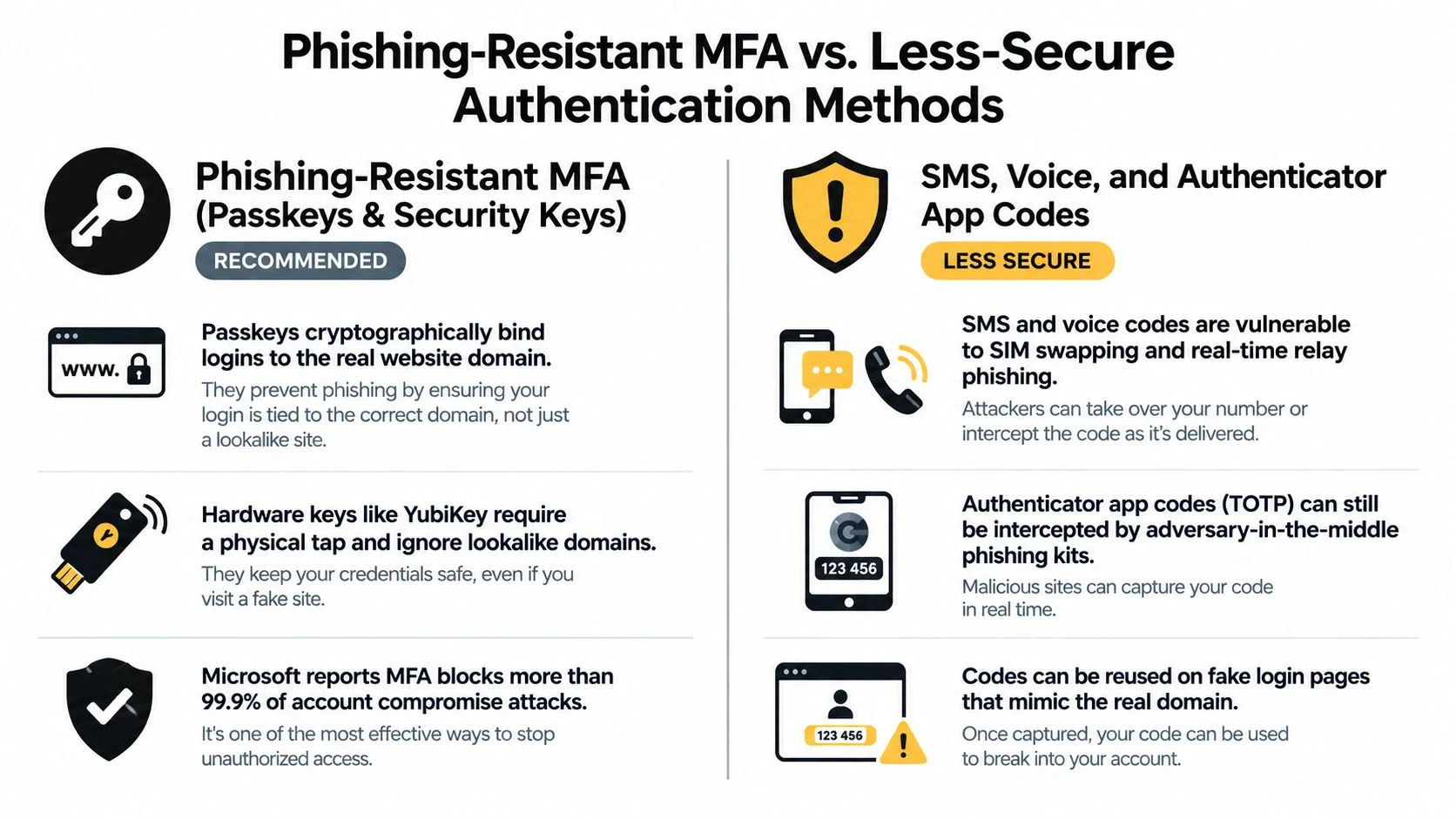
A password is not enough to protect an account that controls password resets, private files, or payments. Multi-factor authentication (MFA) adds another verification step, but the method matters. A passkey or FIDO2/WebAuthn security key cryptographically binds the login to the legitimate website, making it far harder for a fake page to collect a reusable code.
CISA identifies FIDO authentication as the only form of MFA that's phishing-resistant. Its mobile communications security guidance recommends hardware security keys where feasible and describes passkeys as an acceptable alternative. Authenticator apps can be a practical fallback. SMS codes are weaker because messages can be intercepted or redirected.
Start with the account that can reset the others. Protect your primary email first, then your password manager, banking, cloud storage, and gaming accounts.
Set up recovery before you need it
Register a backup method, such as a second security key stored separately from your everyday device. Keep recovery codes in a password manager or another secure location, not in a screenshot on the phone you use to sign in. Check that your recovery email address and phone number are current, and know how to revoke sessions if a device is lost.
MFA can still be undermined by an unexpected approval prompt or a compromised recovery process. Never approve a login you didn't initiate. If an account supports passkeys or a hardware key, use that stronger option and remove SMS fallback where the service allows it. For supporting advice on unique credentials, see these password security best practices.
2. Verify the Sender and Inspect Links Before You Click or Log In
A familiar logo and a plausible display name don't prove who sent a message. A fake recruiter might direct a job seeker to a cloned careers portal; a delivery text might claim a parcel is on hold and ask for a small payment. Both can be designed to capture login or payment details.
Inspect the sender's full email address and the destination domain, not just the visible link text. Watch for lookalike characters, extra words, and domains that imitate a real service. Email authentication systems such as SPF, DKIM, and DMARC help organizations verify sending domains, but a message that passes authentication can still be malicious if a legitimate account has been compromised.
Check the destination, not the branding
Type the service's address yourself or open a saved bookmark instead of following an unexpected link. If you do inspect a URL, read the domain carefully, especially the part immediately before the first slash. Treat unexpected attachments with caution, particularly files that ask you to enable macros or run content.
For a business-facing example, a guide to identifying phishing in digital assets explains why crypto users should verify sites and messages before connecting a wallet or entering account details. If a message claims to come from DocuSign, review these signs of a DocuSign email scam before opening its attachment or signing in.
A visual reference can help distinguish stronger authentication from methods that rely on codes:
For a quick walkthrough of common phishing signals, watch this video:
3. Use a Password Manager With Autofill as a Built-In Phishing Detector
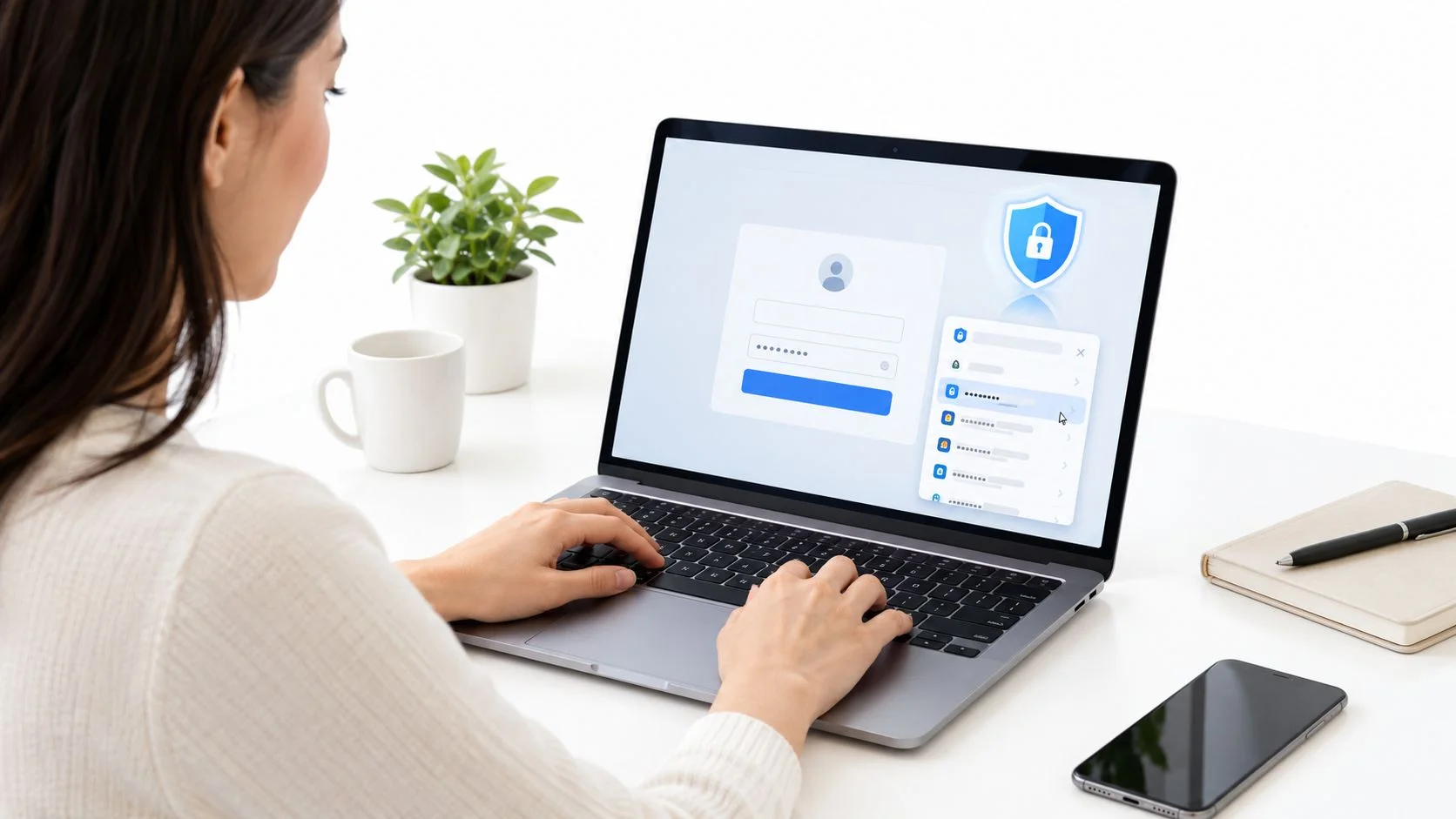
A password manager does more than store credentials. It creates unique passwords and usually autofills them only on the domain where you saved them. If you expect your bank's login page to fill a password and it doesn't, pause. You may be on the wrong site, or the page may be outside the manager's saved domain.
Unique passwords limit the damage when one service is breached. If you reuse a password, a criminal who gets it from one site can try it on email, shopping, gaming, and work accounts. Verizon's 2025 Data Breach Investigations Report executive summary found that compromised credentials were an initial access vector in 22% of analyzed breaches, making credential protection a central part of phishing defense.
Make the vault useful and recoverable
Choose a reputable password manager, protect its master account with a strong passphrase and phishing-resistant MFA where available, and understand the provider's recovery options. A password manager is not risk-free: the master password, device security, and vendor practices still matter. Treat it as a security tool that needs its own safeguards, not as a set-and-forget solution.
- Use unique credentials: Let the manager generate a separate password for each service.
- Check before autofilling: Don't accept a prompt on a page reached through an unexpected message without verifying the domain.
- Review the vault: Replace reused or weak passwords and remove logins for accounts you no longer use.
A clear explanation of the setup and trade-offs is available in this guide to how password managers work.
4. Verify Urgent Requests Through a Second Channel
A vendor emails your accounts team with “updated” bank details just before an invoice is due. Pause the payment. Call the vendor using a number already on file, or confirm the change through a known internal contact. Never use contact details supplied in the request. A separate channel prevents an attacker from controlling both the request and its verification.
Business email compromise (BEC) often hides inside routine invoice changes. The message may look familiar, but the payment instructions have changed. APWG reported a rise in BEC attacks and the average wire-transfer amount requested in these attacks in its Q1 2025 trends report. The report is cited in the opening text.
Slow down payments and family emergencies
Urgency and secrecy are prompts to verify. For small businesses, require a second person to approve changes to vendor payment information. For families, agree on an emergency code word, then call relatives using saved contact details. These checks add a little time, but reduce the chance that a convincing message redirects money.
If a request changes money or account access, verify it independently before acting.
Apply the same rule to calls and video meetings. A familiar voice or face does not confirm that a request is genuine. If someone asks you to transfer funds, share a login code, or bypass normal procedures, stop and confirm through a trusted channel. Clear social engineering awareness practices help individuals and teams recognize pressure tactics and set verification rules.
5. Monitor Your Digital Footprint for Exposed Data and Breach Alerts
A message becomes more convincing when it includes a real employer, old email address, recent purchase, or public profile detail. Job seekers are particularly exposed when résumés and professional profiles reveal work history and contact information. Families, gamers, and dating users can also leave clues across usernames, social accounts, and forgotten services.
Monitoring your digital footprint helps you spot information that could be used to personalize a lure. Start by checking every email address you still use, including old ones that may be tied to accounts you've forgotten. Search your name and usernames online, review public profile settings, and remove or restrict details that don't need to be visible.
Turn a discovery into a security action
If you learn that an account's credentials were exposed, change that password and any reused versions. Enable MFA, review recent account activity, and sign out sessions you don't recognize. A breach alert is useful only when it leads to a response.
Services such as Have I Been Pwned let people check email addresses against known breach records. A free breach check can also help identify exposed accounts and personal details that deserve attention. For organizations, monitoring employee exposure can help security teams prioritize credential changes and warn staff about targeted messages.
Digital-footprint checks don't prevent someone from sending a phishing message, and they can't prove that every account or exposure has been found. Their value is in making hidden risk more visible so you can reduce the information attackers may use.
6. Protect Gaming Accounts From Phishing, Account Takeover, and Item Scams
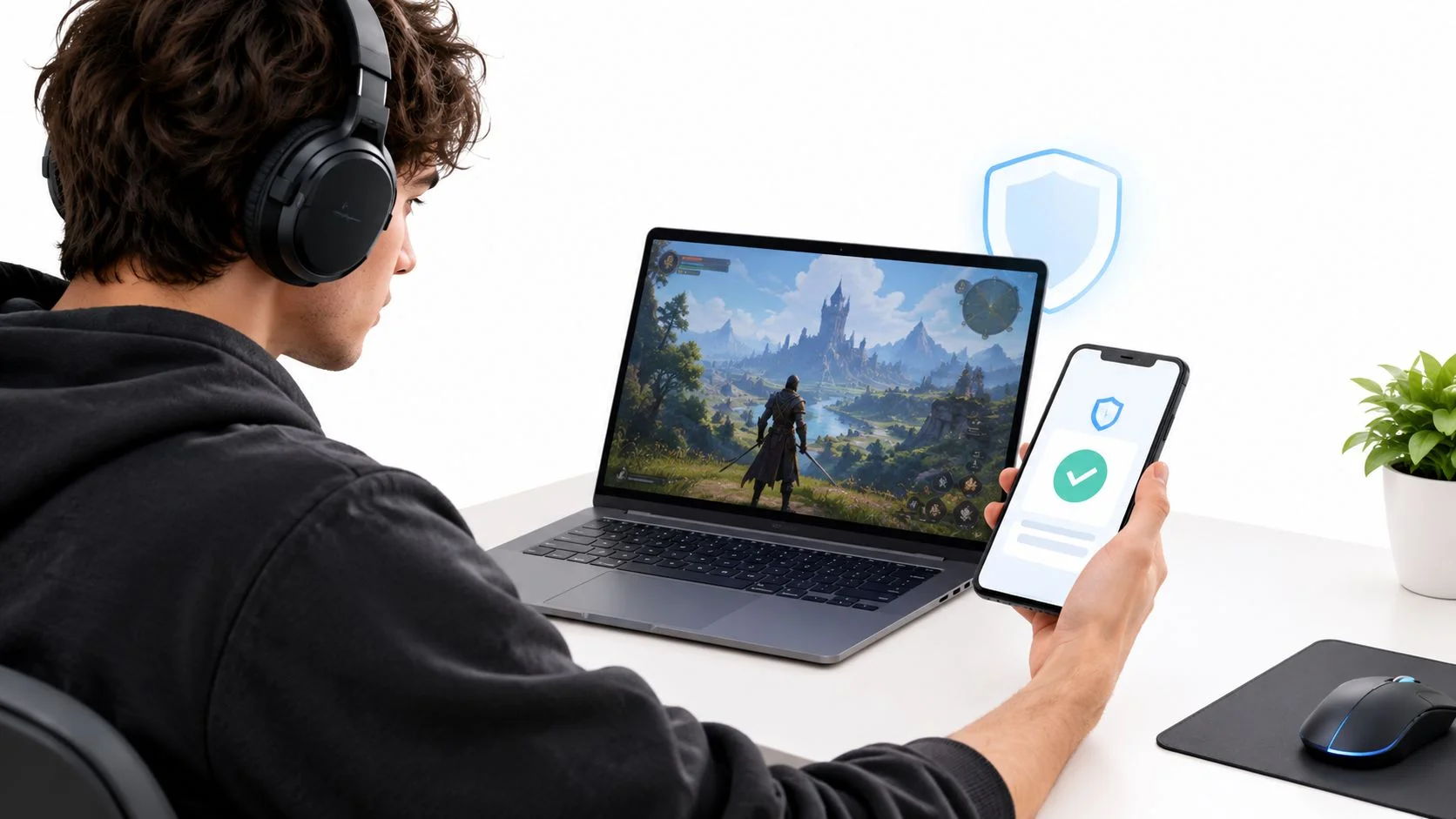
A gaming account can hold payment details, valuable items, saved progress, and trusted social connections. That makes fake free-currency offers, cloned trade sites, and direct messages from supposed moderators more than an annoyance. An attacker may steal the account, sell its contents, or use it to send convincing scam links to friends.
Treat links from other players the way you'd treat an unexpected bank link. Don't sign in through a message claiming you need to verify a trade, claim free items, or keep an account from being suspended. Open the platform directly through its official app or saved bookmark.
Review the whole account ecosystem
Secure the email account linked to your game profile, because it may control password resets. Use a unique password and enable the strongest MFA method the platform supports. Then check connected apps, active sessions, recovery details, and payment settings.
- Reject “free” generators: A site promising free currency or premium features may be trying to collect credentials or session tokens.
- Check permissions: Revoke access for third-party apps you no longer use or don't recognize.
- Warn your friends: If an account is compromised, tell contacts through another channel so they don't trust messages sent from it.
The same caution applies to community servers and marketplaces. A profile that looks like a moderator's can still be impersonated, and a familiar-looking trade site may not belong to the game platform. Players looking for new titles can browse NeoTeo games, but should keep account security separate from any third-party login prompts.
7. Recognize Romance Scam and Dating App Phishing Lures
A new match might ask to move the conversation to another app, send a link to a “verification” page, or introduce an investment opportunity after building trust. Romance scams often combine emotional pressure with fake profiles, credential theft, or requests for money. Catfishing can be an early sign that the person's identity and intentions aren't what they claim.
The FBI's 2024 Internet Crime Report announcement recorded 859,532 complaints of suspected internet crime and reported losses exceeding $16 billion. Phishing and spoofing were the most frequently reported cybercrimes. That broad pattern reinforces a practical rule for dating: verify before clicking, paying, or sharing sensitive information.
Check identity without surrendering privacy
Use a dating app's verification tools where available, and consider a reverse image search if a profile seems inconsistent. A video call can help establish that the person matches their photos, but it doesn't prove their story is true. Keep personal details private until trust is earned, and don't let someone rush you into a new platform or an investment decision.
Be especially cautious if a new match asks for cryptocurrency, gift cards, or help with an urgent financial problem. Don't click investment or account-verification links they send. If you've already shared a password, change it from the official site and secure any other accounts where you reused it. A relationship can develop without transferring money or giving a stranger access to your accounts.
8. Report Phishing Quickly and Recover Compromised Accounts
If you clicked a link or entered a password, act promptly and methodically. Change the affected password from a trusted device, change it anywhere else you reused it, and sign out other sessions. If you entered payment details, contact your bank using the number on its official website or card.
Reporting matters even if you didn't lose money. Use your email provider's report-phishing control, and forward suspicious email to reportphishing@apwg.org. In the United States, you can report fraud to the Federal Trade Commission and relevant internet crime to the FBI's IC3 reporting site.
Look beyond the password
Attackers may create forwarding rules, add a recovery method, authorize a connected app, or access another account linked to the compromised one. Review account settings, revoke unfamiliar app permissions, remove unknown devices, and check for suspicious activity. If identity information was exposed, consider placing a credit freeze with the relevant bureaus.
For work accounts, report the incident through the company's security channel immediately, even if you're unsure whether the message caused harm. Early reporting gives security staff a chance to revoke access, warn colleagues, and check for related activity. If you're locked out, follow the provider's official recovery process, such as this guide to getting back into a Google account.
8-Point Phishing Prevention Tips Comparison
| Protection Measure | 🔄 Implementation Complexity | ⚡ Resource Requirements | 📊 Expected Impact | Ideal Use Case | ⭐ Key Advantage |
|---|---|---|---|---|---|
| Phishing-resistant MFA (passkeys/security keys) | Moderate; set up methods and recovery options | Device passkey or one or more security keys | Strongly reduces account takeover, even after password exposure | Email, banking, cloud, and other high-value accounts | Cryptographically resists fake-site credential capture |
| Verify senders and links | Low; check sender and destination before acting | No special software; a few seconds per message | Catches many deceptive messages before credentials are entered | Unexpected emails, texts, DMs, and QR codes | Quick, low-cost habit that works across channels |
| Password manager with autofill | Low to moderate; choose a manager and secure the vault | Password manager and a strong master passphrase | Reduces password reuse and flags many lookalike sites | People managing multiple personal or work accounts | Generates unique passwords and autofills only on matching domains |
| Verify urgent requests through a second channel | Low; establish a callback or approval procedure | Phone or trusted messaging channel | Helps prevent impersonation and payment fraud | Requests involving money, credentials, or sensitive data | Works against voice and video impersonation without special technology |
| Monitor digital footprint and breaches | Low to moderate; review exposures and configure alerts | Monitoring service; sensitive identifiers may be required | Enables earlier action on exposed data and forgotten accounts | Job seekers, public-facing users, and anyone with reused credentials | Reveals exposure that can make phishing more convincing |
| Protect gaming accounts and linked profiles | Moderate; enable verification and review connected apps | Platform security settings; authenticator or passkey where available | Reduces account theft, item loss, and misuse of linked payment methods | Players with valuable items, currency, or linked accounts | Addresses gaming-specific lures and third-party access |
| Recognize romance-scam and dating-app lures | Low to moderate; verify profiles and avoid suspicious links | Reverse image search and video chat; no special tools required | Lowers risk of credential theft, financial loss, and catfishing | New online matches and requests to invest or send money | Encourages identity checks before trust or financial commitment |
| Report phishing and recover compromised accounts | Moderate; follow recovery steps and submit reports | Account settings, provider reporting tools, and relevant agencies | Limits further access and helps warn others | After clicking a suspicious link, sharing credentials, or spotting a scam | Provides a clear response path and creates a record for follow-up |
Build a Phishing Defense That Works as a Team
Phishing prevention isn't a one-time cleanup. Build the controls into your normal account and workplace routines, then check that people know what to do when a suspicious message arrives.
Start by securing the accounts that grant access to everything else. Set up passkeys or security keys for primary email and financial accounts, install a reputable password manager, and replace reused passwords. Remove stale accounts where possible, review recovery methods and connected apps, and run an initial digital-footprint and breach check. These steps reduce exposure, but they don't make you immune to a convincing message or a compromised service.
Different digital lives need different checks. Job seekers should review what résumés and professional profiles reveal and verify recruiter links through official career pages. Families can agree on a trusted way to confirm emergencies and payment requests. Gamers should inspect linked email accounts, sessions, and third-party permissions. Dating users can protect personal details, verify profiles cautiously, and avoid investment links from new matches.
Small businesses and HR teams need clear procedures, not just reminders to “be careful.” Monitor SPF, DKIM, and DMARC configuration for company email, establish a reporting channel that staff can use without fear of blame, and coach employees promptly after phishing simulations. Require independent approval for payment-detail changes and rehearse incident-response steps, including account recovery, session revocation, customer or employee notification when appropriate, and review of affected systems.
Keep the response simple enough to use under pressure: report the message, stop interacting with it, verify important requests through a known channel, and alert the right person if credentials or money may be involved. Teams should also know who can revoke sessions, disable accounts, and contact a bank or service provider. A documented process is more useful than trying to improvise while an attacker is still active.
No single tool prevents every phishing attempt. But combining phishing-resistant authentication, unique passwords, independent verification, exposure monitoring, and fast reporting lowers the chance that a message succeeds and limits the harm if someone does click. Make the first changes today, then bring family members or coworkers into the same routine.
Start with a free Digital Footprint Check to look for exposed information and accounts that could help an attacker make a phishing message feel personal. Use what you find to prioritize password changes, profile privacy, and account security.
Digital Footprint Check helps individuals and businesses discover exposed personal information, breach-related risks, and accounts connected to their online identities. Use it to find details worth securing before a phishing attempt turns them into an advantage, and visit Digital Footprint Check to get started.