· Digital Footprint Check · Content Marketing · 12 min read
Docusign Email Scam: Spot, Verify, and Stop It
Learn how to identify a DocuSign email scam, verify authentic documents, and block phishing attempts with expert tips.
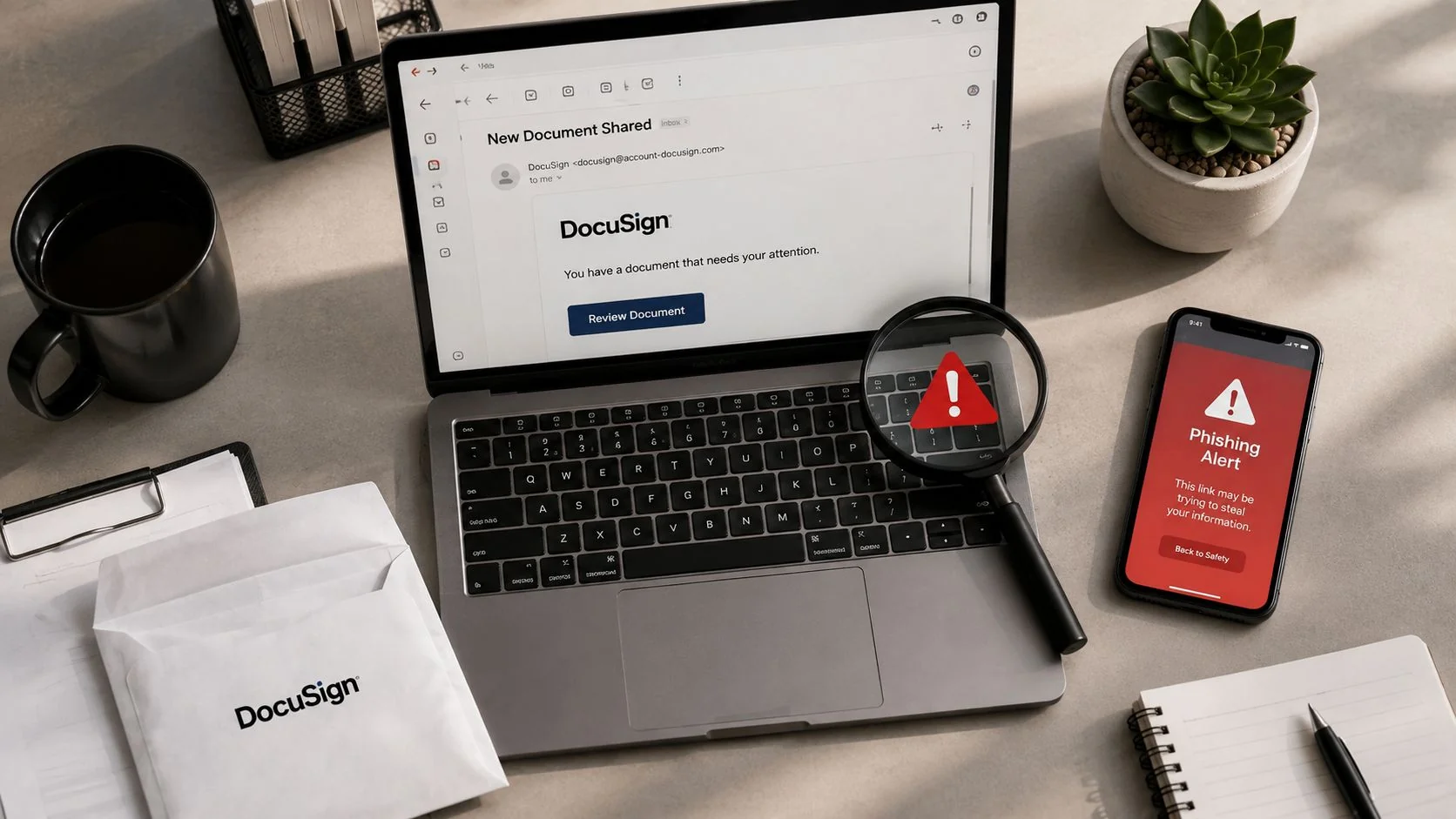
DocuSign was impersonated in 13.8% of phishing attacks that bypassed enterprise email defenses, making it the most common inbox threat in that dataset. That’s why a docusign email scam deserves more respect than the usual “bad grammar and weird logo” advice people trade around.
The real problem is that these messages often look like normal work. They copy routine flows like signing contracts, approving invoices, or reviewing documents, and that familiarity gives attackers a cleaner shot than noisy spam ever could.
Why DocuSign Email Scams Are the Top Inbox Threat
DocuSign is such a useful phishing lure because it sits right in the path of business urgency. People expect to react quickly to signature requests, payment approvals, and contract reviews, so an attacker doesn’t need to invent a complicated story, they just need to imitate a workflow people already trust. That’s what makes the docusign email scam so effective in real environments, especially when the message lands during a busy workday.
StrongestLayer’s analysis of more than 2,000 email attacks that slipped past enterprise email defenses found DocuSign impersonation in 13.8% of them, the highest share in that dataset, and the report said those messages evaded built-in protections in Microsoft 365 E3 and E5 plans as well as secure email gateways from vendors such as Mimecast and Proofpoint. For a practitioner, that matters because it tells you this isn’t just a consumer problem, it’s a detection problem inside hardened corporate mailboxes too. SC World’s summary of the StrongestLayer analysis is worth reading alongside the practical point that the routine business look is what keeps these scams alive.
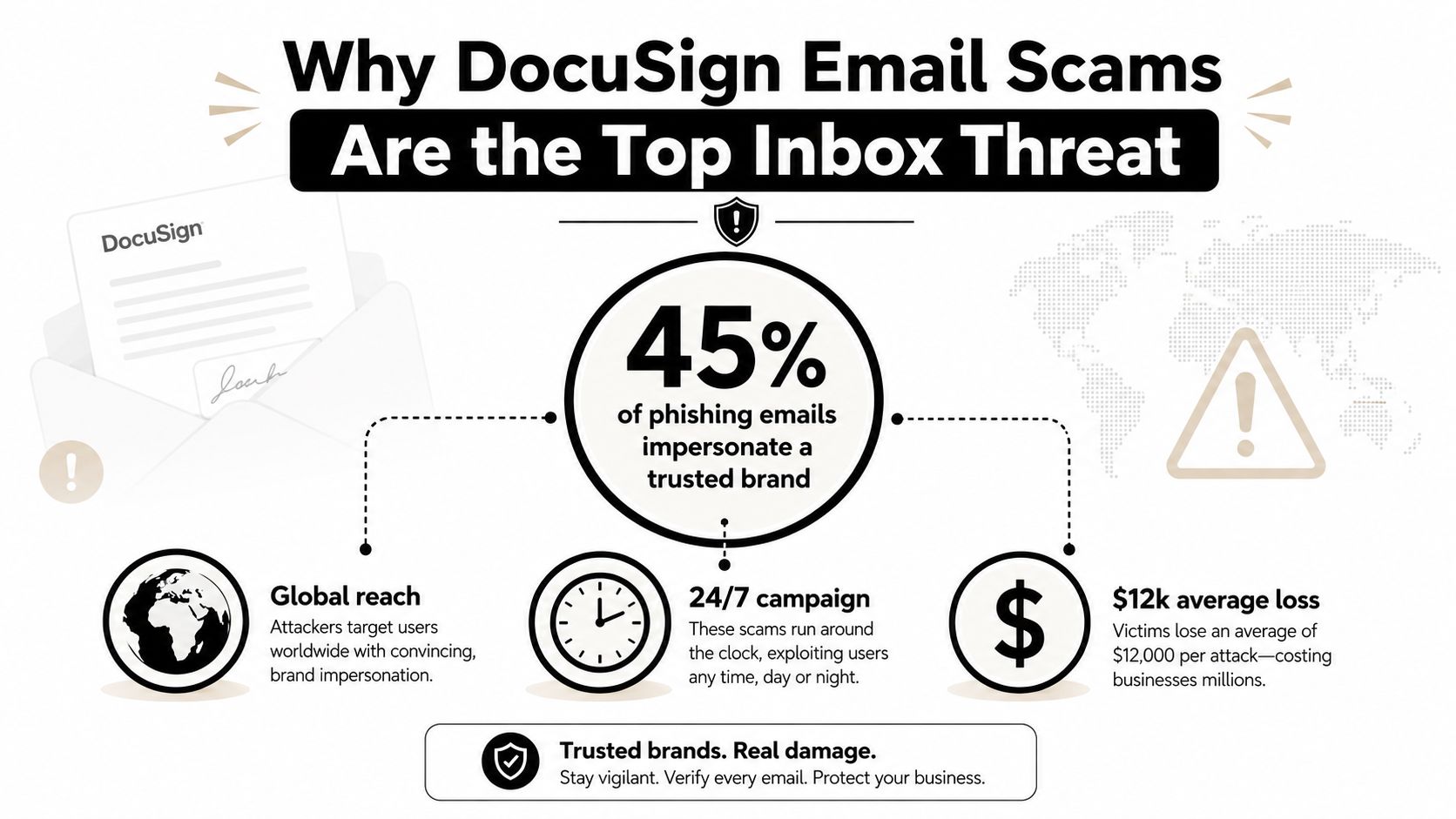
The wider phishing environment makes the same point. The Anti-Phishing Working Group reported 971,181 phishing attacks in Q1 2026, up 13.8% from Q4 2025, and Check Point tracked more than 40,000 phishing emails impersonating DocuSign and other e-signing services sent to over 6,000 organizations in a two-week June 2026 campaign. Those numbers show scale, but the danger is psychological, because a fake envelope doesn’t feel like spam, it feels like work that needs attention. Moonlock’s compilation of the 2026 phishing data captures that broader volume well.
Practical rule: If the email asks for speed, privacy, or immediate action, slow down before you inspect anything else.
For a useful parallel, the Binance staff hack breakdown from NomadCards shows the same attacker logic, trusted brand, internal workflow, and a message that feels operational rather than malicious. The Binance staff hack details are a good reminder that brand trust is the payload, not just the bait.
How scammers get your information becomes easier to understand once you see how much work a trusted name does for the attacker. When people already expect digital documents, the scam doesn’t need to look spectacular, it only needs to look normal.
Three DocuSign Scam Patterns You Need to Recognize
A docusign email scam usually falls into one of three patterns, and each one breaks a different instinct. The first tries to move you onto mobile where you can’t inspect the URL well. The second uses real DocuSign infrastructure so the message looks clean to filters. The third is the familiar fake-branded email that copies the interface and hopes nobody checks past the logo.
QR code relay attacks
The most frustrating version is the QR-code relay. The email includes a PDF or similar attachment with a QR code, and the victim is pushed to scan it on a phone, where the path to the phishing page is harder to inspect and the security stack is usually thinner. Kaspersky describes the core workflow plainly, scan the code, land on a phishing page, then enter work credentials that are delivered straight to the attacker. That shift from desktop to mobile is the whole trick, and it works because users think they’re just moving faster.
Compromised real DocuSign accounts
The more advanced case uses legitimate DocuSign infrastructure. ESET says attackers compromise real accounts and send malicious envelopes through DocuSign’s own servers, which can bypass SPF, DKIM, and DMARC because the message is relayed from DocuSign infrastructure rather than a spoofed domain. That means the sender may look legitimate enough to pass a quick glance and still be dangerous. I’ve seen teams waste time arguing about “but the domain looked right” while the attacker was already steering the victim toward SSO theft, malware, or fraudulent payment activity. ESET’s discussion of DocuSign phishing is one of the clearer technical explanations of why that happens.
Brand-abuse imitation emails
The oldest pattern is still common because it’s cheap to produce. These emails mimic the DocuSign brand, the button styles, the tone of urgency, and the general shape of a signature request. DocuSign itself warns that fraud can involve “Docusign-themed imitation emails and websites”, and that visual similarity alone isn’t a trust signal. The clue is usually behavioral rather than cosmetic, an unexpected envelope, a document you weren’t waiting for, or a request that doesn’t fit the normal business process.
The message that looks the most ordinary is often the one that deserves the most scrutiny.
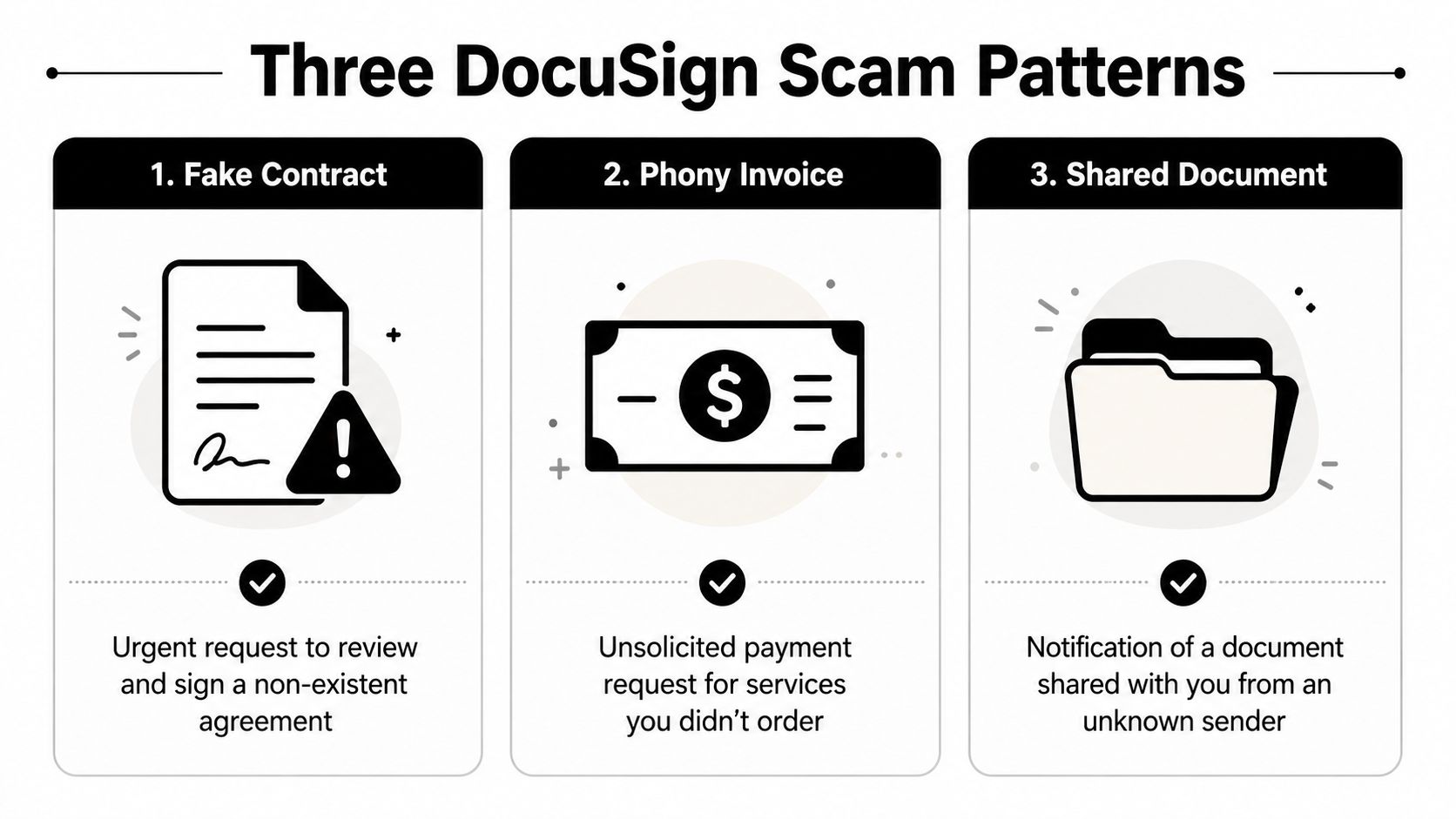
The business takeaway is simple. If the attack wants you to leave the email, scan a code, or approve something outside your normal workflow, treat that as the signal. This comparison with delivery-style scams helps because the mechanics are similar, urgency plus a trusted brand plus a plausible action.
How to Verify Any DocuSign Email Before You Click
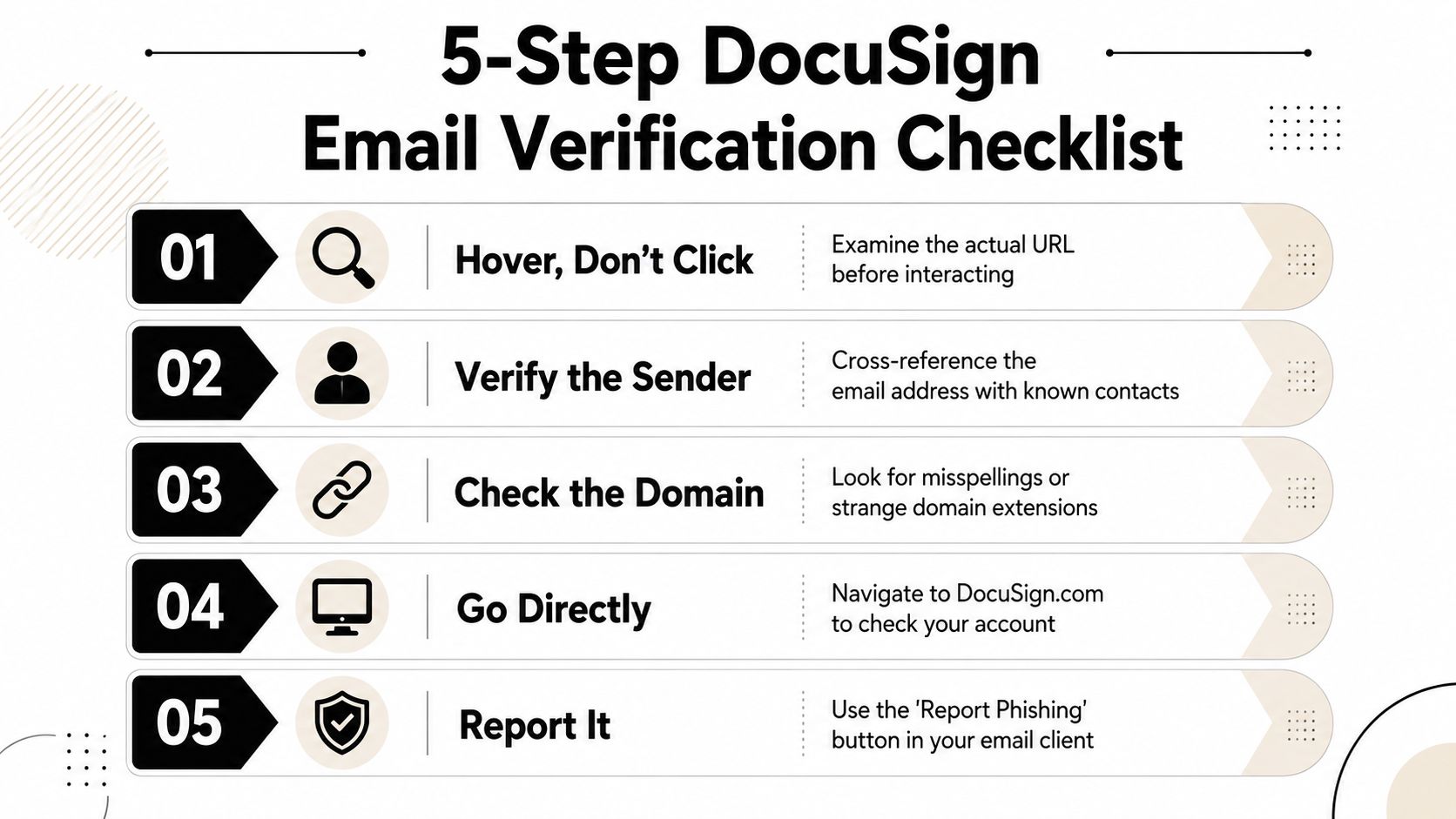
Verification works best when it’s mechanical. If you rely on instinct, the attacker is already playing on your turf. A solid docusign email scam check should take a minute or less and it should not depend on the message looking “right.”
Start with the sender and the domain
Legitimate DocuSign notifications should come only from @docusign.com or @docusign.net, and DocuSign’s own guidance says mismatched branding, unexpected requests, or non-DocuSign links are strong warning signs. Don’t stop at display name, because attackers can fake that easily. Open the full sender details and read the actual address, not the friendly name. If the address is off by even a small variation, stop there.
Inspect the link without clicking it
Hover over the button or link and read the destination before you interact. A clean-looking button can hide a redirect chain, a shortener, or a domain that looks close enough to fool a tired reader. If the destination doesn’t make sense, don’t “test” it from your work device.
Verify the envelope independently
If the email claims a document is waiting, open a browser yourself and log into DocuSign directly. Do not use the email button to get there. Match the envelope details inside your account instead of trusting the message to transport you there safely. That habit removes the attacker’s favorite point of control, the link.
Treat attachments and QR codes as hostile until proven otherwise
Unsolicited QR codes should never be treated as a convenience feature. Kaspersky’s analysis makes clear that scanning one can move the user into a weaker mobile verification environment. Unexpected PDFs deserve the same skepticism, especially if the message tries to create urgency around a document review or signature.
Check the headers if anything still looks wrong
Authentication results matter when the visual cues are messy or the email came from a compromised sender. SPF, DKIM, and DMARC failures are useful clues, but don’t give false comfort if they pass, because legitimate infrastructure abuse can still carry malicious content. The header read is a confirmation step, not a green light.
Practical rule: If you have to rationalize why the email is probably fine, it’s probably not fine.
How to check if a website is safe is useful alongside this process because the landing page matters as much as the email itself. If any one of these checks fails, close the message, report it, and verify through a separate channel.
What to Do If You Already Clicked or Entered Credentials
If you already interacted with a suspicious docusign email scam, the right response depends on what you did next. The goal is containment, not panic. The worst mistake I see after these incidents is people assuming that one click means everything is lost, so they freeze instead of acting.
If you entered a password
Change the password on the affected account immediately, then change any other account that reused that password. Turn on MFA if it wasn’t active already, and review sign-in activity for unfamiliar sessions. That matters because stolen credentials are often enough for attackers to pivot into email, file storage, or related business apps. This account-hijack recovery guide is relevant if the email account itself may have been exposed.
If you approved an OAuth request
Revoke the app permission right away in the appropriate Google Workspace or Microsoft 365 admin settings. OAuth abuse is dangerous because the attacker may not need your password again once the token is granted. Check connected apps and remove anything you don’t recognize, even if the request name sounded official at the time.
If you downloaded a file
Isolate the device from the network, then run a security scan and inspect for persistence mechanisms. A downloaded file can be the start of a malware chain, especially when the message was designed to look like a document workflow. If the device belongs to a company, tell security before you keep using it.
If you approved a payment
Contact the bank and the finance team immediately to freeze or verify the transaction path. Fraud in this category moves quickly because the attacker is trying to exploit routine approval habits, not technical curiosity. A fast call can stop a bad transfer that email alone won’t reverse.
What to do after a suspected account takeover is the mental model to use here, because each action changes the response. A clicked link is not the same as a typed password, and a typed password is not the same as a payment approval.
Protecting Your Digital Presence Before the Next Scam
Blocking one message isn’t the same as reducing your exposure. A docusign email scam often starts long before the email lands, because attackers work from exposed data, reused passwords, and predictable workflows. That’s why the defense has to be layered, not emotional.
The first layer is breach awareness. If your email address, usernames, or work identity are already circulating in public dumps or breach databases, scammers have the starting material they need to build a believable lure. A tool that checks your digital footprint can help you see that exposure before it’s weaponized. The second layer is MFA on every account tied to documents, finance, or email, because credential theft becomes much less useful when the password alone won’t open the door. The third layer is process control, especially for finance and contract teams that should never approve sensitive requests from an email alone.
DocuSign-related incident reporting has shown how downstream abuse works in practice. After one breach, customer email addresses were accessed and then used in phishing emails that invited recipients to click links to a Microsoft Word document containing malware. That’s the piece people miss, even limited exposure can seed a whole new phishing run. VirusFAQ’s protection guide is a useful companion if you want a broader malware-hygiene baseline for home and work devices.
A practical audit checklist
- Review exposed identities: Check whether your primary email, usernames, or phone number are already visible in places you didn’t expect.
- Lock down authentication: Use MFA on email, storage, finance, and any document-signing workflow.
- Separate approval paths: Verify invoices, banking changes, and signing requests out of band.
- Train for lookalikes: Teach staff that a polished DocuSign-style email can still be hostile.
- Limit public breadcrumbs: The less an attacker can tie together from public data, the harder the impersonation becomes.
The point isn’t paranoia. It’s reducing the amount of identity data attackers can use to make the next message look inevitable. Email filters catch noise, but they don’t solve trust abuse, and they definitely don’t protect a weak approval process.
Key Takeaways and Your Next Steps
The safest way to handle a docusign email scam is to make it boring. Check the sender domain, inspect links without clicking, verify the envelope by logging in directly, treat QR codes and attachments as hostile, and review headers when something still feels off. Those five checks cover the common attack paths without giving the sender the first move.
If you already engaged with the message, respond to the exact action you took. Password entry calls for resets and MFA, OAuth approval calls for revocation, file downloads call for isolation and scanning, and payment approvals call for immediate banking intervention. The mistake that hurts people most is assuming every bad click has the same fix.
The bigger lesson is that phishing volume is still high, with 971,181 attacks reported in Q1 2026 and consumer fraud losses reaching nearly $12.5 billion in 2024. That doesn’t mean you live in fear, it means you build habits that don’t depend on guesswork. Verification is a skill, and once you automate it, DocuSign scams lose most of their power.
Digital Footprint Check helps you see what personal information is already exposed across the web, breach databases, social profiles, and public records, so you can shrink the raw material scammers use to build convincing DocuSign lures. If you want a practical next step, visit Digital Footprint Check and audit your online identity before the next phishing email turns a familiar workflow into a security problem.