· Digital Footprint Check · Content Marketing · 12 min read
Close Paypal Account: the 2026 Privacy Guide
Learn how to close PayPal account permanently on desktop or mobile. Our 2026 guide covers prerequisites, data removal, and protecting your digital footprint.
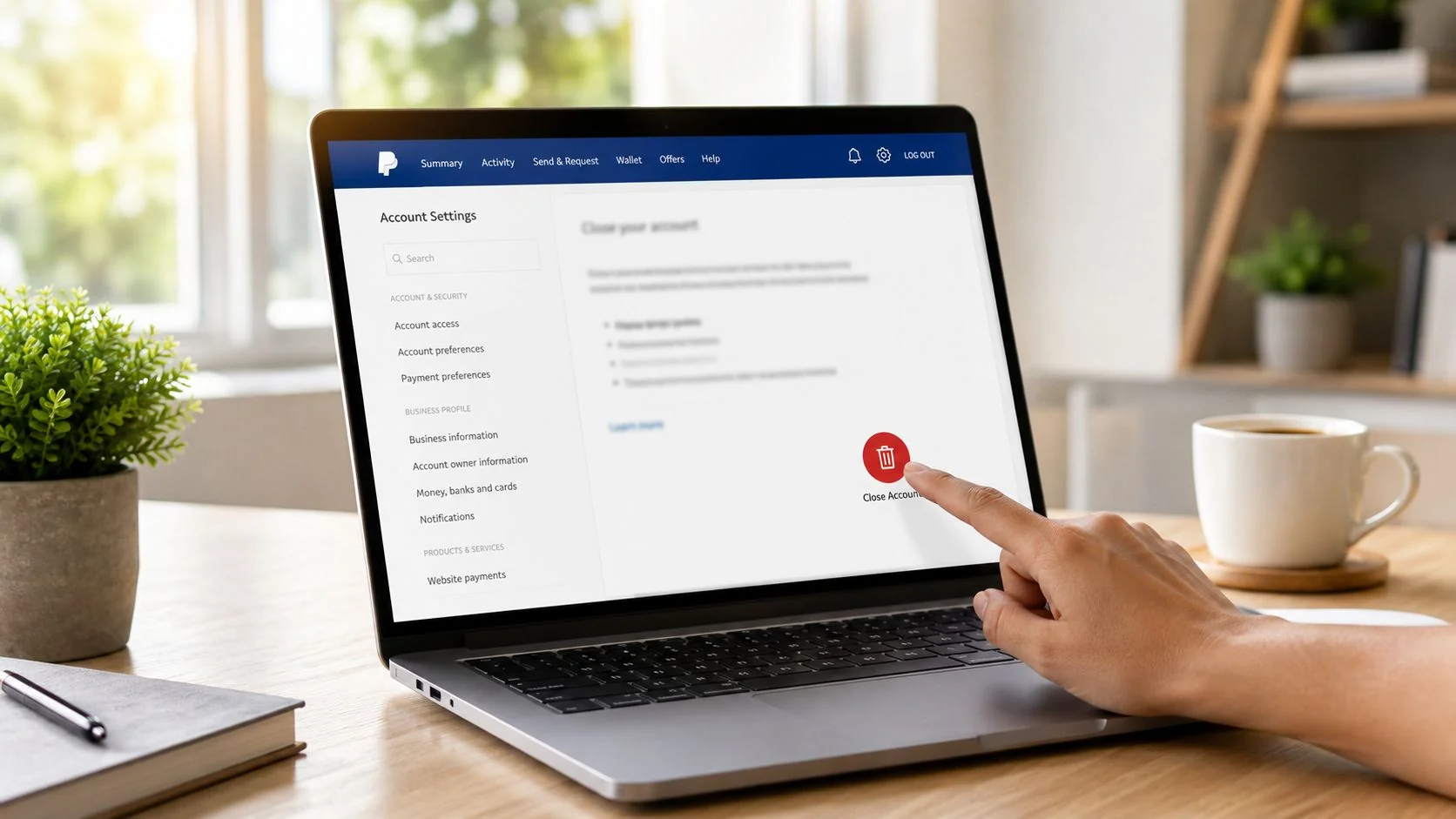
You’re probably here because your PayPal account has turned into digital clutter. Maybe you stopped using it years ago. Maybe you opened a second account and forgot the first. Maybe you want fewer financial profiles floating around after a scam scare, a breakup, a job search, or a broader privacy clean-up.
Closing PayPal is the easy part. Closing it cleanly is what matters.
A forgotten payment account can leave behind recurring billing links, old transaction records in your inbox, saved payment paths on shopping sites, and a trail that still shows up in OSINT-style searches tied to your email, phone number, or usernames. If you want to close PayPal account access for good, treat it like a privacy task, not just an account setting.
Your Pre-Closure Checklist Before You Delete
Think of this as a financial account deep clean. If you rush to the final button, you can strand subscriptions, lose easy access to records you may need later, or leave old payment methods attached to services you still use.
Start with the five checks that matter
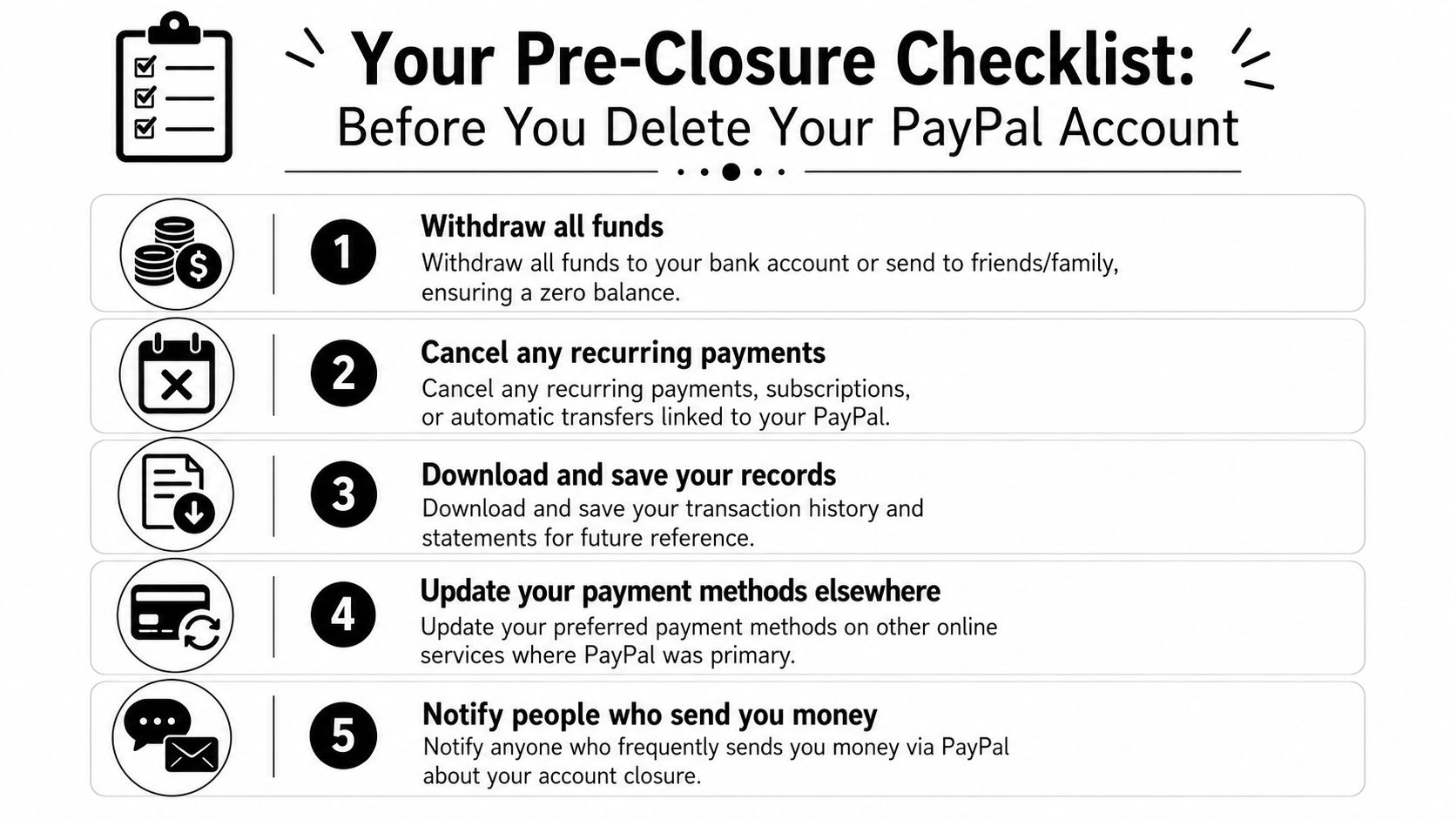
- Empty the balance. Withdraw any remaining funds or move them appropriately so the account sits at zero.
- Stop recurring payments. Cancel subscriptions, autopay arrangements, and billing agreements that still route through PayPal.
- Download your records. Save transaction history and statements before you lose convenient access.
- Replace PayPal elsewhere. Update payment settings on shopping sites, apps, marketplaces, and donation platforms.
- Warn frequent senders. If friends, family, clients, or buyers still send you money there, tell them before the account disappears.
That list sounds basic, but it catches most of the problems people regret later.
What blocks closure most often
The biggest friction points are usually unresolved activity and unfinished money movement. If there’s still a pending payment, open dispute, recent transfer, or active subscription, the close option may be unavailable or may create a mess elsewhere.
Use this quick review before you proceed:
| Check | Why it matters | What to do |
|---|---|---|
| Balance review | Closure usually goes smoother when nothing is left in the wallet | Transfer funds out first |
| Open cases | Disputes and claims can delay or complicate closure | Resolve them before trying again |
| Automatic payments | Billing failures show up later on connected services | Cancel each one individually |
| Saved funding sources | Old banks and cards can remain associated during the transition | Unlink them after records are saved |
If you have a lot of small recurring charges spread across streaming apps, software tools, and online memberships, a subscription audit helps. A practical resource to master your money is useful here because PayPal is often just one layer in a wider billing web.
Practical rule: Don’t close a payment account until you’ve replaced it everywhere it was your default.
Download records before you lose the easy path
People often remember statements only after tax season, reimbursement requests, or fraud reviews. Save what you might need while you still have smooth access inside the account.
Also check where PayPal appears outside PayPal. Online stores, gaming marketplaces, creator platforms, and old app subscriptions often keep a silent dependency on the payment method you chose years ago. If you want a broader account inventory before you shut the door, use an account discovery method that can find accounts linked to your email.
Unlink with intent
There’s a trade-off here. If you unlink cards and bank accounts too early, you may make record retrieval or final clean-up harder. If you unlink too late, you might forget and leave stale connections in place. The safest order is usually:
- First, save records
- Then, cancel recurring payments
- Then, move the balance
- Then, update outside services
- Finally, unlink funding sources and close
That sequence avoids most of the avoidable headaches.
Closing Your PayPal Account on a Desktop Browser
Desktop is still the clearest route for many people because you can see more account detail at once, review settings without app menus getting in the way, and verify you didn’t miss anything.
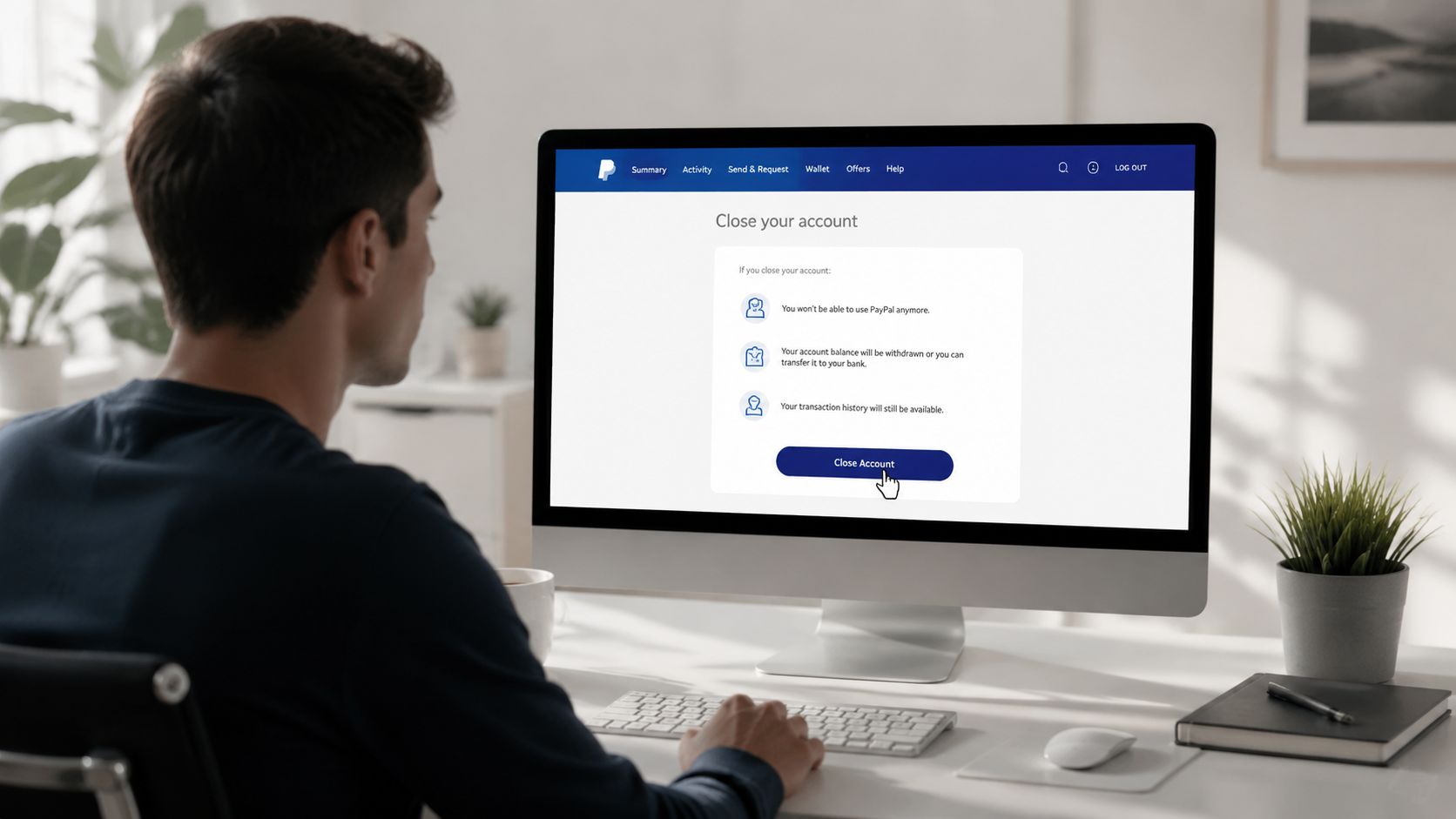
The usual desktop path
Log in through the PayPal website from a browser you trust. Once you’re in, go to the account settings area. That’s commonly available from the gear icon or profile menu near the top of the screen.
From there, look for account options related to profile management or account preferences. The wording can shift over time, but the close account option is usually buried in settings rather than displayed on the main dashboard.
A practical sequence looks like this:
- Sign in from a secure device
- Open account settings
- Review any remaining alerts or limitations
- Find the account closure option
- Follow the confirmation prompts
What PayPal typically asks before final confirmation
PayPal may interrupt the process with security checks. That can include a code, a password re-entry, or a prompt to review unresolved issues. That’s normal. It’s trying to confirm that the person closing the account is the legitimate account holder.
You may also see warnings about losing access to the account interface and needing to resolve any outstanding activity first. Read those carefully instead of clicking through from habit.
Close the browser tab only after you’ve reached a clear confirmation screen or received a confirmation email. Half-finished closure attempts create confusion later.
Desktop vs app trade-offs
| Method | What works well | What can be annoying |
|---|---|---|
| Desktop browser | Easier to review statements, settings, and linked details | More prompts, more tabs, more visual clutter |
| Mobile app | Fast if you already use it often | Menus can hide important settings |
If the close option seems to be missing, stop and troubleshoot instead of forcing it. Look for unresolved subscriptions, pending transfers, or account limitations first. If you’ve been cleaning up several old services at once, it can help to track your deletions in one pass with a guide to delete old accounts.
How to Close Your Account Using the PayPal App
If your phone is where you manage money, messages, marketplace sales, and banking alerts, using the app is often faster. The downside is that small-screen navigation can hide account controls that are obvious on desktop.
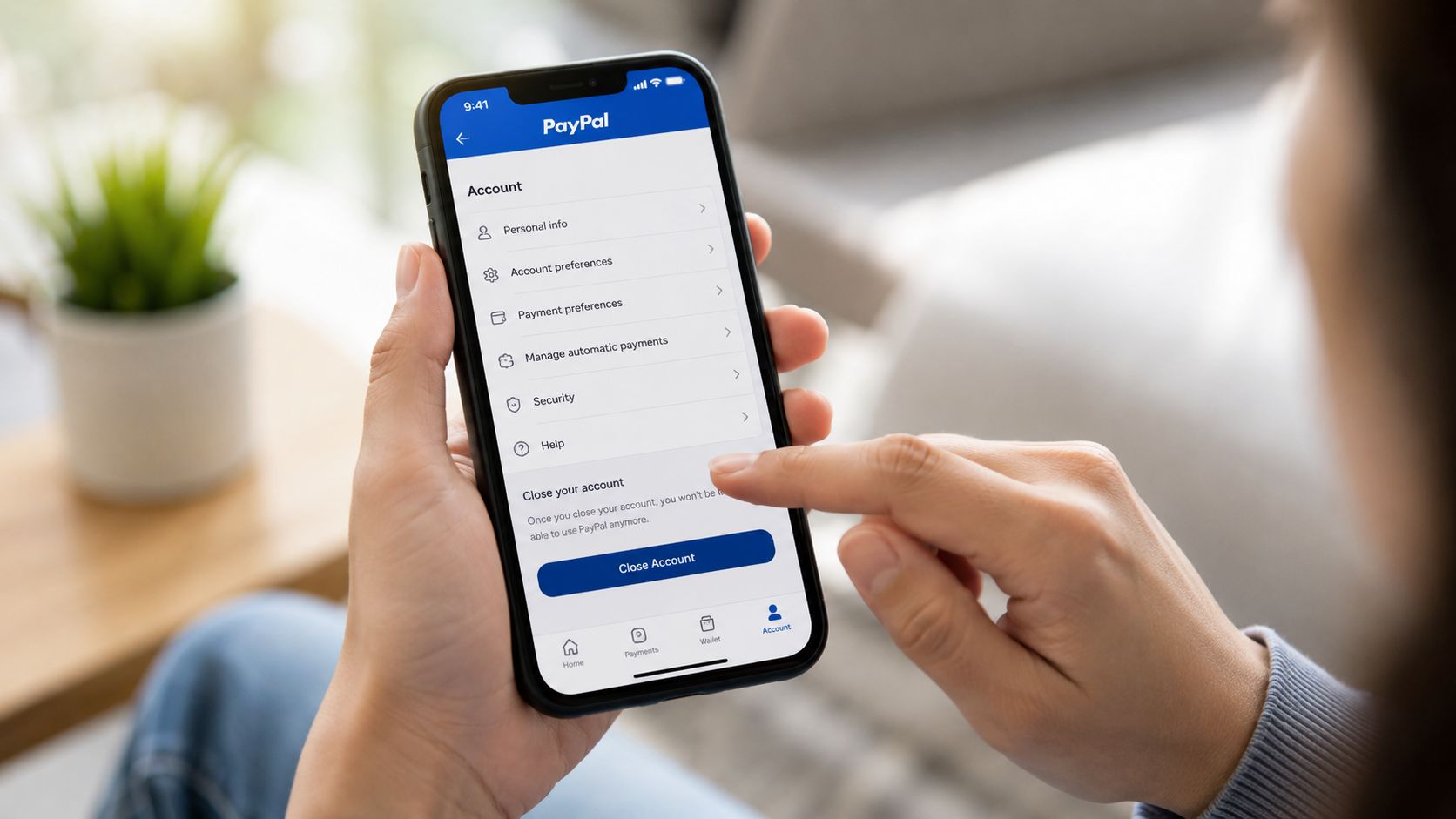
The tap path inside the app
Open the PayPal app and sign in. Go to your profile or settings area, usually reachable from your avatar or account icon. Once there, look for account settings, personal info, or a similar management menu.
From that screen, review whether the app shows active payment arrangements, balance status, or alerts. Then locate the option to close the account and follow the confirmation steps.
This process can feel less transparent than desktop because the app reveals less information at one time. If anything looks unresolved, back out and confirm your billing agreements and activity before you continue.
Where mobile users get tripped up
A lot of people assume deleting the app closes the account. It doesn’t. Removing the app only removes the app from your phone. The account remains active until you complete the account closure process inside PayPal.
Another common mistake is trying to close the account before updating outside services. Mobile users often discover this later when a dating subscription, gaming purchase, or creator membership fails. If your broader clean-up includes old social or dating profiles, it’s smart to handle those in the same sweep. For example, you might also want to delete a Plenty of Fish account if it still contains stale billing details or old identity data.
For a visual walkthrough, this helps:
App closure checklist
- Use a secure connection so you’re not handling financial settings on public Wi-Fi.
- Check for a zero balance before you start tapping through final prompts.
- Read the last screen carefully because some users confirm closure without realizing they still rely on PayPal elsewhere.
- Save confirmation messages in case you need proof that the closure request completed.
The app route works fine when your account is already tidy. It works poorly when you’re using it as a shortcut around unfinished clean-up.
The Aftermath What Happens When Your Account Is Gone
Once the account is closed, you should treat that decision as permanent from your side. Don’t assume you’ll be able to browse old transactions later just because the email address still exists or because you remember the login.
What changes immediately
The first effect is access. Your normal sign-in path to that PayPal account is gone. Any service that still expected PayPal to process a payment may start throwing billing errors, failed renewal notices, or account warnings.
That matters more than people expect because payment dependencies spread, often unnoticed. A software tool might stop working. A marketplace listing could lose its payout method. A donation or creator platform might pause a plan. The account closure itself is simple. The ripple effect lands elsewhere.
Key takeaway: Closing the wallet doesn’t close the ecosystem around it.
What doesn’t disappear on your timeline
People often expect account closure to mean total erasure. In practice, companies may retain some information for legal, compliance, fraud-prevention, accounting, or regulatory reasons. That doesn’t mean your account remains usable. It means closure and data retention are not the same thing.
You should also assume that traces outside PayPal remain untouched. Email receipts, invoices, old merchant records, saved checkout profiles, and account references on other services don’t vanish because you clicked close.
The subscription problem after closure
The most common post-closure issue is failed recurring billing. That’s not a reason to avoid closing the account. It’s a reason to be methodical before you do it.
Here, a short audit helps:
| Area to review after closure | What you’re looking for |
|---|---|
| Email inbox | Payment failure notices, merchant reminders, old billing receipts |
| Bank and card statements | Merchants that switched payment methods or retried elsewhere |
| Service dashboards | Apps or memberships asking you to update billing |
| Public data exposure | Old profile and payment-related traces that still surface online |
The last category matters for privacy. If your goal is broader identity clean-up, payment account closure should sit beside reputation review, account deletion, and exposure reduction. If you’re dealing with public traces of your personal data more generally, a service that focuses on data broker removal fits into the same privacy workflow.
What works and what doesn’t
What works is treating PayPal like one node in your digital identity. What doesn’t work is assuming the final confirmation button handles all related accounts, merchants, and public traces for you.
That assumption leaves behind the exact kind of forgotten links attackers, scammers, and data harvesters love.
Beyond Deletion Erasing Your PayPal Digital Footprint
Closing the account cuts off access. It doesn’t erase the footprint.
That’s the part many people miss. Your old PayPal account may still be reflected in merchant profiles, email archives, shopping accounts, gaming platforms, creator tools, freelance marketplaces, and dormant apps you haven’t opened in years. Those traces matter because they connect pieces of your online identity that should no longer be connected.
Think like an OSINT analyst
OSINT work often starts with identifiers. An email address. A phone number. A username reused across platforms. Once one identifier is tied to several services, a much bigger profile can be assembled, often exceeding initial expectations.
That’s why old payment accounts deserve attention. They often sit in the middle of your online life rather than at the edge.
A strong cleanup workflow looks like this:
- Search your email for PayPal receipts, billing agreements, and merchant notifications
- Review saved passwords in your password manager or browser for services linked to old purchases
- Check shopping and gaming accounts where PayPal was the default checkout option
- Audit dating, marketplace, and creator profiles that may still store old billing relationships
- Remove or update stale profiles instead of just changing one payment method
A 2025 survey on digital habits revealed that the average internet user has over 90 online accounts but has lost or forgotten the passwords to more than a third of them, creating significant security risks, according to Digital Footprint Check’s blog. That fits what privacy professionals see in practice. The problem usually isn’t one account. It’s the forgotten web around it.
The breach scenario people underestimate
A dormant service linked to your old PayPal account may still hold your name, address history, purchase patterns, or partial billing context. If that service suffers a breach later, the exposure can still affect you even though you already closed PayPal itself.
That’s why deletion alone is incomplete.
Old accounts don’t become harmless just because you stopped thinking about them.
Here’s the kind of footprint review people often need after account closure:
| Digital trace | Why it matters | Cleanup action |
|---|---|---|
| Merchant accounts | They may still show PayPal as a saved method | Remove or replace it |
| Inbox receipts | They reveal services, purchases, and identity links | Archive securely or delete selectively |
| Old profiles | They can expose usernames and recovery emails | Close or sanitize them |
| Searchable identity traces | They help others map your online presence | Reduce exposure across linked services |
This matters beyond finance. A messy digital footprint can affect job prospects, make social engineering easier, expose gaming profiles, complicate dating app verification, and give romance scammers or catfishers more material to work with. The same account-linking habits that create billing convenience also create identity trails.
If you want a broader privacy reset after closing payment accounts, the next step is to delete your online presence more systematically.
Taking Full Control of Your Online Financial Identity
Closing an old PayPal account is a useful move, but it’s only one move. The ultimate benefit lies in reducing the number of places where your money, identity, email address, and habits are still connected.
That’s why the best approach is deliberate. Prepare the account. Close it on desktop or mobile without rushing. Then check what broke, what stayed linked, and what still exposes you elsewhere. That’s how you turn a simple account deletion into actual privacy improvement.
This is the same mindset that helps with identity theft prevention, reputation management, gaming account security, online dating safety, and scam resistance. The fewer forgotten accounts and stale payment links you leave behind, the less material other people have to work with.
If your goal is a cleaner online life, don’t stop at one closed wallet. Keep going until the surrounding accounts, old profiles, and exposed traces are under control.
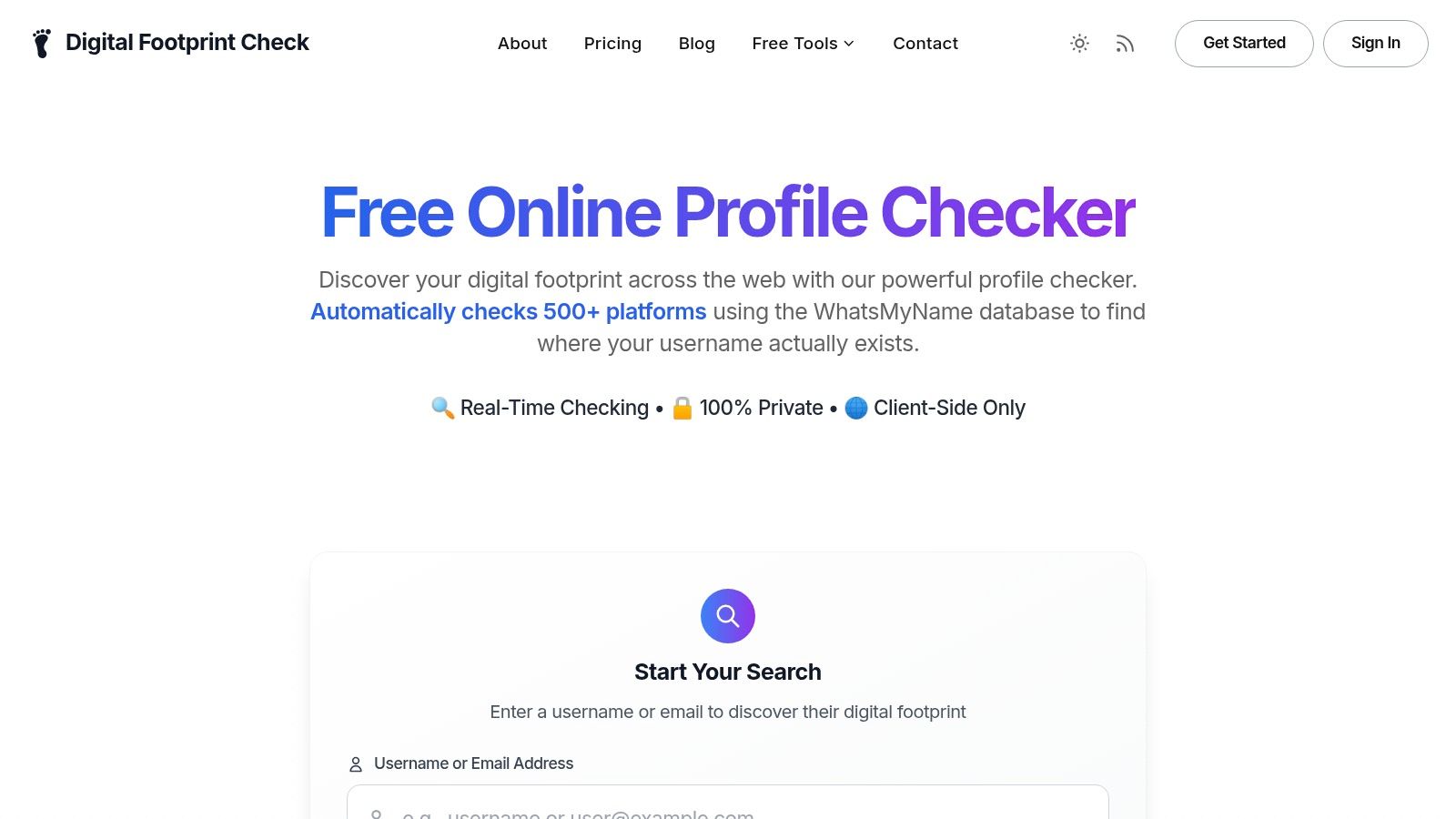
Run a privacy check with Digital Footprint Check if you want to see what accounts, profiles, and public traces may still be tied to your email, name, phone number, or old online identities. The free checker is a practical next step when you’ve closed one account and want to find the rest before they become a security problem.