· Digital Footprint Check · Content Marketing · 14 min read
Delete Google History Searches: a Complete 2026 Guide
Learn how to permanently delete Google history searches from your account, Chrome, and apps. Our step-by-step guide covers auto-delete and privacy.
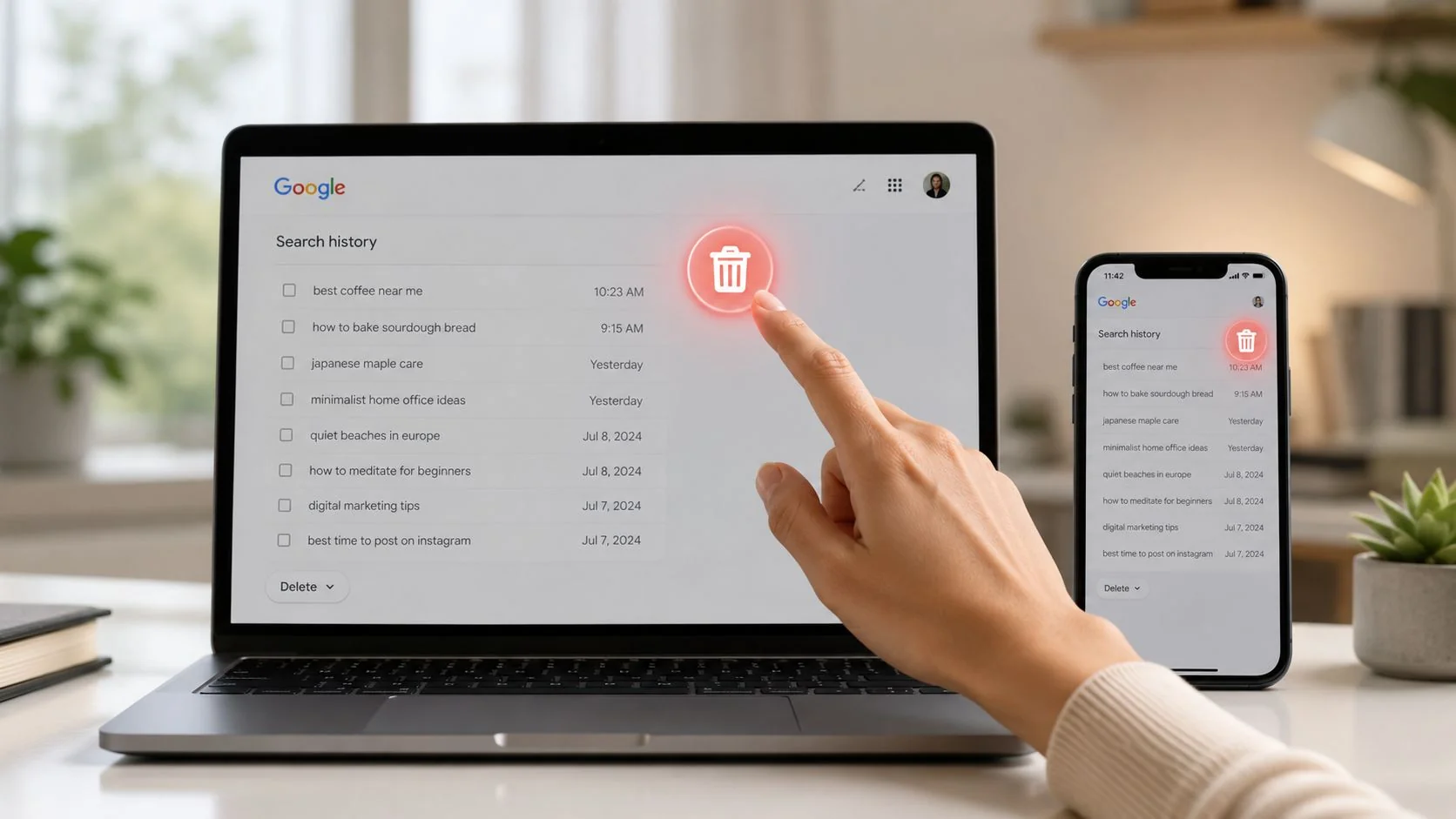
You’re probably here for a practical reason, not a theoretical one. Maybe you’re cleaning up before a job interview, separating work and personal devices, locking down a gaming account, or trying to reduce what a new date, a scammer, or an employer could infer from your search habits. That instinct is sound. Search history often reads like a diary written in fragments.
Google history also creates confusion because there isn’t just one “history.” There’s the activity tied to your Google Account, the browsing history saved inside Chrome, app-specific logs such as YouTube or Gmail search, and traces left behind on the device itself. If you only clear one layer, suggestions, prompts, and data shadows can still stick around.
That matters for privacy, reputation, and safety. Search patterns can reveal health worries, financial stress, legal concerns, relationship questions, account recovery attempts, location interests, and the services you use most. For anyone managing an online identity, the first step is understanding what a digital footprint actually includes, because Google search records are only one part of it.
Why Your Google Search History Matters More Than You Think
A lot of people only think about deleting Google history after something changes. A recruiter asks to connect on LinkedIn. A partner borrows a tablet. A child uses the family Android phone. A phishing scare makes you review what’s been stored in your account. In each case, the issue isn’t just embarrassment. It’s exposure.
Your Google search history can reveal patterns about your life faster than most social profiles can. It shows what you were curious about, what problem you were trying to solve, and often when you were under pressure. That can affect job prospects, personal safety, and even how convincing a scammer’s follow-up message feels if they’ve learned enough about your interests elsewhere.
Browser history isn’t the same as Google Account activity
This is the mistake I see most often. Someone clears Chrome and assumes the job is done. It isn’t.
A browser clear-out removes local browsing data from that browser. Your Google Account activity, by contrast, can still live inside My Activity if Web & App Activity is enabled. That account-level record travels with you across devices when you’re signed in, which is why old searches can keep resurfacing on a different phone, laptop, or tablet.
Here’s the practical distinction:
| Data type | Where it lives | What it affects |
|---|---|---|
| Chrome browsing history | In the browser on the device, and sometimes synced through Chrome | Address bar suggestions, visited pages, local browsing traces |
| Google Search activity | In your Google Account via My Activity | Search records tied to your account across Google services |
| App-specific search logs | Inside apps such as Gmail or YouTube | In-app suggestions and service-specific history |
Why this matters in real life
For professionals, unmanaged history can shape how shared devices behave at the worst possible time. For families, it can expose sensitive searches to anyone using a home screen or smart display. For people using dating apps, gaming platforms, or recovery tools after an account compromise, it can reveal enough context to invite social engineering.
Practical rule: If you want to delete Google history searches properly, treat it as a multi-layer cleanup, not a single button press.
That’s also why privacy work overlaps with OSINT, identity theft prevention, and reputation management. What looks minor in isolation can become revealing when combined with breached emails, public usernames, dating app traces, gaming handles, or cached search suggestions.
Managing Your Core Google Search History
If you want the main control panel, go to My Activity. This is the center of gravity for search activity tied to your Google Account.
Google handles an enormous volume of search data. Google processes approximately 8.5 billion searches per day globally, creating a massive digital footprint that accumulates rapidly in user activity logs. The platform offers an auto-delete feature that allows users to set their activity to be automatically removed after 3, 18, or 36 months, a setting that is off by default but can be enabled for continuous privacy protection according to Malwarebytes’ guide to viewing and deleting Google Search history.
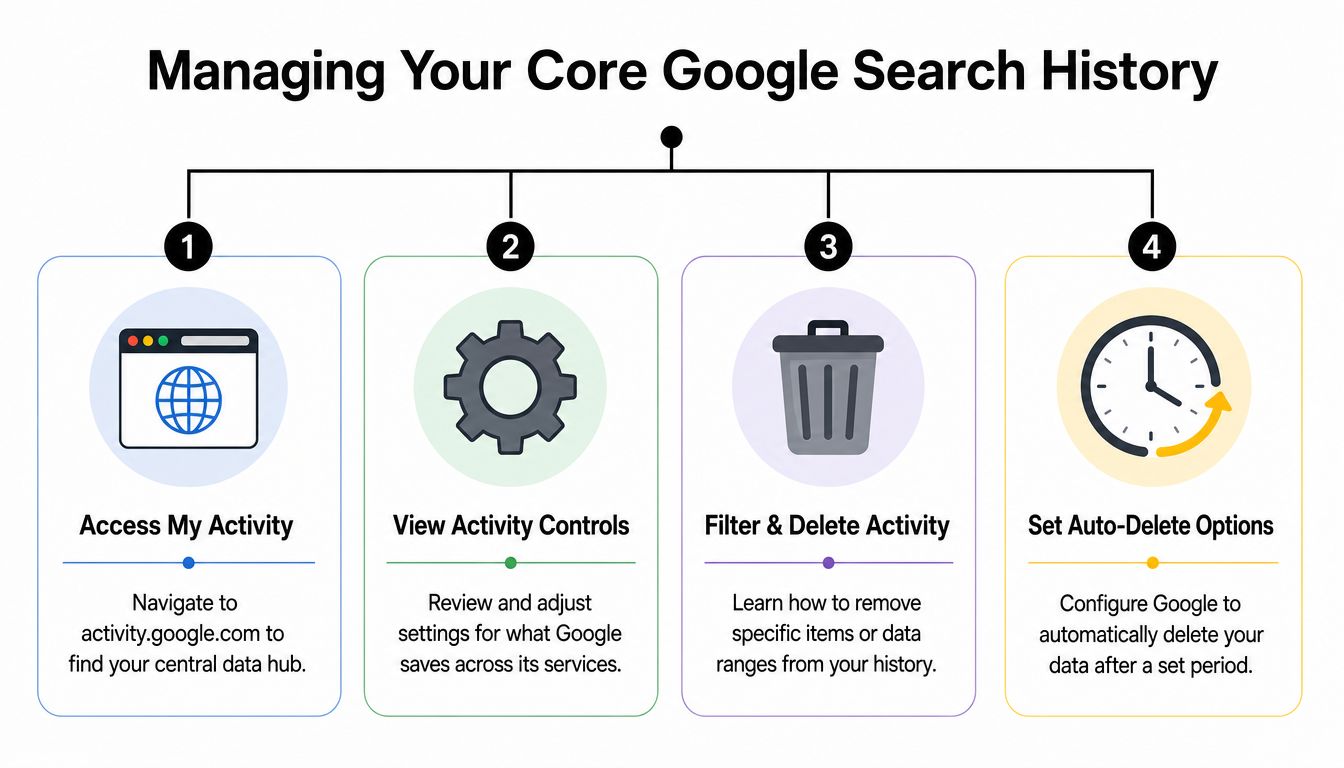
If you haven’t checked your broader exposure lately, it also helps to review how to check your digital footprint so you’re not only cleaning what Google stores.
Delete individual searches
This method is best when you want to remove a few sensitive lookups without touching everything else.
- Sign in to your Google Account and open myactivity.google.com.
- Use the search bar or scroll through activity until you find a search entry.
- Click the X next to the item.
- Confirm deletion.
That’s the cleanest option when you want to preserve general account continuity but remove searches related to medical questions, legal issues, private purchases, romance concerns, or account recovery efforts.
Delete by date range or wipe all search records
When you need a broader cleanup, use the dashboard’s deletion controls rather than deleting one item at a time.
To delete your entire Google search history, you need to open My Activity, log into the correct Google account, click Delete activity by, choose All time, and then select only the Google Search product box while deselecting products like YouTube or Maps if you want a search-only cleanup. That exact workflow is demonstrated in this walkthrough on deleting all-time Google Search activity.
Use this approach when:
- You’re changing jobs and want to reduce old account clutter before sharing devices or screens.
- You’re separating personal and family use on a shared Android account.
- You’re rebuilding privacy habits after a phishing incident or account scare.
Delete by product whenever possible. If you wipe everything blindly, you may remove useful Maps or YouTube records you actually wanted to keep.
Turn off and auto-delete going forward
Manual deletion helps once. Ongoing privacy depends on settings.
Inside My Activity, open Web & App Activity. You’ll usually see two decisions:
- Turn off to stop future saving of that activity category.
- Turn off and delete activity if you want to stop future collection and remove stored records.
Then set auto-delete. Google lets you choose 3 months, 18 months, or 36 months for supported activity retention. If you leave this off, history can continue accumulating unnoticed.
A simple setup that works well for most privacy-conscious users looks like this:
| Setting | Best for | Trade-off |
|---|---|---|
| Keep activity on | Convenience and personalization | More retained account history |
| Turn off | Less future tracking | Fewer personalized results and prompts |
| Auto-delete after 3 months | Stronger routine privacy hygiene | Less long-term history for convenience |
| Auto-delete after 18 or 36 months | Balance of convenience and cleanup | More retained historical data |
The key point is discipline. Delete what you no longer want attached to your account, then set a retention rule so you’re not repeating the same cleanup every few weeks.
Deleting Search Histories in Chrome and YouTube
If search suggestions still appear after you cleaned My Activity, you’re probably looking at device-level or app-level history. Such a scenario often leads many people to think Google “didn’t really delete” anything, when the more common explanation is that a different log is still active.
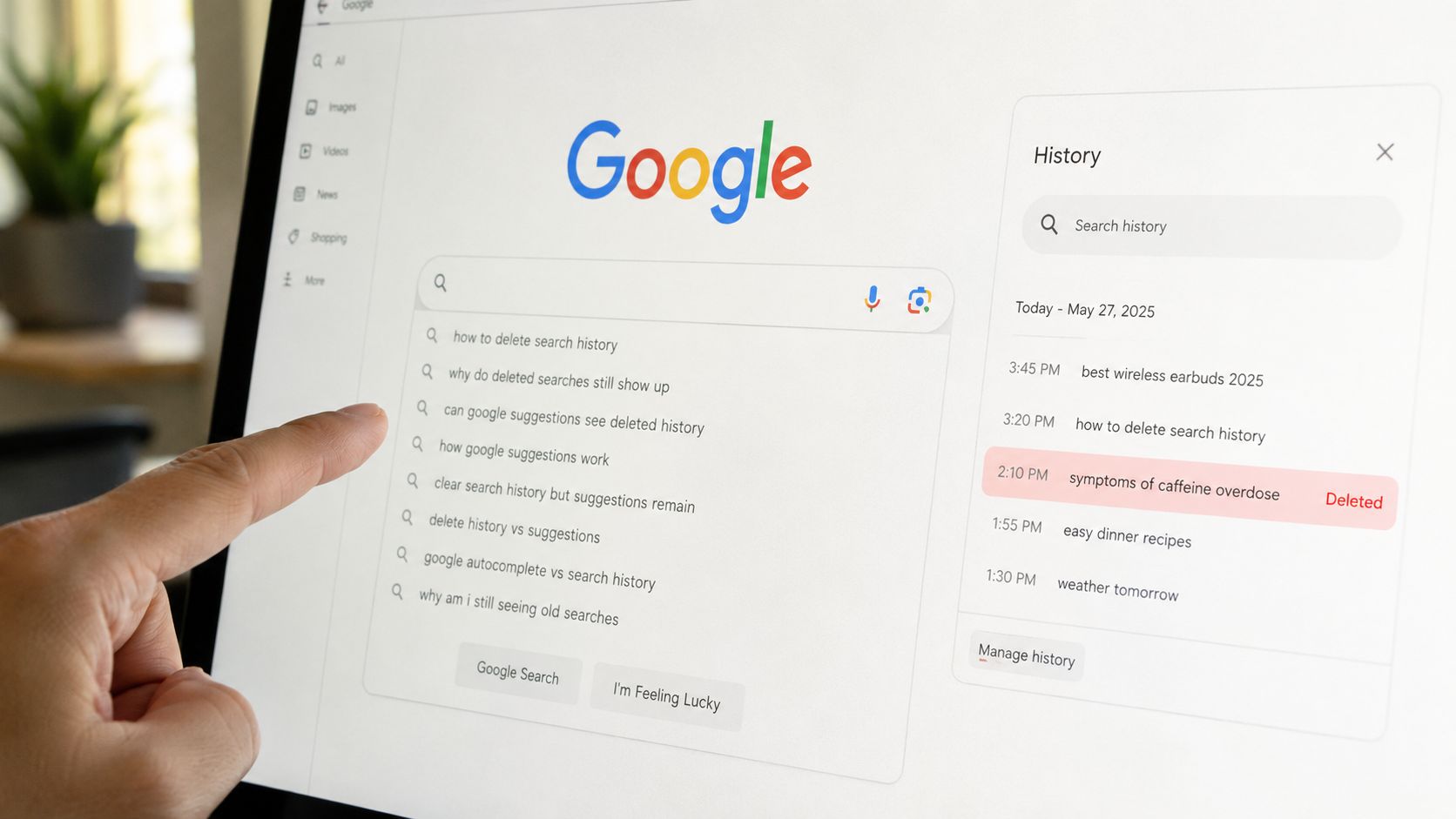
That difference matters on shared phones, family laptops, workstations, and gaming setups where multiple people touch the same browser profile. If you’re tightening device privacy more broadly, it’s also worth reviewing how to delete tracking cookies, because old cookies can preserve sessions and behavior clues even after visible history is gone.
Clear Chrome history on desktop and mobile
Chrome holds its own local record of what was visited and searched through the browser. Clearing it helps remove autocomplete prompts, visited-page traces, and local evidence on that device.
Open Chrome, go into History, then choose Clear browsing data. Select the time range you need. If your goal is a full privacy reset on that browser, choose All time and review the boxes carefully before confirming.
A practical way to think about it:
- Last hour or last day works after borrowing a device or doing one-off sensitive research.
- All time makes sense before selling a device, handing a laptop to a family member, or closing out a shared profile.
- Synced browser use needs extra attention because traces can reappear through sync behavior if you’re still logged in elsewhere.
Remove recent search suggestions on Android
On Android, Google also lets you remove individual recent queries directly in the Google app. According to Google’s Android help page for deleting recent searches, you can open the Google app, tap and hold a recent query in the search bar, and select Delete. That’s useful when you want to clean a few prompts fast without opening the full My Activity dashboard.
Don’t forget YouTube
YouTube keeps separate records for what you search and what you watch. If you leave those intact, your recommendations can still expose interests you thought you’d already removed.
Open YouTube, go to its history controls, and review both:
- Search history
- Watch history
Delete whichever one no longer serves you. This matters more than people think. YouTube suggestions can reveal children’s content, health topics, political interests, dating advice, gaming habits, or financial stress to anyone glancing at a smart TV or mobile app.
A quick visual walkthrough can help if you’re cleaning multiple devices:
If a suggestion still shows up after account cleanup, check the app, the browser, and the device. One surviving layer is enough to keep exposing the pattern.
Uncovering Hidden Histories from Voice and Apps
Deleting visible search entries feels satisfying. It also creates a false sense of completion.
Google activity doesn’t stop at typed searches. Voice requests, Assistant interactions, app usage tied to Web & App Activity, and data passed through connected services can all contribute to the profile around you. It’s why “I deleted my searches” turns into “Why am I still seeing targeted prompts?”

Voice recordings and Assistant activity
If you’ve used Google Assistant, voice search, or a smart speaker tied to your account, check whether audio interactions appear in your activity controls. These records can include command history and related interactions that don’t feel like “search history” even though they reveal just as much.
Look through My Activity filters for voice-related activity and remove entries you don’t want saved. This matters on household devices where spoken queries can expose children’s routines, private reminders, shopping interests, or relationship issues in a way typed searches might not.
Third-party apps and leftover traces
A more serious blind spot is persistence outside the dashboard. The most overlooked issue isn’t whether an item disappears from the visible list. It’s whether fragments survive somewhere else.
A 2025 study by the Electronic Privacy Information Center found that 68% of users who deleted their Google search history still appeared in targeted ad cohort lists due to residual device fingerprints and cached session tokens, as described in this discussion of the partial recovery problem. That finding fits what privacy practitioners see in the field. Deleted dashboard activity doesn’t automatically eliminate related traces in local caches or external analytics systems.
What still needs attention
When someone wants a cleaner privacy reset, I usually tell them to think in layers:
- Google dashboard records removed through My Activity
- Browser and app traces left on phones, desktops, tablets, and shared profiles
- Connected app behavior that still reflects prior account usage
- Residual identifiers such as session remnants and device fingerprints
This overlap is especially relevant in relationship investigations, shared-device disputes, and infidelity concerns where old searches and app behavior can tell a bigger story together. If that’s part of your situation, CheatScanX has a useful piece on understanding dating app history that shows how activity logs can connect across services.
A deleted item on the screen isn’t the same thing as vanished data in practice.
If your concern is personal safety rather than convenience, also inspect the device for monitoring risks. Hidden monitoring apps can keep collecting behavior regardless of how often you clean account history, so learning how to find spyware on your phone is a sensible next move.
Proactive Steps for Lasting Digital Privacy
Deleting old activity helps. Preventing unnecessary collection helps more.
The strongest privacy setups don’t rely on repeated cleanup sessions. They reduce what gets stored in the first place, limit what’s synced across services, and set realistic expectations about what deletion can and can’t do. That mindset matters whether you’re protecting a professional reputation, separating a gaming identity from your real name, avoiding dating app exposure, or reducing the chances of identity theft.
Use Incognito for what it actually does
Incognito mode is useful, but only in a narrow sense. It prevents the local browser session from keeping the same kind of history on that device after the window closes. It doesn’t make you invisible to every service you interact with, and it doesn’t replace account-level privacy settings.
Use it for one-off lookups on a shared computer or when you don’t want local browser suggestions lingering. Don’t use it as a substitute for reviewing Web & App Activity, YouTube controls, app permissions, and synced accounts.
Review privacy controls like a checklist
A privacy checkup works best when you review settings deliberately, not casually. The high-value areas are straightforward:
| Control | What to review | Why it matters |
|---|---|---|
| Web & App Activity | Whether saving is on, off, or auto-deleting | Controls much of your Google-linked activity retention |
| Location-related settings | Whether location history or related activity is active | Limits place-based inferences about routines |
| Connected apps | Which apps have account access | Reduces unnecessary data sharing |
| Personalization features | Search and content customization choices | Trades convenience for less profiling |
One habit worth copying from stronger security practice is reading the policy behind a service before trusting its retention promises. If you want an example of the kind of language to look for when evaluating how an online service describes data handling, our privacy statement from DigiVisi Ltd offers a useful reference point for comparing clarity and scope.
Understand the blind spot after deletion
Here’s the uncomfortable part. Deleting history doesn’t always mean every related system forgets it immediately.
According to PBS coverage discussing Google’s 2024 transparency reporting and deletion limitations, search queries are retained in internal security systems for 18 months post-deletion for threat detection, and 90% of deleted queries are still used to refine AI models unless users opt into “Delete All Data for AI,” a feature buried in privacy settings. If your concern is confidentiality, legal sensitivity, or reputation protection, you need to factor in that difference between a cleaner dashboard and deeper retention.
That doesn’t make deletion pointless. It means you should pair deletion with stricter forward settings, fewer connected services, and better device hygiene. Privacy isn’t one action. It’s maintenance.
Why Deleting History Is Only the First Step
Cleaning Google history is worth doing, and a lot of people are doing it. In 2023, more than 1.2 billion users globally visited Google’s My Activity page to review or delete their search history, with over 65% of those users opting to delete at least 30% of their stored search records, according to Ghostery’s write-up on permanently deleting Google history. That tells you two things. Awareness is rising, and people are finding more stored activity than they expected.
Still, account cleanup only solves one part of the problem. Your wider digital trail can include public social profiles, breached credentials, old forum posts, gaming usernames, cached search results, shopping accounts, people-search listings, dating app traces, and public records. None of that disappears just because you removed queries from My Activity.
What deletion solves and what it doesn’t
Deleting Google history helps with immediate exposure inside the Google ecosystem. It can reduce suggestions, remove visible search logs, and improve privacy on shared devices when paired with browser cleanup.
It does not automatically tell you:
- Which old accounts are still discoverable
- Where personal details are exposed publicly
- Whether a data broker or breach listing still includes you
- How your online identity looks to recruiters, scammers, or investigators
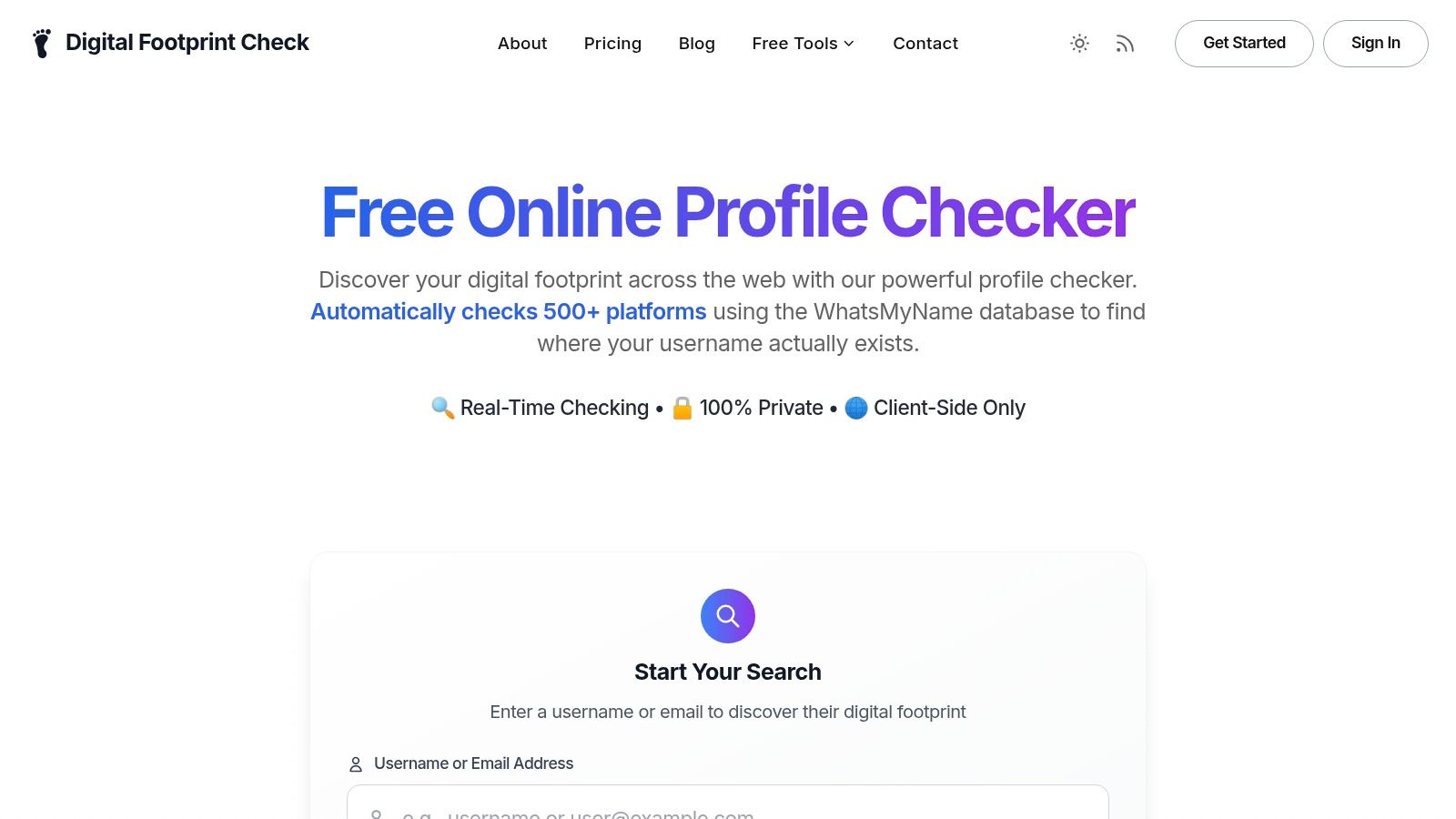
If you’re also trying to reduce what appears in search results about you personally, this guide on how to remove personal information from Google is a useful companion to account-level deletion.
The bigger privacy lesson
The actual risk isn’t only the data you know about. It’s the data you forgot existed.
That’s why privacy work now overlaps with online identity protection, OSINT, scam prevention, gaming account security, dating safety, and reputation management. A scammer can use scattered details to sound believable. An employer can form impressions from loose fragments. A stranger can connect usernames across platforms. Deleting Google history searches closes one door, but it doesn’t show you how many other doors are still open.
If you want to see what’s still exposed beyond Google, use Digital Footprint Check and start with the free checker at www.digitalfootprintcheck.com/free-checker. It’s a practical next step for anyone concerned about digital privacy, identity theft, job prospects, gaming profiles, dating app verification, scam prevention, or reputation management, because you can’t protect what you haven’t found.