· Digital Footprint Check · Content Marketing · 14 min read
Not Receiving Sms Messages on Iphone? 2026 Fixes
If you're not receiving sms messages on iphone, follow our 2026 guide to fix settings, network issues, and check for security threats like SIM swaps.

You notice it when a code doesn't show up.
Your bank asks for a one-time verification text. Your gaming account wants a login code. A dating app sends a device check. Nothing arrives. Then a friend says they texted you earlier, and your iPhone still looks quiet. That's when not receiving SMS messages on iPhone stops feeling like a minor annoyance and starts affecting access, safety, and trust.
A missing text can lock you out of email, delay a job-related login, interrupt account recovery, or block a fraud alert. It can also point to two very different problems. One is ordinary and fixable, like a settings conflict or carrier glitch. The other is serious, such as number takeover or account interference. Knowing which one you're dealing with matters.
Why Your iPhone Is Suddenly Silent
The most common version of this problem is simple. You can still use your phone, browse the web, maybe even send messages, but incoming SMS never lands. That often happens right when you need a text most, especially for banking, password resets, app verification, or travel logins.
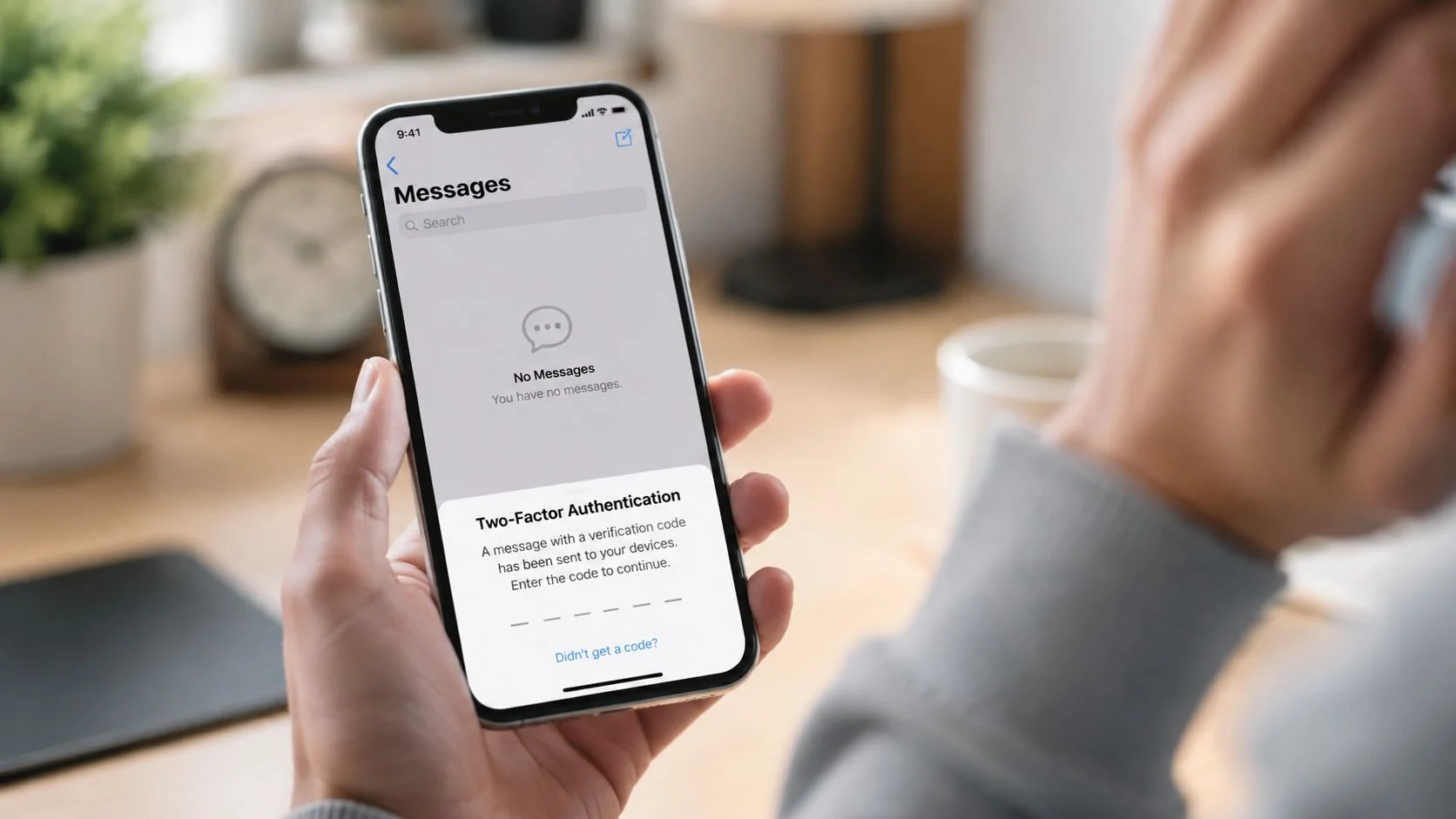
There's a technical reason this issue can appear suddenly. iOS messaging failures affecting SMS and iMessage delivery are frequently triggered by specific software update milestones, and Apple Community discussions documented a spike in “message failed to send” reports on iPhone 12 Pro devices after iOS 15.4.1 in this Apple Community thread about post-update messaging failures. When that happens, the root problem is often a temporary software bug rather than a dead phone or broken carrier line.
Why this isn't just a texting problem
Missing SMS affects more than chats with family. A lot of security systems still rely on text messages for account verification. If those codes stop arriving, you may lose access to:
- Banking and payment apps that require SMS codes
- Work and school accounts using text-based two-factor authentication
- Gaming profiles tied to recovery numbers
- Dating apps that use phone verification to reduce fake accounts
- Email accounts that treat your number as a recovery path
That overlap between convenience and security is why this issue deserves a calm, methodical check.
A phone that suddenly stops receiving SMS can be a software glitch. It can also be an early sign that your number routing has changed.
When the silence should make you more cautious
If normal troubleshooting doesn't restore messages, start thinking beyond settings. The bigger concern is control of your number. Criminals use phone numbers as stepping stones into email, social accounts, and financial tools. If you've never looked into how number theft works, this breakdown of SIM cloning and related phone number risks is a useful starting point.
The good news is that most cases are still fixable from the phone itself. Start there first.
Your Initial iPhone Settings Checklist
Start with the phone itself. If SMS stops arriving right before you need a bank code, password reset, or login approval, the first goal is to restore basic message delivery fast. The second goal is to make sure the problem is only a settings issue and not the first sign that control of your number has changed.
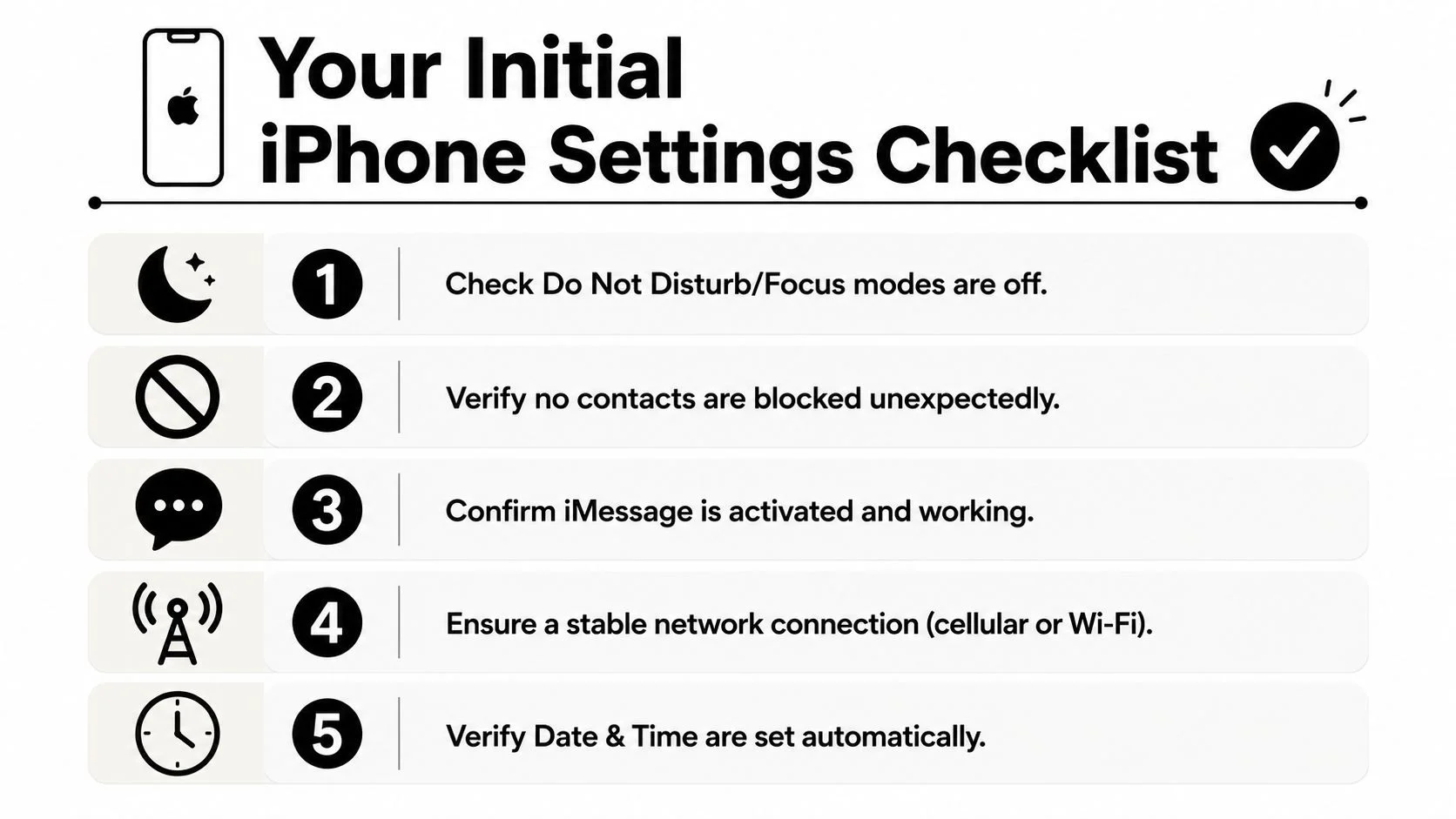
Start with the obvious switches
These are simple checks, but they remove a lot of noise before you touch deeper settings.
- Confirm Airplane Mode is off. SMS needs a cellular connection.
- Check signal bars. Wi-Fi can work while SMS still fails.
- Review Focus modes. Focus usually hides alerts rather than blocking delivery, but hidden notifications can look like missing texts.
- Restart the iPhone. A restart clears temporary messaging state and minor iOS conflicts.
Practical rule: If apps work on Wi-Fi but SMS does not, treat the phone line and message routing as separate systems.
For a quick visual walkthrough, this short video covers common first checks:
Check the Messages settings that affect delivery
A few settings have an outsized effect on whether texts arrive normally.
Path: Settings > Apps > Messages
Work through these in order:
-
iMessage
Turn iMessage off, wait several minutes, then turn it back on. This can clear routing confusion between Apple's system and standard carrier SMS, especially after an update or number change.
-
Send & Receive
Path: Settings > Apps > Messages > Send & Receive
Make sure your phone number is selected under “You can receive iMessages to and reply from.” If the number is missing or unchecked, the device may favor the wrong identity.
-
Send as Text Message
Turn this on. It improves fallback to SMS when iMessage is unavailable, which matters most in conversations with Android users and mixed-device group chats.
Look for quiet filtering and blocking
Some message failures are not delivery failures. The iPhone received the message, then filed it somewhere you are not checking.
-
Blocked contacts: Review your blocked list and remove any number that should not be there.
Path: Settings > Apps > Messages > Blocked Contacts
-
Filter Unknown Senders: If this is enabled, messages from unfamiliar numbers may be sorted away from your main view.
Path: Settings > Messages > Message Filtering
This setting catches more than spam. It can also hide texts from recruiters, delivery services, short-code alerts, or fraud teams contacting you from a number you have never saved.
-
Date & Time: Set this to update automatically. Incorrect time settings can interfere with verification flows and make message timing look inconsistent.
Why these checks matter for security
I treat missing SMS as both a support problem and a security check. If your settings are wrong, fixing them gets your codes and alerts back. If every setting looks right and texts still do not arrive, stop assuming it is harmless.
A sudden loss of SMS can block account recovery, hide fraud alerts, and delay warnings from your bank or email provider. It can also be an early clue that someone changed something around your number, especially if calls, carrier notices, or two-factor codes start behaving strangely at the same time. Good personal cybersecurity best practices for everyday users reduce the damage if your recovery number becomes unreliable.
What tends to work first
| Check | Why it matters | Typical outcome |
|---|---|---|
| Restart iPhone | Clears temporary software state | Good first move for short-lived glitches |
| Toggle iMessage off and on | Resets Apple-side routing | Often fixes confusion between iMessage and SMS |
| Confirm number in Send & Receive | Verifies the identity the phone uses | Fixes cases where replies work but incoming messages do not |
| Disable Filter Unknown Senders | Stops unfamiliar numbers from being hidden | Helps with codes, alerts, and first-time contacts |
Troubleshooting Network and Carrier Connections
Start with the line itself. If your iPhone suddenly stops getting SMS, especially verification codes, check whether your number is still fully connected to your carrier before you spend more time inside app settings.
A message can fail long before it reaches the Messages app. I see this after iOS updates, carrier outages, SIM changes, account changes, and partial eSIM activations. The phone may still show signal bars while SMS routing is broken in the carrier layer.
Check SIM and eSIM status first
Physical SIM users should power off the iPhone, remove the SIM, reinsert it carefully, and turn the phone back on. A bad seat or brief provisioning issue can interrupt texting even when calls or data seem normal.
If you use eSIM, go to:
Path: Settings > Cellular
Confirm that your line is turned on, selected for cellular service, and still active for messaging. If you have more than one line, make sure the correct one is enabled. Dual-SIM setups often create confusion here, especially if one line handles data and the other handles your real phone number.
Apple's carrier and cellular troubleshooting guidance is a good reference for checking whether the issue is with the line, the SIM, or the device registration.
Reset network settings if the line looks active
If the SIM or eSIM appears normal, reset the network stack:
Path: Settings > General > Transfer or Reset iPhone > Reset > Reset Network Settings
This removes saved Wi-Fi networks, Bluetooth pairings, VPN and APN-related network settings, and some carrier-side connection data stored on the phone. It does not delete your photos, apps, or contacts.
Use it when signal looks normal but SMS still fails across multiple senders. Skip it if the problem is limited to one bank, one app, or one contact. In that case, the issue is more likely sender-specific or account-specific than network-wide.
Treat short code failures as a separate problem
If friends can text you but your bank codes never arrive, test that as its own category. Short codes use different carrier rules than normal person-to-person SMS, and carriers sometimes block or filter them by mistake.
Try these checks:
- Turn off iMessage temporarily
- Request a brand-new code
- Test with two different services, such as a bank and an email provider
- Ask your carrier whether short code blocking, spam filtering, or message blocking is active on your line
This matters for more than convenience. Missing one-time codes can leave you locked out during a real account takeover, or blind to fraud alerts when you need them most.
RCS, SMS, and iMessage do not fail the same way
Recent messaging changes on iPhone have made this harder to spot. A conversation may look like “texting works” when only iMessage or RCS is working, while plain SMS is failing.
| Message type | What it needs | Common failure mode |
|---|---|---|
| SMS | Cellular signal and carrier routing | SIM issue, account provisioning problem, carrier outage |
| iMessage | Wi-Fi or cellular data and Apple activation | Apple ID or data connection issue |
| RCS | Data connection and carrier support | Mixed-device chat problems, carrier support gaps |
| MMS | Carrier support and correct messaging settings | Group text or photo message failure |
If your number is exposed publicly, repeated SMS problems deserve a closer look. This guide on what attackers can do with your phone number explains why a phone-number issue can become a security issue, not just a support ticket.
A Critical Security Check Is It a Glitch or an Attack
Most articles stop at “reset network settings.” That's not enough if the missing text is a symptom, not the cause.
When not receiving SMS messages on iPhone affects one-time codes, account recovery texts, or login alerts, you need to consider the possibility of a SIM swap attack. In that attack, someone convinces or tricks the carrier into moving your number to a SIM they control. Once that happens, they can intercept password reset codes and break into your accounts.
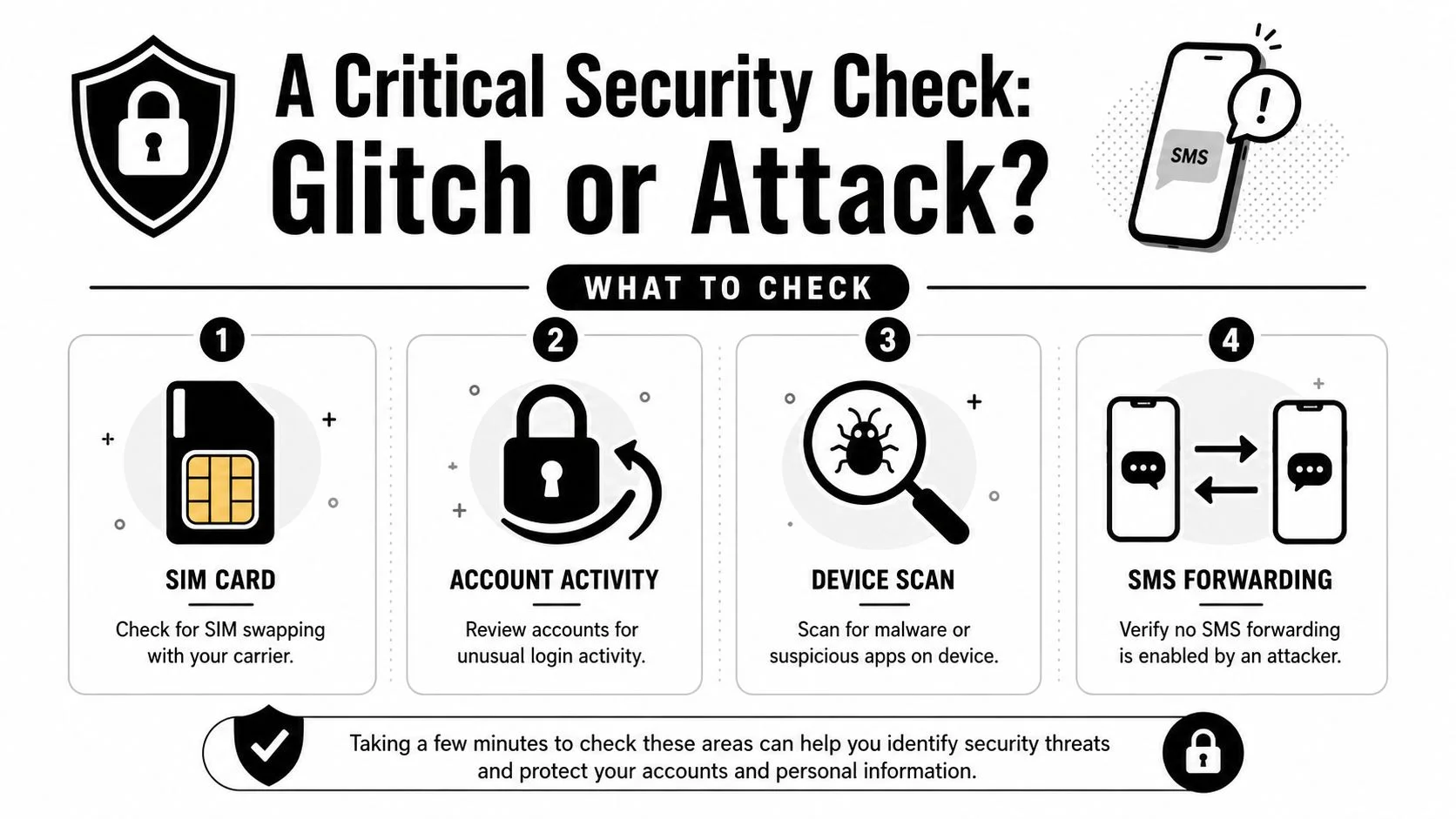
Signs that point beyond a normal glitch
A routine settings issue usually affects convenience. A security event affects access patterns.
Watch for combinations like these:
- You stop receiving SMS and also lose normal call behavior
- Password reset emails appear that you didn't request
- Bank, gaming, or social accounts show unfamiliar login prompts
- Your carrier account details change unexpectedly
- A new device appears in an account security panel
That pattern matters because attackers don't need your whole life to cause damage. They need one recovery path. For many people, that path is their phone number.
Your emergency decision table
If you're unsure whether this is technical or malicious, use this quick triage:
| Symptom | More likely glitch | More likely attack |
|---|---|---|
| Texts fail after an iOS update | Yes | Sometimes |
| Only one contact can't reach you | Yes | Rarely |
| Bank codes stop, plus password reset emails appear | Less likely | Yes |
| Carrier line status changed without your action | Less likely | Yes |
| Calls, texts, and account access all break together | Sometimes | Strong warning sign |
Security check: If you can't receive codes and also see unrequested password resets, treat it like an account takeover attempt until proven otherwise.
What to do in the next few minutes
Take these actions in order:
- Call your carrier from another phone if necessary. Ask whether your SIM or eSIM was recently changed, reprovisioned, or moved.
- Try logging in to your main email account directly. If your email falls, the rest often follows.
- Check recent login activity on your banking, social, work, and gaming accounts.
- Change passwords from a trusted device if you still have access.
- Move away from SMS-based verification where possible and switch to authenticator apps or hardware keys.
If the phone itself may be compromised, review this guide on how to find spyware on your phone. Spyware is less common than a carrier or routing issue, but it's worth checking when your messages, logins, or device behavior all change at once.
Advanced Resets and When to Call for Help
If you've checked settings, tested SIM or eSIM status, ruled out shortcode quirks, and looked for attack signs, there's one self-service option left before escalation. It's the heavy one.
Backup first, then consider a full reset
Create a full backup through iCloud or a computer before doing anything destructive. A factory reset can clear stubborn software corruption that survives normal restarts and network resets, but only if you can restore your data cleanly afterward.
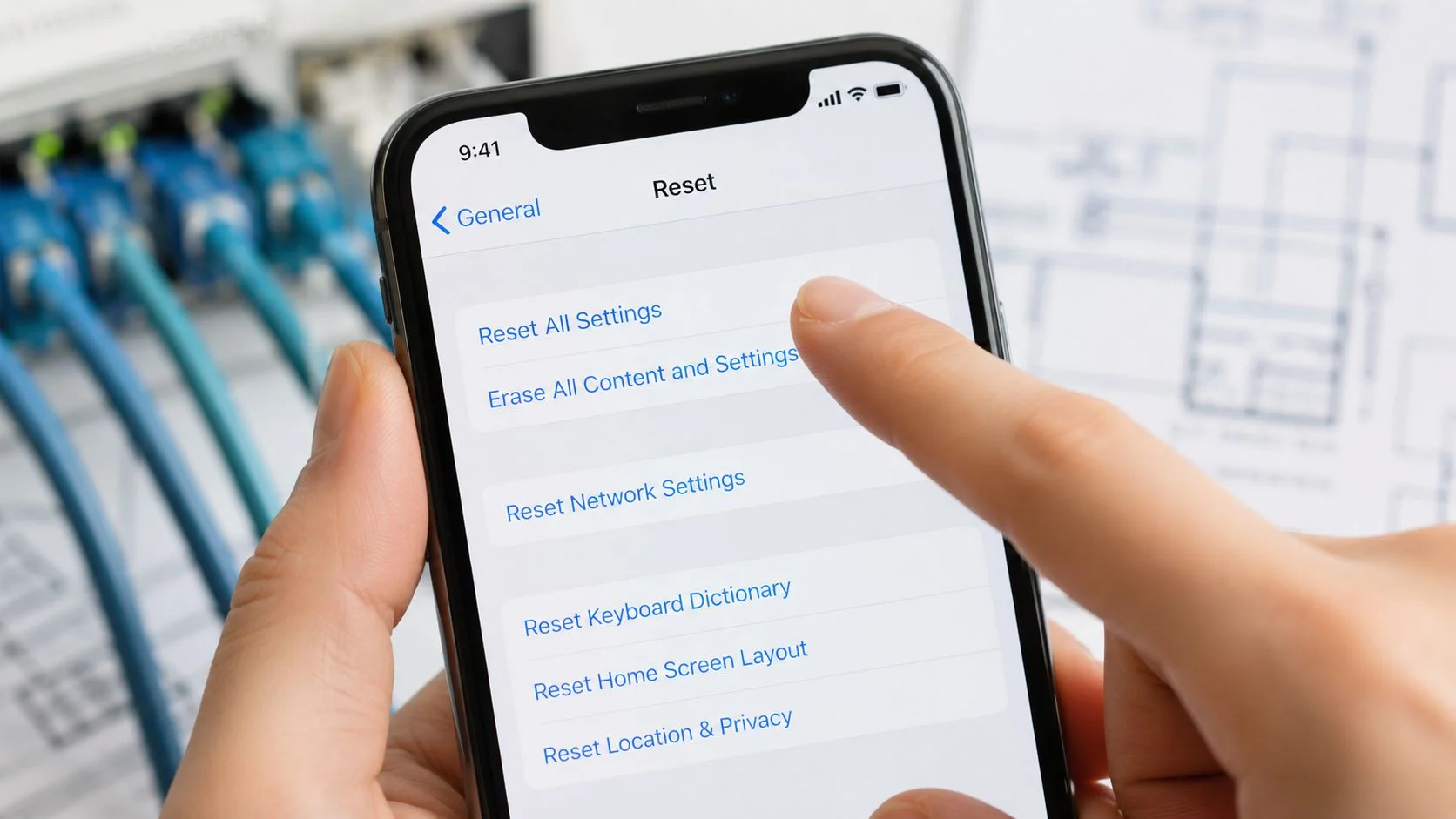
A practical order looks like this:
- Back up the iPhone fully
- Install any pending iOS update
- Erase the iPhone
- Test SMS before restoring every app
- If messages work on a clean setup, restore carefully
That last point matters. If the phone works when clean but breaks after restoring everything, the conflict may sit in the restored configuration rather than the carrier line.
What to say to your carrier
Don't call and say, “Texts are weird.” Be specific.
Try this script:
“My iPhone can send or use data, but incoming SMS is failing. I need you to check line provisioning, SMS routing, shortcode delivery, and SIM or eSIM status on the account.”
Ask the carrier representative these direct questions:
- Is SMS active on my line?
- Do you see any messaging blocks or filters?
- Was there a recent SIM or eSIM reprovisioning event?
- Can you refresh carrier provisioning on the line?
- Are shortcodes blocked or filtered?
If the issue began after switching carriers or porting a number, ask whether the number transfer completed correctly. Split routing can leave calls, texts, or verification codes behaving inconsistently.
When Apple Support should be involved
Call Apple Support if:
- The iPhone stays unable to receive SMS after a clean reset
- The number is correctly configured in Messages
- The carrier confirms the line is provisioned correctly
- iMessage and SMS behavior still conflicts across multiple tests
Keep your explanation short and concrete. Mention the exact model, iOS version, whether the issue affects SMS only or also iMessage, and whether a clean reset changed anything.
If the bigger concern is active compromise, this checklist on how to get rid of hackers from your accounts and devices is more useful than repeating ordinary message troubleshooting.
Frequently Asked Questions About iPhone SMS Issues
Why can I receive iMessages but not SMS
Because they're different systems. iMessage uses Apple's messaging service and works over Wi-Fi or cellular data. SMS depends on your cellular carrier connection. That's why an iPhone can show blue-bubble conversations working while green-bubble messages fail.
Why do Android users seem affected more often
Cross-platform messaging often depends on SMS, MMS, or RCS fallback. If Send as Text Message is off, or if RCS and SMS routing gets confused, Android-to-iPhone chats are more likely to expose the problem.
What does Reset Network Settings actually delete
It removes network-related settings such as saved Wi-Fi passwords, VPN-related network settings, Bluetooth pairings, and cached carrier connection data. It does not erase your photos, contacts, notes, or apps.
Why am I missing picture messages or group texts
Those often rely on MMS, not plain SMS. If your carrier settings, cellular connection, or message configuration is off, you may receive simple texts but miss media or mixed-device group messages.
I switched from iPhone to Android and texts still disappear. What fixes that
This is the classic iMessage deregistration problem. Apple's servers may keep routing messages to iMessage, and the only verifiable fix is to use Apple's official deregistration tool, which requires your phone number and an SMS confirmation code, as explained in this guide to Apple's Deregister iMessage process for switchers.
Can an unchecked number in Send & Receive really stop messages
Yes. If your number isn't selected under the iMessage receiving options, the device can route messages incorrectly. That setting is easy to miss because the phone may still appear mostly functional.
Is this ever a hardware problem
It can be, but it's less common than software, settings, or carrier issues. If your carrier and Apple both confirm your line and setup are correct, then hardware testing becomes more relevant.
If missing SMS has made you think harder about account recovery, identity theft, exposed phone numbers, or what attackers could learn about you from public data, run a free scan with Digital Footprint Check. It's a practical way to see where your personal details may be exposed online, including the accounts, profiles, and data points that can affect privacy, job prospects, dating safety, gaming account security, and scam prevention. You can also try the free checker directly at www.digitalfootprintcheck.com/free-checker.