· Digital Footprint Check · Content Marketing · 14 min read
Phone Listening Devices: a 2026 Detection & Removal Guide
Worried about phone listening devices? Our 2026 guide shows you how to detect and remove spyware on iOS/Android, spot warning signs, and secure your privacy.
You’ve probably had this happen. You mention a holiday, a game, a health concern, or a new laptop in a private conversation, and later that day an ad for the same thing appears on your phone. It feels invasive because it is invasive, even when the cause isn’t a microphone secretly recording every word.
That reaction is common. According to a consumer survey, 48% of Americans believe their phones are actively listening for commercial purposes (Panda Security coverage). The fear doesn’t come from nowhere. Phones carry microphones, motion sensors, location services, ad identifiers, and apps with broad permissions. They sit beside us at work, in the car, at home, and next to the bed.
The useful question isn’t “Am I paranoid?” The useful question is “What can happen on a modern phone, and how do I check?” That matters for personal safety, identity theft prevention, online dating verification, gaming account security, job prospects, and reputation management. If someone compromises your device or links your data across accounts, the damage can spill into your email, dating apps, gaming profiles, social media, and professional presence. If you’re worried about broader tracking, this guide to whether someone can track you by your phone number is a good companion read.
That Unsettling Feeling Your Phone Is Listening
You mention a divorce lawyer over coffee, or a medical symptom in the car. An hour later, your feed fills with ads that seem too specific to be coincidence. I hear this from clients all the time, and the first conclusion is usually the same: the microphone must be on.
Sometimes it is a permissions problem. Sometimes it is profiling. Sometimes it is a compromised device. Those are different threats, and treating them as one blur is how people miss the serious cases.
Why the feeling is so persistent
A modern phone collects far more than audio. It logs app activity, search behavior, location history, Bluetooth proximity, contacts between accounts, and timing patterns that let ad systems make sharp guesses about what you were just discussing. If your phone number ties those accounts together, the tracking gets even easier. This guide on whether someone can track you by your phone number shows how that link can expose more than people expect.
That does not mean people are imagining the privacy problem.
The part many users miss is that “listening” can happen without a clean Hollywood-style wiretap. A shady app can ask for microphone access. Spyware can collect calls, messages, and ambient audio if it gains increased privileges. Sensor-based tracking can infer routines and context from motion, location, nearby devices, and app behavior without storing obvious voice recordings. From an investigator’s perspective, those cases leave different traces, and they need different checks.
Why this matters beyond ads
A creepy ad is unsettling because you can see it. The more serious damage often stays quiet until an account gets hijacked, a private conversation leaks, or someone starts predicting your movements.
| Area at risk | What a compromise can affect |
|---|---|
| Personal safety | Messages, call patterns, location clues, photos |
| Job prospects | Work chats, recruiter emails, professional accounts |
| Gaming accounts | Linked emails, password resets, social engineering paths |
| Dating profiles | Identity verification images, chats, account recovery routes |
| Reputation | Private screenshots, impersonation, account takeover fallout |
I tell people to separate the myth from the measurable threat. Ad targeting often comes from data brokerage and behavioral inference. Real eavesdropping risk comes from spyware, stalkerware, malicious app SDKs, abused permissions, and sensor-rich devices that reveal more than users realize. Once you make that distinction, detection gets more practical and a lot less guesswork-driven.
The Real Threats Beyond Ad Targeting
A lot of privacy advice starts in the wrong place. It treats every creepy ad as proof that Big Tech is recording every private conversation. That explanation is too simple, and in many cases, it’s not the strongest one.
The myth and the mechanism
Experts discussing this issue have pointed to a more mundane but still invasive reality. Advertisers often use behavioral inference from browsing history and app usage to deduce interests with 90% accuracy, without hearing a word (discussion reference). That means your searches, clicks, app sessions, purchases, and metadata can create the illusion of live eavesdropping.

Behavioral inference is powerful because people leave trails everywhere. You search a destination on one device, a friend messages you about it, your location history shows visits to luggage stores, and your ad profile updates fast. No microphone required.
The documented threat people miss
The mistake is stopping there.
A landmark 2022 study described in Esade’s summary found that the Webex platform was actively listening through device microphones even when users muted audio. The experiment reported that in 100 percent of observations, the system triggered an ad related to the tourism topic under discussion, and in half of the specific tests, users received ads for the exact destination being discussed.
That finding changes the conversation. It shows that software can bypass expected user controls. “Muted” doesn’t always mean inaccessible. A permission granted earlier can still be abused later if the software design or implementation is hostile, careless, or compromised.
What deserves your attention
If you want a practical model, separate the risk into two buckets:
Behavioral prediction
- Ad systems infer interests from browsing, app use, and account linkage.
- Feels like surveillance because the targeting is precise.
- Usually points to data brokerage, tracking, and profiling.
Actual surveillance
- Spyware, stalkerware, malicious apps, rogue libraries, and compromised software collect data directly.
- Can target calls, messages, microphone access, files, and sensor output.
- Carries much higher stakes for safety, blackmail, workplace exposure, and identity theft.
Practical rule: Don’t argue with yourself about whether an ad “proves” microphone spying. Treat it as a prompt to audit the device and the account ecosystem around it.
This distinction matters for response. If the issue is behavioral inference, you need to reduce tracking, limit permissions, and shrink your public data trail. If the issue is spyware, you need detection, containment, evidence preservation, and sometimes professional help.
Red Flags Your Phone Might Be Compromised
Compromised phones rarely announce themselves clearly. They leak clues. One symptom on its own doesn’t prove spyware, but a cluster of changes deserves attention, especially if they started suddenly.
What to watch for on the device

Battery drops faster than normal
Background recording, location polling, or constant syncing can keep the phone busy when it should be idle.The phone gets warm while you’re barely using it
Persistent heat often points to activity you didn’t initiate, such as uploads, scanning, or always-on background processing.Calls sound different
New clicks, echoes, or strange audio artifacts don’t always mean interception, but they should be noted if they appear alongside other signs.Mobile data usage climbs unexpectedly
Spyware has to send information somewhere. Upload traffic is a common side effect.Pop-ups or intrusive ads appear outside normal browsing
That can indicate adware, malicious webviews, or a sideloaded app doing more than it claims.Apps crash more often than they used to
Malicious overlays and injected processes can destabilize ordinary apps.
Why these signs matter in real life
A compromised phone isn’t just a tech problem. It can expose relationship messages, recruiter emails, work documents, dating app verification photos, and linked gaming credentials. If someone is trying to impersonate you, monitor you, or break into your accounts, the phone is often the easiest pivot point.
For a broader primer on detecting a hacked mobile device, Simply Tech Today has a useful checklist that complements manual inspection. If you’re an iPhone user worried about malware rather than just suspicious ads, this guide on whether an iPhone can get a virus helps separate myths from realistic threats.
A simple triage test
Use this quick filter before you panic:
| Symptom pattern | Likely interpretation |
|---|---|
| One minor issue, no other changes | Could be normal app behavior or battery aging |
| Several issues started at once | Worth auditing immediately |
| Issues began after installing an app or clicking a link | Treat as potentially malicious |
| Issues coincide with stalking, harassment, or account takeover attempts | Escalate quickly and preserve evidence |
If the phone changed behavior overnight, assume there’s a cause. Your job is to identify whether it’s sloppy software, a bloated app, or deliberate surveillance.
Hands-On Detection Methods for Your Devices
Symptoms tell you where to look. Detection starts when you inspect permissions, installed apps, sensor exposure, account behavior, and system settings with intent.
Start with permissions, not paranoia
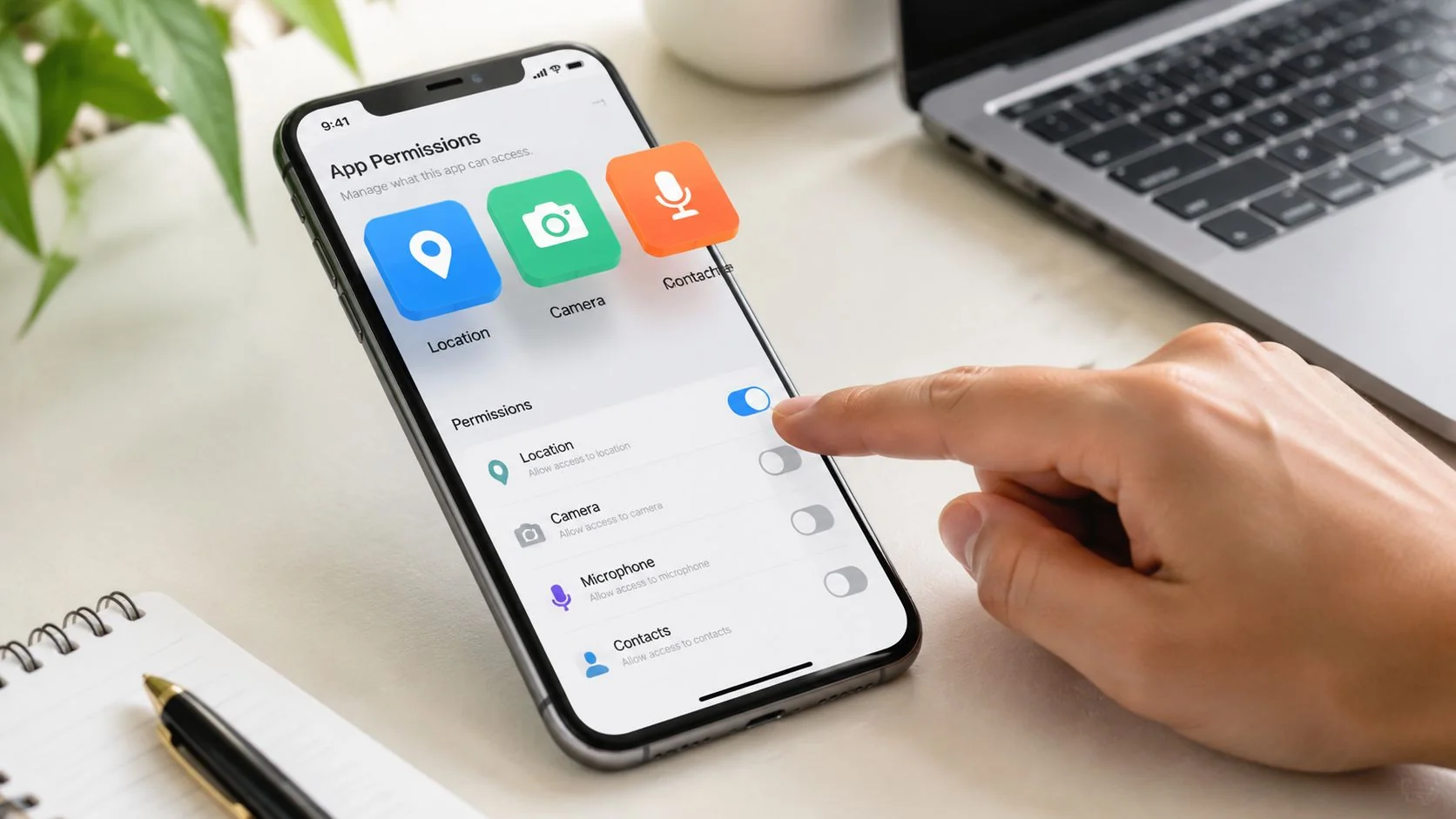
The fastest win is checking which apps can access sensitive hardware. On Android, users can revoke microphone access through Settings > Apps > [App Name] > Permissions, and that matters because 32% of users fail to disable passive listening permissions (All About Cookies guidance). If you’re auditing a device thoroughly, this walkthrough on how to find spyware on your phone can help you structure the process.
On iPhone, review microphone, camera, photos, Bluetooth, location, and background refresh settings app by app. On Android, do the same, but also review default assistants, accessibility permissions, notification access, device admin privileges, and special access categories.
What to check on iPhone
Use a methodical sequence:
Review app permissions
Open Privacy and Security settings. Check microphone, camera, photos, contacts, calendars, Bluetooth, location, and local network access.Look for apps that make no sense
A flashlight app doesn’t need microphone access. A wallpaper app doesn’t need contacts. A calculator doesn’t need location.Inspect background activity
If a low-value app is constantly active, ask why. Revoke access first. Delete second if the explanation doesn’t hold.Check installed profiles and device management entries
Configuration profiles can change trust settings and enroll the phone into management you didn’t intend.
What to check on Android
Android gives you more places to inspect, which is good if you know where to look.
Permissions panel
Review microphone, camera, files, SMS, call logs, and location.Special app access
Check apps that can appear over other apps, install unknown apps, ignore battery optimization, or access notifications.Accessibility settings
Spyware often abuses accessibility services because they can observe screens and interactions.Device admin apps
If an unfamiliar app has significant control, don’t ignore it.
Later in the audit, watch this walkthrough for a practical visual refresher:
The advanced threat most people never check
Microphone access isn’t the whole story. Research summarized in an Inria technical document shows that advanced attacks can use smartphone MEMS gyroscope data to reconstruct audio without activating the microphone in the usual way. The work describes gyroscope sampling at 100Hz, audio reconstruction with accuracy approaching 0.88 dB deviation under controlled 76 dB SPL conditions, and 98.8% accuracy in identifying conversation topics.
That matters because standard privacy dashboards usually focus on microphone usage. A sensor-based attack can slip past the indicator users have been trained to trust.
A better detection workflow
Don’t rely on one clue. Use a layered check:
| Check type | What you’re looking for | Why it matters |
|---|---|---|
| Permission review | Excessive microphone, camera, SMS, accessibility access | Finds obvious abuse |
| App inventory | Unknown, duplicate, or disguised apps | Spots stalkerware and junk installs |
| Battery and data review | Background activity spikes | Flags covert collection or uploads |
| Account security review | New devices, forwarded email, password reset attempts | Finds spillover beyond the phone |
| Sensor awareness | Gyroscope and accelerometer exposure through suspicious apps | Covers what microphone-only checks miss |
A clean microphone log doesn’t guarantee a clean phone. Attackers use the easiest route available, not the one users expect.
For people managing gaming identities, online dating profiles, or job-search accounts, this audit matters even more. A phone compromise often leads to credential theft, social engineering, and impersonation across the services you care about most.
Hardening Your Devices Against Eavesdropping
Detection is useful. Prevention is cheaper.
If you want to reduce the risk of phone listening devices, software spying, and sensor abuse, build layers. One setting won’t save you. A stack of small controls usually will.
What actually works
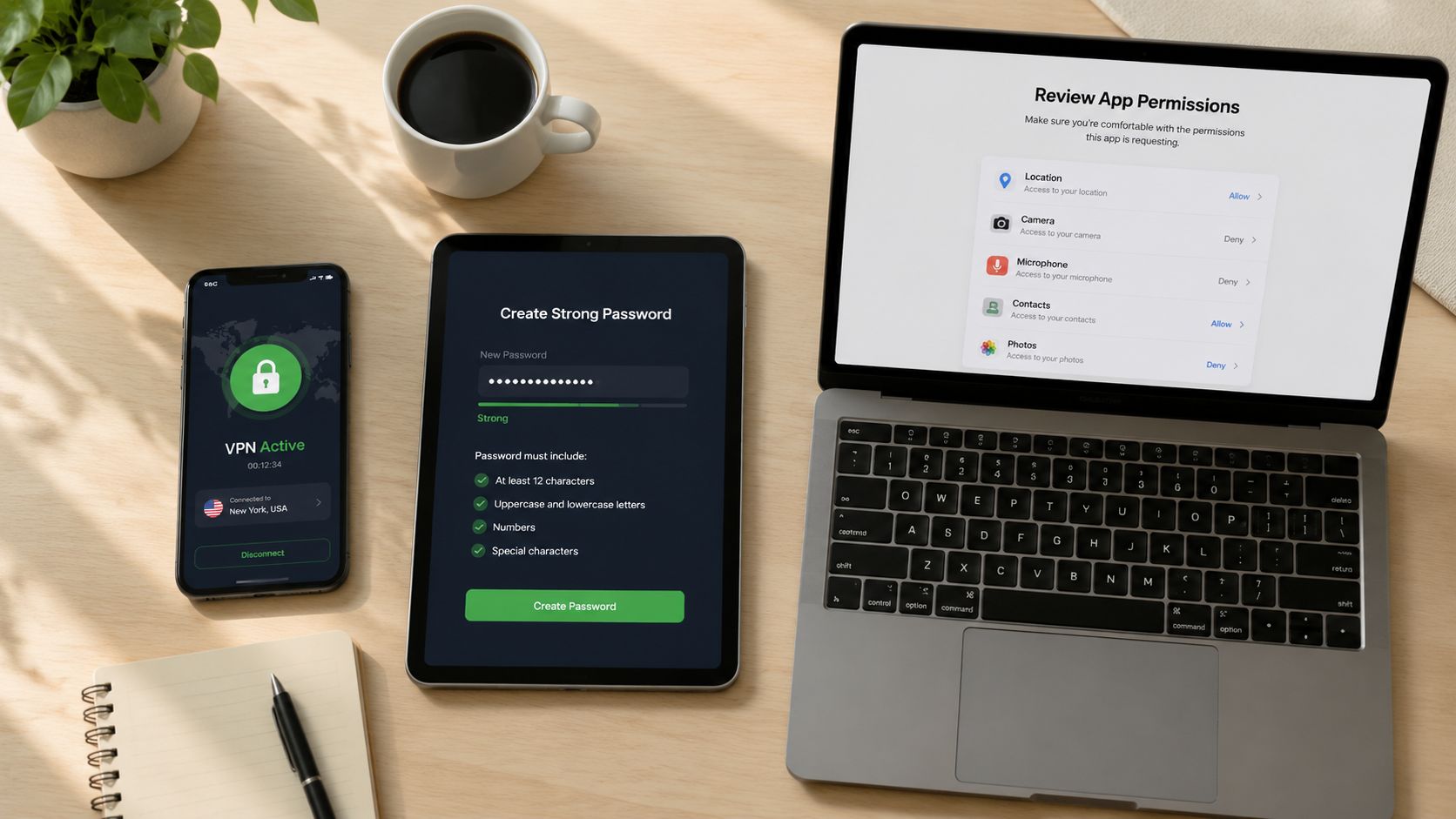
Start with the basics that hold up in real investigations:
Keep the OS and apps updated
A lot of compromise starts with old software and known flaws.Remove apps you don’t trust or don’t use
Every app is another data collector. Some are just sloppy. Some are worse.Be stingy with permissions
Grant access only when the app can justify it in plain language.Turn off features you don’t need
Voice assistants, Bluetooth discovery, local network access, and background refresh all widen the surface area.Use strong account security around the phone
Your email account is often the master key for resets and recovery.
Software controls versus hardware controls
Advice on this topic often gets fuzzy. Software permissions help, but they depend on the operating system functioning securely and the app not escaping its lane.
The harder option is physical separation. Only 1 to 2% of consumer smartphones globally feature physical hardware kill switches that disconnect the microphone (Vice reporting). That’s why privacy-focused devices draw attention from journalists, executives, and other high-risk users. A hardware kill switch doesn’t ask software for permission. It cuts the line physically.
Often, that isn’t practical. Mainstream phones still dominate because they’re easier to buy, easier to support, and fit better into app ecosystems. But the trade-off is real. Software settings can be changed. Hardware disconnection is harder to fake.
A realistic hardening model
Use this decision table:
| User profile | Best focus |
|---|---|
| Average consumer | Permissions hygiene, app cleanup, updates, account security |
| Job seeker or professional | Add reputation monitoring, email security, and social account review |
| Gamer or streamer | Protect linked emails, recovery methods, chat apps, and public usernames |
| Online dater | Lock down verification photos, messaging apps, and number-based account recovery |
| High-risk user | Consider privacy-first hardware, strict app minimization, and professional review |
The strongest setup is boring. Fewer apps, fewer permissions, fewer connected services, fewer surprises.
If you want a practical companion checklist beyond phone settings, these Sheffield data security tips cover habits that reduce exposure across devices, not just on mobile. That matters because attackers don’t care whether the easiest route is your phone, your laptop, or your email.
If a breach has already happened, hardening the phone is only part of the fix. You also need to understand what personal data is already exposed publicly and how that exposure can fuel identity theft, scam prevention failures, catfishing, pre-employment screening issues, or account recovery abuse. That’s why it helps to review a broader plan for how to protect your data online.
What to Do If You Find a Listening Device
Once you find something suspicious, don’t rush into random cleanup. A bad response can destroy evidence, alert the attacker, or leave backdoors in place.
First steps that protect you
Take these actions in order:
Document what you found
Screenshot permissions, unknown apps, unusual settings, and account login alerts. Write down dates and times.Avoid tipping off the operator
If personal safety is involved, don’t confront the person you suspect through the compromised device.Use a separate trusted device for critical changes
Change passwords for your primary email, banking, cloud storage, social media, dating apps, and gaming accounts from a device you trust.Review account recovery paths
Check backup emails, phone numbers, trusted devices, and forwarding rules.
When to escalate
If the phone appears tied to stalking, domestic abuse, workplace espionage, or repeated account intrusion, report it. Law enforcement may not investigate every digital privacy complaint aggressively, but preserved evidence gives you better options than a wiped phone and a vague memory.
If business data, client communications, or sensitive personal material are involved, bring in professional help. Mobile forensics and incident response are worth the cost when the compromise could affect employment, legal risk, or personal safety.
For readers also cleaning other devices in the same incident, this guide to Windows and Mac virus removal is a practical companion because phone compromises often overlap with laptop and browser compromise. If you’re dealing with ongoing intrusion, account recovery abuse, or persistent unauthorized access, this resource on how to get rid of hackers can help frame the next steps.
Keep the response calm
You don’t need panic. You need sequence.
Preserve evidence first, secure core accounts second, replace trust in the device third.
That approach protects your position whether the issue turns out to be ad-tech overreach, stalkerware, malware, or a broader identity attack.
If you want to see what personal information, profiles, and account links are already exposed online, run a check with Digital Footprint Check. It’s a practical way to audit your public-facing digital footprint across social platforms, breach data, professional profiles, gaming accounts, and other online traces so you can reduce identity theft risk, spot reputation problems early, and tighten your privacy before a compromised phone turns into a wider security incident.